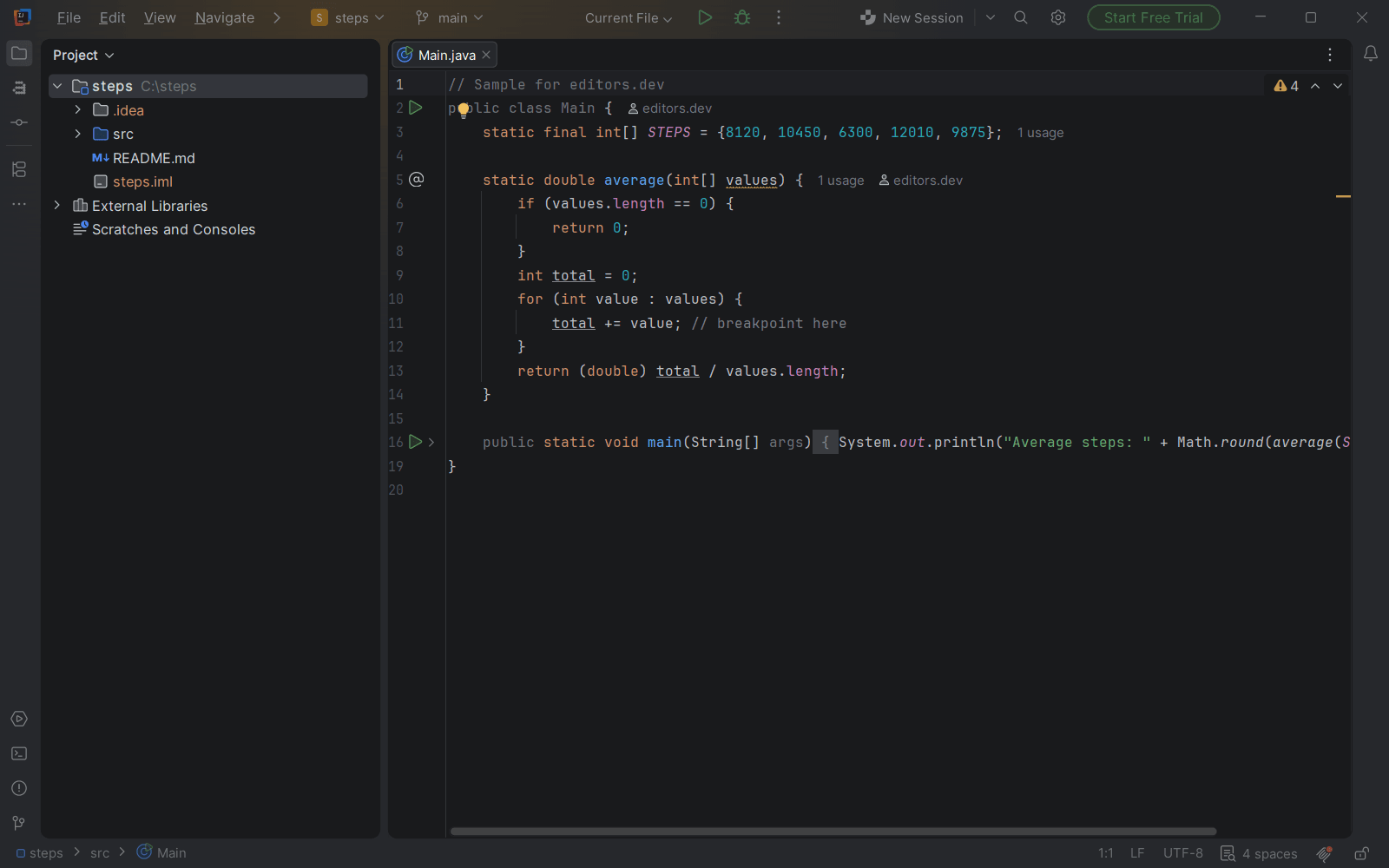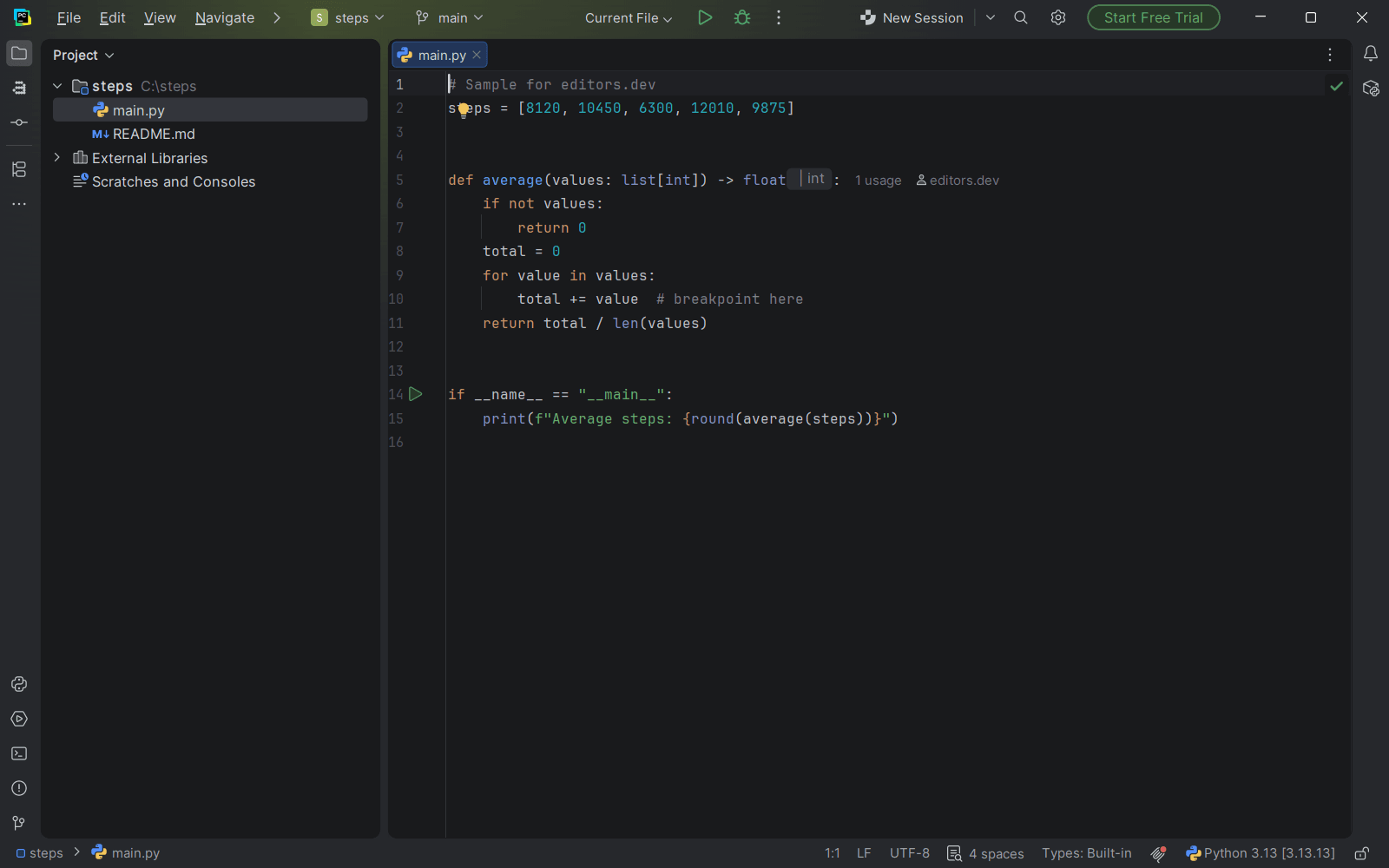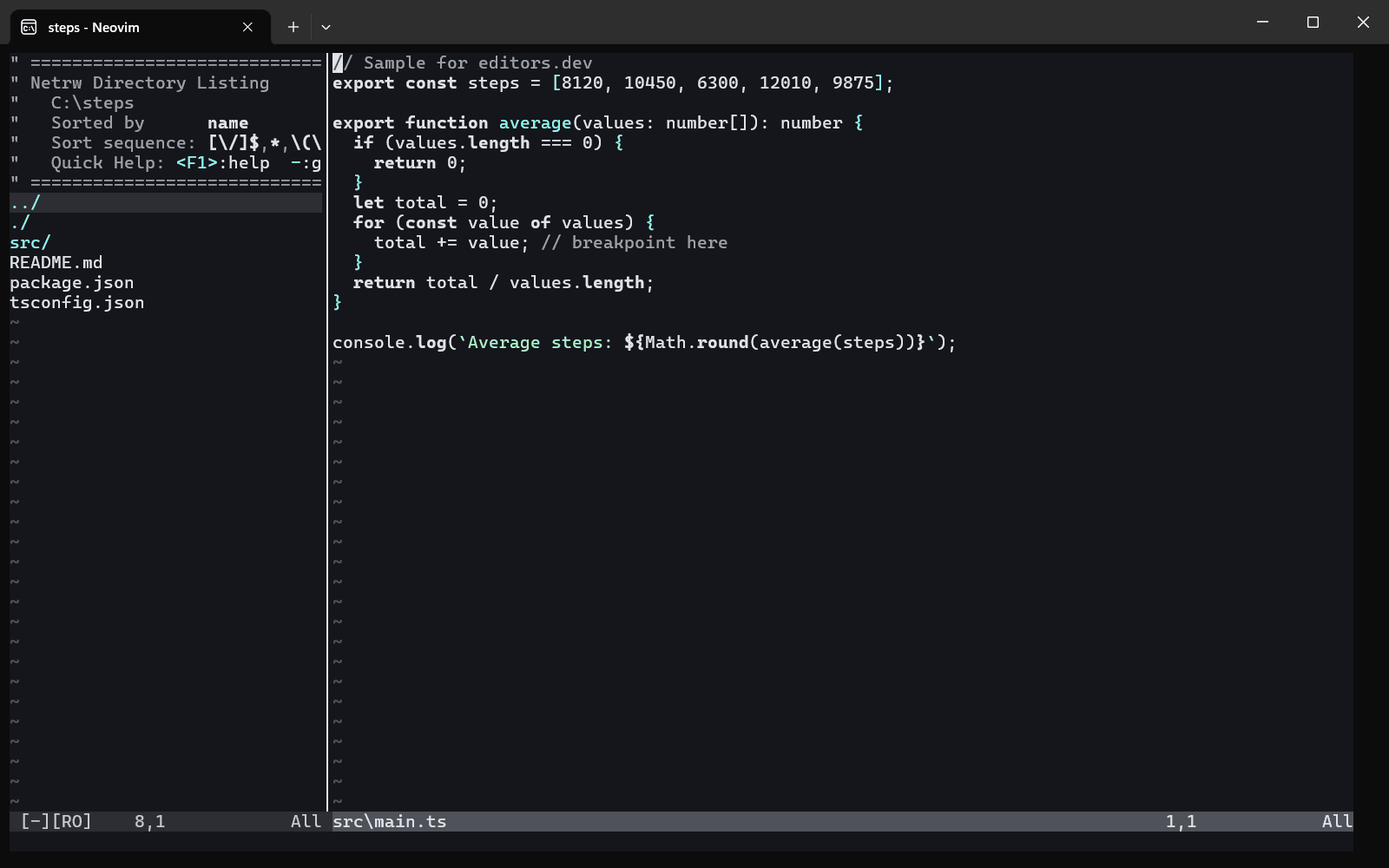
Modern PHP has typed properties, attributes and serious static analysis. An editor that really understands your code now saves hours every week, and one that only colours it costs you those hours back.
All of them at a glance
| Editor | Best for | Price | Open source | Debugger | Git integration | Integrated terminal | AI assistant |
|---|---|---|---|---|---|---|---|
| PhpStorm | Large PHP projects | Paid | No | Built in | Built in | Built in | Built in |
| VS Code | A free all-rounder | Free | Yes | Built in | Built in | Built in | Built in |
| Zed | A native open-source editor | Free tier, paid plans | Yes | Built in | Built in | Built in | Built in |
| Cursor | AI-assisted coding | Free tier, paid plans | No | Extension | Built in | Built in | Built in |
| Neovim | Keyboard-driven work | Free | Yes | Extension | Not listed | Built in | Extension |
| Sublime Text | A paid lightweight editor | Paid | No | Extension | Built in | Extension | Extension |
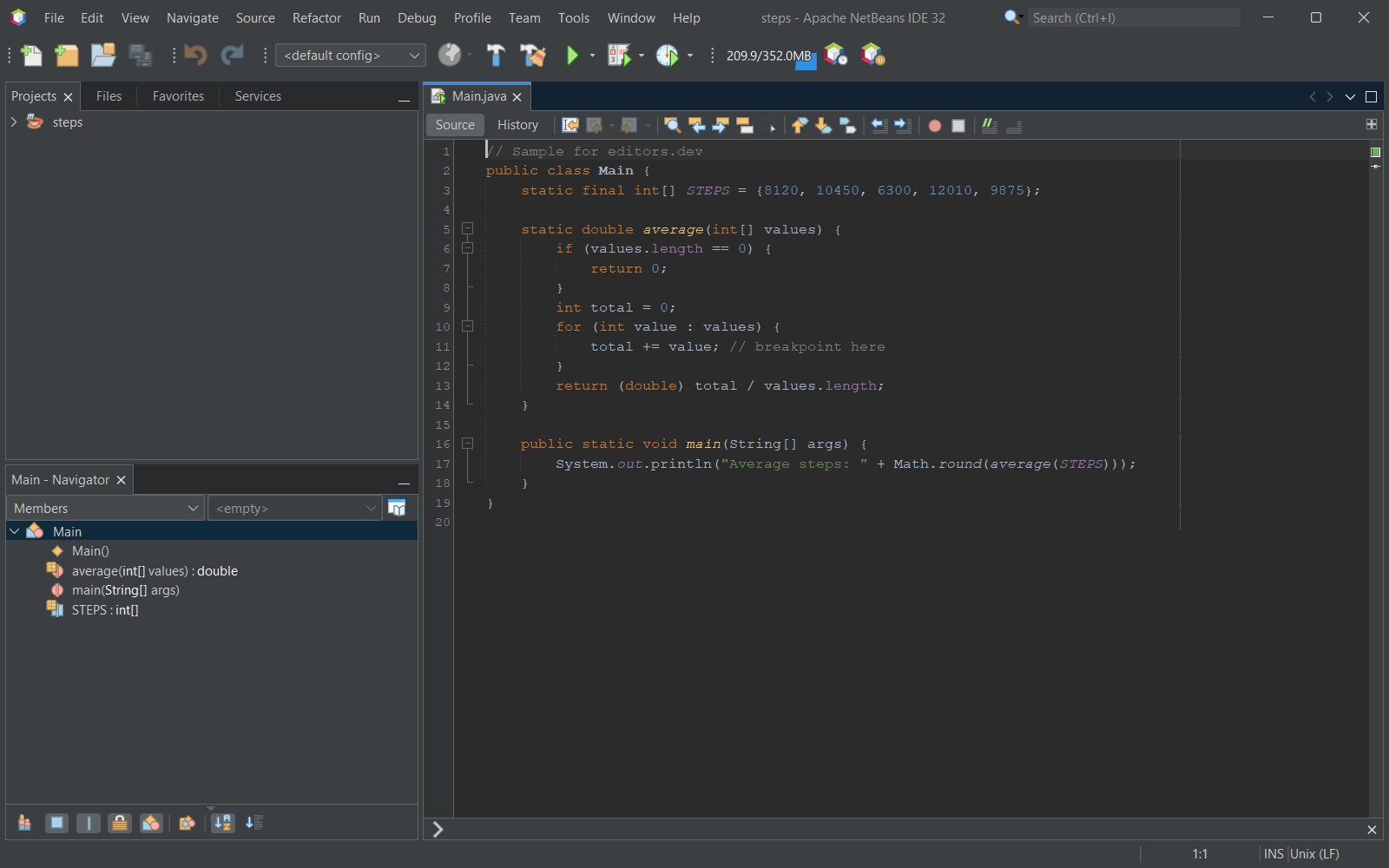
| Apache NetBeans | A free full IDE | Free | Yes | Built in | Built in | Built in | Extension |
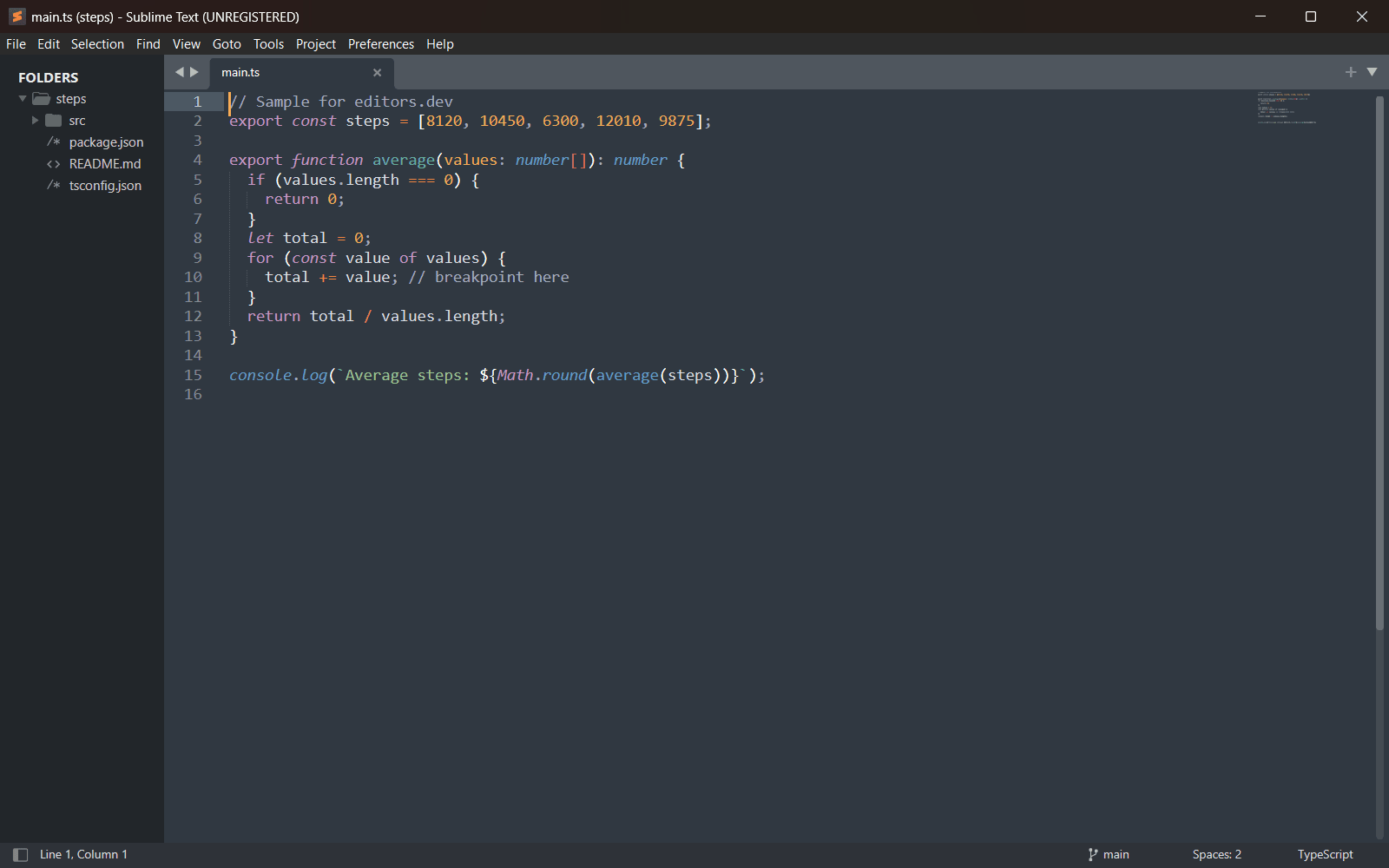
Built in Extension Not supported
1. PhpStorm: the one the others are measured against
PhpStorm reads a project the way a compiler would. It knows what a method returns, where a class is used and what breaks when you rename it. Debugging, tests and the database all live in the same window, with nothing to install first.
The price is the catch. PhpStorm is sold as a subscription, with no free tier for PHP work. If most of your day is spent inside a large Laravel or Symfony codebase, that trade is usually worth it.
2. VS Code: free, as long as you set it up
Most PHP developers start here, because it is free and probably already installed. Out of the box it only colours your PHP. The real work is done by extensions.
A working PHP setup in VS Code
- PHP Intelephense for code intelligence
- PHP Debug to connect Xdebug
- Your framework’s own extension, if it has one
With those in place VS Code covers everyday PHP well. Where a full IDE still pulls ahead is deep refactoring across a large codebase.
Pick the editor that removes the most friction from the work you do every day, not the one with the longest feature list.
PhpStorm
IDE for PHP with framework support, a debugger and database tools included.
VS Code
Free code editor from Microsoft that is extended through extensions.
The rest of the list
- Zed. A native, open-source editor written in Rust. PHP support arrives through an extension, and a PHP debug adapter is built in.
- Cursor. VS Code with AI at the centre. Same PHP setup, plus AI edits across files.
- Neovim. For people who want to build their own editor from parts.
- Sublime Text. A light editor with a one-off license. PHP tooling comes from packages.
- Apache NetBeans. A free IDE with PHP tooling included.
How to choose
Start from the size of what you work on. A large application with years of history rewards an IDE that understands every corner of it. A handful of scripts or a small site rarely needs more than a quick editor.
Then look at what you already know. Moving editors costs a few slow weeks. If the one you have is not getting in your way, the best PHP editor may be the one already open on your screen.