Zed
Open-source code editor written in Rust, with collaboration and AI tools built in.
Screenshots
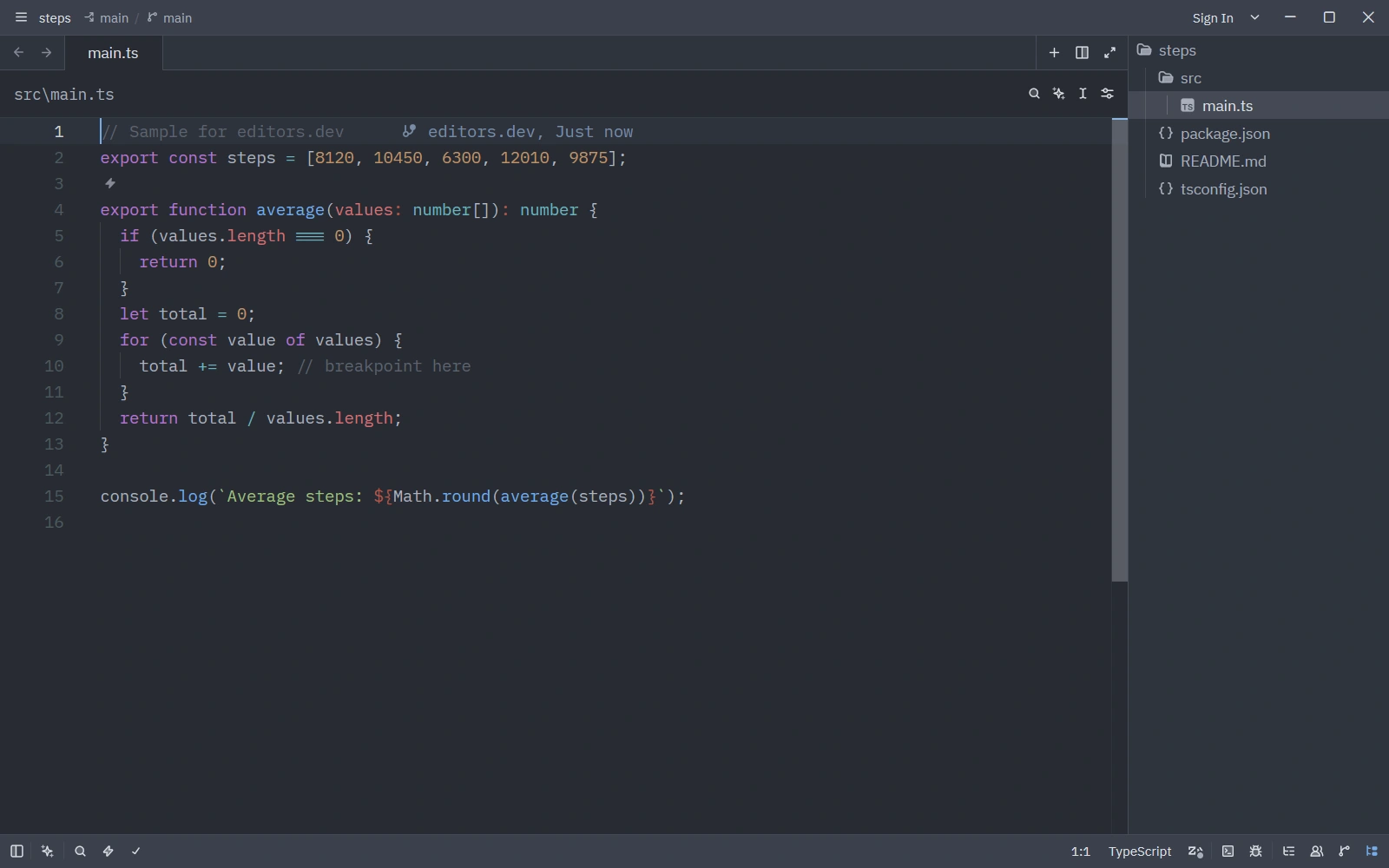
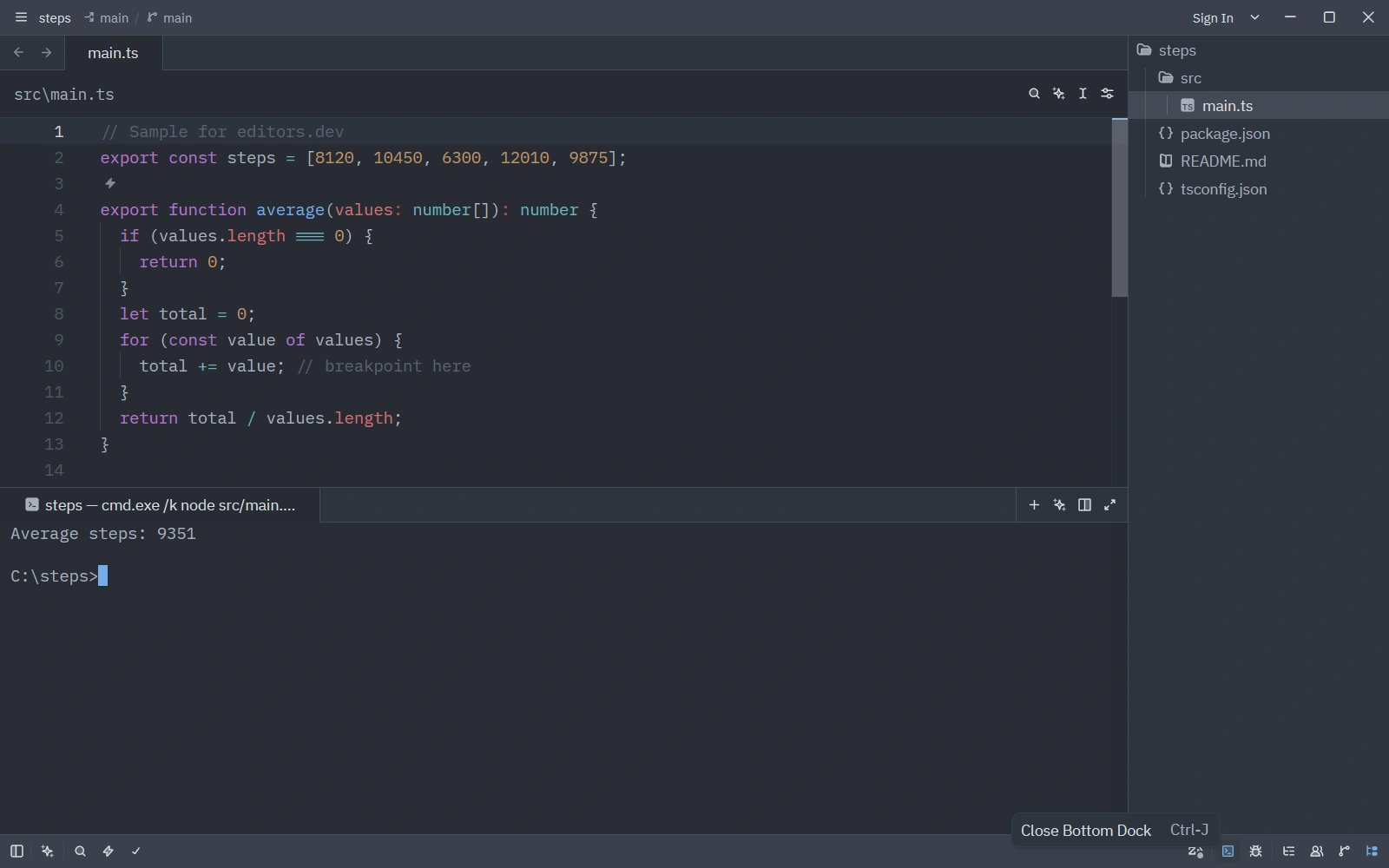
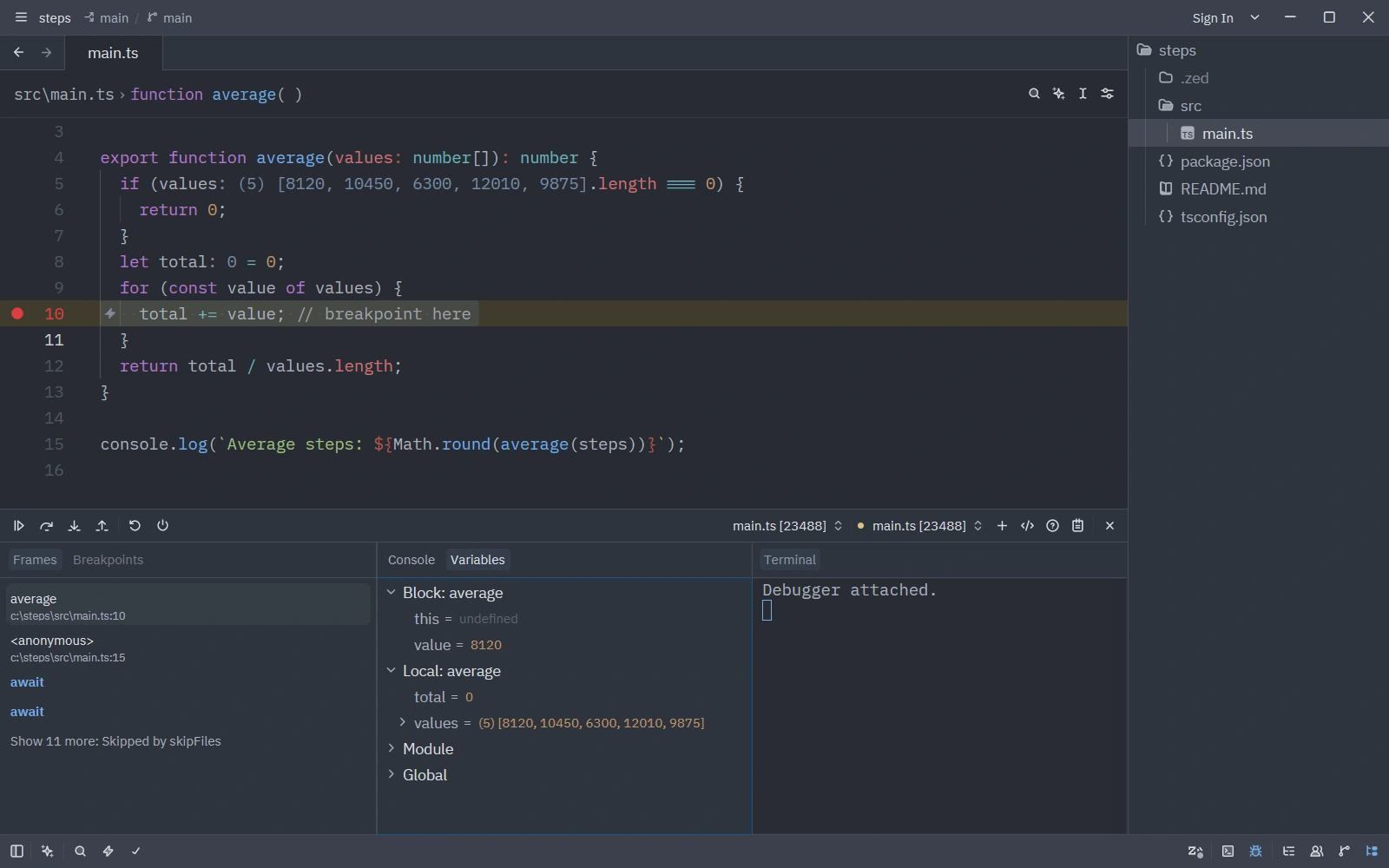
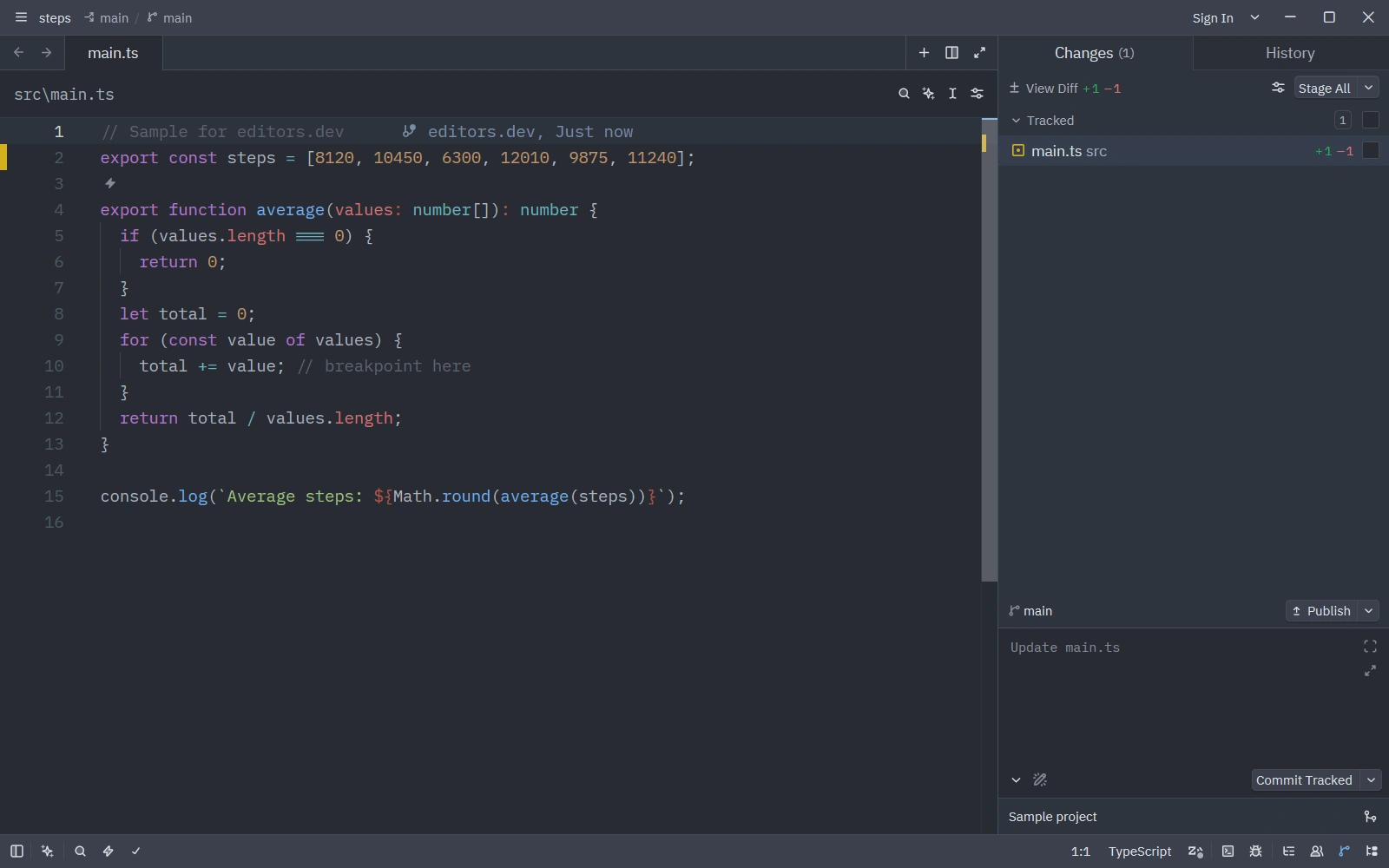
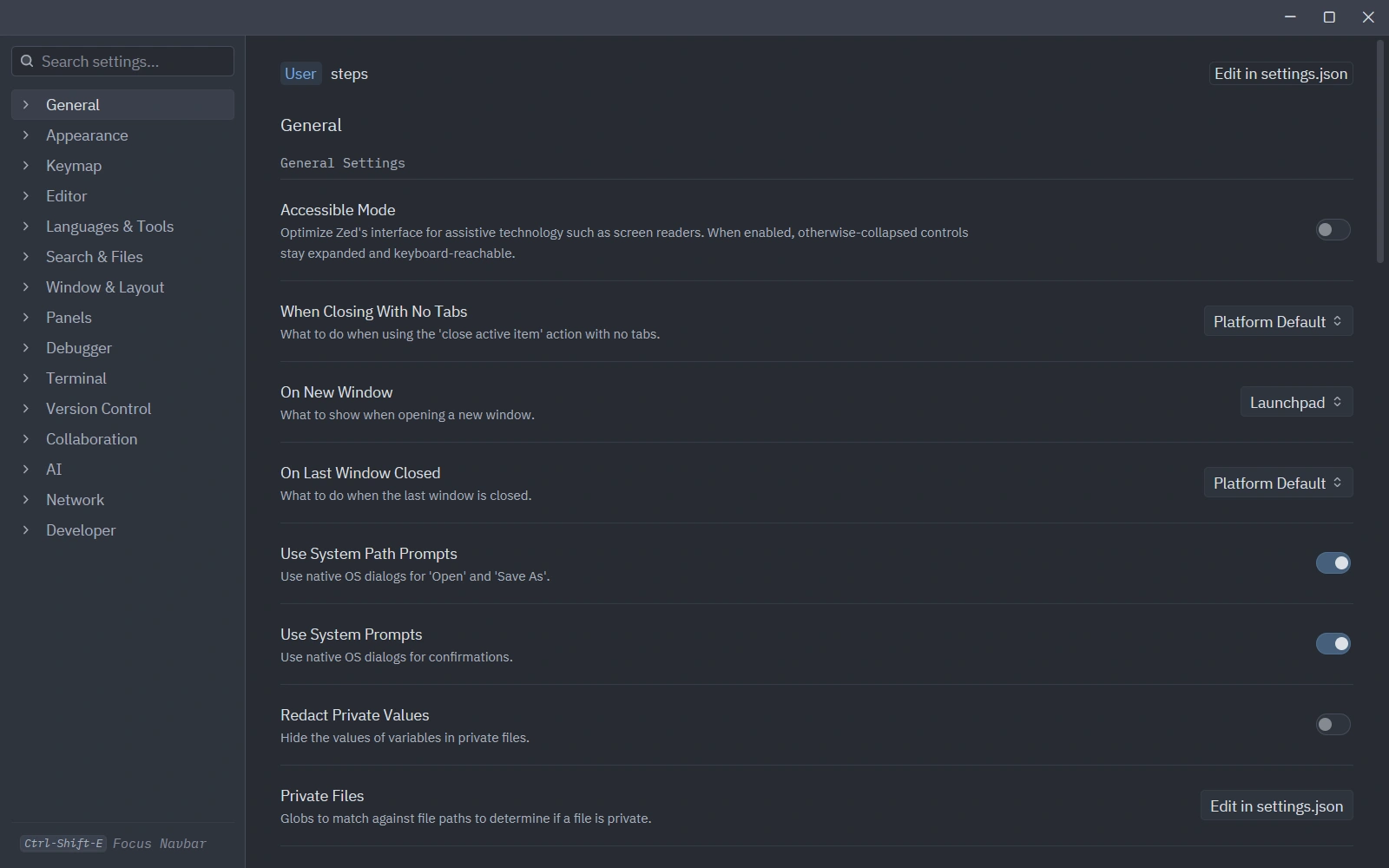
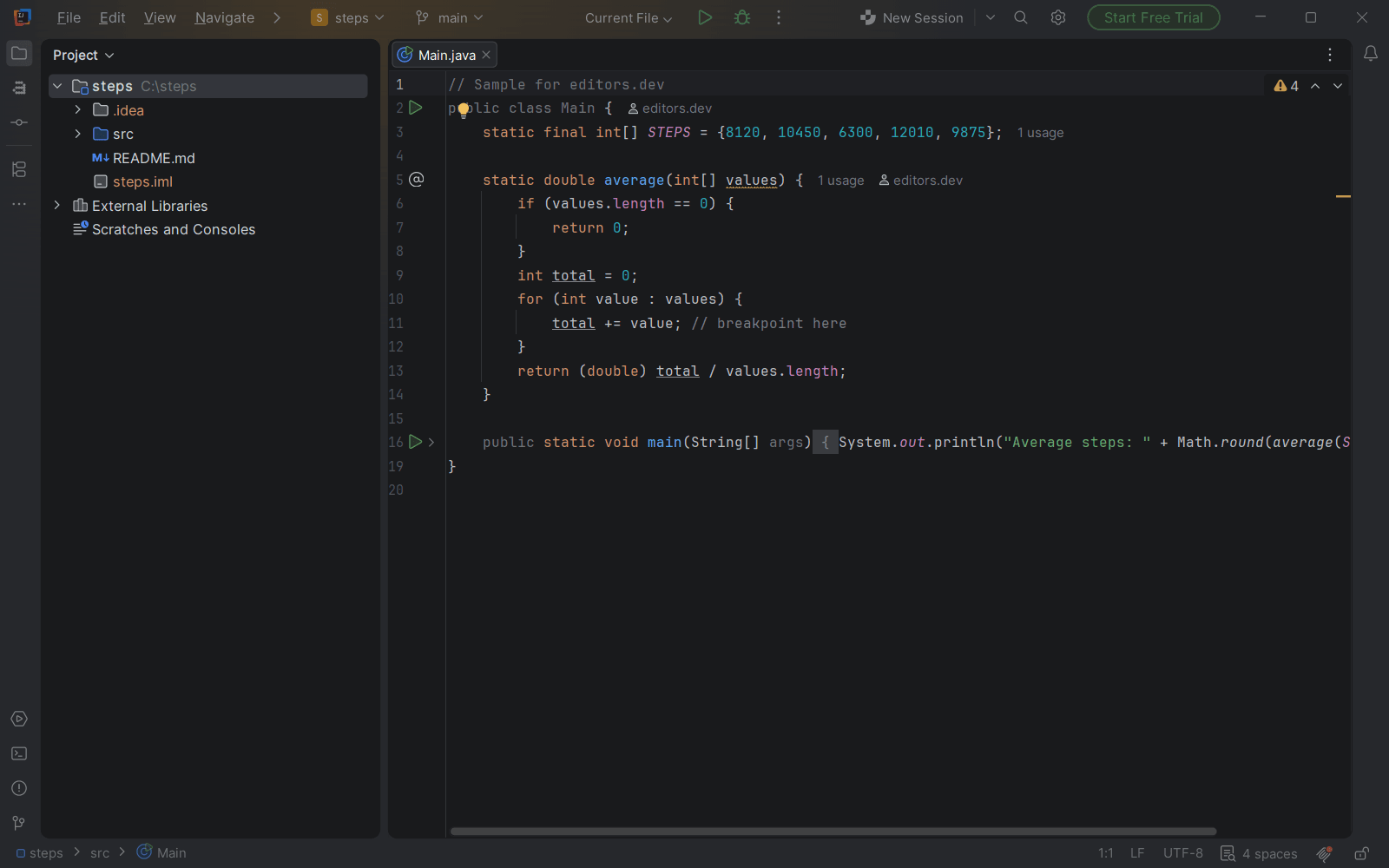
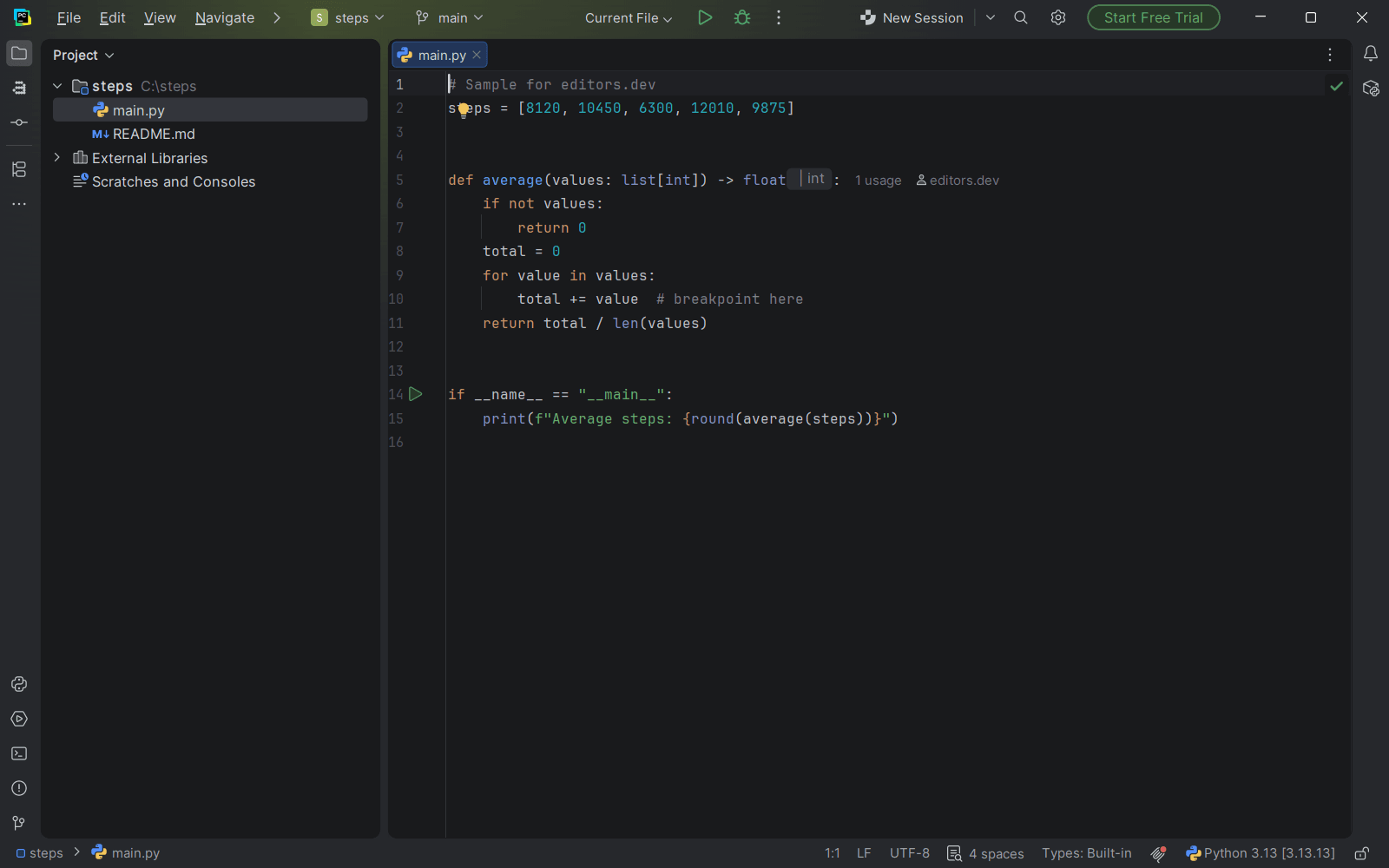
Screenshots of Zed 1.25.3, taken on 21 November 2026 with the same sample project as every editor on this site. Method
About Zed
Zed is an open-source code editor from Zed Industries, written in Rust on GPUI, the company's own GPU-accelerated UI framework. Git, a terminal, a debugger, vim mode, real-time collaboration and remote development over SSH ship in the editor, and further languages are added through extensions. It entered public beta in March 2023, became open source in January 2024 and reached version 1.0 in April 2026.
What it offers
- Written in Rust on GPUI, a GPU-accelerated UI framework built by Zed Industries and published under the Apache-2.0 license.
- The debugger uses the Debug Adapter Protocol. Adapters for C, C++, Go, JavaScript, PHP, Python and Rust are built in; Java, Ruby and Swift adapters come from extensions.
- Real-time multiplayer editing through channels and private calls, with shared projects and voice chat. Collaboration requires signing in.
- Remote development runs over SSH. The UI stays on the local machine while language servers, tasks and terminals run on the remote server.
- AI covers Zed's own agent, external agents and edit predictions. It works with your own API keys on the free plan, and all AI features can be disabled.
What is built in
Listed only where we have checked it
- Debugger Built in
- Git integration Built in
- Integrated terminal Built in
- AI assistant Built in
- Remote development Built in
- Live collaboration Built in
- Vim mode Built in
Languages
How Zed supports each common language, and what you get with the recommended setup.
10 Built in 4 Official extension 12 Community extension
- JavaScript Built in
- Completion : Yes
- Go to definition : Yes
- Refactoring : Yes
- Debugging : Yes
- Tests : Yes
- Formatting : Yes
Built in: vtsls is the default language server (typescript-language-server is an alternative), and debugging uses vscode-js-debug with no setup. Jest, Mocha, Vitest, Jasmine and Node tests can be debugged directly; format on save is off by default for JavaScript.
Source ↗ - TypeScript Built in
- Completion : Yes
- Go to definition : Yes
- Refactoring : Yes
- Debugging : Yes
- Tests : Yes
- Formatting : Yes
Built in: TypeScript and TSX use the vtsls language server by default, and Prettier formats TypeScript files by default. Debugging works out of the box with vscode-js-debug, including tests from Jest, Mocha, Vitest, Jasmine and Node.
Source ↗ - Python Built in
- Completion : Yes
- Go to definition : Yes
- Refactoring : Yes
- Debugging : Yes
- Tests : Yes
- Formatting : Yes
Built in: basedpyright is the default language server and Ruff handles formatting and linting; Ty, Pyrefly, Pyright and PyLSP can be switched on instead. Debugging uses debugpy without manual setup, but Zed does not bundle Python itself.
Source ↗ - C++ Built in
- Completion : Yes
- Go to definition : Yes
- Refactoring : Yes
- Debugging : Yes
- Tests : No
- Formatting : Yes
Built in: Zed uses clangd from your PATH or downloads its own copy, and formatting follows clang-format rules from a .clang-format file. Native binaries can be debugged with CodeLLDB or GDB (14.1 or newer).
Source ↗ - C Built in
- Completion : Yes
- Go to definition : Yes
- Refactoring : Yes
- Debugging : Yes
- Tests : No
- Formatting : Yes
Built in: Zed uses clangd from your PATH or downloads its own copy, and formats with clang-format rules. Add a .clangd file with -xc for C-only projects; binaries can be debugged with CodeLLDB or GDB.
Source ↗ - Go Built in
- Completion : Yes
- Go to definition : Yes
- Refactoring : Yes
- Debugging : Yes
- Tests : Yes
- Formatting : Yes
Built in, but the docs recommend installing gopls yourself with go install. Tests and func main can be debugged with Delve without configuration, and gopls code lenses for running tests need "code_lens": "on".
Source ↗ - Rust Built in
- Completion : Yes
- Go to definition : Yes
- Refactoring : Yes
- Debugging : Yes
- Tests : Yes
- Formatting : Yes
Built in: Zed uses rust-analyzer from your PATH or downloads a stable copy, and rust-analyzer formats through rustfmt. Binaries and tests can be debugged with CodeLLDB or GDB (GDB is not available on Apple silicon).
Source ↗ - HTML Built in
- Completion : Yes
- Go to definition : No
- Refactoring : No
- Debugging : No
- Tests : No
- Formatting : Yes
HTML comes from an extension kept in Zed's own repository and installed automatically, using vscode-html-language-server. Prettier formats HTML by default.
Source ↗ - CSS Built in
- Completion : Yes
- Go to definition : Yes
- Refactoring : Yes
- Debugging : No
- Tests : No
- Formatting : Yes
Built in: CSS uses vscode-css-language-server, with the Tailwind CSS language server available as an alternative. Formatting goes through Prettier.
Source ↗ - Shell Built in
- Completion : Yes
- Go to definition : Yes
- Refactoring : Yes
- Debugging : No
- Tests : No
- Formatting : Yes
Built in: Bash uses bash-language-server. Install shellcheck for diagnostics, and shfmt if you want formatting.
Source ↗ - PHP Official extension
With PHP (zed-extensions/php)
- Completion : Yes
- Go to definition : Yes
- Refactoring : Yes
- Debugging : Yes
- Tests : No
- Formatting : No
The PHP extension, written by a Zed developer, uses Phpactor by default; Intelephense, PHP Tools and PHPantom are alternatives, and Intelephense and PHP Tools need a paid licence for premium features. PHP must be on your PATH, and the extension provides an Xdebug debug adapter.
Source ↗ - Lua Official extension
With Lua (zed-extensions/lua)
- Completion : Yes
- Go to definition : Yes
- Refactoring : Yes
- Debugging : No
- Tests : No
- Formatting : Yes
The Lua extension, written by Zed co-founder Max Brunsfeld, runs lua-language-server. Its formatter must be switched on in .luarc.json, or StyLua can be set up instead.
Source ↗ - Scala Official extension
With Scala (scalameta/metals-zed)
- Completion : Yes
- Go to definition : Yes
- Refactoring : Yes
- Debugging : No
- Tests : No
- Formatting : Yes
The Scala extension is kept by the Metals maintainers and runs the Metals language server, which you install with Coursier. Zed's docs do not describe debugging for Scala.
Source ↗ - Elixir Official extension
With Elixir (zed-extensions/elixir)
- Completion : Yes
- Go to definition : Yes
- Refactoring : No
- Debugging : Yes
- Tests : No
- Formatting : Yes
The Elixir extension, started by a Zed developer, enables ElixirLS by default and can switch to Expert, Next LS or Lexical. It also provides ElixirLS's debug adapter for tests and Phoenix servers.
Source ↗ - Java Community extension
With Java (zed-extensions/java)
- Completion : Yes
- Go to definition : Yes
- Refactoring : Yes
- Debugging : Yes
- Tests : Yes
- Formatting : Yes
The Java extension downloads and runs Eclipse JDT LS and needs Java 21 on the system; debugging goes through Zed's fork of Java Debug, which the extension also downloads. Its run and test tasks work out of the box only on macOS and Linux.
Source ↗ - C# Community extension
With C# (zed-extensions/csharp)
- Completion : Yes
- Go to definition : Yes
- Refactoring : Yes
- Debugging : No
- Tests : No
- Formatting : No
The C# extension uses Roslyn by default, which it downloads from NuGet and runs with the dotnet command; csharp-ls and OmniSharp can be chosen instead. Zed's docs do not describe debugging for C#.
Source ↗ - Ruby Community extension
With Ruby (zed-extensions/ruby)
- Completion : Yes
- Go to definition : Yes
- Refactoring : Yes
- Debugging : Yes
- Tests : No
- Formatting : Yes
The Ruby extension enables Solargraph by default (Ruby LSP is the main alternative; the two cannot run together) and installs the server gem itself if it is not in your Gemfile or PATH. Solargraph formatting is off until you enable it, debugging uses the debug gem through rdbg, and tests need your own tasks in .zed/tasks.json.
Source ↗ - Kotlin Community extension
With Kotlin (zed-extensions/kotlin)
- Completion : Yes
- Go to definition : Yes
- Refactoring : Yes
- Debugging : No
- Tests : No
- Formatting : Yes
The community-maintained Kotlin extension downloads and updates JetBrains' Kotlin LSP automatically; fwcd's older Kotlin Language Server can be chosen instead. Zed's docs do not describe debugging for Kotlin.
Source ↗ - Swift Community extension
With Swift (zed-extensions/swift)
- Completion : Yes
- Go to definition : Yes
- Refactoring : Yes
- Debugging : Yes
- Tests : No
- Formatting : Yes
The community-maintained Swift extension uses SourceKit-LSP from your Swift toolchain and debugs with lldb-dap, which it does not download for you. Building iOS apps still needs Xcode.
Source ↗ - Objective-C Community extension
With Objective-C (Akzestia/objcpp)
- Completion : Yes
- Go to definition : Yes
- Refactoring : Yes
- Debugging : No
- Tests : No
- Formatting : Yes
Zed has no built-in Objective-C. A small third-party extension adds a Tree-sitter grammar and runs clangd for .m files; Zed's docs do not cover it.
Source ↗ - Dart Community extension
With Dart (zed-extensions/dart)
- Completion : Yes
- Go to definition : Yes
- Refactoring : Yes
- Debugging : Yes
- Tests : No
- Formatting : Yes
The Dart extension, written by community contributors, runs the language server from the Dart SDK, which you install yourself (FVM works too), and registers a Dart debug adapter.
Source ↗ - SQL Community extension
With SQL (zed-extensions/sql)
- Completion : No
- Go to definition : No
- Refactoring : No
- Debugging : No
- Tests : No
- Formatting : No
The SQL extension adds highlighting only; there is no database browser or query runner in Zed. For PostgreSQL, the third-party Postgres Language Server extension adds completion and diagnostics.
Source ↗ - R Community extension
With R (ocsmit/zed-r)
- Completion : Yes
- Go to definition : Yes
- Refactoring : Yes
- Debugging : No
- Tests : No
- Formatting : Yes
The third-party R extension uses the languageserver R package, which you install in R along with lintr. Posit's Air extension is recommended for formatting.
Source ↗ - Haskell Community extension
With Haskell (zed-extensions/haskell)
- Completion : Yes
- Go to definition : Yes
- Refactoring : Yes
- Debugging : Yes
- Tests : No
- Formatting : Yes
The Haskell extension, written by community contributors, runs haskell-language-server, which you install with GHCup. Formatting uses Ormolu or Fourmolu, and the extension registers the haskell-debugger adapter.
Source ↗ - Zig Community extension
With Zig (zed-extensions/zig)
- Completion : Yes
- Go to definition : Yes
- Refactoring : Yes
- Debugging : No
- Tests : No
- Formatting : Yes
The Zig extension, written by a community contributor, runs the ZLS language server, which formats with zig fmt. Zed's docs do not describe debugging for Zig.
Source ↗ - Julia Community extension
With Julia (JuliaEditorSupport/zed-julia)
- Completion : Yes
- Go to definition : Yes
- Refactoring : Yes
- Debugging : No
- Tests : Yes
- Formatting : Yes
The community-maintained Julia extension now uses the JETLS language server, which needs Julia 1.12.2 or newer and is still experimental. It adds REPL tasks and a plot pane; there is no debugger.
Source ↗
Who it is for
Who it suits
- Developers who want a free, open-source editor where Git, a terminal, a debugger and vim mode work without installing extensions.
- Teams that want real-time shared editing and voice chat inside the editor on macOS, Linux and Windows.
- Developers who want to use AI with their own API keys at no charge from Zed, or to switch AI off completely.
Who should look elsewhere
- Developers who expect Zed-hosted models and Zed's edit predictions for free. Both require the Pro plan at $10 per month.
- Projects that need the editor's code under a permissive license. The editor is GPL-3.0-or-later; only GPUI and other marked components are Apache-2.0.
- Mac users on a macOS version older than 12.0, which Zed does not support.
Zed pricing
Personal is $0 and covers the editor plus AI through your own API keys or external agents. Pro is $10 per month with unlimited edit predictions and $5 of tokens included (further usage is billed at API list price +10%), and Business is $30 per seat per month.
Price Free tier, paid plans Open source
Zed next to its alternatives
The same facts for each editor, taken from the directory.
| Editor | Type | Price | Built with | Platforms | Languages built in | Remote development | Live collaboration | Vim mode |
|---|---|---|---|---|---|---|---|---|
| Zed | Editor | Free tier, paid plans Open source | Rust, GPUI | macOS · Linux · Windows | 10 / 26 | Built in | Built in | Built in |
| VS Code | Editor | Free Open source | TypeScript, Electron | Windows · macOS · Linux | 5 / 26 | Extension | Extension | Extension |
| Sublime Text | Editor | Paid | C++ (plugin API in Python) | Windows · macOS · Linux | 2 / 26 | –Not listed | –Not listed | Built in |
| Neovim | Terminal | Free Open source | C, Lua, Vimscript | Windows · macOS · Linux | 0 / 26 | –Not listed | –Not listed | Built in |
| Helix | Terminal | Free Open source | Rust | Windows · macOS · Linux | 25 / 26 | –Not listed | –Not listed | Not supported |


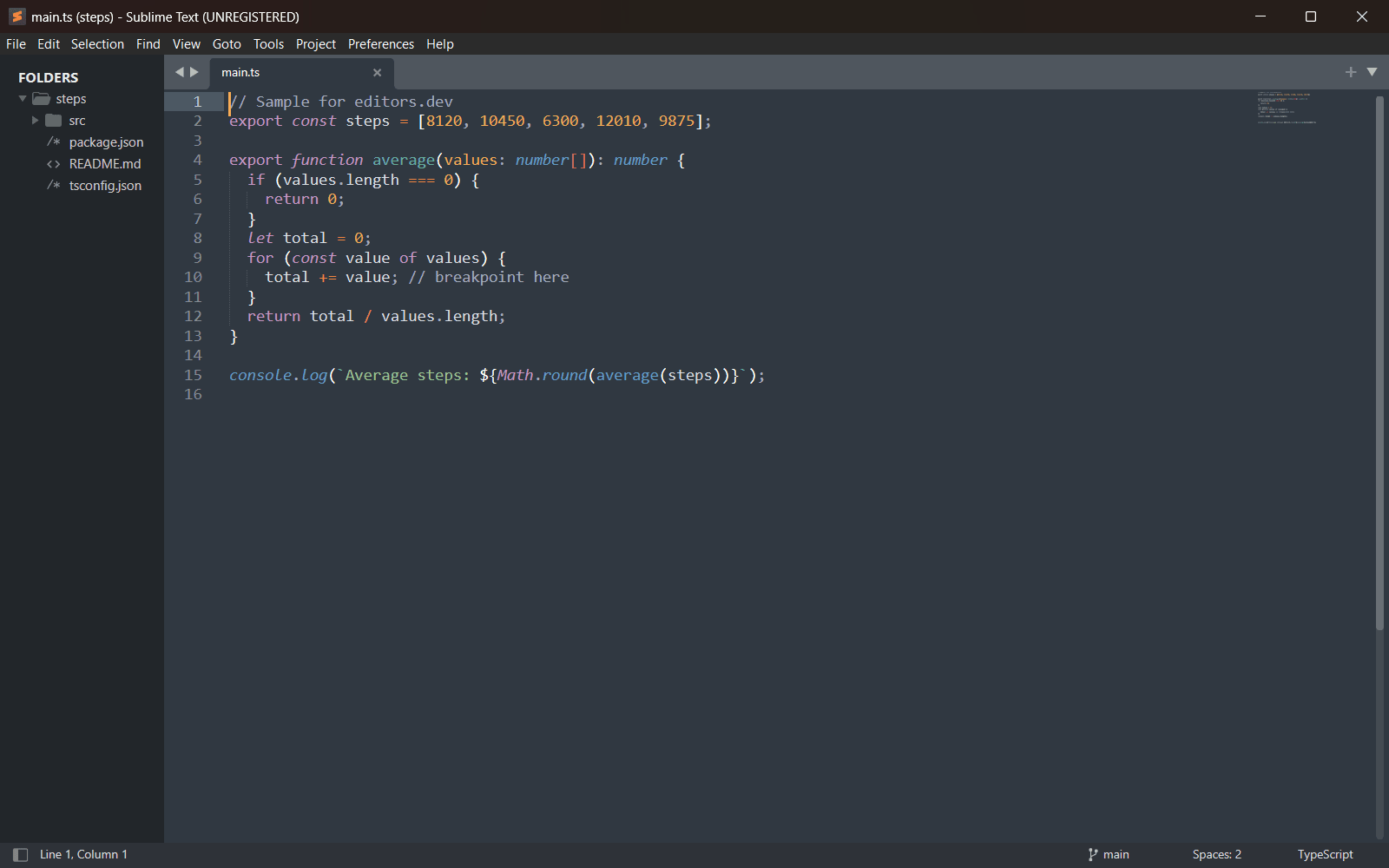
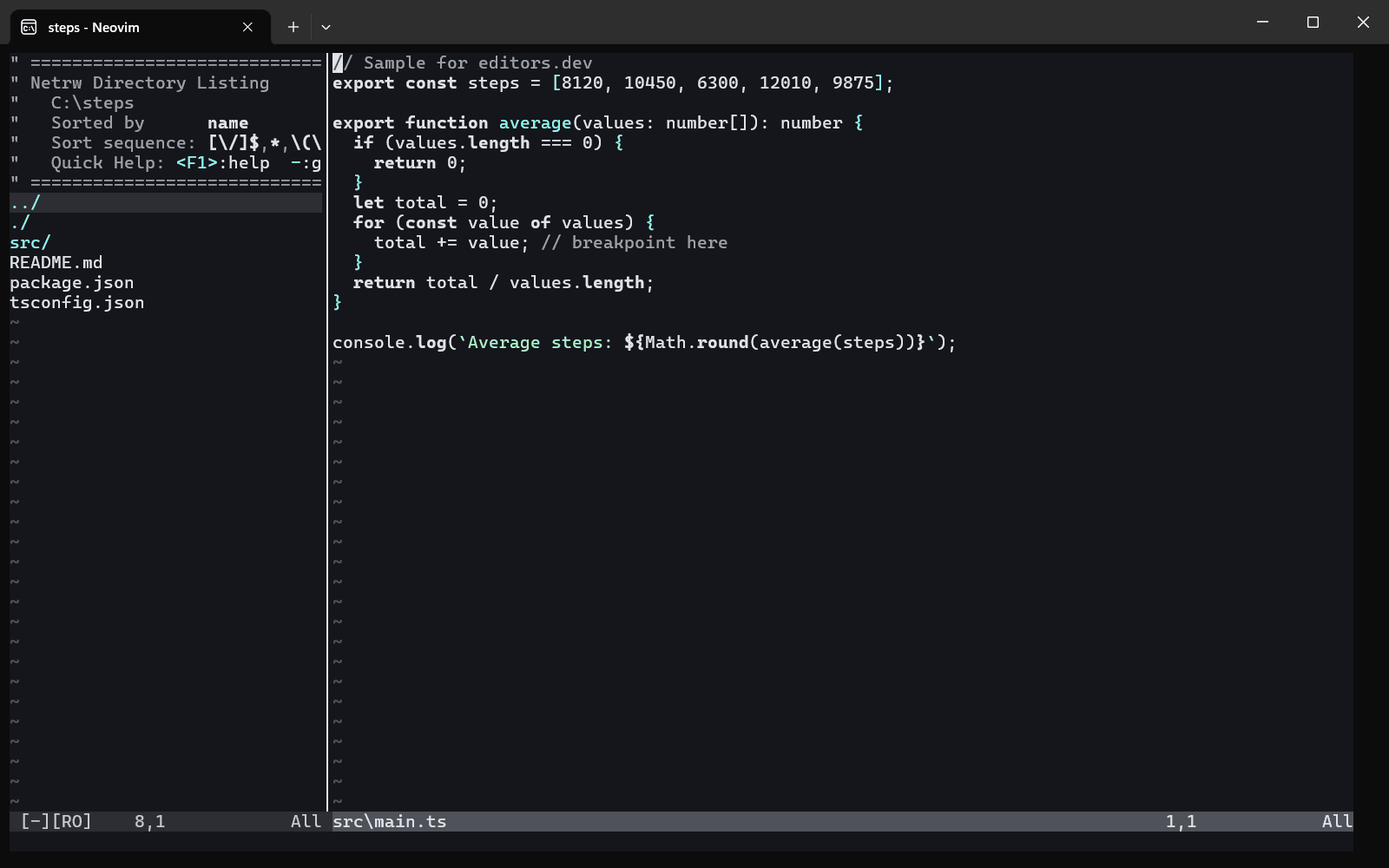
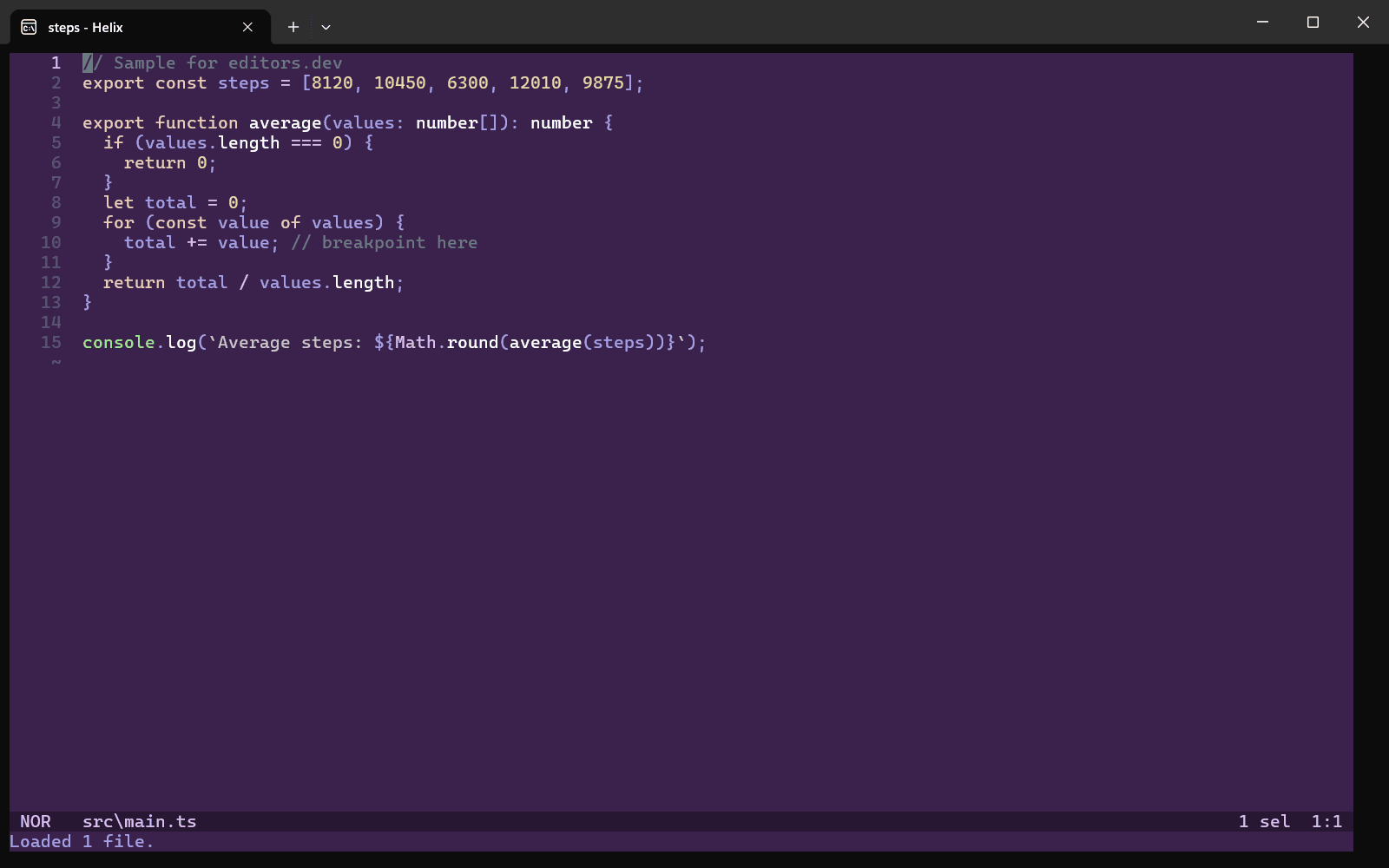
Built in Extension Not supported
Head-to-head comparisons
All comparisonsGuides that cover Zed
All guides


Sources
Last checked: 16 November 2026