VS Code
Free code editor from Microsoft that is extended through extensions.
Screenshots
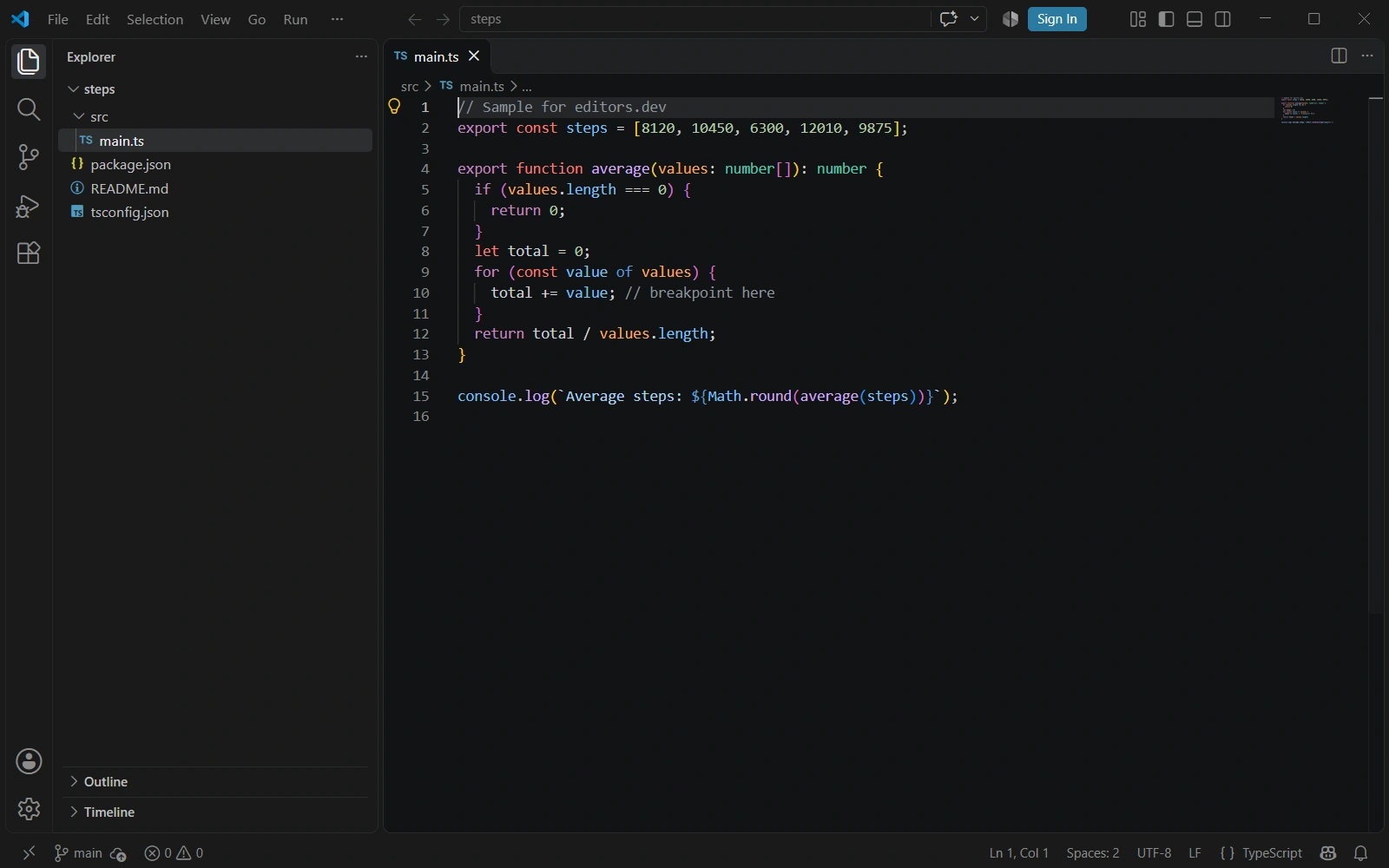
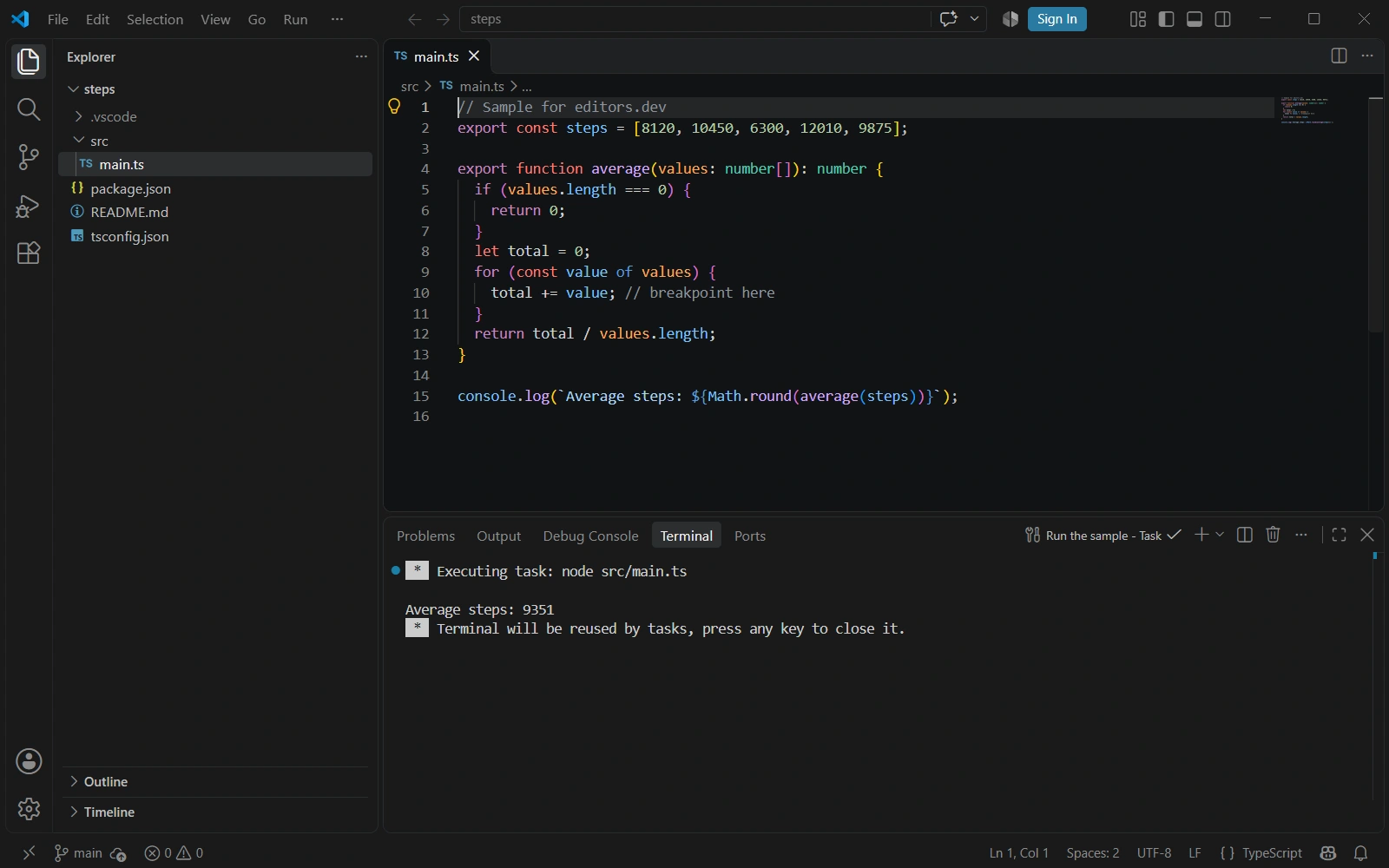
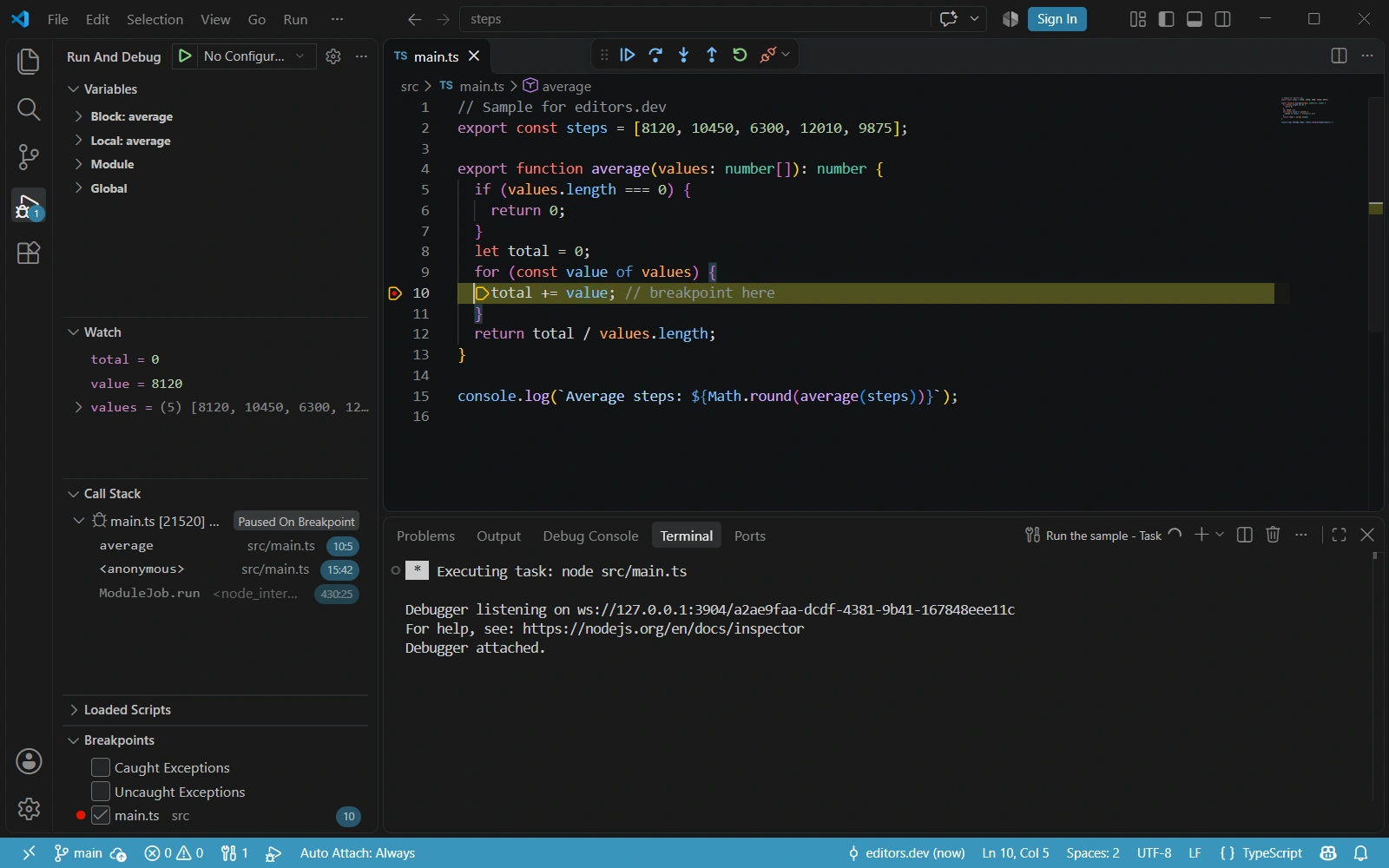
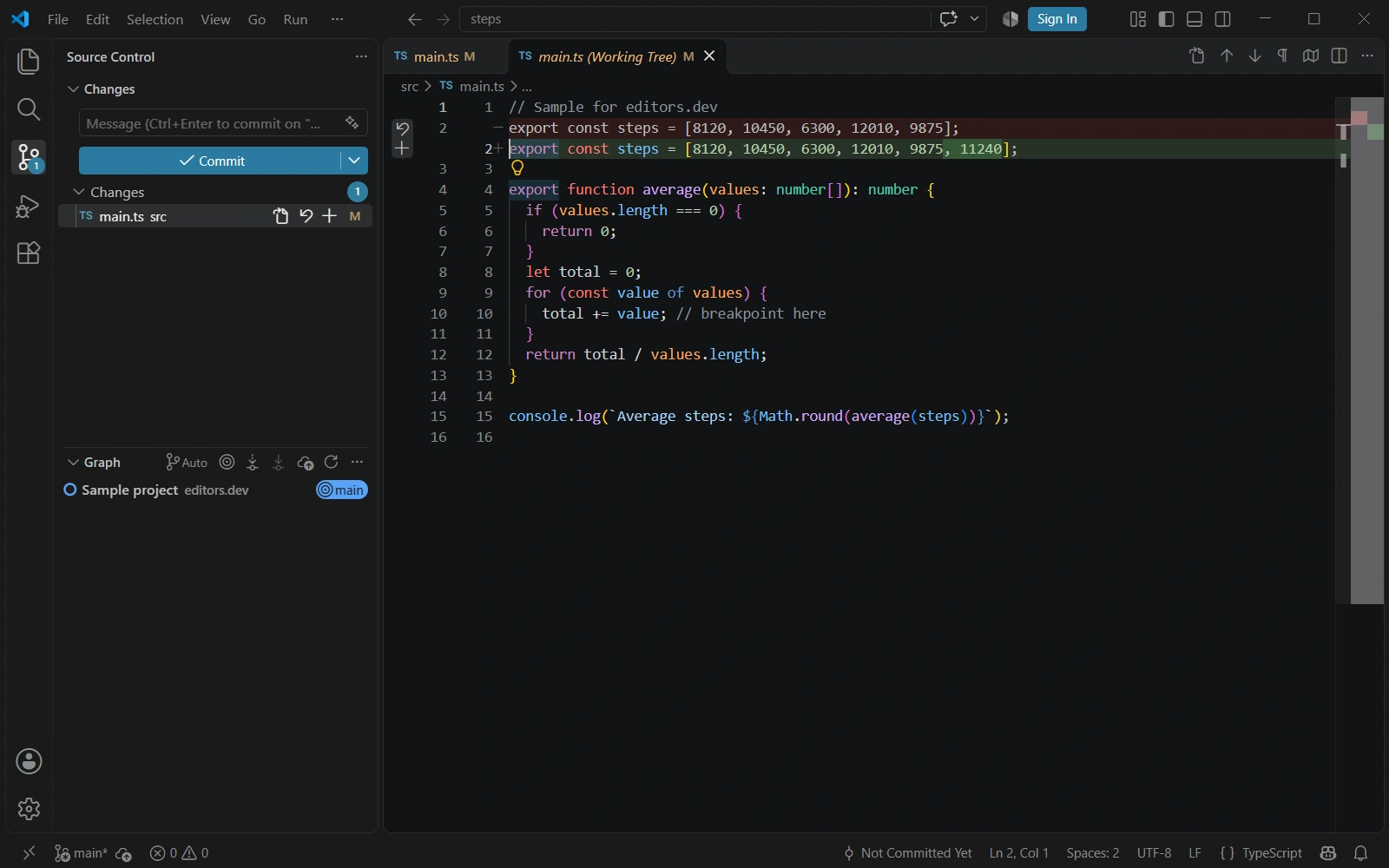
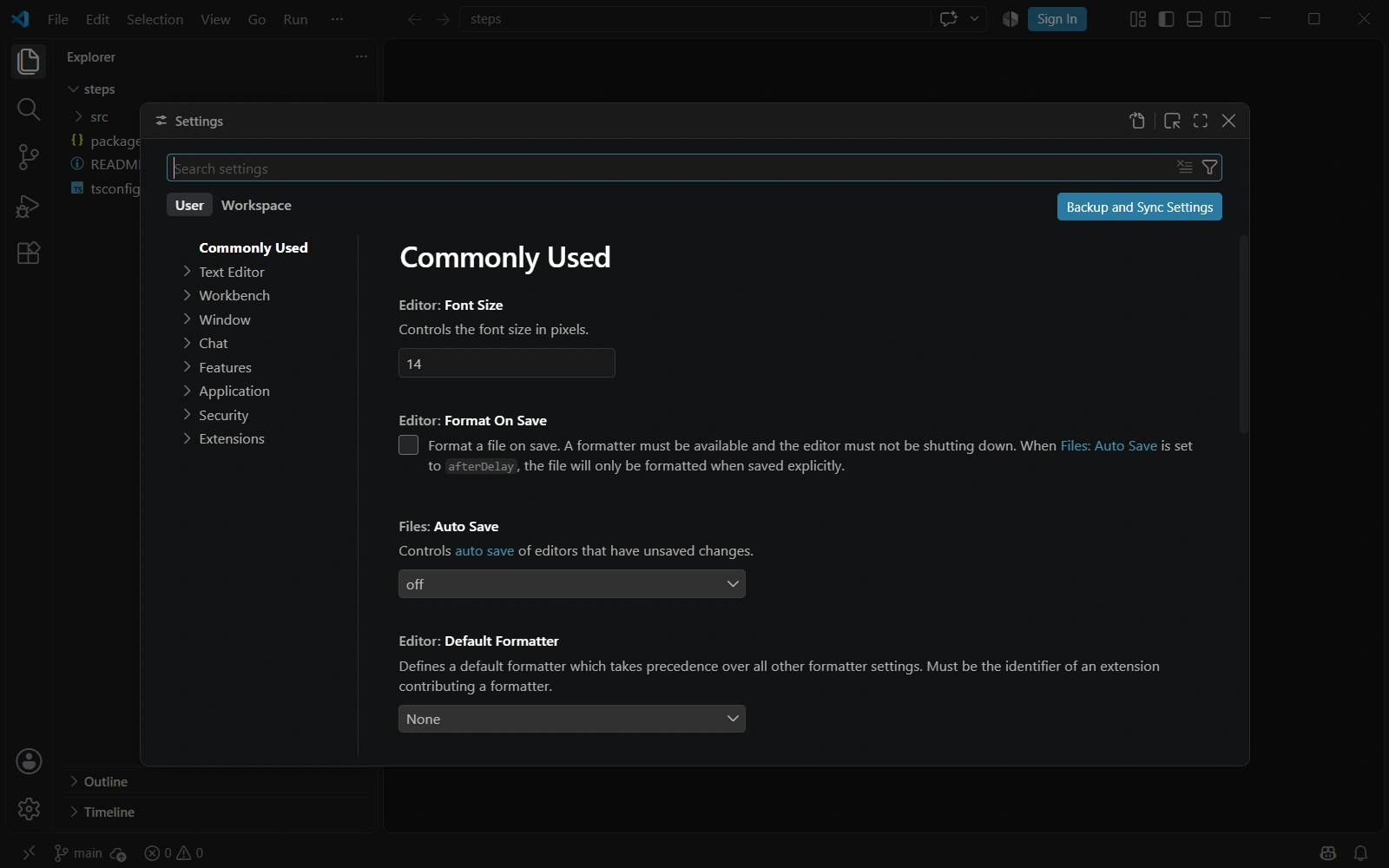
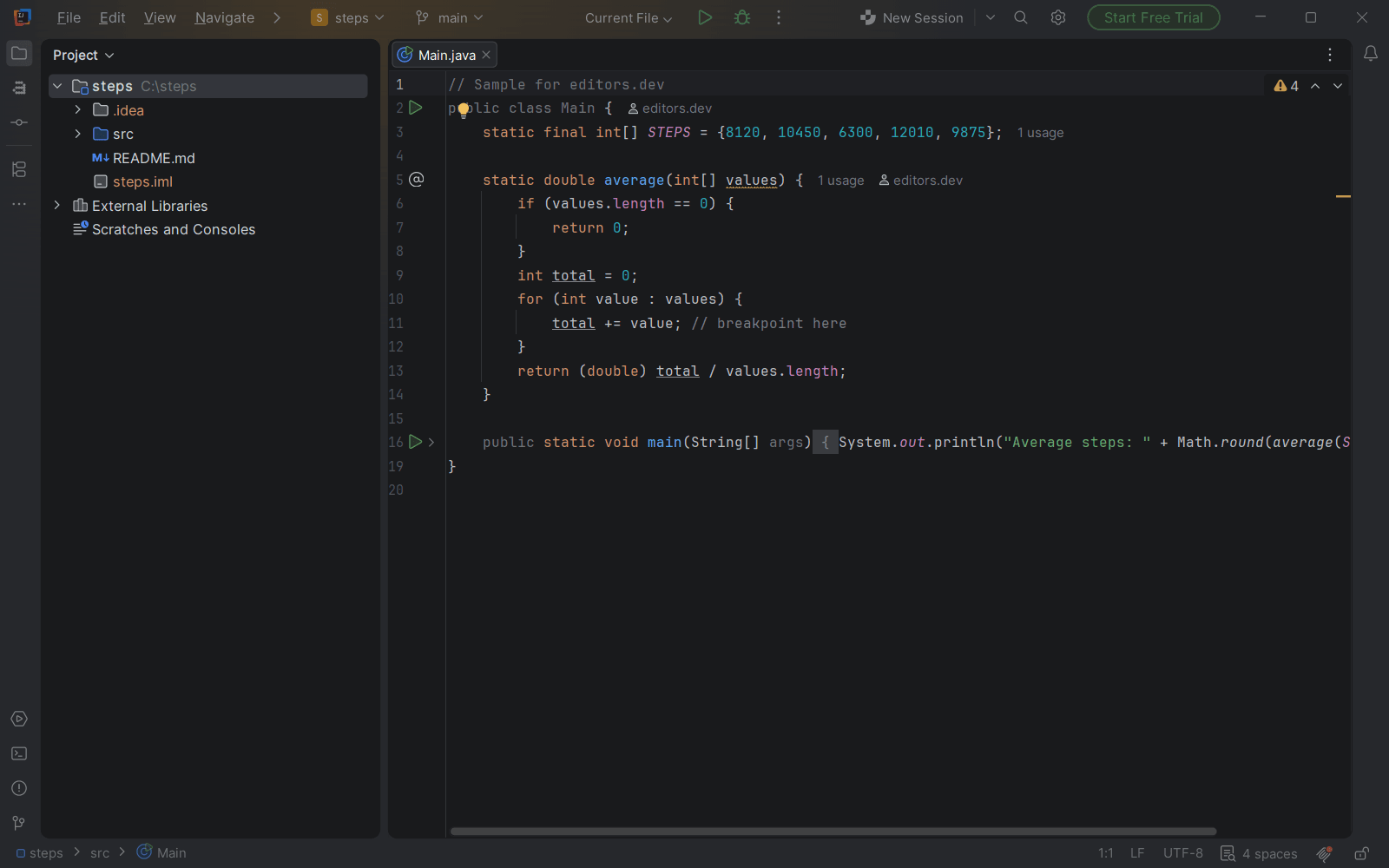
Screenshots of VS Code 1.144.1, taken on 20 November 2026 with the same sample project as every editor on this site. Method
About VS Code
Visual Studio Code is a free code editor from Microsoft for Windows, macOS and Linux. It ships with a debugger for JavaScript, TypeScript and Node.js, Git support and an integrated terminal; other languages and tools are added through extensions. The source is developed in the open as Code - OSS under the MIT license, while the official build is released under a Microsoft product license.
What it offers
- A debugger for JavaScript, TypeScript and Node.js is included. Other languages need a debugger extension.
- Git support is built in, but Git itself has to be installed on the machine. An integrated terminal is also included.
- The Visual Studio Marketplace hosts thousands of extensions that add languages, debuggers and tools.
- Microsoft's Remote Development extension pack (Remote - SSH, Dev Containers, WSL, Remote - Tunnels) opens folders on a remote machine, in a container or in WSL.
- AI chat, agents and inline suggestions are built in and can be turned off with the chat.disableAIFeatures setting.
What is built in
Listed only where we have checked it
- Debugger Built in
- Git integration Built in
- Integrated terminal Built in
- AI assistant Built in
- Remote development Extension
- Live collaboration Extension
- Vim mode Extension
Languages
How VS Code supports each common language, and what you get with the recommended setup.
5 Built in 15 Official extension 6 Community extension
- JavaScript Built in
- Completion : Yes
- Go to definition : Yes
- Refactoring : Yes
- Debugging : Yes
- Tests : No
- Formatting : Yes
IntelliSense, go to definition, rename, extract refactorings, a basic formatter and the Node.js/browser debugger are built in. There is no built-in linter or test runner; ESLint and test explorers come from extensions.
Source ↗ - TypeScript Built in
- Completion : Yes
- Go to definition : Yes
- Refactoring : Yes
- Debugging : Yes
- Tests : No
- Formatting : Yes
Language features, refactorings, a formatter and source-map debugging are built in. VS Code does not include the tsc compiler, so install typescript from npm to build your project.
Source ↗ - PHP Built in
- Completion : Yes
- Go to definition : No
- Refactoring : No
- Debugging : No
- Tests : No
- Formatting : No
Built-in support covers syntax highlighting, basic completion and error checking with php -l. Go to definition and refactoring need a third-party extension such as PHP Intelephense, and debugging needs the PHP Debug extension with Xdebug.
Source ↗ - HTML Built in
- Completion : Yes
- Go to definition : No
- Refactoring : No
- Debugging : No
- Tests : No
- Formatting : Yes
IntelliSense for tags and attributes, auto-closing tags, Emmet, hover and a formatter are built in. Linting and Prettier formatting come from extensions.
Source ↗ - CSS Built in
- Completion : Yes
- Go to definition : Yes
- Refactoring : Yes
- Debugging : No
- Tests : No
- Formatting : Yes
CSS, SCSS and Less get completion, validation, color previews, go to declaration and find references for variables, and a formatter out of the box.
Source ↗ - Python Official extension
With Python
- Completion : Yes
- Go to definition : Yes
- Refactoring : Yes
- Debugging : Yes
- Tests : Yes
- Formatting : No
Microsoft's Python extension installs Pylance, Python Debugger and Python Environments alongside it, and runs unittest and pytest in the Test Explorer. It does not format code itself; add a formatter extension such as Black Formatter, autopep8 or Ruff.
Source ↗ - Java Official extension
With Extension Pack for Java
- Completion : Yes
- Go to definition : Yes
- Refactoring : Yes
- Debugging : Yes
- Tests : Yes
- Formatting : Yes
Microsoft's pack bundles Red Hat's Language Support for Java with the Java debugger, the JUnit/TestNG test runner and Maven and project tools. You need a JDK installed separately.
Source ↗ - C# Official extension
With C# Dev Kit
- Completion : Yes
- Go to definition : Yes
- Refactoring : Yes
- Debugging : Yes
- Tests : Yes
- Formatting : Yes
C# Dev Kit builds on Microsoft's C# extension and adds a solution view and the Test Explorer for xUnit, NUnit and MSTest. It is free for individuals, open source and teams of up to five; larger commercial teams need a Visual Studio Professional or higher subscription.
Source ↗ - C++ Official extension
With C/C++
- Completion : Yes
- Go to definition : Yes
- Refactoring : Yes
- Debugging : Yes
- Tests : No
- Formatting : Yes
Microsoft's C/C++ extension provides IntelliSense, debugging, code navigation, a few refactorings and bundled clang-format. It does not include a compiler or debugger, so install GCC, Clang or MSVC yourself.
Source ↗ - C Official extension
With C/C++
- Completion : Yes
- Go to definition : Yes
- Refactoring : Yes
- Debugging : Yes
- Tests : No
- Formatting : Yes
Microsoft's C/C++ extension covers C as well as C++: IntelliSense, debugging, navigation and bundled clang-format. Install GCC, Clang or MSVC yourself.
Source ↗ - Go Official extension
With Go
- Completion : Yes
- Go to definition : Yes
- Refactoring : Yes
- Debugging : Yes
- Tests : Yes
- Formatting : Yes
The Go extension is published by the Go team at Google and uses gopls for language features and Delve for debugging. Format on save with gopls is on by default.
Source ↗ - Rust Official extension
With rust-analyzer
- Completion : Yes
- Go to definition : Yes
- Refactoring : Yes
- Debugging : Yes
- Tests : Yes
- Formatting : Yes
rust-analyzer is published by the Rust project and formats with rustfmt. Debugging needs a second extension: Microsoft's C/C++ on Windows or CodeLLDB on macOS and Linux.
Source ↗ - Kotlin Official extension
With Kotlin by JetBrains
- Completion : Yes
- Go to definition : Yes
- Refactoring : Yes
- Debugging : No
- Tests : No
- Formatting : Yes
JetBrains' own Kotlin extension runs its Kotlin LSP for completion, rename, quick fixes and formatting in Gradle and Maven projects. It is still in alpha and has no debugger.
Source ↗ - Swift Official extension
With Swift
- Completion : Yes
- Go to definition : Yes
- Refactoring : Yes
- Debugging : Yes
- Tests : Yes
- Formatting : Yes
The Swift project's extension uses SourceKit-LSP, debugs through LLDB DAP and runs XCTest and Swift Testing tests in the Test Explorer. It needs a Swift toolchain and suits Swift packages; iOS app projects still need Xcode to build.
Source ↗ - Dart Official extension
With Dart
- Completion : Yes
- Go to definition : Yes
- Refactoring : Yes
- Debugging : Yes
- Tests : Yes
- Formatting : Yes
The Dart Code extension, recommended by the Dart team, adds the analysis server, debugging, test running and dart format; the Flutter extension builds on it. Install the Dart or Flutter SDK yourself.
Source ↗ - SQL Official extension
With SQL Server (mssql)
- Completion : Yes
- Go to definition : Yes
- Refactoring : No
- Debugging : No
- Tests : No
- Formatting : Yes
Only SQL highlighting is built in. Microsoft's SQL Server (mssql) and PostgreSQL extensions add connections, schema-aware completion, query results and an object explorer; for MySQL or SQLite, a third-party extension such as SQLTools is needed.
Source ↗ - Scala Official extension
With Scala (Metals)
- Completion : Yes
- Go to definition : Yes
- Refactoring : Yes
- Debugging : Yes
- Tests : Yes
- Formatting : Yes
Metals, maintained by the Scala Center and VirtusLab, imports sbt, Mill, Gradle and Maven builds and adds debugging, a test explorer and Scalafmt formatting. It needs a JDK.
Source ↗ - Haskell Official extension
With Haskell
- Completion : Yes
- Go to definition : Yes
- Refactoring : Yes
- Debugging : No
- Tests : No
- Formatting : Yes
The haskell.org extension runs haskell-language-server and can install it, GHC and Cabal through GHCup. Formatting uses Ormolu or Fourmolu; there is no built-in debugger.
Source ↗ - Zig Official extension
With Zig Language
- Completion : Yes
- Go to definition : Yes
- Refactoring : Yes
- Debugging : Yes
- Tests : Yes
- Formatting : Yes
The Zig project's extension can install and manage both Zig and the ZLS language server, formats with zig fmt and runs or debugs programs and tests.
Source ↗ - Julia Official extension
With Julia
- Completion : Yes
- Go to definition : Yes
- Refactoring : Yes
- Debugging : Yes
- Tests : Yes
- Formatting : Yes
The Julia extension, published under julialang, adds LanguageServer.jl, a REPL, plot pane, debugger, test item runner and JuliaFormatter. Install Julia itself first.
Source ↗ - Ruby Community extension
With Ruby LSP
- Completion : Yes
- Go to definition : Yes
- Refactoring : Yes
- Debugging : Yes
- Tests : Yes
- Formatting : Yes
VS Code only ships Ruby syntax highlighting; its docs recommend Shopify's Ruby LSP for everything else. RSpec tests need a Ruby LSP add-on, and formatting uses RuboCop or Syntax Tree.
Source ↗ - Objective-C Community extension
With clangd
- Completion : Yes
- Go to definition : Yes
- Refactoring : Yes
- Debugging : No
- Tests : No
- Formatting : Yes
VS Code ships Objective-C highlighting only, and Microsoft's C/C++ extension does not cover Objective-C. The LLVM project's clangd extension does, given a compile_commands.json; debugging needs CodeLLDB.
Source ↗ - Shell Community extension
With Bash IDE
- Completion : Yes
- Go to definition : Yes
- Refactoring : Yes
- Debugging : No
- Tests : No
- Formatting : Yes
VS Code ships shell highlighting only. Bash IDE runs bash-language-server for completion, go to definition and rename; install shellcheck for linting and shfmt for formatting yourself.
Source ↗ - Lua Community extension
With Lua (LuaLS)
- Completion : Yes
- Go to definition : Yes
- Refactoring : Yes
- Debugging : No
- Tests : No
- Formatting : Yes
Lua highlighting is built in; the Lua extension bundles lua-language-server, which adds completion, diagnostics, rename and a formatter. Debugging needs another extension such as Local Lua Debugger.
Source ↗ - R Community extension
With R
- Completion : Yes
- Go to definition : Yes
- Refactoring : Yes
- Debugging : No
- Tests : No
- Formatting : Yes
The R extension by REditorSupport adds the R terminal, plot and data viewers and, through the languageserver R package you install, completion, rename and formatting. Debugging needs the separate R Debugger extension.
Source ↗ - Elixir Community extension
With ElixirLS
- Completion : Yes
- Go to definition : Yes
- Refactoring : No
- Debugging : Yes
- Tests : Yes
- Formatting : Yes
ElixirLS gives completion, go to definition, Dialyzer warnings, mix format, test lenses and a debugger; it needs Elixir and Erlang/OTP installed. Expert, the Elixir team's new official language server, has its own extension but is still early.
Source ↗
Who it is for
Who it suits
- Developers who want a free editor on Windows, macOS or Linux, including for commercial work.
- People who work in several languages and are comfortable adding language support through extensions.
- Teams that work over SSH, in dev containers or in WSL and can use Microsoft's remote extensions.
Who should look elsewhere
- Anyone who needs the downloaded build itself to be open source. Only the Code - OSS source is MIT licensed; the official build has a Microsoft product license.
- Anyone who expects Vim keybindings, remote development or debugging for languages other than JavaScript and TypeScript to work without installing extensions.
VS Code pricing
Free for private and commercial use; the editor has no paid plan. The built-in AI features use a GitHub Copilot plan (Copilot Free includes a monthly allowance, paid plans are sold by GitHub), and chat can also run on your own API key.
Price Free Open source
VS Code next to its alternatives
The same facts for each editor, taken from the directory.
| Editor | Type | Price | Built with | Platforms | Languages built in | Remote development | Live collaboration | Vim mode |
|---|---|---|---|---|---|---|---|---|
| VS Code | Editor | Free Open source | TypeScript, Electron | Windows · macOS · Linux | 5 / 26 | Extension | Extension | Extension |
| Zed | Editor | Free tier, paid plans Open source | Rust, GPUI | macOS · Linux · Windows | 10 / 26 | Built in | Built in | Built in |
| Cursor | AI-first | Free tier, paid plans | Fork of VS Code (TypeScript, Electron) | macOS · Windows · Linux | 5 / 26 | Extension | –Not listed | Extension |
| Sublime Text | Editor | Paid | C++ (plugin API in Python) | Windows · macOS · Linux | 2 / 26 | –Not listed | –Not listed | Built in |
| Neovim | Terminal | Free Open source | C, Lua, Vimscript | Windows · macOS · Linux | 0 / 26 | –Not listed | –Not listed | Built in |


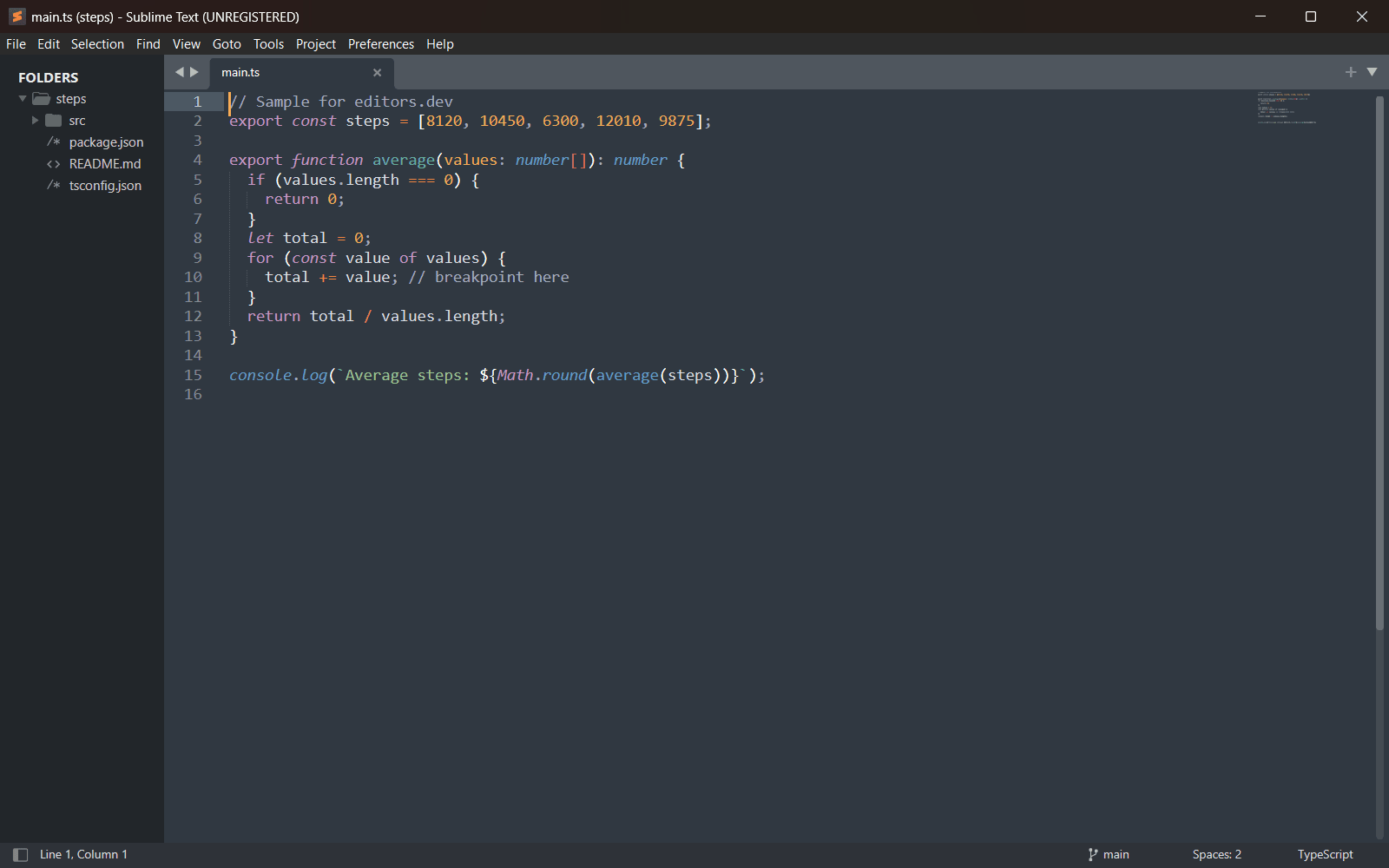
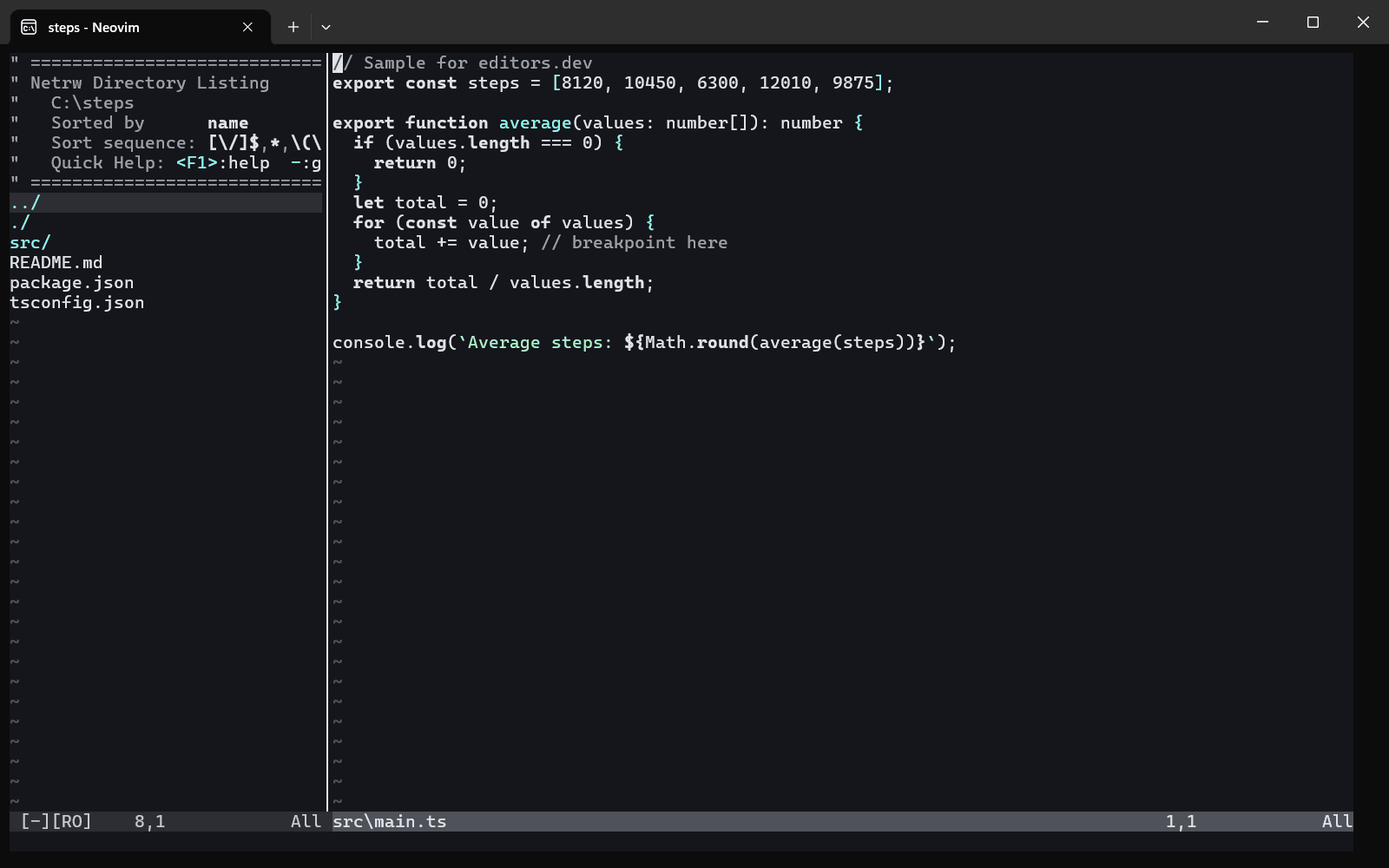
Built in Extension Not supported

Guides that cover VS Code
All guides

Sources
Last checked: 16 November 2026