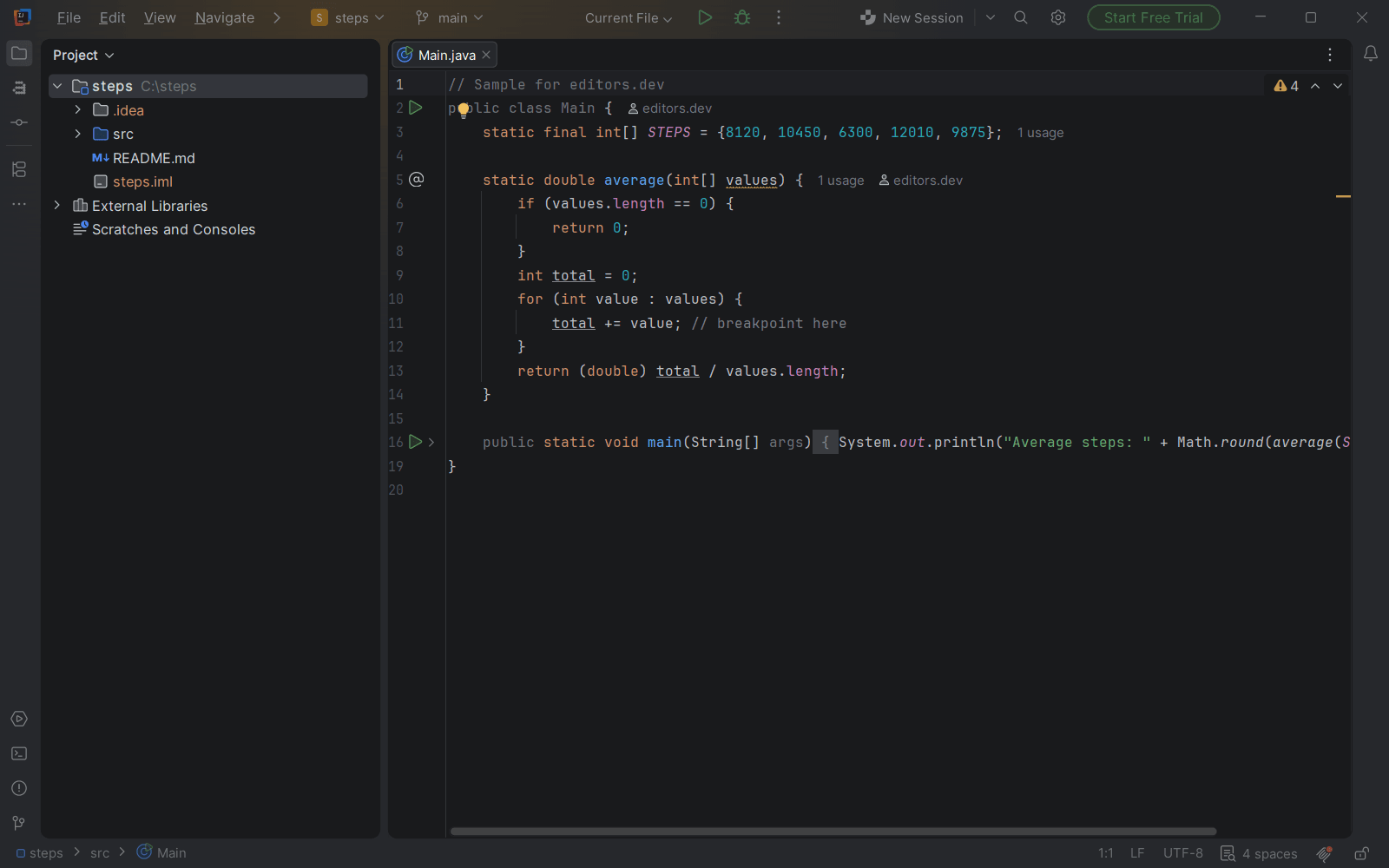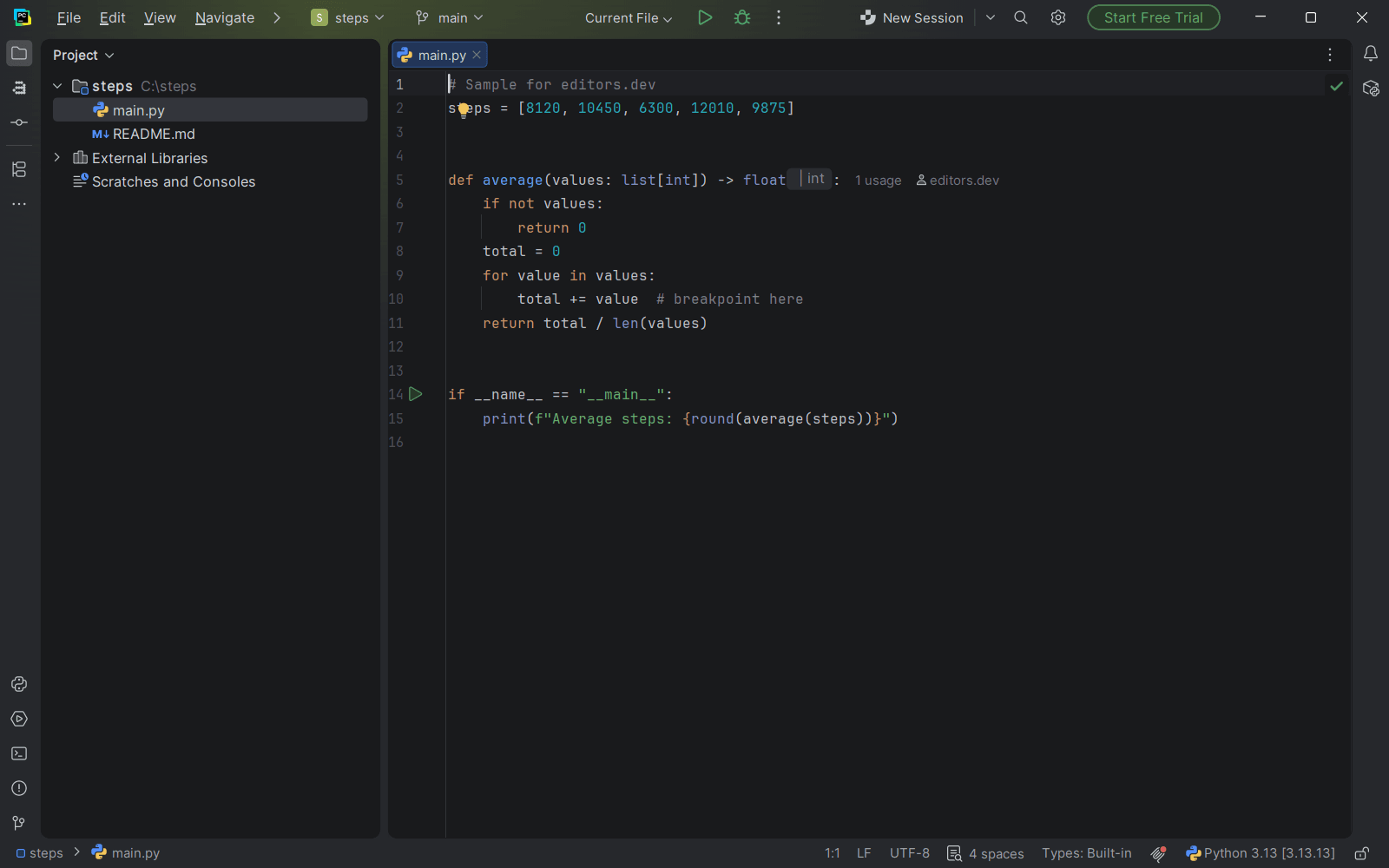

Python tooling is mostly about four things: an interpreter or virtual environment the editor understands, code intelligence, a debugger and tests. A Python IDE ships all four. A general editor adds them through extensions. Both work; the difference is how much you set up yourself.
All of them at a glance
| Editor | Best for | Price | Open source | Debugger | Integrated terminal | Git integration | Remote development |
|---|---|---|---|---|---|---|---|
| PyCharm | Python with no setup | Free tier, paid plans | No | Built in | Built in | Built in | Built in |
| VS Code | Python alongside other languages | Free | Yes | Built in | Built in | Built in | Extension |
| VSCodium | An open-source VS Code build | Free | Yes | Built in | Built in | Built in | Extension |
| Zed | A light native editor | Free tier, paid plans | Yes | Built in | Built in | Built in | Built in |
| Cursor | Python with an AI agent | Free tier, paid plans | No | Extension | Built in | Built in | Extension |
| Neovim | Keyboard-driven work in a terminal | Free | Yes | Extension | Built in | Not listed | Not listed |
| Visual Studio | Python with .NET or C++ on Windows | Free tier, paid plans | No | Built in | Built in | Built in | Built in |


Built in Extension Not supported
1. PyCharm: Python with nothing to install
Since 2025 PyCharm is a single product with a free core, and the old Community Edition has ended. The free part covers Python support, a debugger, testing frameworks, Git, a terminal, Docker and basic Jupyter notebooks that you can run and debug. It is free for commercial work too.
The Pro subscription adds what web and data teams tend to need: Django, Flask and FastAPI support, JavaScript and TypeScript, database tools, full local and remote notebooks, and remote development over SSH, Docker and WSL. Every new installation starts with a 30-day Pro trial and falls back to the free core when it ends.
2. VS Code: Python next to everything else
VS Code is free for commercial use and runs on every major system. Its built-in debugger covers JavaScript and TypeScript; Python support, including debugging, comes from Microsoft’s Python extension in the Marketplace. Once that is installed, VS Code handles Python well and lets you keep one editor for every language you write.
Remote work on servers, in containers or in WSL comes from Microsoft’s Remote Development extensions.
PyCharm
Python IDE with a free core and a paid Pro subscription.
VS Code
Free code editor from Microsoft that is extended through extensions.
3. VSCodium: the open-source build, with one catch
VSCodium is VS Code without Microsoft’s branding and telemetry. For Python there is a catch: its own documentation lists Microsoft’s Python extension as incompatible and suggests open-source replacements such as BasedPyright. Expect a little more setup than in VS Code.
4. Zed: a Python debugger in a native editor
Zed is a native, open-source editor written in Rust. Its debugger uses the Debug Adapter Protocol, and the Python adapter is built in, so you can set breakpoints in Python without installing an extension. Git, a terminal and remote development over SSH are built in as well.
5. Cursor: Python with an AI agent
Cursor is built on VS Code, so the Python setup is similar: its own documentation describes debugging through the Debug panel with the Python Debugger extension. What it adds is the AI layer, an autocomplete that edits several lines at once and agents that can change several files. The AI editors guide compares it with the alternatives.
6. Neovim: Python in the terminal
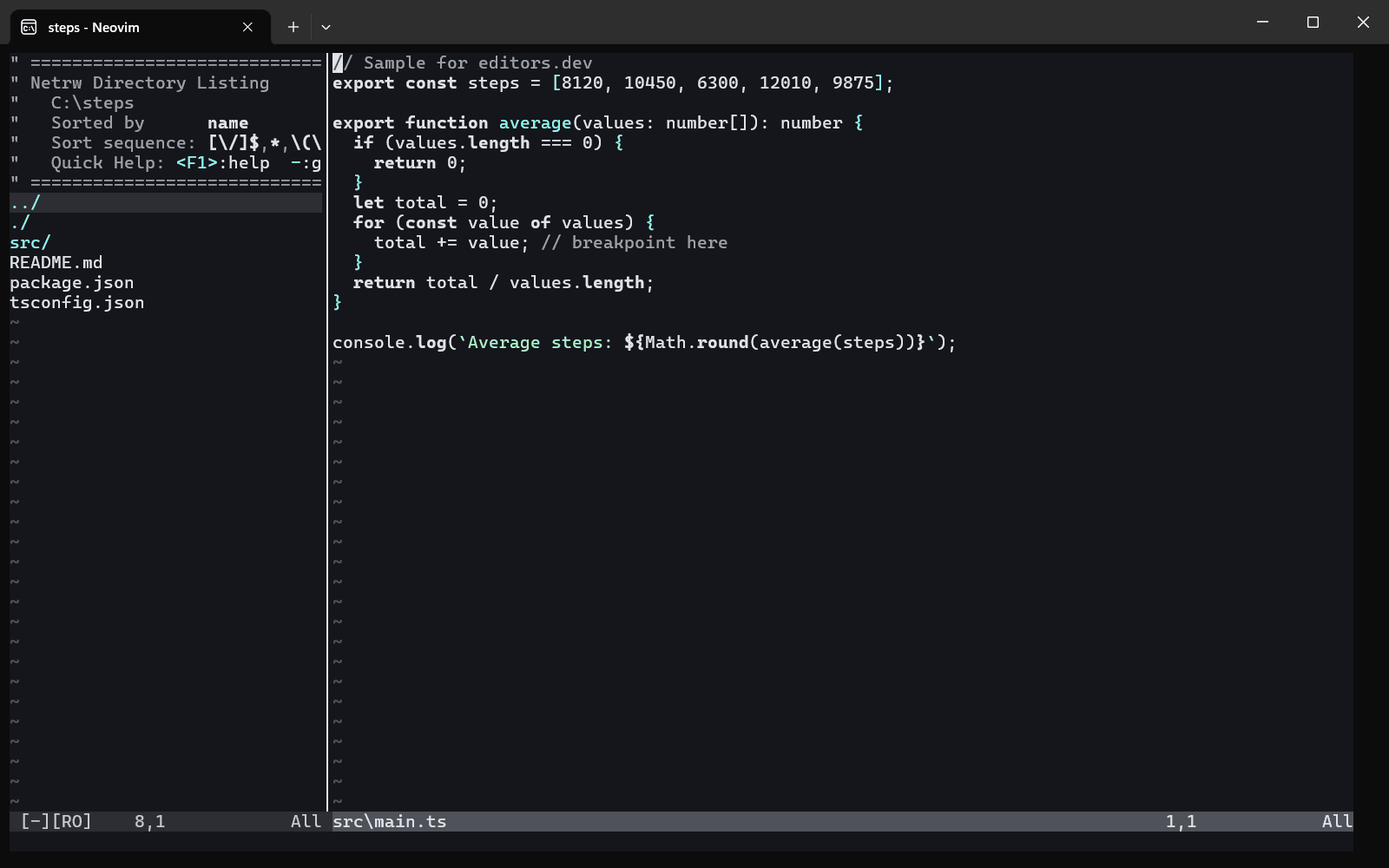
Neovim has an LSP client built in. Install a Python language server and you get completion, navigation and diagnostics inside a fast, keyboard-driven editor. Debugging comes from plugins. It suits people who already work in a terminal and like to assemble their own setup.
Other options
Visual Studio supports Python through its installer workloads, which makes sense if you also build .NET or C++ applications on Windows. It runs on Windows only. Apache NetBeans and Eclipse IDE do not list Python among their focus languages.
How to choose
If Python is most of what you write, start with PyCharm. Its free core needs no setup, and you will know within a week whether the Pro features are worth paying for.
If you write Python next to JavaScript, Go or anything else, VS Code is the simpler choice. One editor, one set of habits.
If you want something lighter, try Zed. If you live in a terminal, Neovim.
Questions people ask
Is PyCharm free?
Its core is. Since the 2025 unified release, the core features are free for commercial and non-commercial use, and a Pro subscription adds web frameworks, database tools, full notebook support and remote development.
PyCharm or VS Code for Python?
PyCharm gives you more Python tooling with no setup. VS Code needs the Python extension but covers every other language too. Both are free to start with.