




Almost every good code editor is free to start with. The difference is what “free” covers. Some are free forever and open source. Some have a free core and sell an upgrade. One is free only for individuals and small teams. This guide groups them by what you get, then says where the limits are.
All of them at a glance
| Editor | Best for | Price | Platforms | Open source |
|---|---|---|---|---|
| VS Code | One editor for every language | Free | Windows, macOS, Linux | Yes |
| VSCodium | VS Code without Microsoft branding | Free | Windows, macOS, Linux | Yes |
| Zed | A fast native editor | Free tier, paid plans | macOS, Linux, Windows | Yes |
| Kate | A desktop editor with tools built in | Free | Windows, macOS, Linux | Yes |
| Notepad++ | Quick edits on Windows | Free | Windows | Yes |
| IntelliJ IDEA | Java and Kotlin | Free tier, paid plans | Windows, macOS, Linux | No |
| PyCharm | Python | Free tier, paid plans | Windows, macOS, Linux | No |
| Apache NetBeans | Java and PHP | Free | Windows, macOS, Linux | Yes |
| Eclipse IDE | Java, C and C++ | Free | Windows, macOS, Linux | Yes |
| Android Studio | Android apps | Free | Windows, macOS, Linux | Yes |
| Visual Studio | .NET and C++ on Windows | Free tier, paid plans | Windows | No |
| Neovim | Keyboard-driven work | Free | Windows, macOS, Linux | Yes |
| Helix | Terminal editing with no setup | Free | Windows, macOS, Linux | Yes |
| GNU Emacs | An editor you shape yourself | Free | Windows, macOS, Linux | Yes |
| Micro | A simple terminal editor | Free | Windows, macOS, Linux | Yes |
“Free tier, paid plans” in the table means the editor itself is free and paid plans add features such as AI usage or extra tooling.
Free editors for everyday work
VS Code
The most widely used free editor. It is free for private and commercial use with no paid plan, and it runs on Windows, macOS and Linux. A debugger for JavaScript and TypeScript, Git and a terminal are built in; other languages are added through extensions from a very large marketplace.
VSCodium
VSCodium is VS Code built from the same open-source code, without Microsoft’s branding and telemetry, and released under the MIT license. It installs extensions from the Open VSX registry. Its documentation lists a few Microsoft extensions that do not work, including Live Share, the Remote Development extensions and the official C/C++ and Python extensions, and it names open-source replacements for them.
Zed
Zed is an open-source native editor written in Rust. The editor, its debugger, Git, terminal, Vim mode and real-time collaboration are free. Paid plans cover Zed’s hosted AI models; with your own API keys the AI features cost nothing extra.
Kate
Kate is KDE’s free editor. A debugger, Git integration, a terminal, a language server client and a Vi input mode come with it as bundled plugins. It runs on Linux and Windows; macOS builds are nightly only.
Notepad++
A free, open-source editor for Windows only. It edits several files in tabs and highlights around 80 languages. Debugging, Git and Vim keybindings come from plugins, installed through its built-in Plugins Admin.
Free full IDEs
IntelliJ IDEA
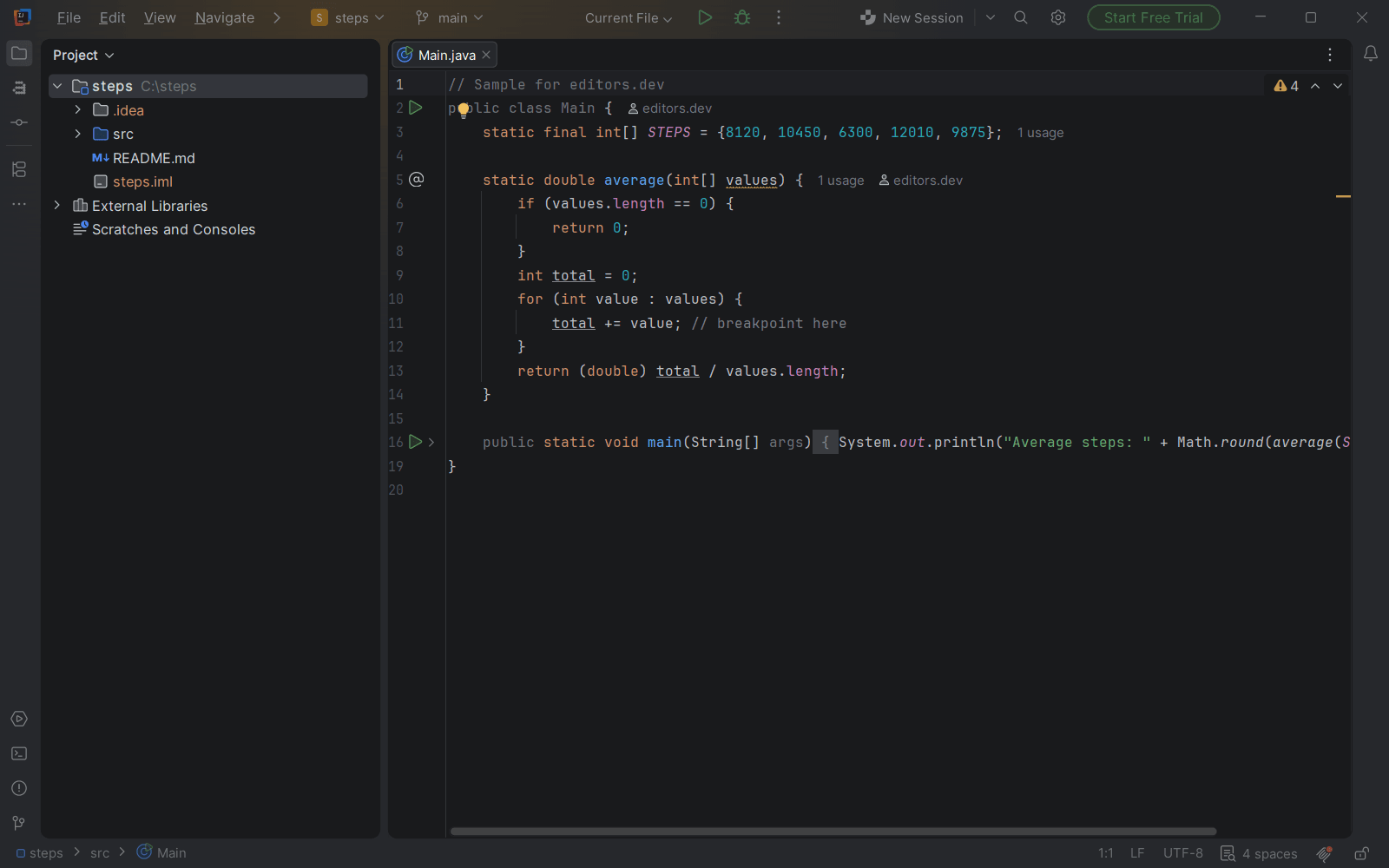
Since version 2025.3 IntelliJ IDEA is one download. Everything that used to be in the Community Edition is free for commercial and non-commercial use, with no activation. That includes the Java debugger, Maven and Gradle, test runners, a terminal and version control. The Ultimate subscription adds Spring, database tools, profiling and remote development.
PyCharm
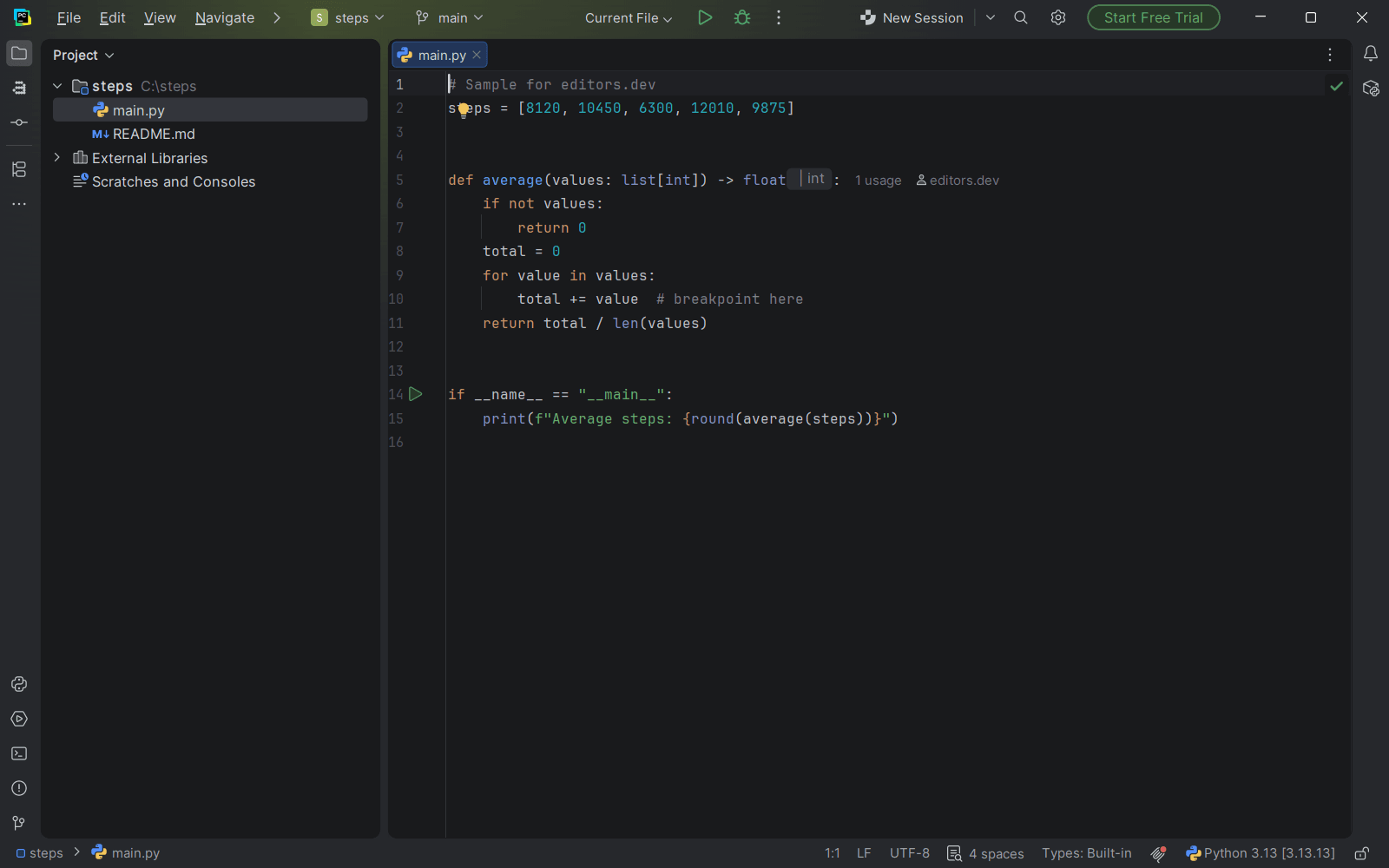
PyCharm works the same way for Python: the core IDE is free, including a debugger, test frameworks, Git and basic Jupyter notebooks. Pro adds web frameworks, database tools and remote development. The Python guide goes into more detail.
Apache NetBeans and Eclipse IDE
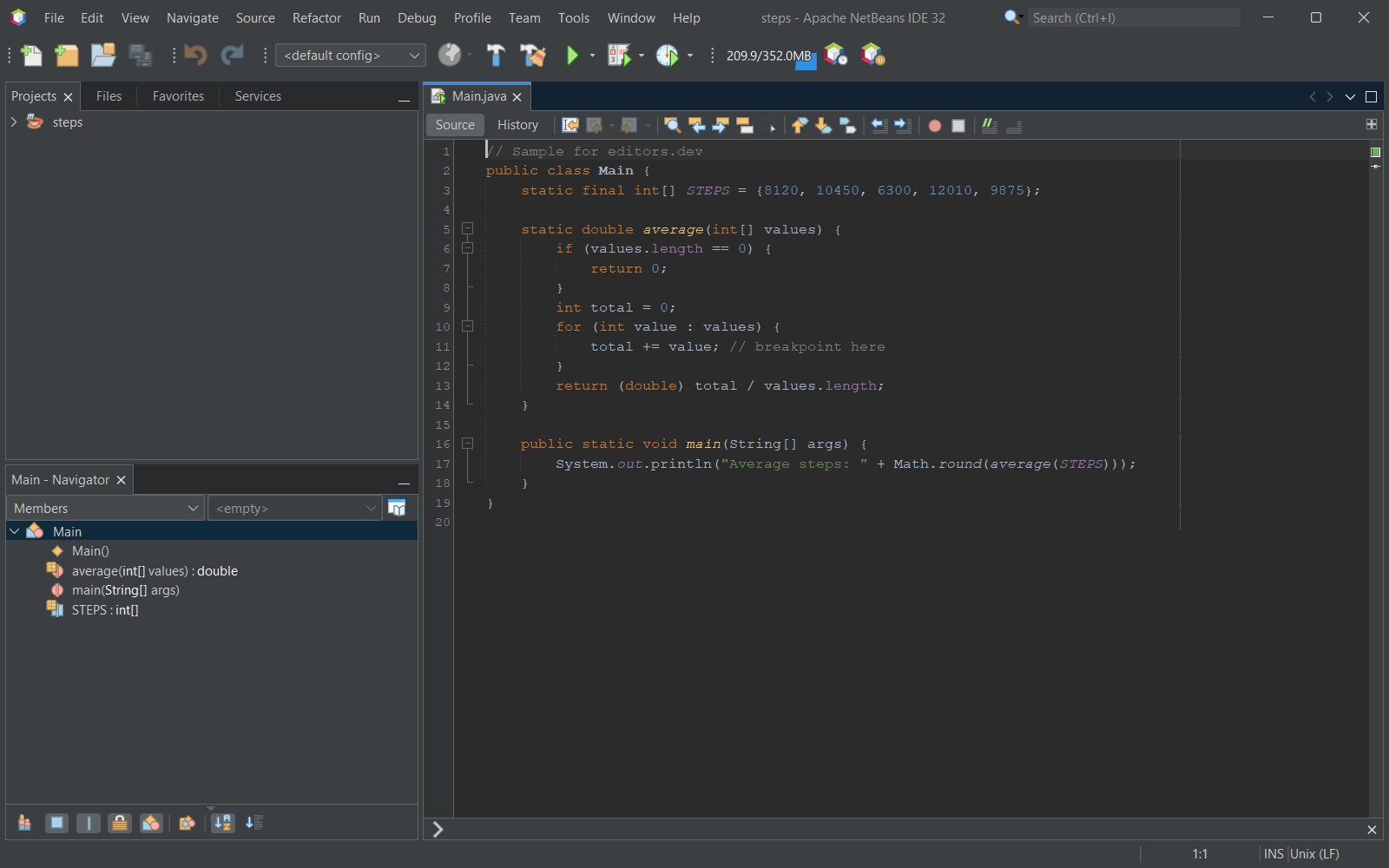
Both are free, open-source IDEs from foundations, with no paid editions. NetBeans covers Java, PHP, JavaScript, HTML and CSS under the Apache License. Eclipse covers Java, C, C++ and PHP under the Eclipse Public License. Both include a debugger, Git and a terminal.
Android Studio
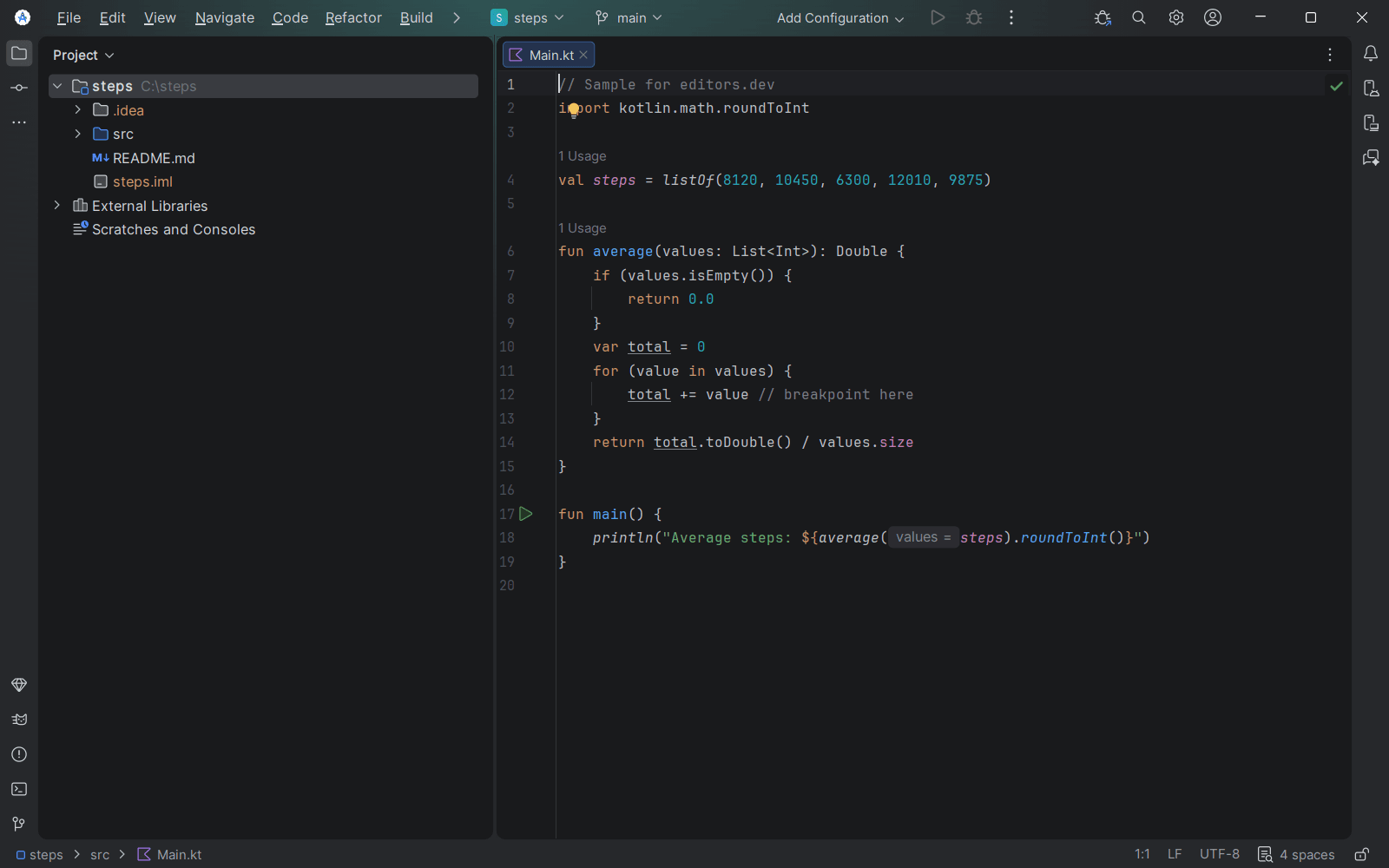
Google’s IDE for Android apps is free. Its Gemini-based AI agents have a free option with limits; higher limits need an API key or a Google AI subscription.
Visual Studio Community
Visual Studio Community is free, but only for some people: individual developers, classroom learning, academic research, open-source contributions, and up to five users in non-enterprise organizations. Larger companies need a paid edition. It runs on Windows only.
Free terminal editors
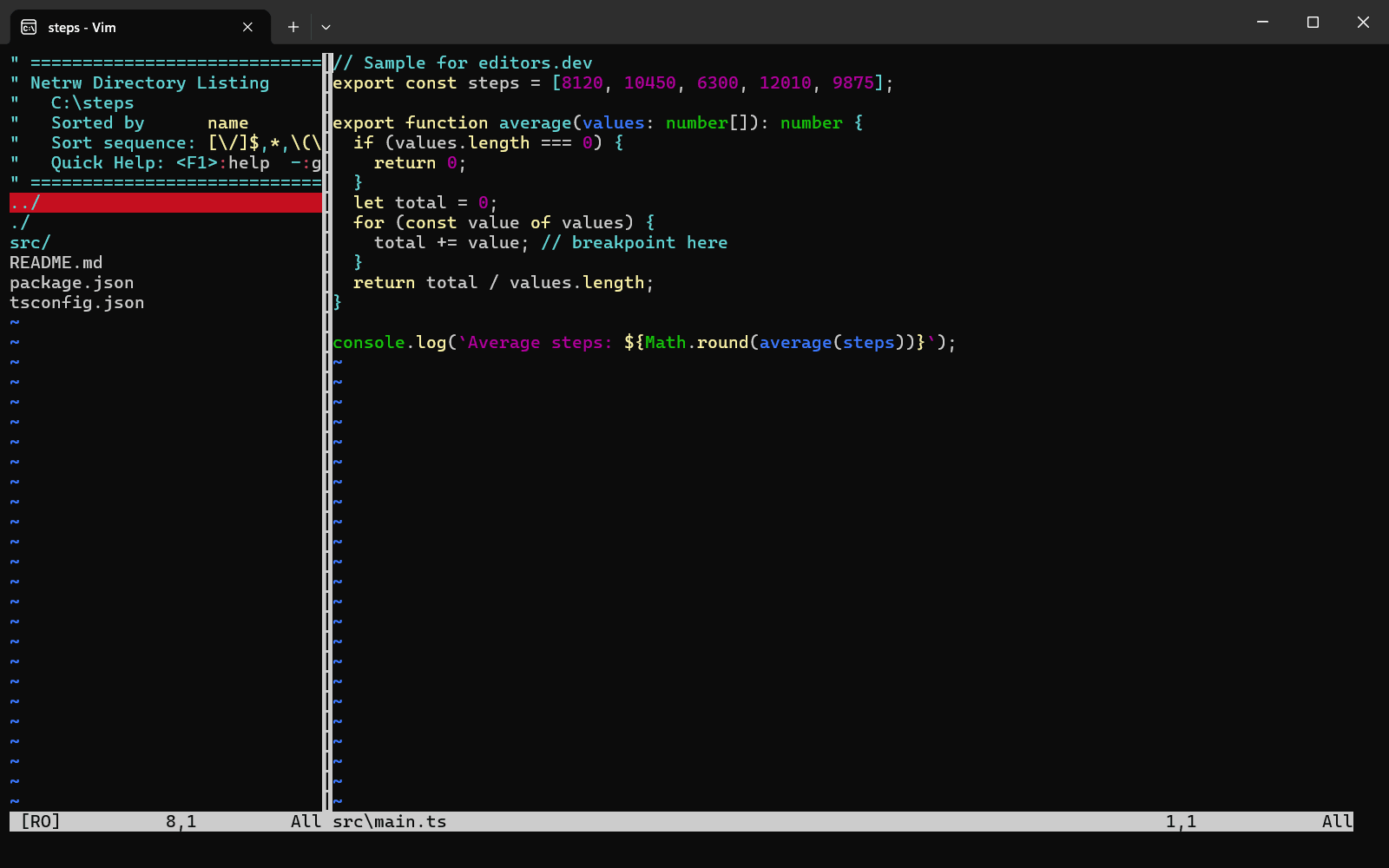
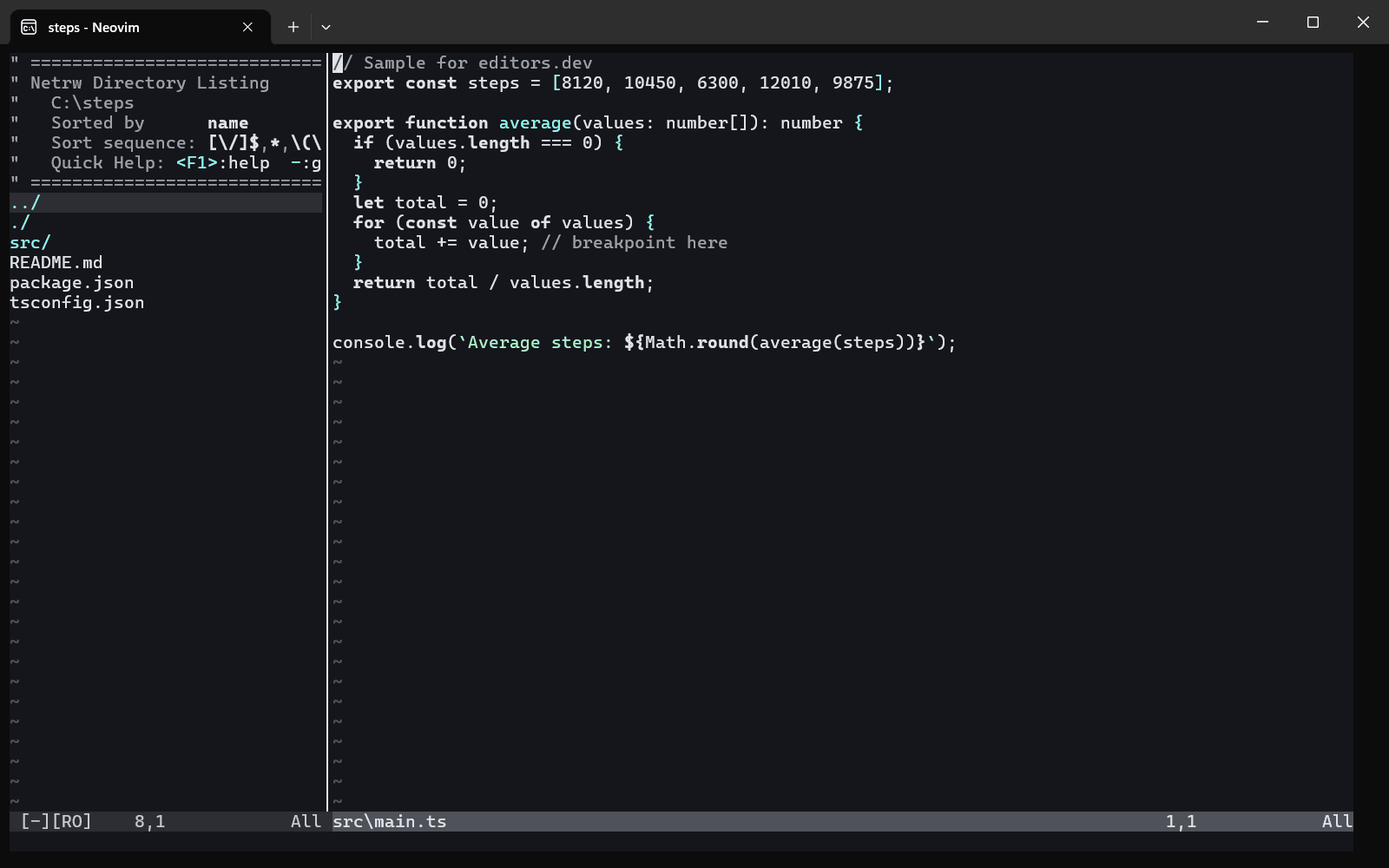
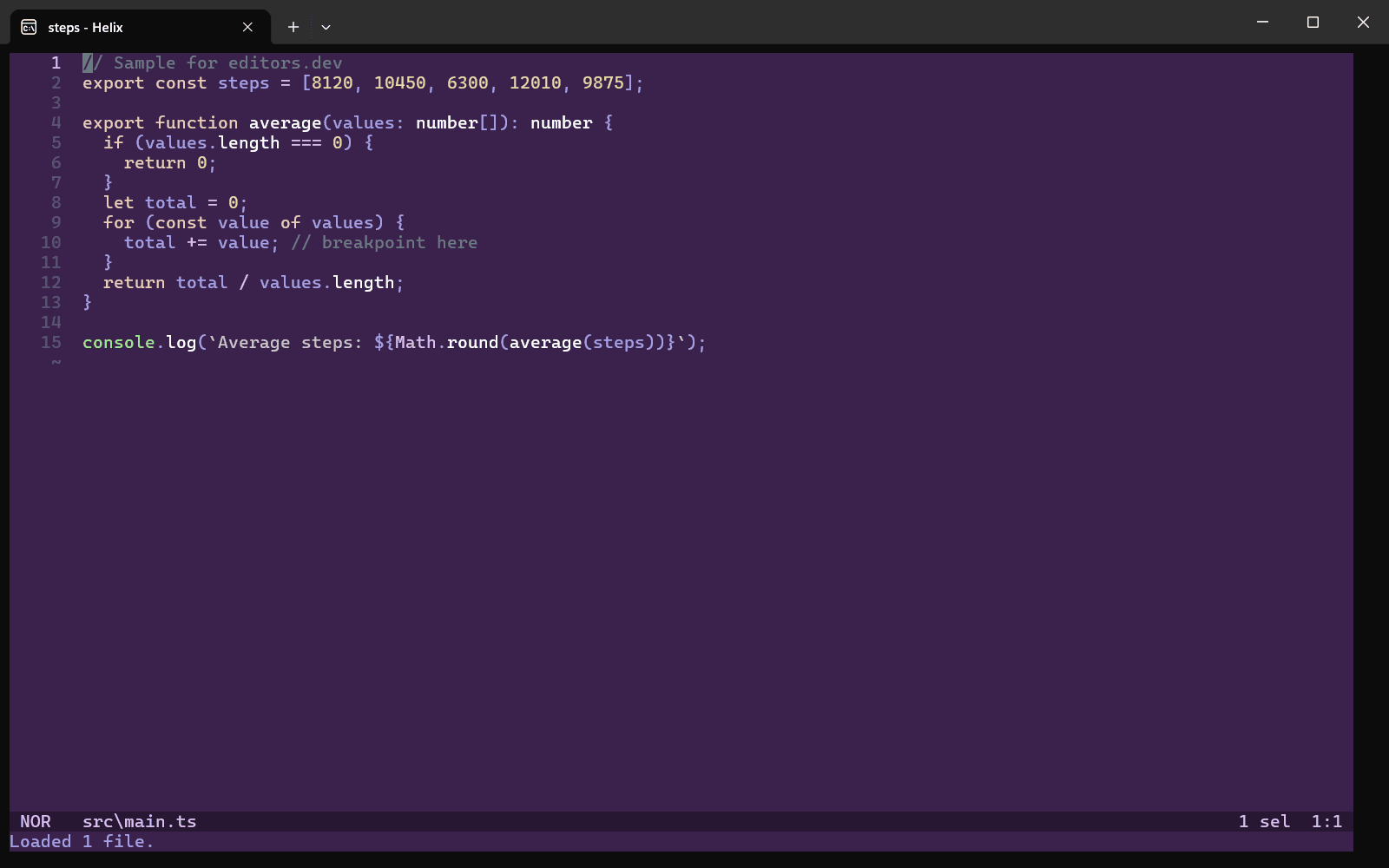
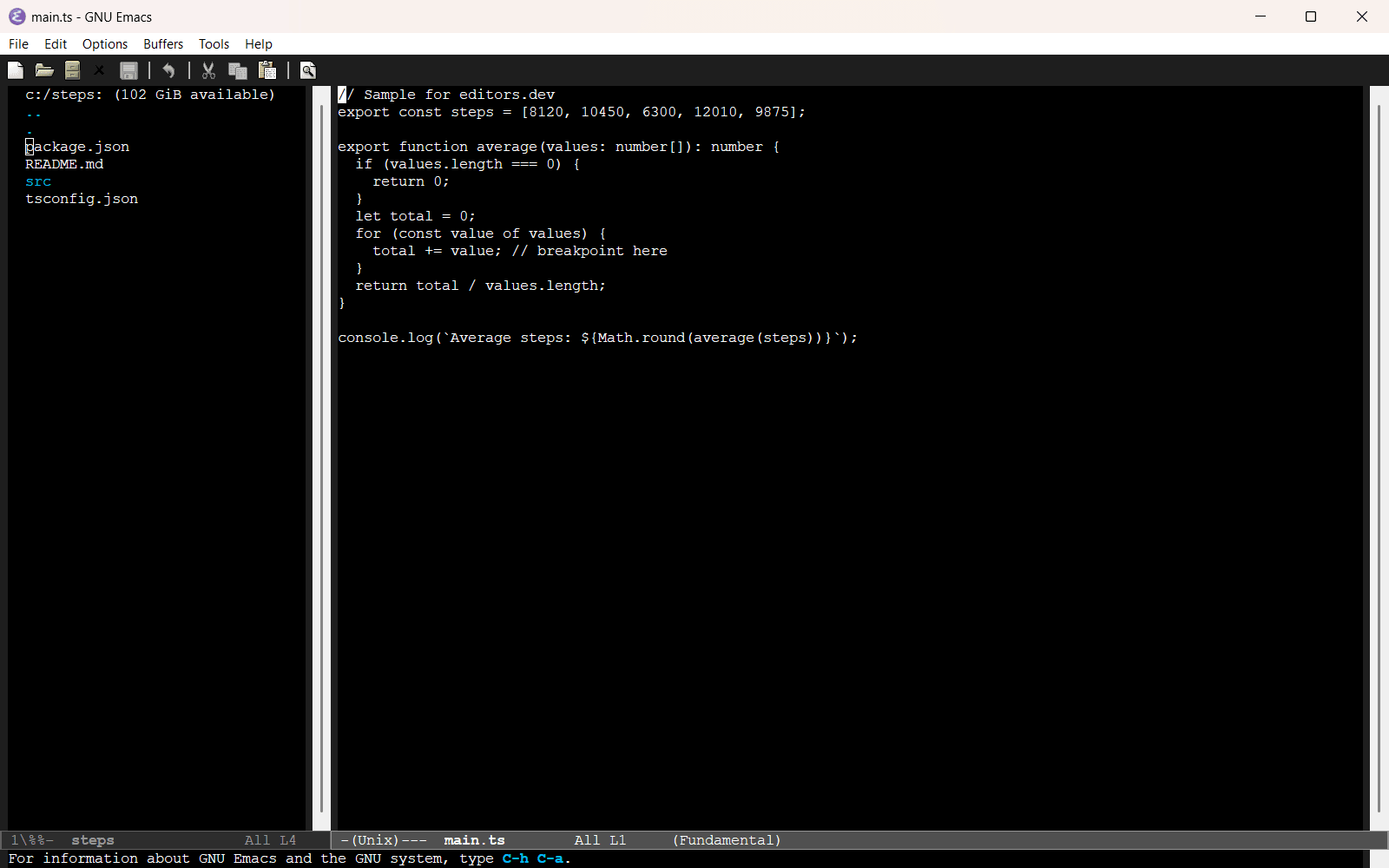
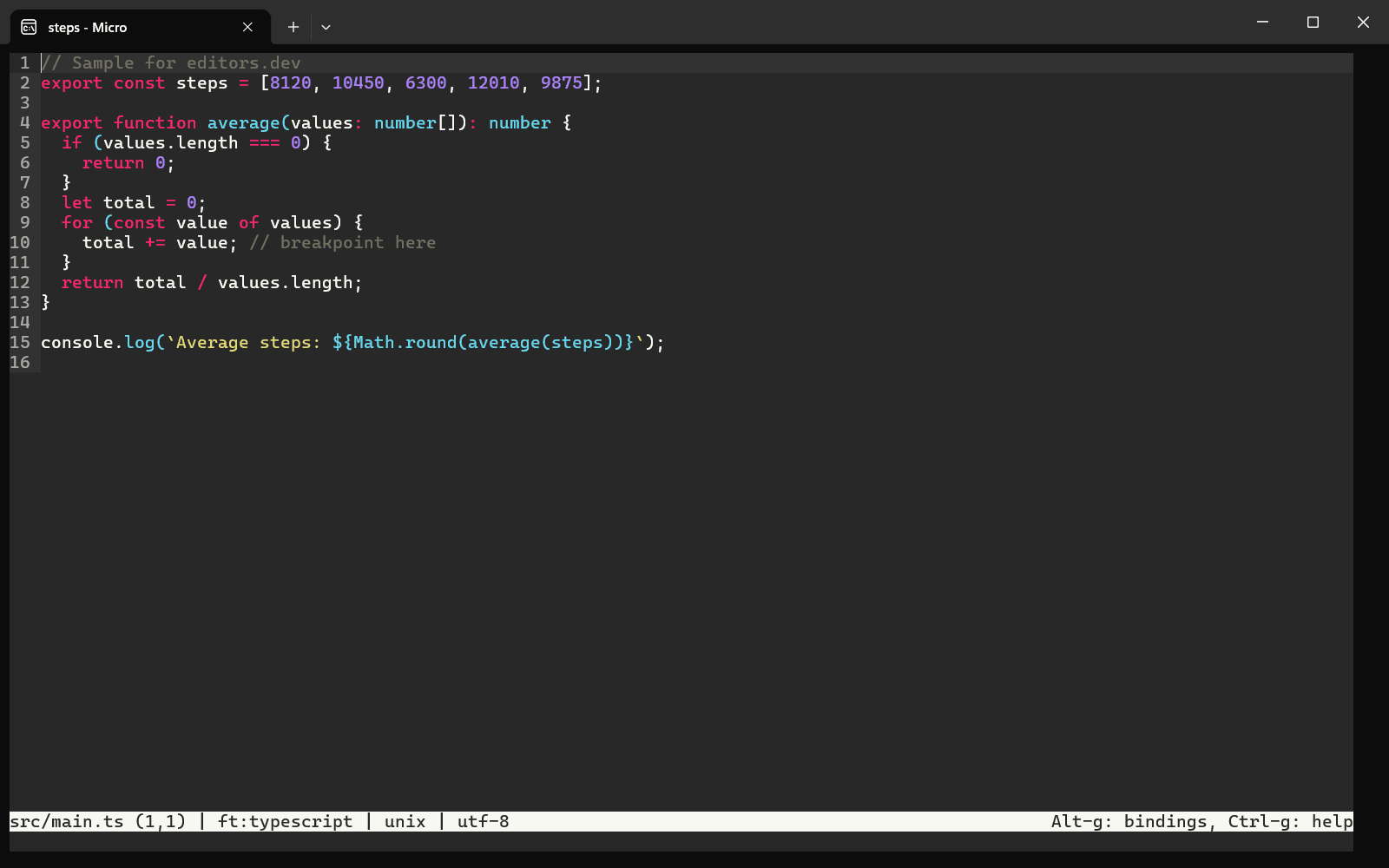
Neovim and Vim are the classic choices: free, open source and fully keyboard-driven. Neovim adds Lua configuration and a built-in LSP client. Helix includes language server support and a fuzzy finder with no plugins to install, but has no plugin system yet. In GNU Emacs every command is an Emacs Lisp program that you can change while the editor runs. Micro uses familiar shortcuts such as Ctrl+S and Ctrl+C, so there is no modal editing to learn.
How to choose
If you are not sure, start with VS Code. It is free for commercial work, it covers every major language and most tutorials assume it.
If you work mostly in one language, a free IDE for that language usually needs less setup: IntelliJ IDEA for Java, PyCharm for Python, Android Studio for Android.
If open source matters to you, choose VSCodium over VS Code, or Zed, Kate, NetBeans or Eclipse.
Questions people ask
Can I use these free editors for commercial work?
Most of them, yes. VS Code, VSCodium, Zed, IntelliJ IDEA’s free core, PyCharm’s free core, NetBeans, Eclipse and the open-source editors allow commercial use. Visual Studio Community does not cover larger organizations, and some JetBrains IDEs such as WebStorm are free only for non-commercial use.
What is the difference between VS Code and VSCodium?
They are built from the same source code. VSCodium removes Microsoft’s branding and telemetry and uses the Open VSX extension registry, so a few Microsoft extensions are not available.