Neovim
Vim-based text editor that you configure and extend with Lua.
Screenshots
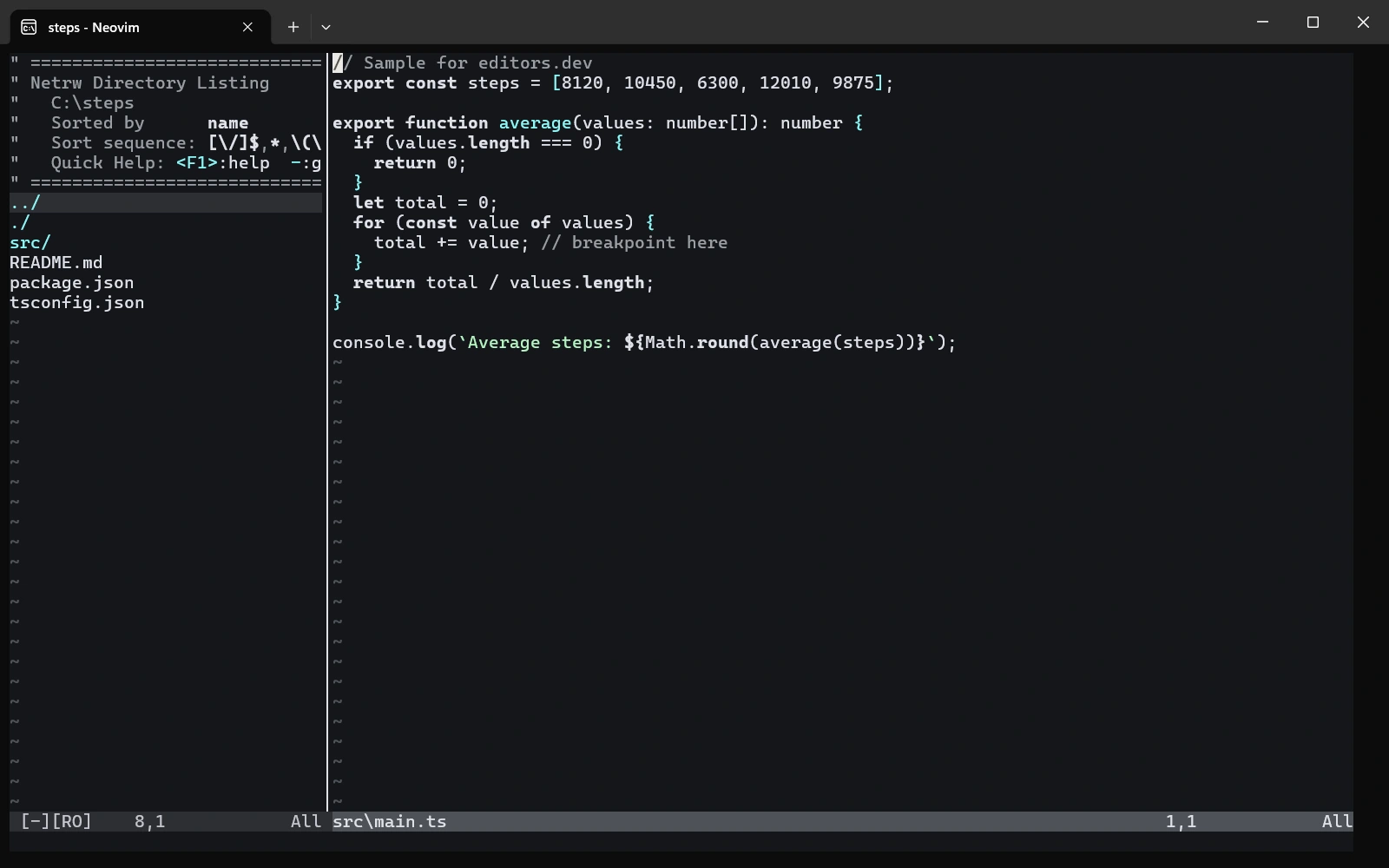
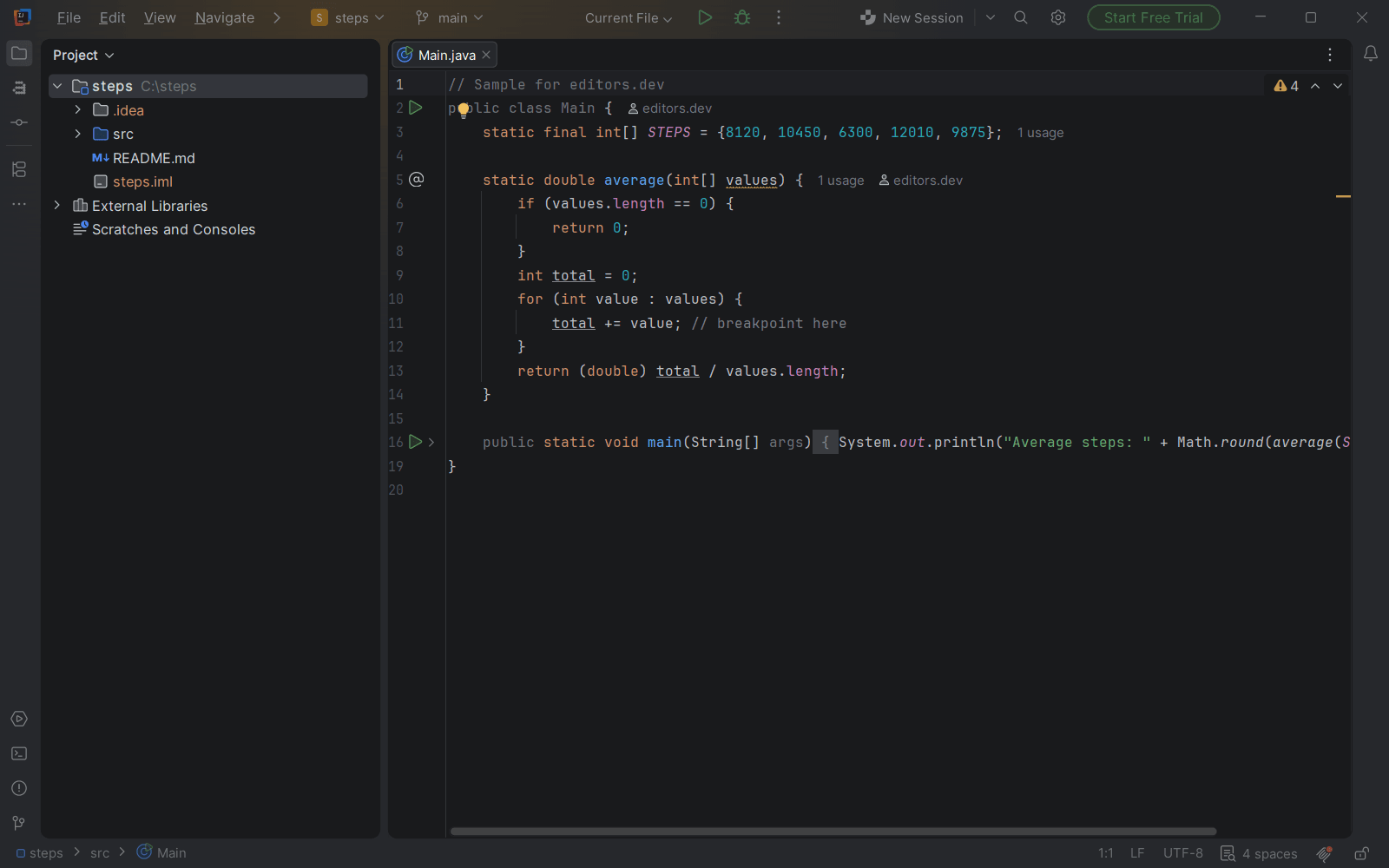
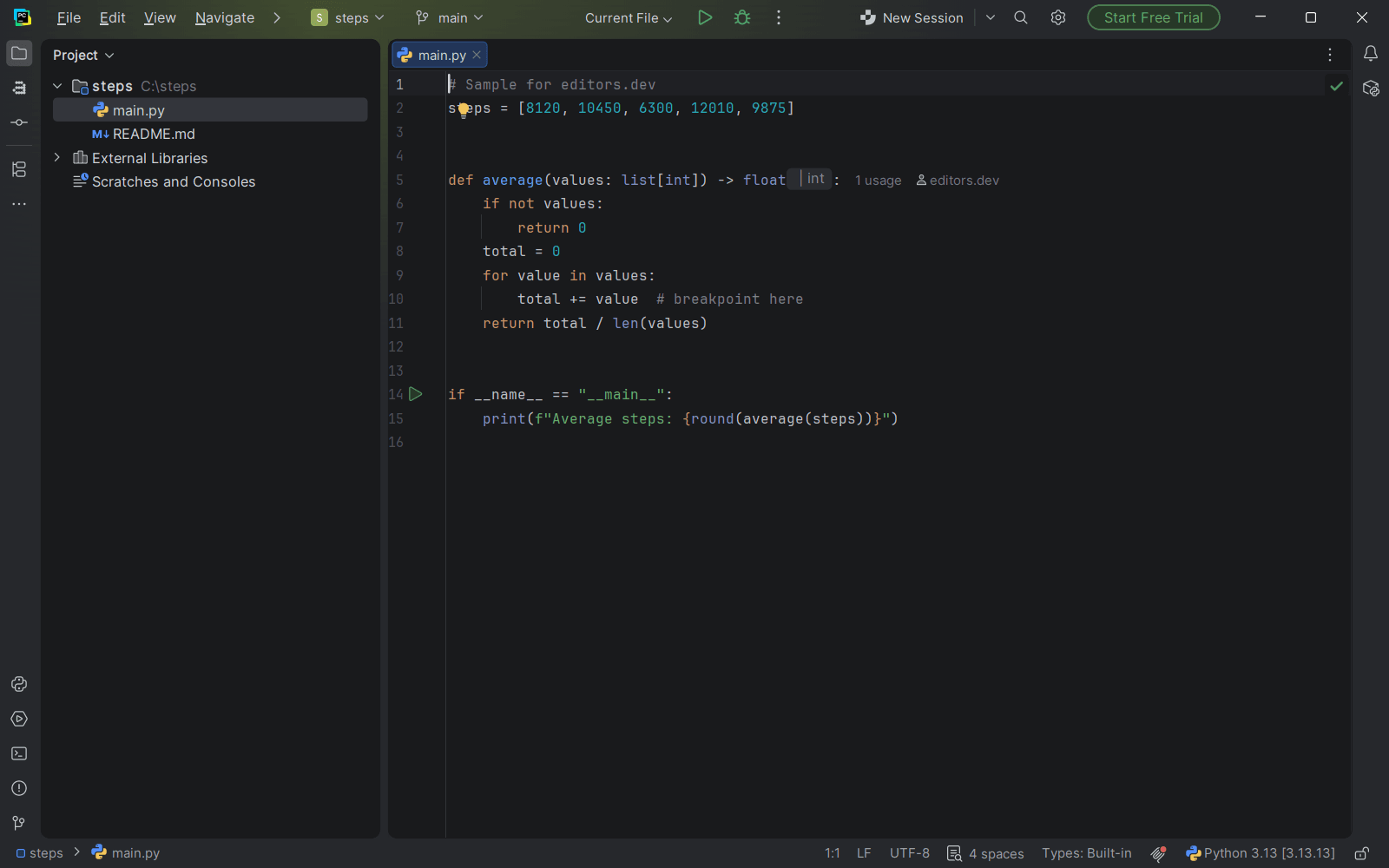
Screenshots of Neovim 0.12.6, taken on 20 November 2026 with the same sample project as every editor on this site. Method
About Neovim
Neovim is a fork of Vim that keeps Vim's modal editing model and Vimscript compatibility. It adds Lua scripting, a built-in LSP client, tree-sitter parsing and an embedded terminal emulator. Its built-in interface runs in the terminal, and other interfaces can attach through its API.
What it offers
- Configuration is written in Lua (init.lua) or Vimscript (init.vim), and most Vim plugins work.
- An LSP client is built in. Language servers are provided by third parties and installed separately.
- The tree-sitter library is integrated for incremental parsing, which is used for syntax highlighting and text objects.
- A terminal emulator is embedded and opened with the :terminal command.
- A plugin manager (vim.pack) ships with the editor and installs plugins from Git repositories.
What is built in
Listed only where we have checked it
- Debugger Extension
- Git integration Not listed
- Integrated terminal Built in
- AI assistant Extension
- Remote development Not listed
- Live collaboration Not listed
- Vim mode Built in
Languages
How Neovim supports each common language, and what you get with the recommended setup.
11 Official extension 15 Community extension
- JavaScript Official extension
With tsc --lsp (TypeScript 7)
- Completion : Yes
- Go to definition : Yes
- Refactoring : Yes
- Debugging : No
- Tests : No
- Formatting : No
Uses the language server built into TypeScript 7.0 and later (enable the tsc config from nvim-lspconfig); it also serves plain JavaScript files. Debugging needs nvim-dap and a JavaScript debug adapter.
Source ↗ - TypeScript Official extension
With tsc --lsp (TypeScript 7)
- Completion : Yes
- Go to definition : Yes
- Refactoring : Yes
- Debugging : No
- Tests : No
- Formatting : No
The language server is part of TypeScript 7.0 and later, installed with npm; the older typescript-language-server (ts_ls) is a third-party wrapper. Vue, Svelte and Astro projects still need the TypeScript 6 tooling for now.
Source ↗ - C# Official extension
With roslyn_ls (Roslyn language server)
- Completion : Yes
- Go to definition : Yes
- Refactoring : Yes
- Debugging : No
- Tests : No
- Formatting : Yes
The Roslyn language server comes from the .NET team's dotnet/roslyn repository and is installed as a dotnet tool. Debugging needs nvim-dap and a separate .NET debug adapter such as netcoredbg.
Source ↗ - Go Official extension
With gopls
- Completion : Yes
- Go to definition : Yes
- Refactoring : Yes
- Debugging : No
- Tests : No
- Formatting : Yes
gopls is maintained by the Go team, and the Go docs give a Neovim setup that formats and organizes imports on save. Debugging needs nvim-dap and Delve.
Source ↗ - Rust Official extension
With rust-analyzer
- Completion : Yes
- Go to definition : Yes
- Refactoring : Yes
- Debugging : No
- Tests : No
- Formatting : Yes
rust-analyzer is maintained under the rust-lang organization; its manual suggests the rust_analyzer config from nvim-lspconfig, or the rustaceanvim plugin for a fuller setup. Debugging needs nvim-dap and an LLDB-based debug adapter.
Source ↗ - Kotlin Official extension
With kotlin_lsp (Kotlin LSP by JetBrains)
- Completion : Yes
- Go to definition : Yes
- Refactoring : Yes
- Debugging : No
- Tests : No
- Formatting : Yes
JetBrains' own Kotlin language server, enabled with the kotlin_lsp config from nvim-lspconfig. It is still alpha, works with Gradle and Maven projects, and is partly closed-source; the older third-party kotlin-language-server is now deprecated.
Source ↗ - Swift Official extension
With sourcekit-lsp
- Completion : Yes
- Go to definition : Yes
- Refactoring : Yes
- Debugging : No
- Tests : No
- Formatting : Yes
sourcekit-lsp is made by the Swift project and ships with the Swift toolchain (and Xcode on macOS); enable the sourcekit config from nvim-lspconfig. Debugging needs nvim-dap and lldb-dap.
Source ↗ - Dart Official extension
With dartls (Dart SDK language server)
- Completion : Yes
- Go to definition : Yes
- Refactoring : Yes
- Debugging : No
- Tests : No
- Formatting : Yes
The language server is part of the Dart SDK and is enabled with the dartls config from nvim-lspconfig. Flutter developers often add the community flutter-tools.nvim plugin, which also sets up debugging through nvim-dap.
Source ↗ - Scala Official extension
With nvim-metals (Metals)
- Completion : Yes
- Go to definition : Yes
- Refactoring : Yes
- Debugging : No
- Tests : Yes
- Formatting : Yes
Metals is developed by the Scala Center and VirtusLab, and the scalameta organization's nvim-metals plugin is the recommended setup; it installs Metals for you. Debugging and running tests go through nvim-dap.
Source ↗ - Elixir Official extension
With expert
- Completion : Yes
- Go to definition : Yes
- Refactoring : No
- Debugging : No
- Tests : No
- Formatting : Yes
Expert is the official Elixir language server, still in alpha, enabled with the expert config from nvim-lspconfig. Neither Neovim nor Vim ships Elixir highlighting, so you also need a tree-sitter parser or the vim-elixir plugin.
Source ↗ - Haskell Official extension
With hls (haskell-language-server)
- Completion : Yes
- Go to definition : Yes
- Refactoring : Yes
- Debugging : No
- Tests : No
- Formatting : Yes
haskell-language-server is maintained under the haskell organization and is usually installed with GHCup. The community haskell-tools.nvim plugin adds more on top, such as Hoogle search and a GHCi REPL.
Source ↗ - Python Community extension
With pyright
- Completion : Yes
- Go to definition : Yes
- Refactoring : Yes
- Debugging : No
- Tests : No
- Formatting : No
The Python project ships no language server; Pyright (by Microsoft) is the usual choice, with basedpyright, ty and pylsp as alternatives. Pyright does not format code, and debugging needs nvim-dap with debugpy.
Source ↗ - Java Community extension
With jdtls (Eclipse JDT Language Server)
- Completion : Yes
- Go to definition : Yes
- Refactoring : Yes
- Debugging : No
- Tests : No
- Formatting : Yes
jdtls comes from the Eclipse project, not from the Java platform itself. nvim-lspconfig recommends the nvim-jdtls plugin for the full feature set, including debugging and running tests.
Source ↗ - C++ Community extension
With clangd
- Completion : Yes
- Go to definition : Yes
- Refactoring : Yes
- Debugging : No
- Tests : No
- Formatting : Yes
clangd comes from the LLVM project and needs a compile_commands.json for your project. Debugging needs nvim-dap and a debug adapter such as lldb-dap or GDB.
Source ↗ - C Community extension
With clangd
- Completion : Yes
- Go to definition : Yes
- Refactoring : Yes
- Debugging : No
- Tests : No
- Formatting : Yes
Neovim bundles a tree-sitter parser for C, and clangd (from the LLVM project) gives the language features; it needs a compile_commands.json for larger projects. Debugging needs nvim-dap and an adapter such as lldb-dap or GDB.
Source ↗ - PHP Community extension
With intelephense
- Completion : Yes
- Go to definition : Yes
- Refactoring : No
- Debugging : No
- Tests : No
- Formatting : Yes
Intelephense is a third-party server; rename and code actions need its paid licence. Phpactor is a free, open-source alternative.
Source ↗ - Ruby Community extension
With ruby-lsp
- Completion : Yes
- Go to definition : Yes
- Refactoring : Yes
- Debugging : No
- Tests : No
- Formatting : Yes
Ruby LSP is made by Shopify; its Neovim setup is community-documented, and its test and debug integration only works in VS Code. TypeProf from the Ruby project also has an LSP mode but is labelled experimental.
Source ↗ - Objective-C Community extension
With clangd
- Completion : Yes
- Go to definition : Yes
- Refactoring : Yes
- Debugging : No
- Tests : No
- Formatting : Yes
The bundled Vim syntax files highlight Objective-C, and clangd from the LLVM project handles .m files like C and C++. Debugging needs nvim-dap and lldb-dap.
Source ↗ - HTML Community extension
With vscode-html-language-server
- Completion : Yes
- Go to definition : No
- Refactoring : No
- Debugging : No
- Tests : No
- Formatting : Yes
The html config uses the HTML server extracted from VS Code (the vscode-langservers-extracted npm package), which completes tags and attributes and formats files. SuperHTML is a stricter alternative that also has a config.
Source ↗ - CSS Community extension
With vscode-css-language-server
- Completion : Yes
- Go to definition : Yes
- Refactoring : Yes
- Debugging : No
- Tests : No
- Formatting : Yes
The cssls config uses the CSS server from the vscode-langservers-extracted npm package; it also covers SCSS and Less. Completion snippets need a client that supports them.
Source ↗ - SQL Community extension
With vim-dadbod, vim-dadbod-ui, vim-dadbod-completion
- Completion : Yes
- Go to definition : No
- Refactoring : No
- Debugging : No
- Tests : No
- Formatting : No
SQL highlighting comes from the bundled Vim runtime. Most people add tpope's vim-dadbod with its UI and completion add-ons to connect to databases, run queries and complete table and column names; sqls and the Postgres Language Server are LSP alternatives.
Source ↗ - Shell Community extension
With bashls (bash-language-server)
- Completion : Yes
- Go to definition : Yes
- Refactoring : Yes
- Debugging : No
- Tests : No
- Formatting : Yes
bash-language-server gives completion, go to definition and rename; it shows ShellCheck warnings and formats with shfmt if those tools are installed.
Source ↗ - Lua Community extension
With lua_ls (LuaLS)
- Completion : Yes
- Go to definition : Yes
- Refactoring : Yes
- Debugging : No
- Tests : No
- Formatting : Yes
Neovim bundles a tree-sitter parser for Lua, since its own configuration is written in Lua. LuaLS is a third-party server with a built-in formatter; the lazydev.nvim plugin teaches it the Neovim API.
Source ↗ - R Community extension
With r_language_server (languageserver R package)
- Completion : Yes
- Go to definition : Yes
- Refactoring : Yes
- Debugging : No
- Tests : No
- Formatting : Yes
The languageserver package from REditorSupport is installed from CRAN inside R. The community R.nvim plugin is the usual way to send code to a running R console.
Source ↗ - Zig Community extension
With zls
- Completion : Yes
- Go to definition : Yes
- Refactoring : Yes
- Debugging : No
- Tests : No
- Formatting : Yes
ZLS comes from the zigtools community, not the Zig team, and its version should match your Zig version. Debugging needs nvim-dap and lldb-dap.
Source ↗ - Julia Community extension
With julials (LanguageServer.jl)
- Completion : Yes
- Go to definition : Yes
- Refactoring : Yes
- Debugging : No
- Tests : No
- Formatting : Yes
LanguageServer.jl comes from the julia-vscode project and is installed as a Julia package; it can be slow to start on large environments. The newer JETLS.jl also has a config but is still early.
Source ↗
Who it is for
Who it suits
- Developers who work in a terminal or over SSH and want Vim's modal editing.
- Vim users, since an existing Vim configuration and most Vim plugins can be carried over.
- People who want to build their own setup by writing Lua configuration and adding plugins.
Who should look elsewhere
- People who want language support ready on first launch. Language servers have to be installed and configured separately.
- People who want a graphical interface from the project itself. The built-in interface is terminal-based and GUIs are separate projects.
- People who prefer non-modal editing. The editing model is Vim's.
Neovim pricing
Free and open source. Development is funded by sponsorship and donations managed through OpenCollective. Neovim's own code is under Apache 2.0, and the parts contributed under the Vim license keep that license.
Price Free Open source
Neovim next to its alternatives
The same facts for each editor, taken from the directory.
| Editor | Type | Price | Built with | Platforms | Languages built in | Remote development | Live collaboration | Vim mode |
|---|---|---|---|---|---|---|---|---|
| Neovim | Terminal | Free Open source | C, Lua, Vimscript | Windows · macOS · Linux | 0 / 26 | –Not listed | –Not listed | Built in |
| Helix | Terminal | Free Open source | Rust | Windows · macOS · Linux | 25 / 26 | –Not listed | –Not listed | Not supported |
| Zed | Editor | Free tier, paid plans Open source | Rust, GPUI | macOS · Linux · Windows | 10 / 26 | Built in | Built in | Built in |
| VS Code | Editor | Free Open source | TypeScript, Electron | Windows · macOS · Linux | 5 / 26 | Extension | Extension | Extension |


Built in Extension Not supported
Head-to-head comparisons
All comparisons
Guides that cover Neovim
All guides


Sources
Last checked: 16 November 2026