Apache NetBeans
Free, open-source IDE for Java, PHP, JavaScript, HTML5 and CSS.
Screenshots
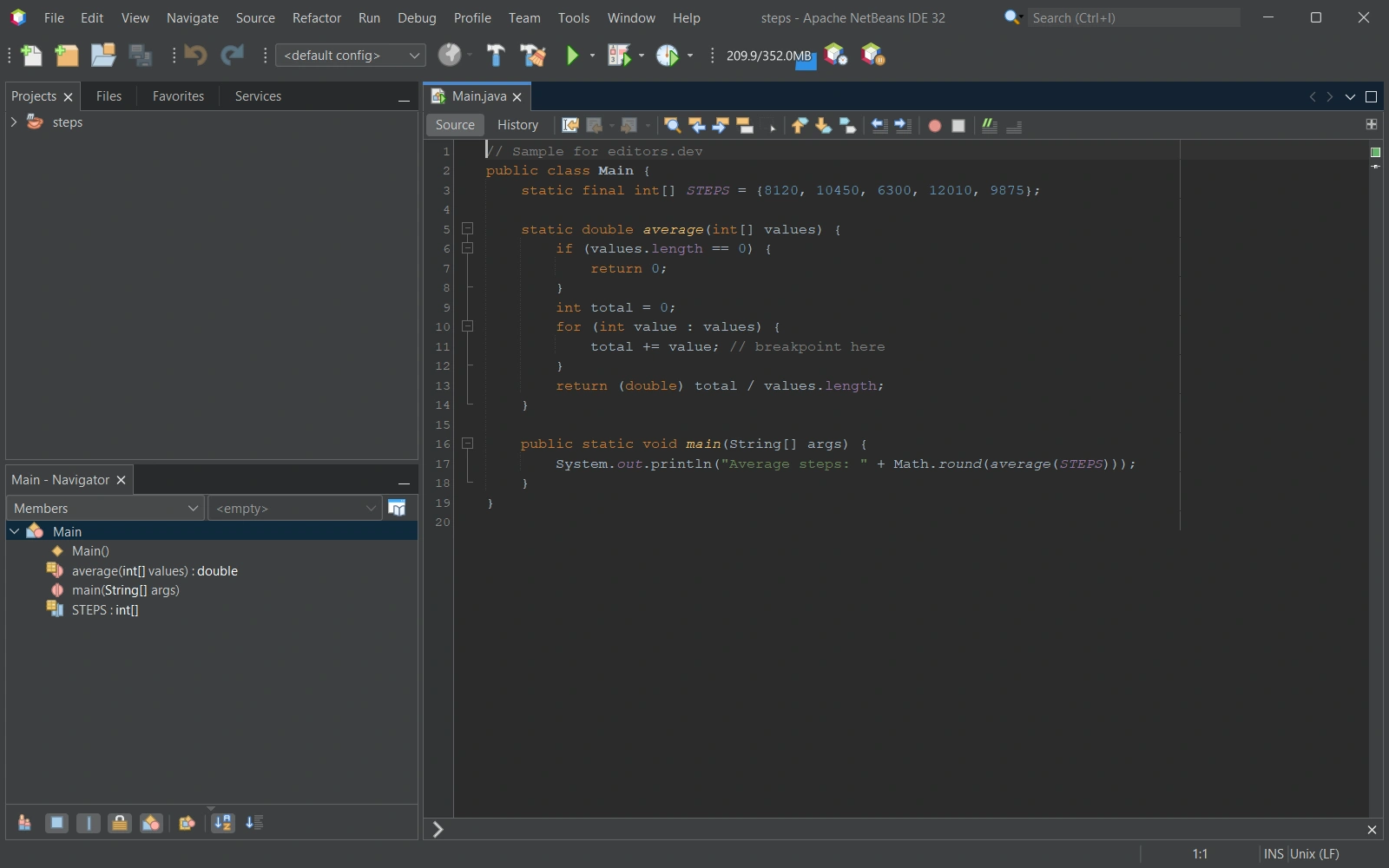
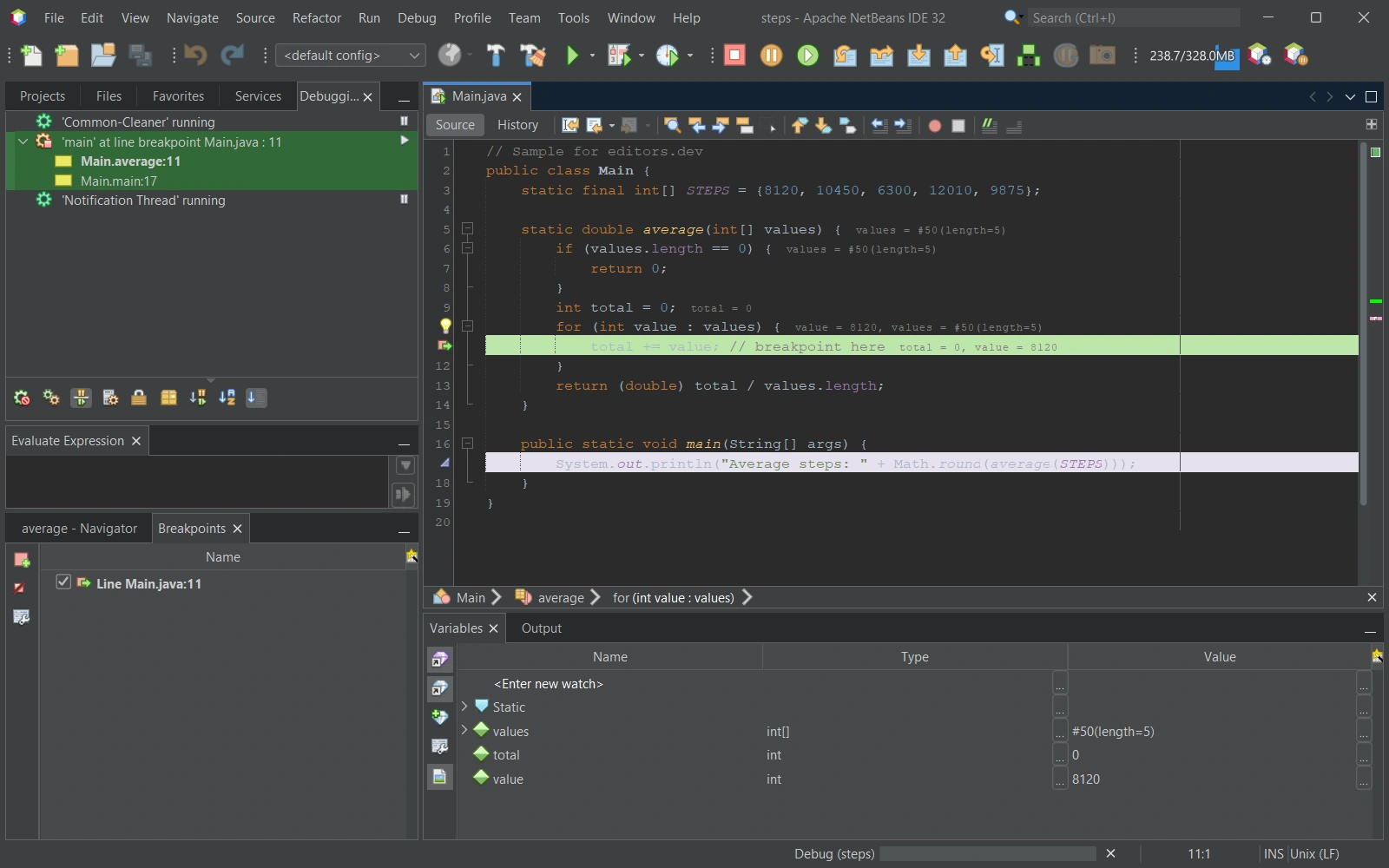
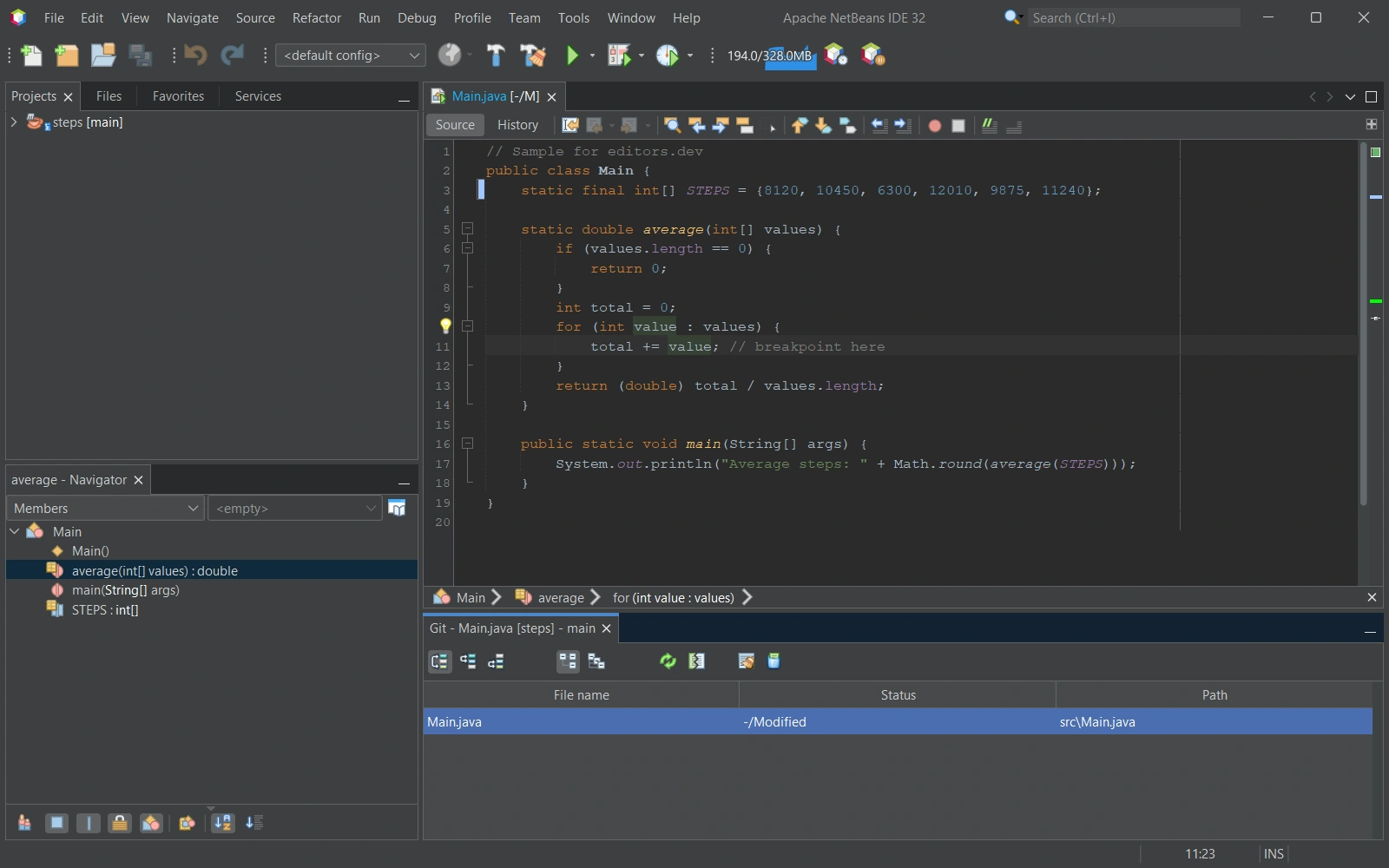
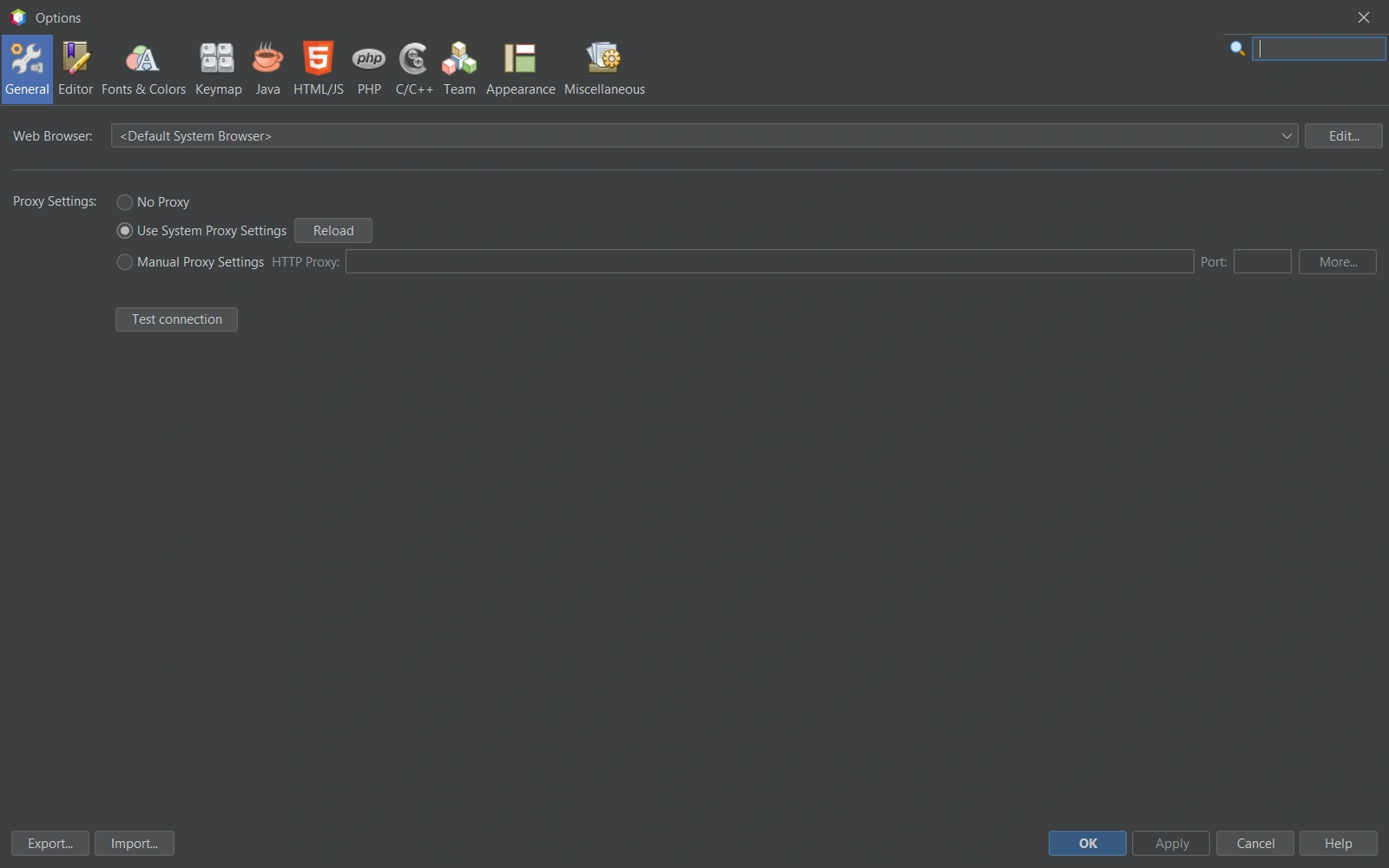
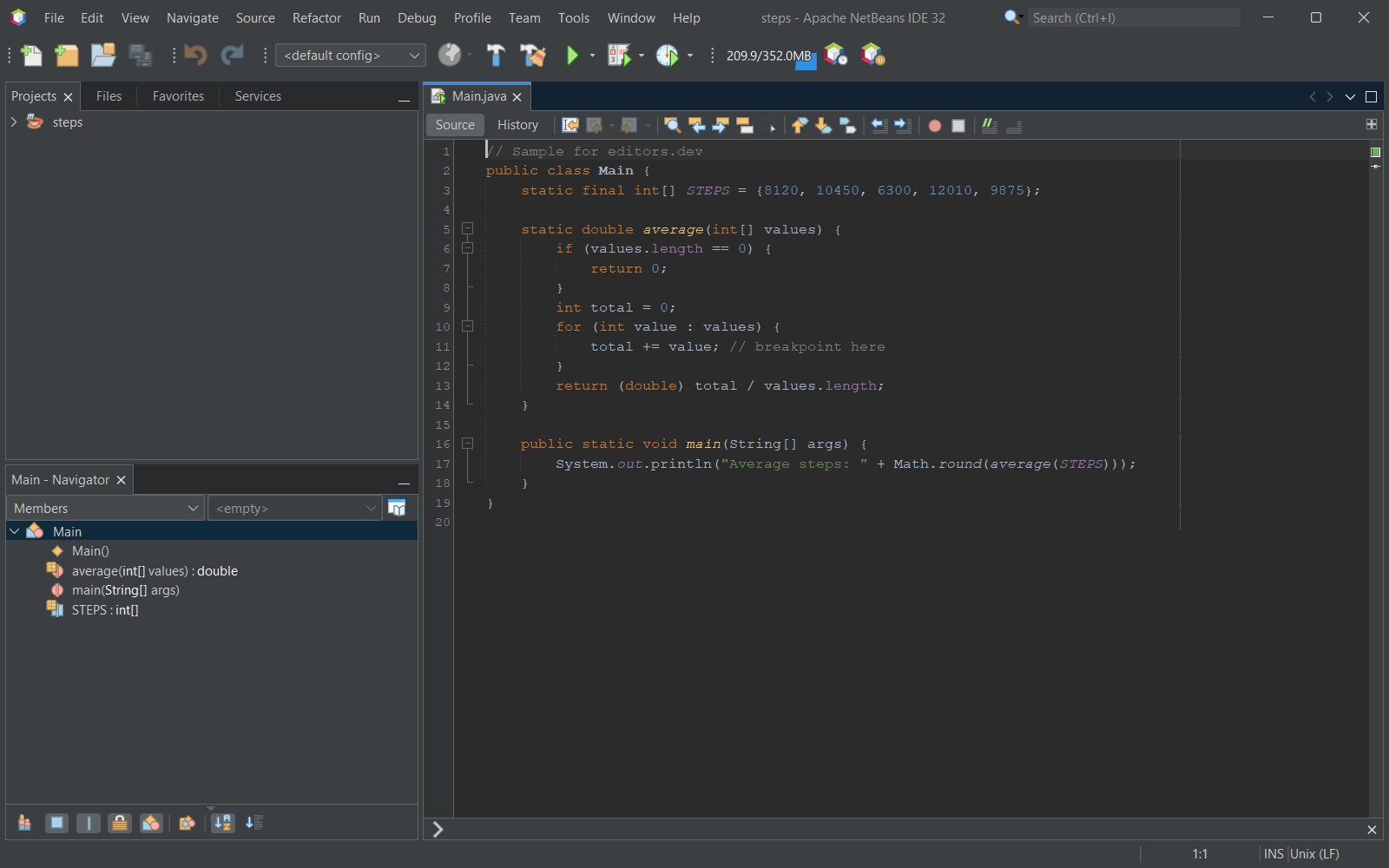
Screenshots of Apache NetBeans 32, taken on 21 November 2026 with the same sample project as every editor on this site. Method
About Apache NetBeans
Apache NetBeans is an open-source development environment, tooling platform and application framework written in Java. It began in 1996 as a student project called Xelfi, was made open source by Sun Microsystems in June 2000, was donated by Oracle to the Apache Software Foundation in 2016 and became a top-level Apache project in April 2019. A debugger, Git support, a terminal and refactoring tools are part of the IDE.
What it offers
- Provides editors, wizards and templates for Java, PHP and other languages, with syntactic and semantic highlighting and refactoring tools.
- The official tutorials cover a Visual Debugger for Swing and JavaFX applications, debugging of multi-threaded applications, PHP debugging and a Java profiler.
- Version control support in the IDE covers Git, Mercurial and Subversion.
- Runs on any operating system that supports Java, including Windows, Linux, macOS and BSD. Apache NetBeans 31, released on August 10, 2026, runs on JDK 21, 25 or 26.
- Additional plugins are published on the Apache NetBeans Plugin Portal, including jVi for vi/vim editing and AI assistants such as Jeddict AI Assistant.
What is built in
Listed only where we have checked it
- Debugger Built in
- Git integration Built in
- Integrated terminal Built in
- AI assistant Extension
- Remote development Not listed
- Live collaboration Not listed
- Vim mode Extension
Languages
How Apache NetBeans supports each common language, and what you get with the recommended setup.
9 Built in 2 Community extension 15 Not supported
- JavaScript Built in
- Completion : Yes
- Go to definition : No
- Refactoring : No
- Debugging : Yes
- Tests : Yes
- Formatting : No
JavaScript support ships with NetBeans, including a debugger that starts with HTML5 apps and unit tests with Jasmine, Karma or JS Test Driver.
Source ↗ - TypeScript Built in
- Completion : Yes
- Go to definition : No
- Refactoring : No
- Debugging : No
- Tests : No
- Formatting : No
NetBeans has included a TypeScript editor since 11.3. It runs a bundled typescript-language-server, so Node.js must be set in Tools > Options, or TypeScript support stays off.
Source ↗ - Java Built in
- Completion : Yes
- Go to definition : Yes
- Refactoring : Yes
- Debugging : Yes
- Tests : Yes
- Formatting : Yes
Java is NetBeans' main language, with code completion, static analysis, refactoring, a visual debugger and JUnit tests out of the box.
Source ↗ - C++ Built in
With cpplite modules
- Completion : Yes
- Go to definition : No
- Refactoring : No
- Debugging : Yes
- Tests : No
- Formatting : No
NetBeans ships a basic C/C++ editor with TextMate highlighting, completion through a ccls or clangd language server you install yourself, and a simple gdb debugger. It has fewer features than the old NetBeans 8.2 C/C++ plugin.
Source ↗ - C Built in
With cpplite modules
- Completion : Yes
- Go to definition : No
- Refactoring : No
- Debugging : Yes
- Tests : No
- Formatting : No
The basic cpplite editor handles C as well as C++: TextMate highlighting, completion through a ccls or clangd language server you install yourself, and a simple gdb debugger.
Source ↗ - PHP Built in
- Completion : Yes
- Go to definition : Yes
- Refactoring : Yes
- Debugging : Yes
- Tests : Yes
- Formatting : No
PHP support ships with NetBeans: completion, go to declaration, rename refactoring across the project, Xdebug debugging and PHPUnit tests.
Source ↗ - HTML Built in
- Completion : Yes
- Go to definition : Yes
- Refactoring : No
- Debugging : No
- Tests : No
- Formatting : Yes
HTML support ships with NetBeans, with tag and attribute completion, validation, navigation to CSS rules and reformatting.
Source ↗ - CSS Built in
- Completion : Yes
- Go to definition : Yes
- Refactoring : Yes
- Debugging : No
- Tests : No
- Formatting : Yes
The CSS editor ships with NetBeans and covers CSS, Sass and Less, with completion, a rule navigator, rename refactoring for classes and ids, and formatting.
Source ↗ - SQL Built in
- Completion : Yes
- Go to definition : No
- Refactoring : No
- Debugging : No
- Tests : No
- Formatting : No
NetBeans includes a database explorer for JDBC connections and an SQL editor with completion of tables and columns, query history and a result grid.
Source ↗ - Python Community extension
With Python (albilu, NetBeans Plugin Portal)
- Completion : Yes
- Go to definition : No
- Refactoring : No
- Debugging : Yes
- Tests : Yes
- Formatting : No
NetBeans does not include Python. A third-party Python plugin on the Plugin Portal uses python-lsp-server and adds venv and Poetry projects, a PDB-based debugger and unittest support; its newest build targets NetBeans 31.
Source ↗ - Dart Community extension
With Flutter and Dart Support (Valentyn Hrytsenko, NetBeans Plugin Portal)
- Completion : Yes
- Go to definition : Yes
- Refactoring : No
- Debugging : Yes
- Tests : Yes
- Formatting : Yes
A new third-party plugin, version 0.1.3 for NetBeans 30 and 31, adds Dart editing, completion, navigation and formatting, plus Flutter project creation, device management, tests and debugging. You install the Flutter SDK yourself.
Source ↗
Not supported C#, Go, Rust, Ruby, Kotlin, Swift, Objective-C, Shell, Lua, R, Scala, Elixir, Haskell, Zig, Julia
- C# Apache NetBeans does not include C# support. Source ↗
- Go NetBeans includes a small Go module that colors Go syntax and shows a file outline. There is no Go completion, build or debugging. Source ↗
- Rust Rust modules exist in the NetBeans source tree but are not part of the release build, so a standard NetBeans install has no Rust support. Source ↗
- Ruby Apache NetBeans does not include Ruby support. Source ↗
- Kotlin Apache NetBeans does not include Kotlin, and the Plugin Portal has no Kotlin plugin for current versions. Source ↗
- Swift Apache NetBeans does not include Swift support. Source ↗
- Objective-C Apache NetBeans does not include Objective-C support, and the cpplite editor covers only C and C++. Source ↗
- Shell The standard NetBeans build has no shell script module; the old shell support came with the C/C++ plugin of NetBeans 8.2. Source ↗
- Lua Apache NetBeans does not include Lua, and the Plugin Portal has no Lua plugin. Source ↗
- R Apache NetBeans does not include R, and the Plugin Portal has no R plugin. Source ↗
- Scala Apache NetBeans does not include Scala, and the old nbscala plugin does not support current versions. Source ↗
- Elixir Apache NetBeans does not include Elixir support. Source ↗
- Haskell Apache NetBeans does not include Haskell support. Source ↗
- Zig Apache NetBeans does not include Zig support. Source ↗
- Julia Apache NetBeans does not include Julia support. Source ↗
Who it is for
Who it suits
- Java and PHP developers who want a free IDE under the Apache-2.0 license that may be used commercially.
- Developers who want a debugger, Git support and a terminal in the IDE without installing plugins.
- Developers who need the same IDE on Windows, macOS and Linux.
Who should look elsewhere
- People who want an official installer with everything included. The Apache release is a platform-independent zip that needs a JDK; the installers with a bundled JDK are built by committers and are not releases of the Apache Software Foundation.
- Developers who want Vim keybindings or AI assistance built in. Both come from plugins on the Plugin Portal.
- Windows on ARM users, since it is not a fully supported platform for NetBeans 31.
Apache NetBeans pricing
The Apache NetBeans IDE and Platform are free for commercial and non-commercial use under the Apache License 2.0. The official site lists no paid plans or editions.
Price Free Open source
Apache NetBeans next to its alternatives
The same facts for each editor, taken from the directory.
| Editor | Type | Price | Built with | Platforms | Languages built in | Remote development | Live collaboration | Vim mode |
|---|---|---|---|---|---|---|---|---|
| Apache NetBeans | IDE | Free Open source | Java | Windows · macOS · Linux | 9 / 26 | –Not listed | –Not listed | Extension |
| PhpStorm | IDE | Paid | Java, Kotlin (IntelliJ Platform) | Windows · macOS · Linux | 7 / 26 | Built in | Not supported | Extension |
| IntelliJ IDEA | IDE | Free tier, paid plans | Java, Kotlin | Windows · macOS · Linux | 8 / 26 | Built in | Not supported | Extension |
| VS Code | Editor | Free Open source | TypeScript, Electron | Windows · macOS · Linux | 5 / 26 | Extension | Extension | Extension |
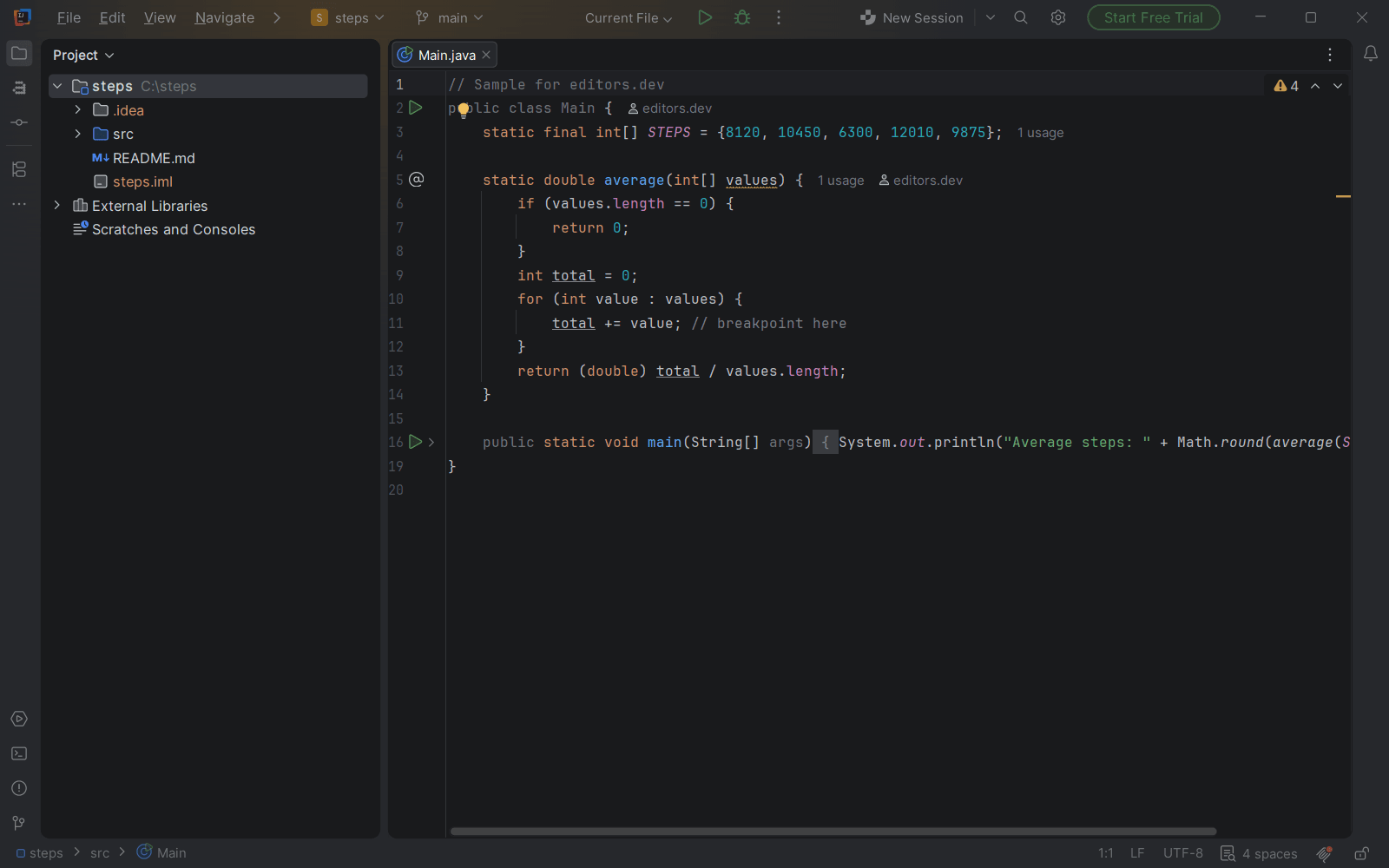

Built in Extension Not supported
Guides that cover Apache NetBeans
All guides



Sources
Last checked: 16 November 2026