VSCodium
Community-built, MIT-licensed binaries of VS Code with telemetry disabled and without Microsoft branding.
Screenshots
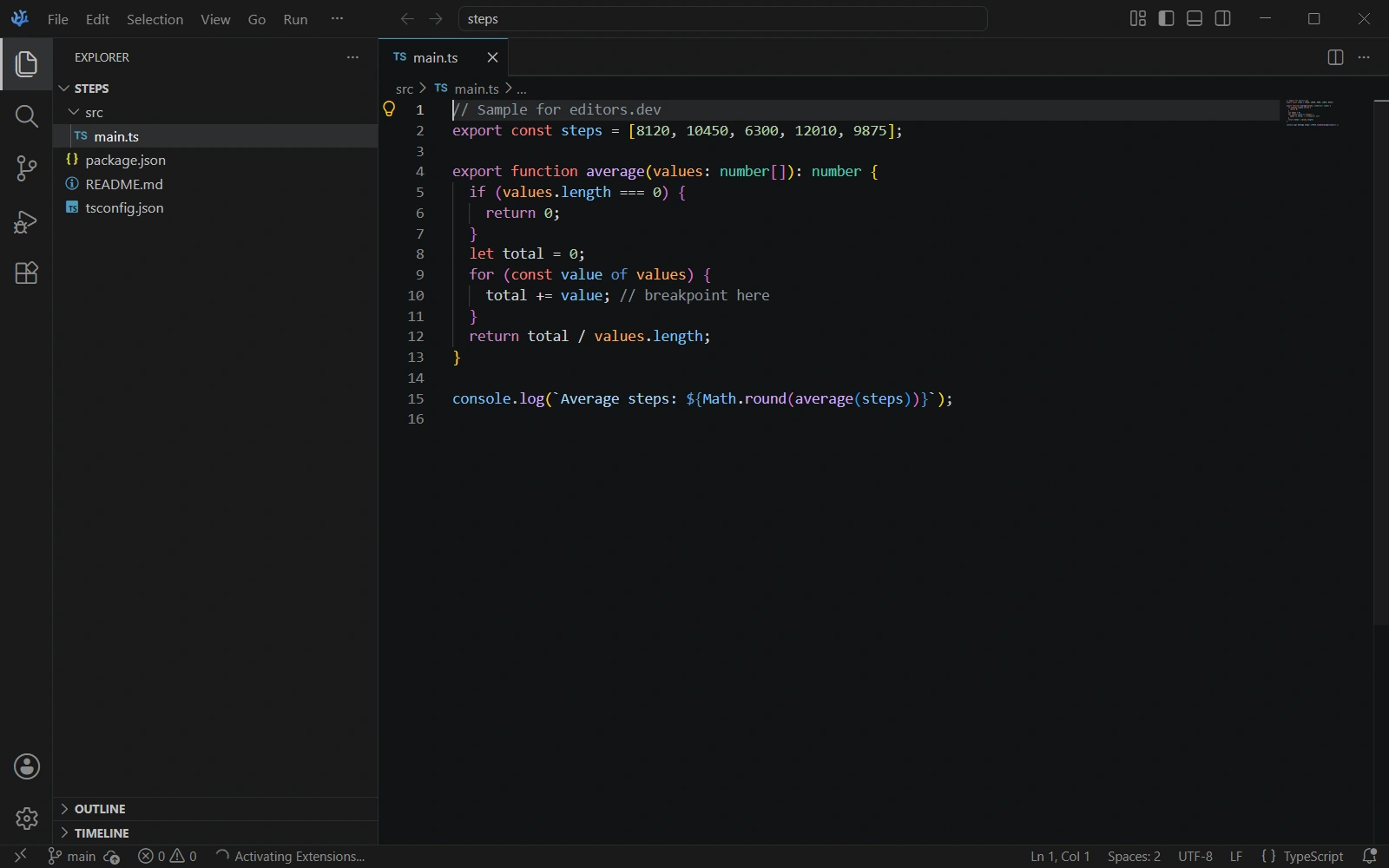
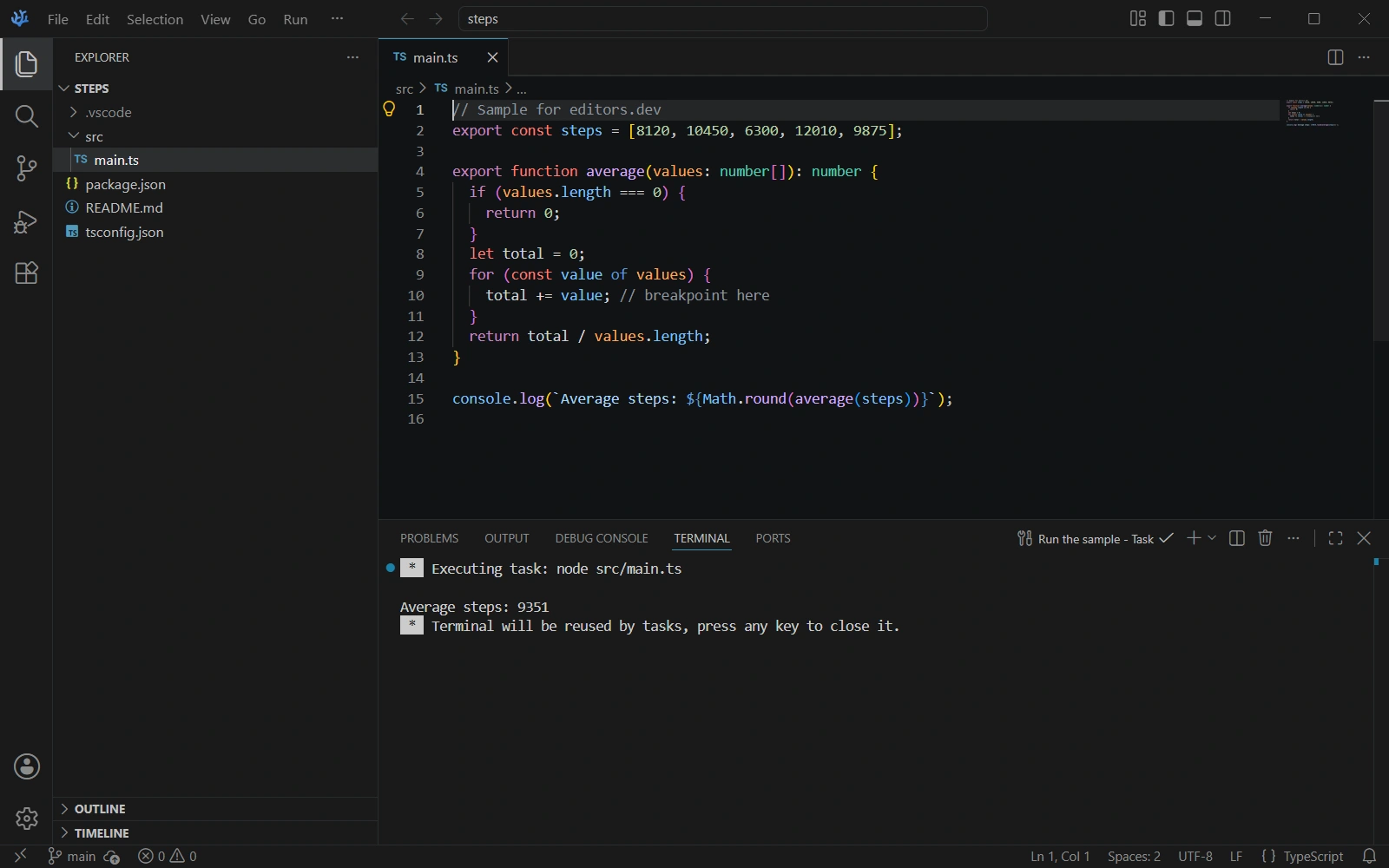
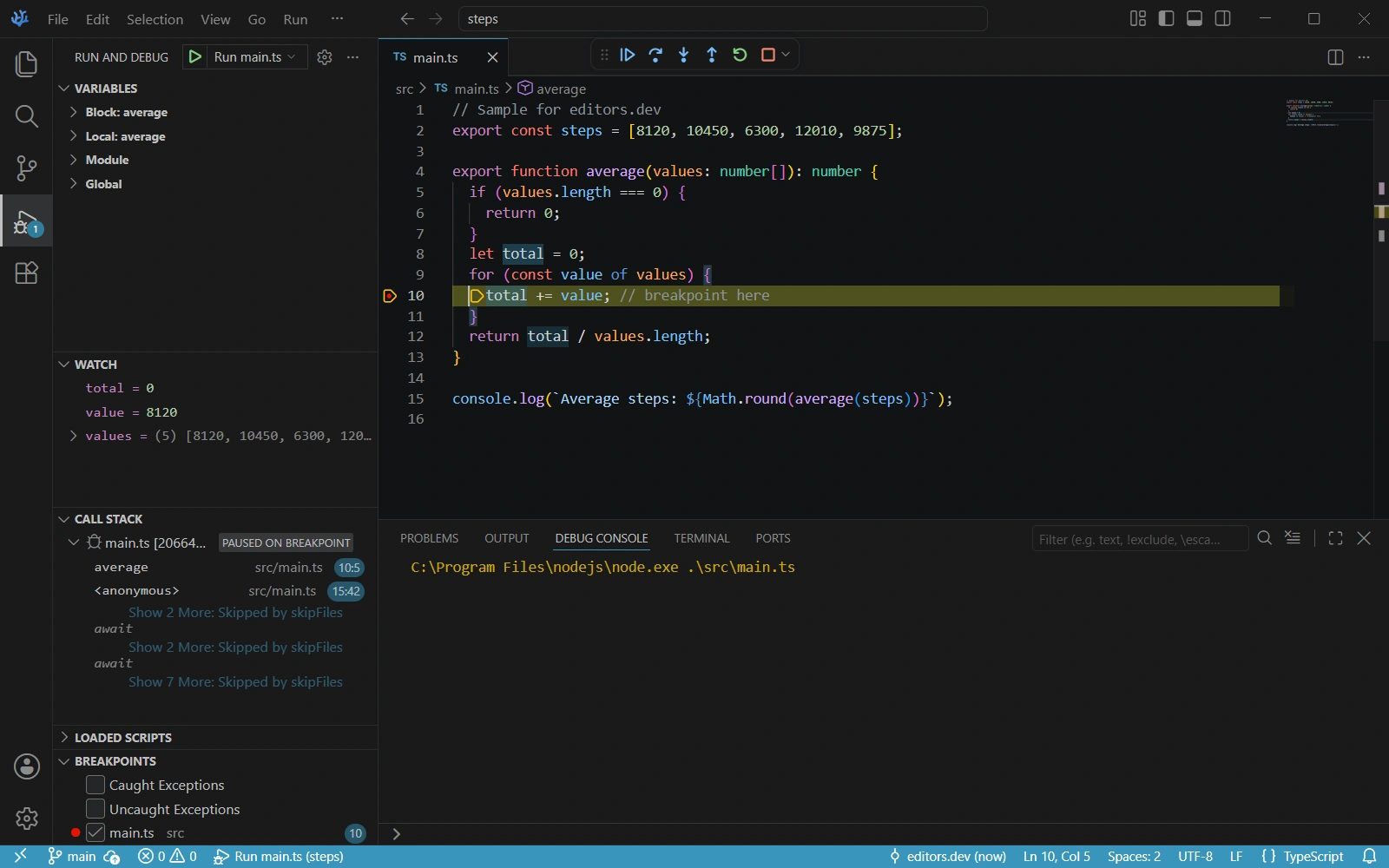
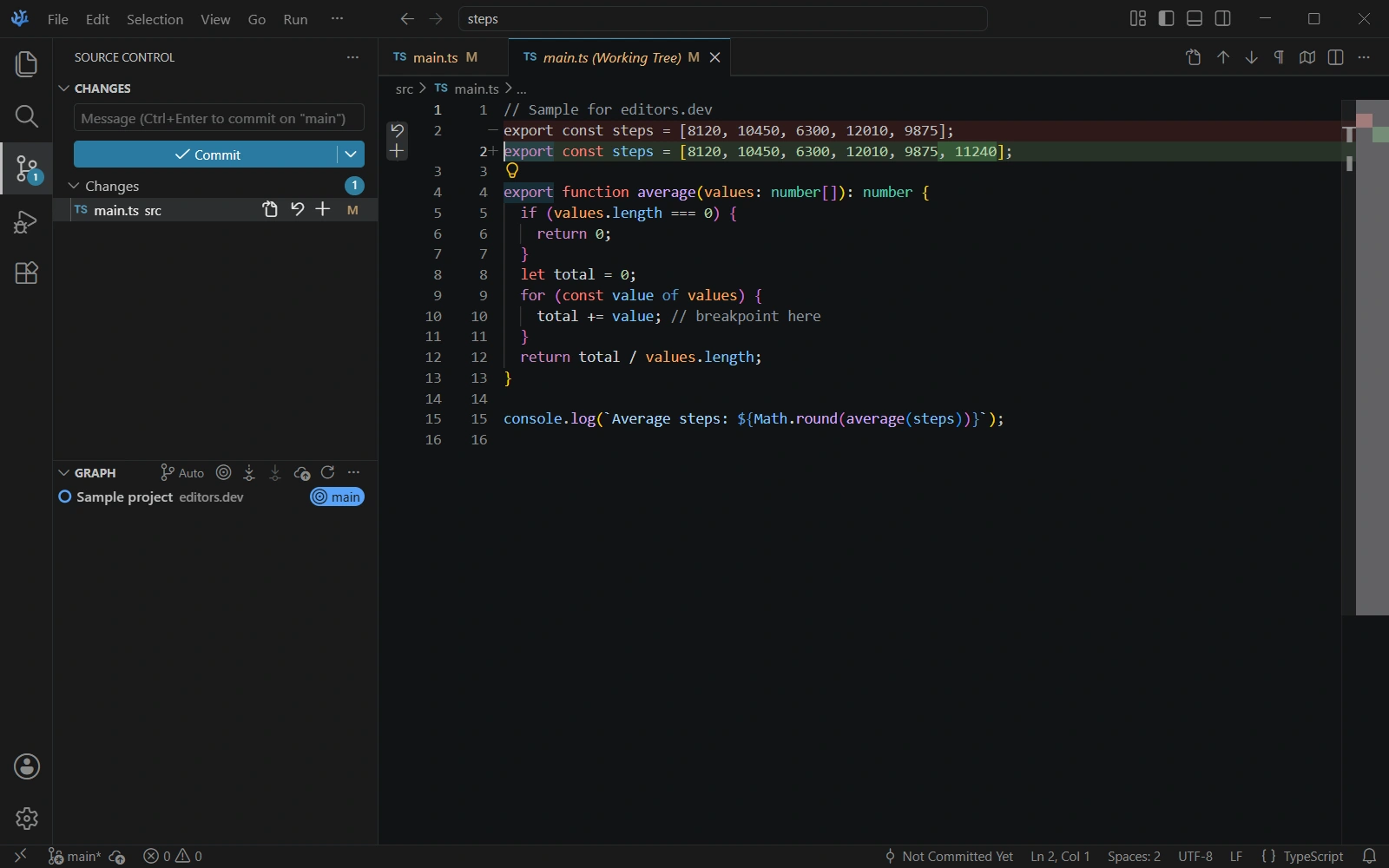
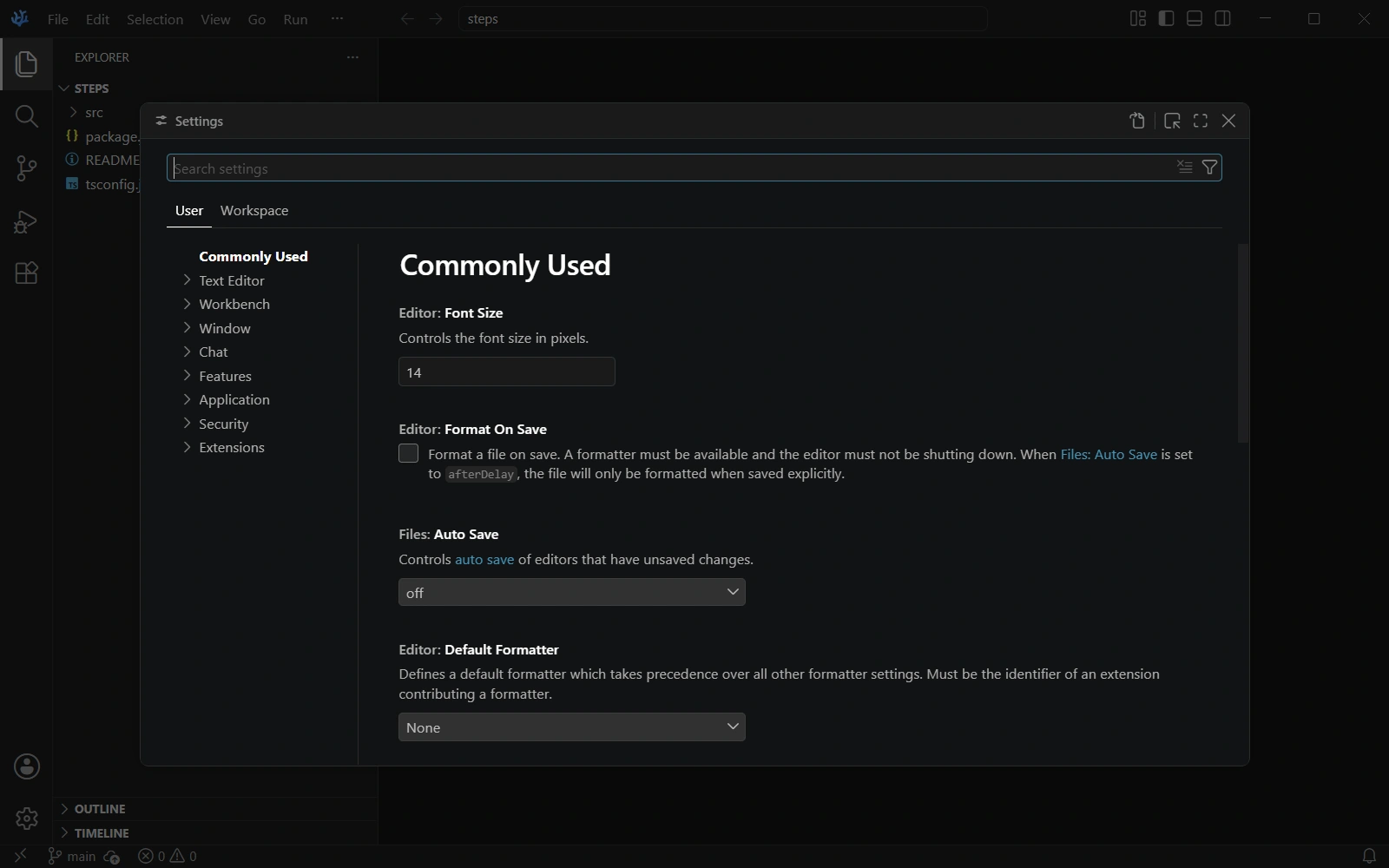
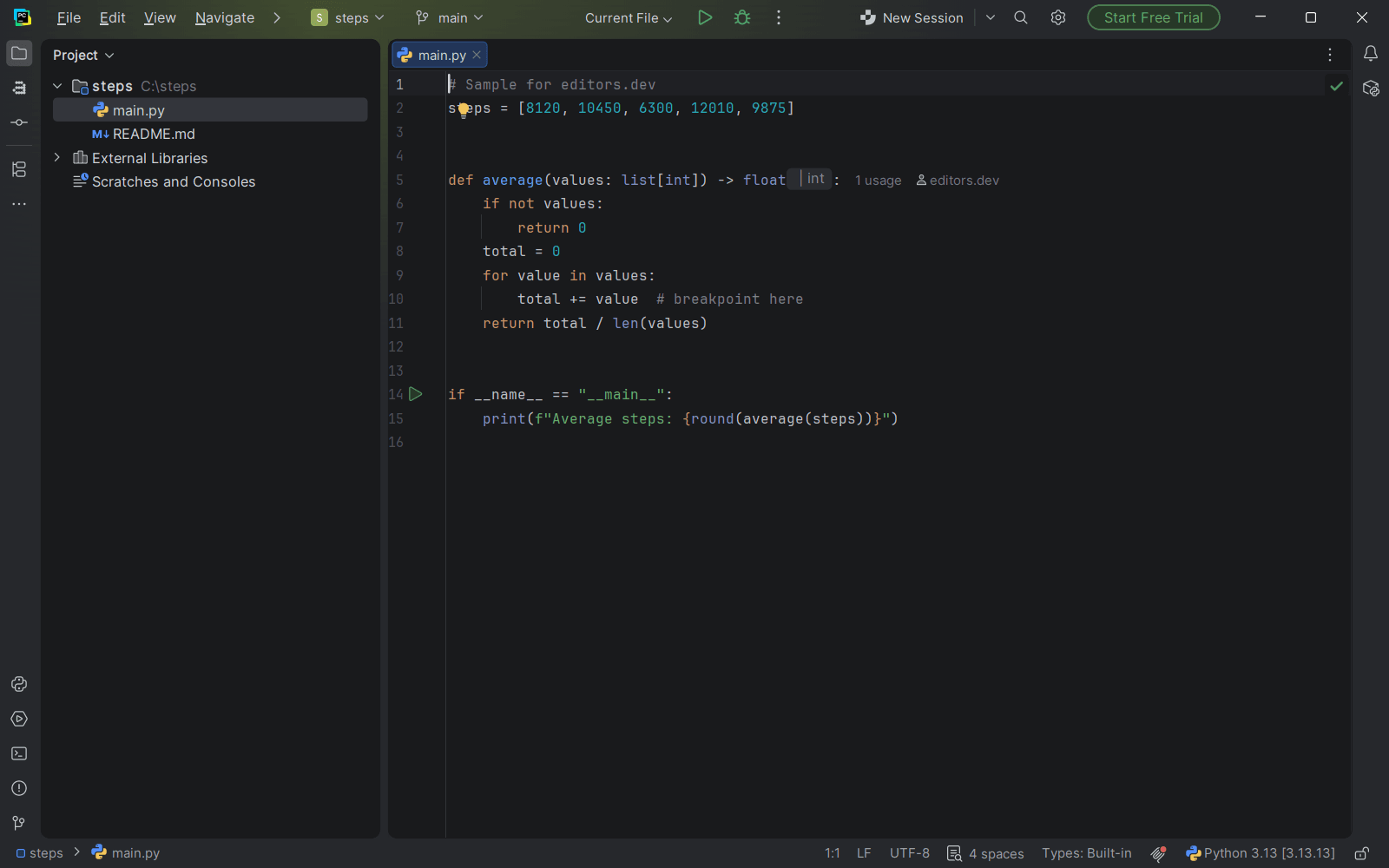
Screenshots of VSCodium 1.143.17232, taken on 20 November 2026 with the same sample project as every editor on this site. Method
About VSCodium
VSCodium is a community-driven, freely licensed binary distribution of Microsoft's VS Code editor for Windows, macOS and Linux. The project says it is not a fork: its build scripts turn Microsoft's vscode repository into MIT-licensed binaries with telemetry disabled. Extensions come from the Open VSX registry by default instead of the Visual Studio Marketplace, and several Microsoft extensions do not run on it.
What it offers
- Built by scripts from Microsoft's vscode repository; the README states that it is not a fork. The resulting binaries are MIT licensed and telemetry is disabled.
- Open VSX is the default extension gallery. The docs explain that Microsoft's terms limit the Visual Studio Marketplace to Microsoft products, and how to configure another gallery.
- The docs list Microsoft's C/C++, Python, Live Share, Remote - SSH, Remote - WSL and Remote - Containers extensions as incompatible, and name clangd, Native Debug, BasedPyright, Open Remote - SSH and Open Remote - WSL as replacements.
- GitHub Copilot features are disabled and not configured by default. The docs describe a manual setup that needs a custom product.json.
- Builds are published for macOS 12 or newer, Windows 10 or newer and Linux on x64 and arm64, with deb, rpm, AppImage, Snap and Flatpak packages on Linux.
What is built in
Listed only where we have checked it
- Debugger Built in
- Git integration Built in
- Integrated terminal Built in
- AI assistant Extension
- Remote development Extension
- Live collaboration Extension
- Vim mode Extension
Languages
How VSCodium supports each common language, and what you get with the recommended setup.
5 Built in 10 Official extension 11 Community extension
- JavaScript Built in
- Completion : Yes
- Go to definition : Yes
- Refactoring : Yes
- Debugging : Yes
- Tests : No
- Formatting : Yes
JavaScript IntelliSense, refactoring, formatting and the JavaScript debugger come from the VS Code core, so nothing needs installing.
Source ↗ - TypeScript Built in
- Completion : Yes
- Go to definition : Yes
- Refactoring : Yes
- Debugging : Yes
- Tests : No
- Formatting : Yes
TypeScript language features are built in from the VS Code core and use the TypeScript version bundled with the editor unless you switch to your project's version.
Source ↗ - PHP Built in
- Completion : Yes
- Go to definition : No
- Refactoring : No
- Debugging : No
- Tests : No
- Formatting : No
Highlighting, basic completion and linting through php -l are built in. Go to definition and debugging need extensions such as PHP Intelephense and Xdebug's PHP Debug from Open VSX.
Source ↗ - HTML Built in
- Completion : Yes
- Go to definition : No
- Refactoring : No
- Debugging : No
- Tests : No
- Formatting : Yes
HTML completion, Emmet abbreviations, automatic closing tags and formatting come from the VS Code core, so nothing needs installing.
Source ↗ - CSS Built in
- Completion : Yes
- Go to definition : Yes
- Refactoring : No
- Debugging : No
- Tests : No
- Formatting : Yes
CSS, SCSS and Less support comes from the VS Code core: completion, linting, a color picker, go to declaration for variables and formatting.
Source ↗ - Java Official extension
With Extension Pack for Java (Language Support for Java by Red Hat, Debugger for Java, Test Runner for Java)
- Completion : Yes
- Go to definition : Yes
- Refactoring : Yes
- Debugging : Yes
- Tests : Yes
- Formatting : Yes
The Extension Pack for Java is on Open VSX: Red Hat's language server plus Microsoft's open-source Java debugger and test runner.
Source ↗ - Go Official extension
With Go
- Completion : Yes
- Go to definition : Yes
- Refactoring : Yes
- Debugging : Yes
- Tests : Yes
- Formatting : Yes
The Go team's extension (gopls) is on Open VSX and covers completion, navigation, rename and refactoring, formatting, tests and debugging with Delve.
Source ↗ - Rust Official extension
With rust-analyzer
- Completion : Yes
- Go to definition : Yes
- Refactoring : Yes
- Debugging : No
- Tests : No
- Formatting : No
rust-analyzer from the Rust project is on Open VSX. It has no debugger of its own; add one such as CodeLLDB.
Source ↗ - Kotlin Official extension
With Kotlin by JetBrains
- Completion : Yes
- Go to definition : Yes
- Refactoring : Yes
- Debugging : Yes
- Tests : No
- Formatting : Yes
JetBrains publishes Kotlin by JetBrains on Open VSX. It is still alpha and runs an IntelliJ-based language server for Gradle and Maven JVM projects; the older community Kotlin extension is now deprecated.
Source ↗ - Swift Official extension
With Swift
- Completion : Yes
- Go to definition : Yes
- Refactoring : Yes
- Debugging : Yes
- Tests : Yes
- Formatting : Yes
The Swift project's Swift extension is on Open VSX. It uses SourceKit-LSP and LLDB from a Swift toolchain, which you install yourself.
Source ↗ - Dart Official extension
With Dart (with Flutter for Flutter apps)
- Completion : Yes
- Go to definition : Yes
- Refactoring : Yes
- Debugging : Yes
- Tests : Yes
- Formatting : Yes
The Dart team's Dart extension is on Open VSX, with the Flutter extension next to it. You install the Dart or Flutter SDK yourself.
Source ↗ - Scala Official extension
With Scala (Metals)
- Completion : Yes
- Go to definition : Yes
- Refactoring : Yes
- Debugging : Yes
- Tests : Yes
- Formatting : Yes
Metals, from the Scala Center and VirtusLab, is on Open VSX and covers completion, refactoring, scalafmt formatting, tests and debugging. It needs a JDK and downloads the Metals server on first start.
Source ↗ - Haskell Official extension
With Haskell
- Completion : Yes
- Go to definition : Yes
- Refactoring : Yes
- Debugging : No
- Tests : No
- Formatting : Yes
The Haskell organisation's extension is on Open VSX. It runs Haskell Language Server, installed through GHCup, for completion, navigation, rename and formatting; it has no debugger.
Source ↗ - Zig Official extension
With Zig Language
- Completion : Yes
- Go to definition : Yes
- Refactoring : Yes
- Debugging : No
- Tests : No
- Formatting : Yes
The Zig project's extension is on Open VSX. It can download Zig and the ZLS language server for you and formats with zig fmt; debugging needs a separate extension such as CodeLLDB.
Source ↗ - Julia Official extension
With Julia
- Completion : Yes
- Go to definition : Yes
- Refactoring : Yes
- Debugging : Yes
- Tests : Yes
- Formatting : Yes
The Julia extension from the julia-vscode project is on Open VSX, with completion, navigation, a debugger, test runs and formatting. Julia itself is installed separately.
Source ↗ - Python Community extension
With BasedPyright
- Completion : Yes
- Go to definition : Yes
- Refactoring : Yes
- Debugging : No
- Tests : No
- Formatting : No
Pylance is not on Open VSX and is licensed for Microsoft's VS Code builds only. VSCodium's docs list Microsoft's Python extension as incompatible and suggest BasedPyright instead.
Source ↗ - C# Community extension
With DotRush or C# (muhammad-sammy.csharp)
- Completion : Yes
- Go to definition : Yes
- Refactoring : No
- Debugging : Yes
- Tests : Yes
- Formatting : No
Microsoft's C# extension and C# Dev Kit are not on Open VSX, and Microsoft's C# debugger only works in official VS Code. VSCodium's docs point to Samsung's open-source netcoredbg debugger; DotRush and the free C# fork on Open VSX use open tooling.
Source ↗ - C++ Community extension
With clangd, Native Debug
- Completion : Yes
- Go to definition : Yes
- Refactoring : Yes
- Debugging : Yes
- Tests : No
- Formatting : Yes
Microsoft's C/C++ extension is licensed for Microsoft products only and VSCodium lists it as incompatible. Its docs recommend clangd for editing and Native Debug for GDB/LLDB debugging.
Source ↗ - C Community extension
With clangd, Native Debug
- Completion : Yes
- Go to definition : Yes
- Refactoring : Yes
- Debugging : Yes
- Tests : No
- Formatting : Yes
Only highlighting is built in, and VSCodium lists Microsoft's C/C++ extension as incompatible. Its docs recommend clangd for editing and Native Debug for GDB/LLDB debugging.
Source ↗ - Ruby Community extension
With Ruby LSP
- Completion : Yes
- Go to definition : Yes
- Refactoring : No
- Debugging : Yes
- Tests : Yes
- Formatting : Yes
Only highlighting is built in. Shopify's Ruby LSP from Open VSX adds completion, go to definition, RuboCop formatting, tests and debugging.
Source ↗ - Objective-C Community extension
With clangd
- Completion : Yes
- Go to definition : Yes
- Refactoring : Yes
- Debugging : No
- Tests : No
- Formatting : Yes
Highlighting is built in. clangd is on Open VSX, and it also handles Objective-C with completion, navigation, rename and formatting. Building and running Apple apps still needs Xcode.
Source ↗ - SQL Community extension
With SQLTools
- Completion : Yes
- Go to definition : No
- Refactoring : No
- Debugging : No
- Tests : No
- Formatting : Yes
Only SQL highlighting is built in. SQLTools from Open VSX adds database connections, running queries, completion and formatting; each database needs its own driver extension.
Source ↗ - Shell Community extension
With Bash IDE
- Completion : Yes
- Go to definition : Yes
- Refactoring : Yes
- Debugging : No
- Tests : No
- Formatting : Yes
Only highlighting is built in. Bash IDE from Open VSX runs bash-language-server for completion, go to definition and rename, and uses ShellCheck and shfmt for linting and formatting if you install them.
Source ↗ - Lua Community extension
With Lua (sumneko.lua)
- Completion : Yes
- Go to definition : Yes
- Refactoring : Yes
- Debugging : No
- Tests : No
- Formatting : Yes
Only highlighting is built in. The Lua extension from Open VSX bundles the Lua Language Server, with completion, go to definition, rename and formatting; it has no debugger.
Source ↗ - R Community extension
With R (REditorSupport)
- Completion : Yes
- Go to definition : Yes
- Refactoring : Yes
- Debugging : No
- Tests : No
- Formatting : Yes
Only highlighting is built in. The R extension from Open VSX adds completion, navigation, rename and formatting through the languageserver R package, which you install in R; debugging needs the separate R Debugger extension.
Source ↗ - Elixir Community extension
With ElixirLS
- Completion : Yes
- Go to definition : Yes
- Refactoring : No
- Debugging : Yes
- Tests : Yes
- Formatting : Yes
Nothing is built in. ElixirLS from Open VSX adds highlighting, completion, navigation, mix format, tests and a debugger. Expert, the Elixir team's official language server, is still alpha.
Source ↗
Who it is for
Who it suits
- Developers who want the VS Code editor as MIT-licensed binaries with telemetry disabled.
- Developers whose extensions are published on Open VSX.
- Linux users who want to install the editor from a deb or rpm repository, Snap or Flatpak.
Who should look elsewhere
- Developers who depend on Microsoft's C/C++, Python, Live Share or Remote Development extensions, which the docs list as incompatible.
- Developers who expect GitHub Copilot to work without manual configuration.
- People who need extensions that are published only on the Visual Studio Marketplace.
VSCodium pricing
Free; the binaries are released under the MIT license and there is no paid plan. The site and README list no donation option; they credit sponsors that provide infrastructure such as Windows code signing and a Mac build machine.
Price Free Open source
VSCodium next to its alternatives
The same facts for each editor, taken from the directory.
| Editor | Type | Price | Built with | Platforms | Languages built in | Remote development | Live collaboration | Vim mode |
|---|---|---|---|---|---|---|---|---|
| VSCodium | Editor | Free Open source | Code - OSS (TypeScript, Electron) | Windows · macOS · Linux | 5 / 26 | Extension | Extension | Extension |
| VS Code | Editor | Free Open source | TypeScript, Electron | Windows · macOS · Linux | 5 / 26 | Extension | Extension | Extension |
| Zed | Editor | Free tier, paid plans Open source | Rust, GPUI | macOS · Linux · Windows | 10 / 26 | Built in | Built in | Built in |
| Pulsar | Editor | Free Open source | Electron, JavaScript | Windows · macOS · Linux | 4 / 26 | –Not listed | –Not listed | Extension |
| Lapce | Editor | Free Open source | Rust, Floem | Windows · macOS · Linux | 6 / 26 | Built in | –Not listed | Built in |



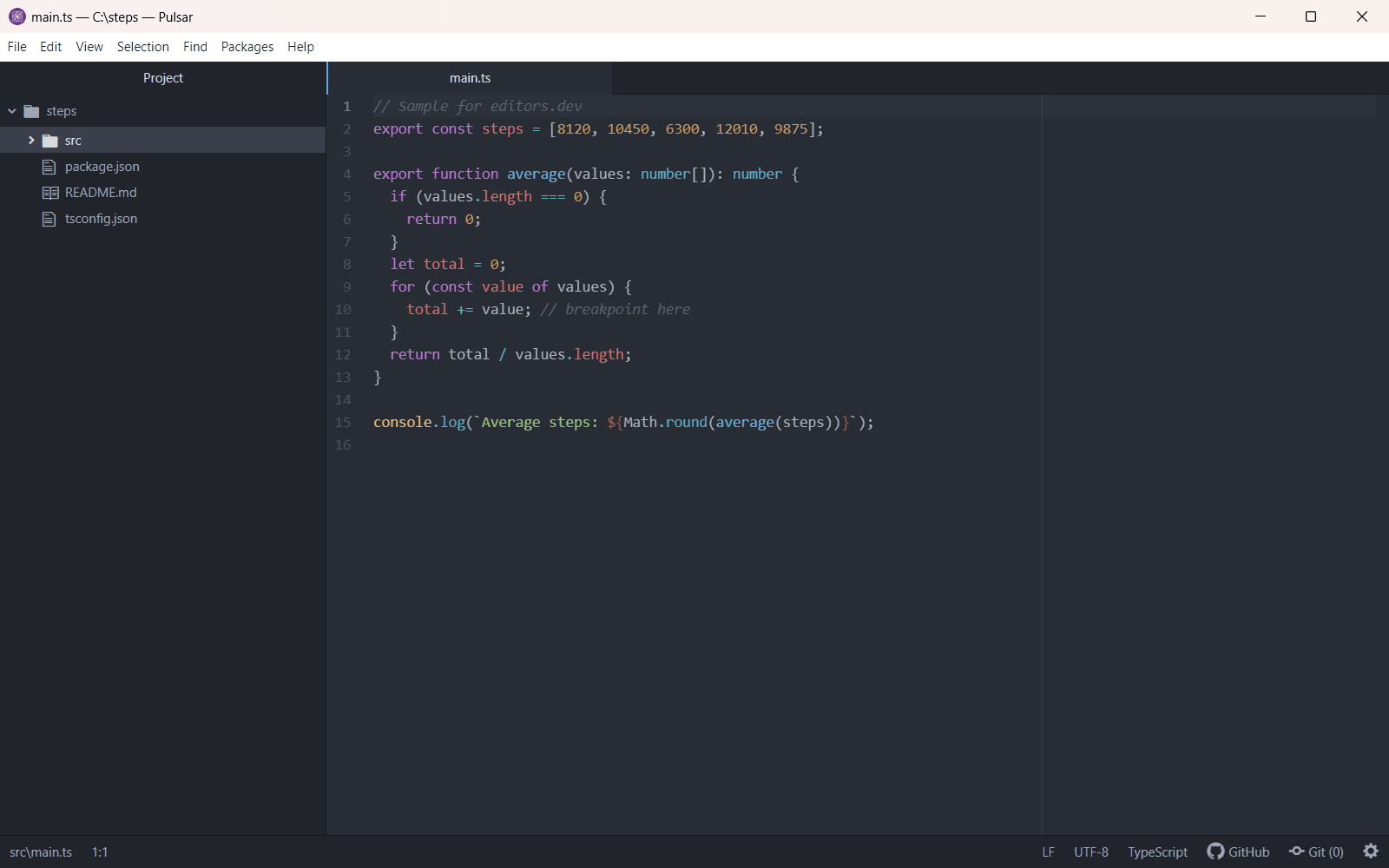
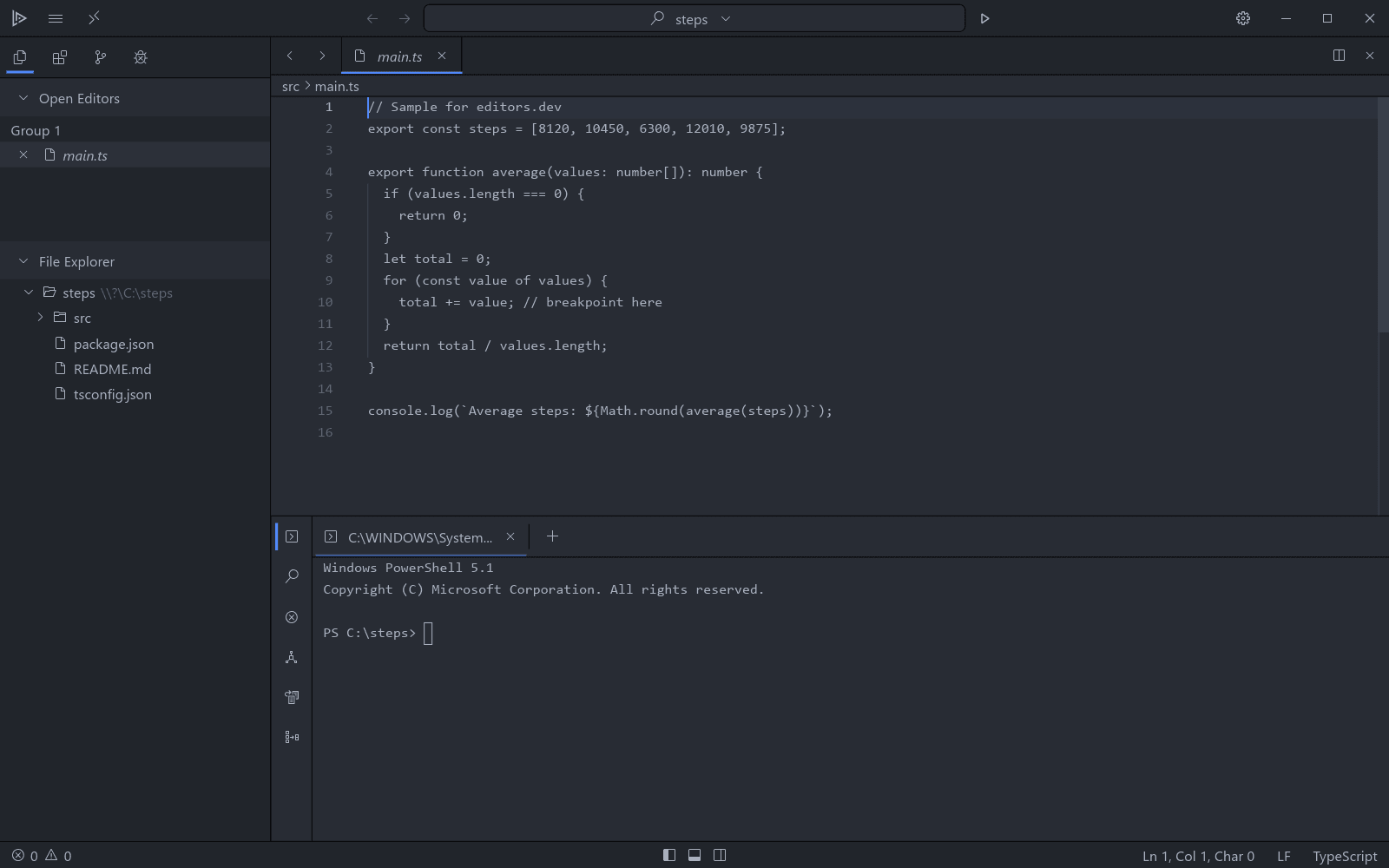
Built in Extension Not supported
Head-to-head comparisons
All comparisonsGuides that cover VSCodium
All guides

Sources
Last checked: 16 November 2026