Eclipse IDE
Free, open-source IDE from the Eclipse Foundation, distributed as packages for Java, C/C++, PHP and other kinds of development.
About Eclipse IDE
The Eclipse IDE is a free, open-source IDE released under the Eclipse Public License 2.0 and hosted by the Eclipse Foundation, an independent not-for-profit organization. It is built on the Eclipse Platform, a Java framework for rich client applications that uses the SWT widget toolkit, and is downloaded as packages such as Eclipse IDE for Java Developers, for C/C++ Developers and for PHP Developers. The Eclipse Project was created by IBM in November 2001, and the Eclipse Foundation followed in January 2004. Releases are quarterly; the current one is 2026-09.
What it offers
- The download page lists ten packages, including Java, Enterprise Java and Web, C/C++, Embedded C/C++ and PHP. Each is built for Windows, macOS and Linux on x86_64 and AArch64, plus riscv64 on Linux.
- Eclipse IDE for Java Developers includes the Java IDE, a Git client (EGit), an XML editor, and Maven and Gradle integration. Its package definition also includes the Terminal feature.
- The 2026-09 release supports Java 26 and was the third quarterly simultaneous release of 2026, with 63 participating projects.
- Functionality is added through plug-ins from the Eclipse Marketplace. Examples are the GitHub Copilot plug-in published by GitHub and Vrapper, which gives the text editors Vim-like input.
- The Eclipse Platform underneath the IDE is also used as a framework for other rich client applications and toolsets. Its core repositories are licensed under EPL-2.0.
What is built in
Listed only where we have checked it
- Debugger Built in
- Git integration Built in
- Integrated terminal Built in
- AI assistant Extension
- Remote development Not listed
- Live collaboration Not listed
- Vim mode Extension
Languages
How Eclipse IDE supports each common language, and what you get with the recommended setup.
9 Built in 4 Official extension 5 Community extension 8 Not supported
- JavaScript Built in
With Wild Web Developer (in the Enterprise Java and Web, and PHP packages)
- Completion : Yes
- Go to definition : Yes
- Refactoring : Yes
- Debugging : Yes
- Tests : No
- Formatting : No
Wild Web Developer, an Eclipse project, ships in the Enterprise Java and Web Developers and PHP Developers packages and can be added to others from the Marketplace. It uses language servers for completion, rename and find references, and debugs Node.js, Firefox and Chrome code.
Source ↗ - TypeScript Built in
With Wild Web Developer (in the Enterprise Java and Web, and PHP packages)
- Completion : Yes
- Go to definition : Yes
- Refactoring : Yes
- Debugging : No
- Tests : No
- Formatting : No
TypeScript editing comes from Wild Web Developer, which uses the TypeScript language server for completion, jump to declaration, find references and rename. It ships in the Enterprise Java and Web and PHP packages.
Source ↗ - Java Built in
With JDT (Eclipse IDE for Java Developers and most other packages)
- Completion : Yes
- Go to definition : Yes
- Refactoring : Yes
- Debugging : Yes
- Tests : Yes
- Formatting : Yes
Java is Eclipse's home language: the Java Development Tools ship in the Java packages with the editor, refactoring, debugger, JUnit support and code formatter.
Source ↗ - C++ Built in
With CDT (Eclipse IDE for C/C++ Developers)
- Completion : Yes
- Go to definition : Yes
- Refactoring : Yes
- Debugging : Yes
- Tests : No
- Formatting : No
CDT ships in the C/C++ and Embedded C/C++ packages, with managed and Make builds, content assist, source navigation, refactoring and a debugger with memory, register and disassembly views. A newer CDT LSP editor is released alongside it.
Source ↗ - C Built in
With CDT (Eclipse IDE for C/C++ Developers)
- Completion : Yes
- Go to definition : Yes
- Refactoring : Yes
- Debugging : Yes
- Tests : No
- Formatting : No
CDT ships in the C/C++ and Embedded C/C++ packages and handles C the same way as C++, with Make, CMake and Meson builds, content assist, refactoring and a GDB or LLDB debugger.
Source ↗ - PHP Built in
With PDT (Eclipse IDE for PHP Developers)
- Completion : Yes
- Go to definition : Yes
- Refactoring : Yes
- Debugging : Yes
- Tests : Yes
- Formatting : Yes
PDT ships in the PHP Developers package and adds content assist, code navigation, refactoring, a formatter, Xdebug or Zend Debugger debugging and PHPUnit support.
Source ↗ - HTML Built in
With Wild Web Developer (in the Enterprise Java and Web, and PHP packages)
- Completion : Yes
- Go to definition : Yes
- Refactoring : No
- Debugging : No
- Tests : No
- Formatting : Yes
Wild Web Developer runs the HTML language server for completion, hover help and formatting. It ships in the Enterprise Java and Web and PHP packages and can be added to others from the Marketplace.
Source ↗ - CSS Built in
With Wild Web Developer (in the Enterprise Java and Web, and PHP packages)
- Completion : Yes
- Go to definition : Yes
- Refactoring : No
- Debugging : No
- Tests : No
- Formatting : Yes
Wild Web Developer runs the CSS language server for CSS, SCSS and Less, with completion, validation, go to definition and formatting.
Source ↗ - SQL Built in
With Data Tools Platform (Enterprise Java and Web package)
- Completion : Yes
- Go to definition : No
- Refactoring : No
- Debugging : No
- Tests : No
- Formatting : No
The Enterprise Java and Web package includes the Data Tools Platform, with JDBC connections, a Data Source Explorer and an SQL editor that completes table names and runs queries. Other packages have only TextMate coloring for SQL.
Source ↗ - C# Official extension
With aCute
- Completion : Yes
- Go to definition : No
- Refactoring : No
- Debugging : Yes
- Tests : No
- Formatting : No
aCute is an Eclipse project that uses the Roslyn language server for editing and netcoredbg for debugging; it needs the .NET SDK 10 or later and roslyn-language-server on PATH. Its Marketplace entry is marked experimental and its last tagged release is from 2019, though the code is still updated.
Source ↗ - Rust Official extension
With Corrosion
- Completion : Yes
- Go to definition : No
- Refactoring : No
- Debugging : Yes
- Tests : Yes
- Formatting : Yes
Corrosion is an Eclipse project that uses rust-analyzer for editing and rust-gdb for debugging, with a unit test view. Its last tagged release is 1.2.4 from 2022, but the repository is still updated.
Source ↗ - Shell Official extension
With ShellWax
- Completion : Yes
- Go to definition : Yes
- Refactoring : Yes
- Debugging : No
- Tests : No
- Formatting : Yes
ShellWax is an Eclipse project that runs the Bash Language Server, installed automatically with an embedded Node.js. Formatting needs shfmt on the PATH, and running scripts on Windows needs WSL.
Source ↗ - R Official extension
With StatET
- Completion : Yes
- Go to definition : Yes
- Refactoring : No
- Debugging : Yes
- Tests : No
- Formatting : No
StatET is an Eclipse project for R with an R console, content assist, a debugger and help integration. It needs R with the rj package, and its newest release lists Eclipse 2025-12.
Source ↗ - Python Community extension
With PyDev
- Completion : Yes
- Go to definition : Yes
- Refactoring : Yes
- Debugging : Yes
- Tests : Yes
- Formatting : Yes
No Eclipse package includes Python. PyDev, a third-party plugin from Brainwy, adds completion with auto import, go to definition, find references, refactoring, a debugger (also remote) and unittest support.
Source ↗ - Go Community extension
With Eclipse Golang Development Tooling (GoDT)
- Completion : Yes
- Go to definition : Yes
- Refactoring : No
- Debugging : No
- Tests : No
- Formatting : No
GoClipse is no longer maintained. The third-party GoDT plugin uses gopls for completion and go to definition; it is marked alpha, has no debugger yet, and lists Eclipse versions only up to 2025-06.
Source ↗ - Ruby Community extension
With Ruby Solargraph
- Completion : Yes
- Go to definition : Yes
- Refactoring : Yes
- Debugging : Yes
- Tests : No
- Formatting : Yes
No Eclipse package includes Ruby. The third-party Ruby Solargraph plugin, built on the Solargraph language server, adds completion, rename, find references, formatting, RuboCop warnings and a debugger.
Source ↗ - Kotlin Community extension
With Enhanced Kotlin for Eclipse
- Completion : Yes
- Go to definition : Yes
- Refactoring : No
- Debugging : Yes
- Tests : No
- Formatting : No
JetBrains' own Kotlin plugin for Eclipse is an alpha whose code has not changed since 2023. A community fork, Enhanced Kotlin for Eclipse, adapts it to newer Eclipse and Java versions but lists Eclipse only up to 2025-12.
Source ↗ - Dart Community extension
With Dart4E
- Completion : Yes
- Go to definition : Yes
- Refactoring : Yes
- Debugging : Yes
- Tests : Yes
- Formatting : Yes
The Eclipse project Dartboard is archived. The third-party Dart4E plugin uses the Dart analysis server for completion and refactoring, runs and debugs Dart programs, tests and Flutter apps, and lists current Eclipse releases.
Source ↗
Not supported Swift, Objective-C, Lua, Scala, Elixir, Haskell, Zig, Julia
- Swift The TM4E language pack, included in the Eclipse packages, colors Swift. No maintained plugin adds Swift completion, builds or debugging. Source ↗
- Objective-C The TM4E language pack colors Objective-C, but CDT does not parse, build or debug it. Source ↗
- Lua The TM4E language pack colors Lua. Lua Development Tools, an Eclipse project, is archived and lists Eclipse versions only up to 4.9 from 2018. Source ↗
- Scala Scala IDE for Eclipse is no longer developed, and no current plugin or bundled grammar covers Scala. Source ↗
- Elixir No Eclipse plugin or bundled grammar covers Elixir. Source ↗
- Haskell EclipseFP, the old Haskell plugin, was discontinued, and no current plugin or bundled grammar covers Haskell. Source ↗
- Zig The third-party Extra Syntax Highlighting plugin colors Zig through TM4E. No plugin adds ZLS completion, builds or debugging. Source ↗
- Julia The TM4E language pack colors Julia. No plugin adds Julia completion, a REPL or debugging. Source ↗
Who it is for
Who it suits
- Java developers who want a free, open-source IDE with Git, Maven and Gradle integration included in the download.
- Developers who need an IDE on Windows or Linux AArch64 machines or on Linux riscv64, since official builds exist for these architectures.
- Teams building their own tools or rich client applications on the Eclipse Platform under the EPL-2.0 license.
Who should look elsewhere
- Developers who want AI assistance without installing anything. It comes from plug-ins such as GitHub Copilot, which requires a GitHub Copilot license (a free tier is mentioned).
- Developers who expect Vim key bindings out of the box. They require the third-party Vrapper plug-in, whose Marketplace listing was last updated in November 2025.
- Developers who expect a single download that covers every language. Language support is split across separate packages and plug-ins.
Eclipse IDE pricing
The Eclipse IDE is free to download and use, and is released under the Eclipse Public License 2.0. The official site lists no paid editions.
Price Free Open source
Eclipse IDE next to its alternatives
The same facts for each editor, taken from the directory.
| Editor | Type | Price | Built with | Platforms | Languages built in | Remote development | Live collaboration | Vim mode |
|---|---|---|---|---|---|---|---|---|
| Eclipse IDE | IDE | Free Open source | Java, SWT | Windows · macOS · Linux | 9 / 26 | –Not listed | –Not listed | Extension |
| IntelliJ IDEA | IDE | Free tier, paid plans | Java, Kotlin | Windows · macOS · Linux | 8 / 26 | Built in | Not supported | Extension |
| Apache NetBeans | IDE | Free Open source | Java | Windows · macOS · Linux | 9 / 26 | –Not listed | –Not listed | Extension |
| VS Code | Editor | Free Open source | TypeScript, Electron | Windows · macOS · Linux | 5 / 26 | Extension | Extension | Extension |
| CLion | IDE | Paid | Java, Kotlin (IntelliJ Platform) | Windows · macOS · Linux | 11 / 26 | Built in | Not supported | Extension |
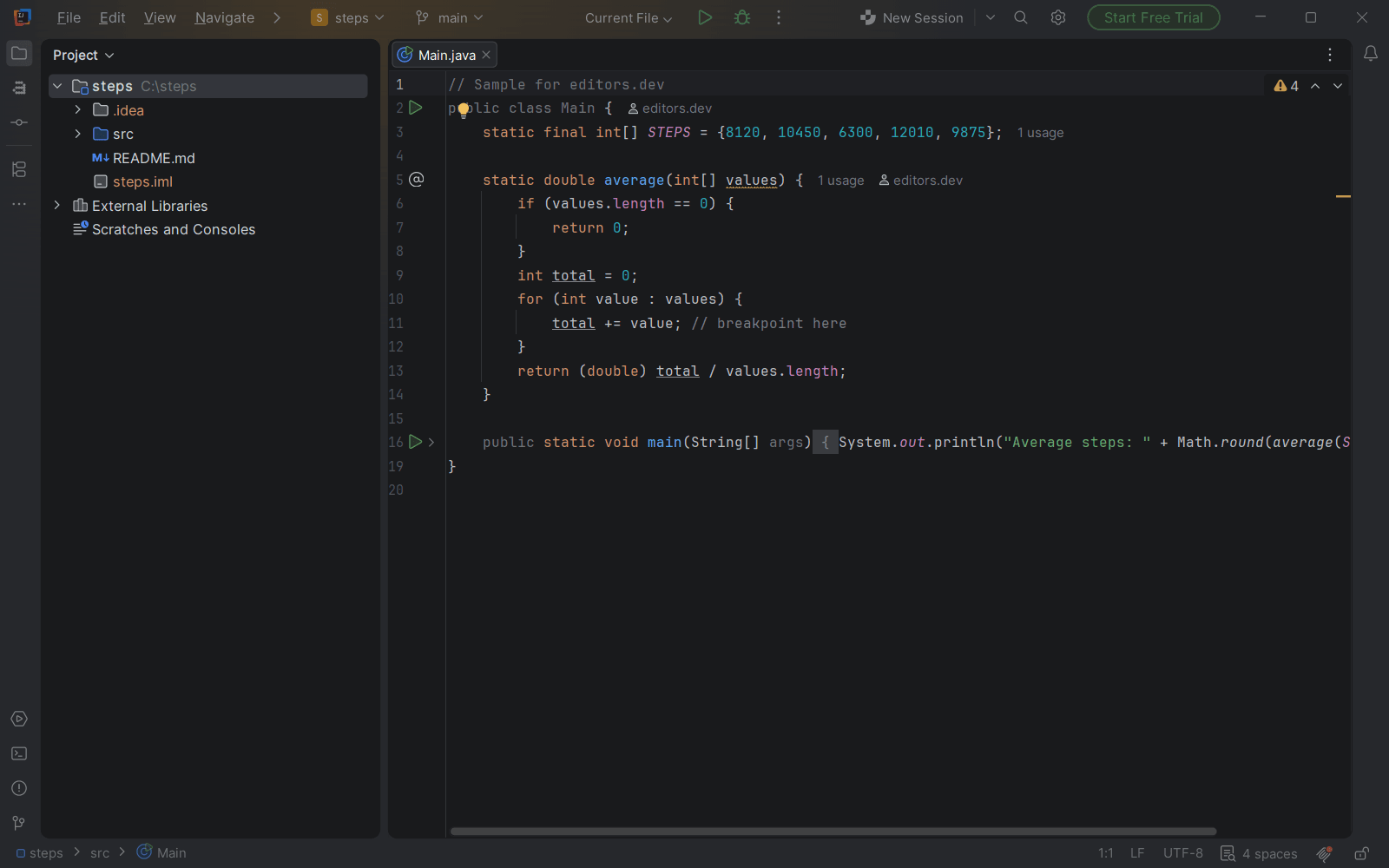
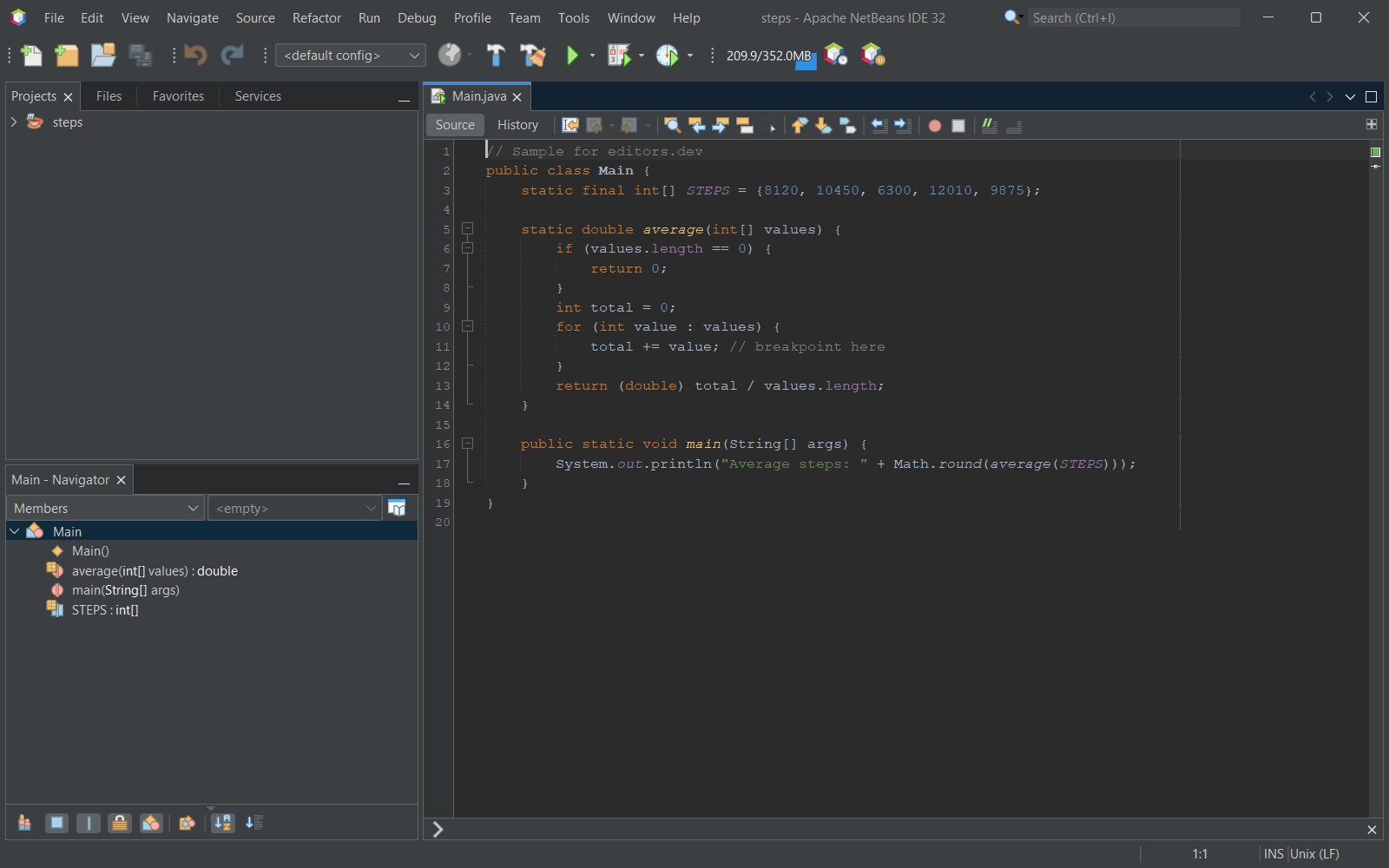

Built in Extension Not supported
Head-to-head comparisons
All comparisons



Sources
Last checked: 16 November 2026