PyCharm
Python IDE with a free core and a paid Pro subscription.
Screenshots
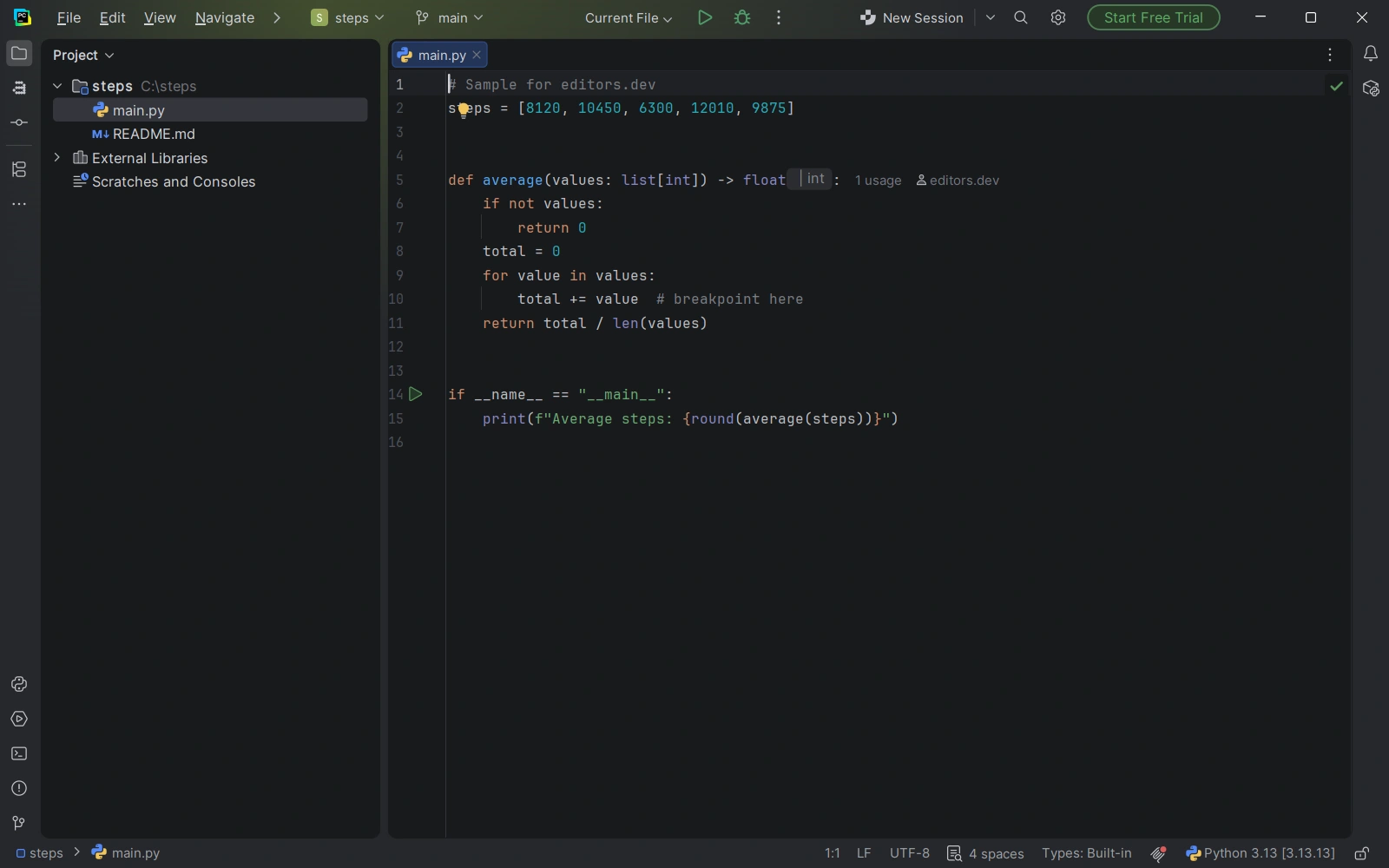
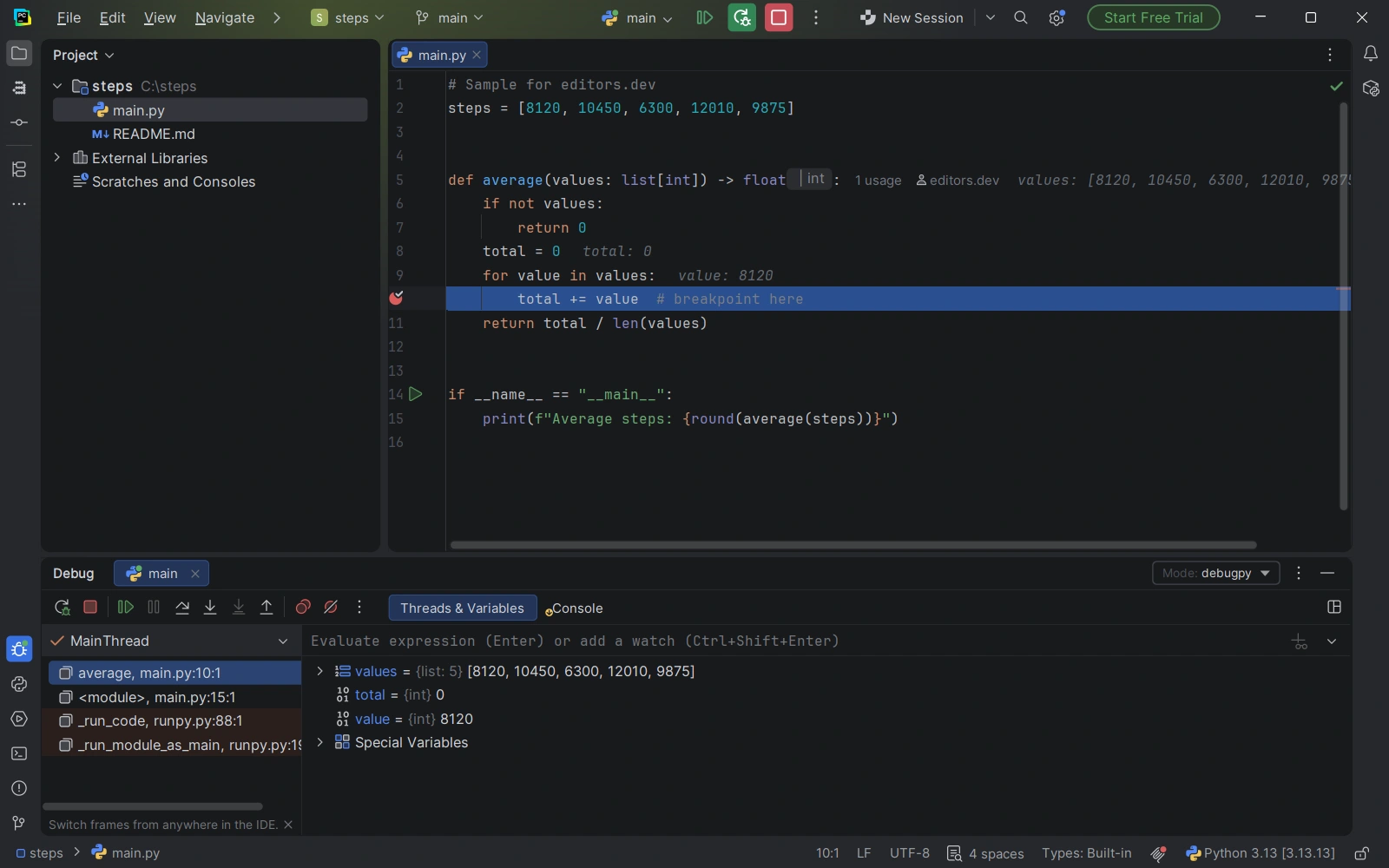
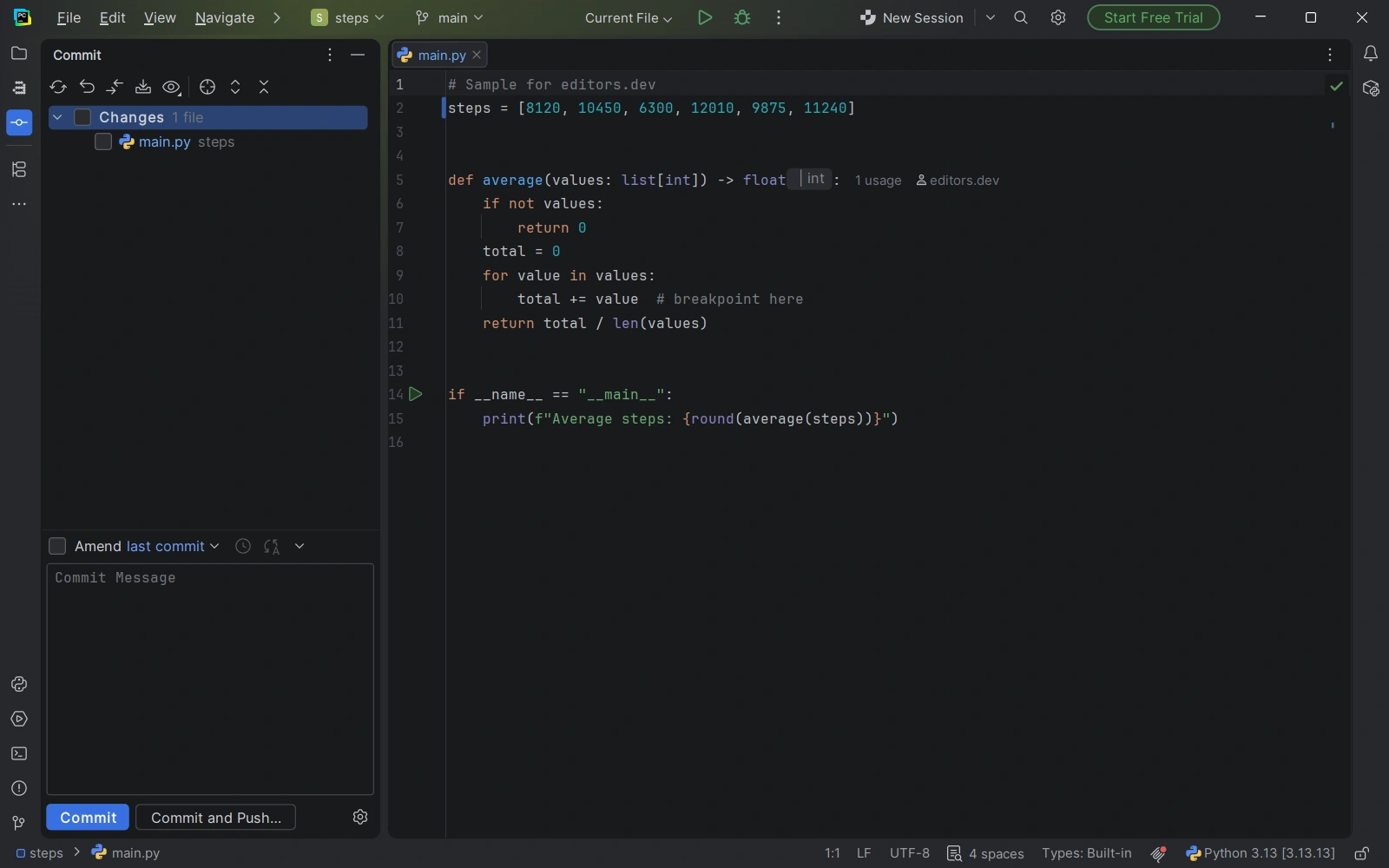
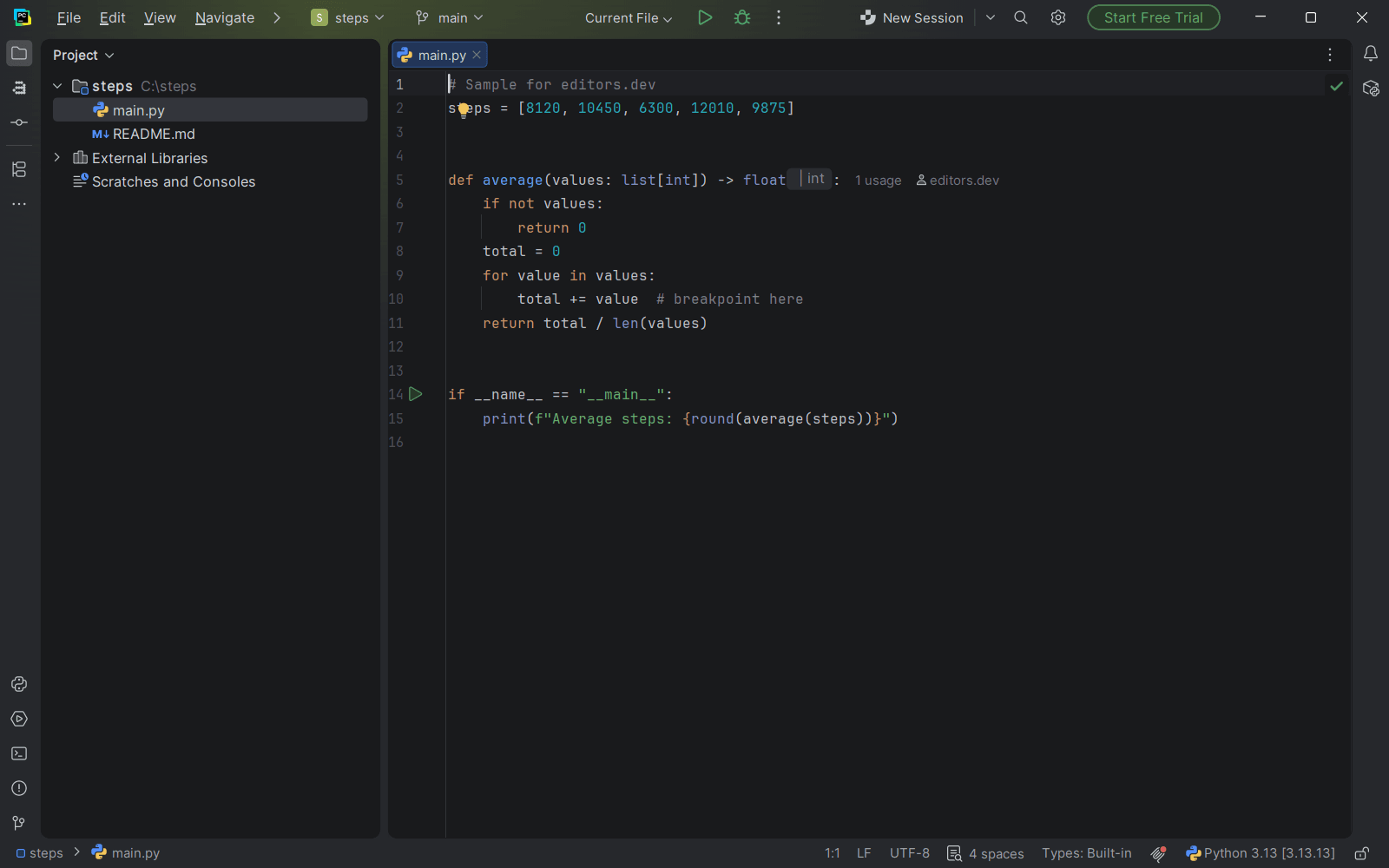
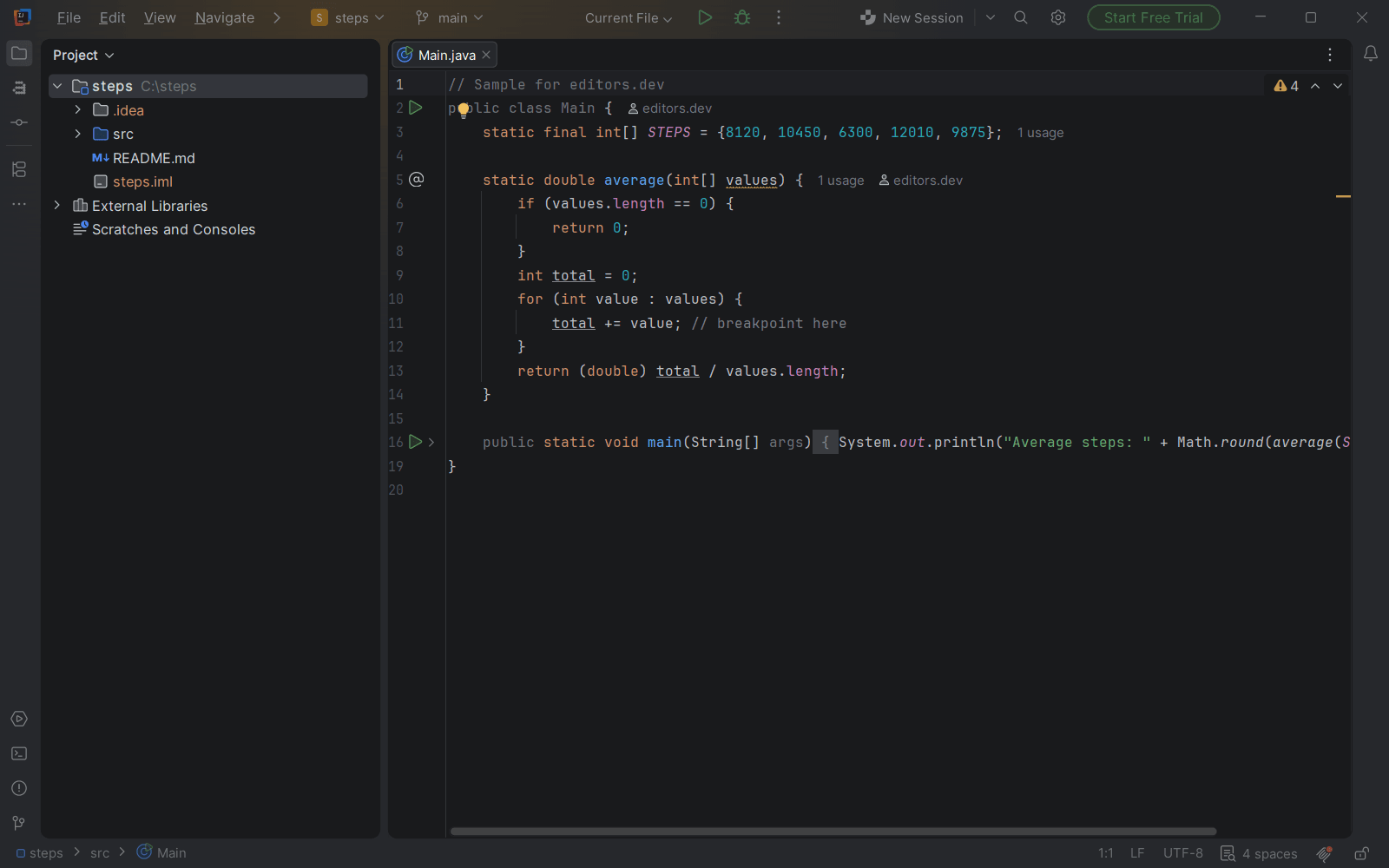
Screenshots of PyCharm 2026.3, taken on 20 November 2026 with the same sample project as every editor on this site. Method
About PyCharm
PyCharm is the JetBrains IDE for Python. Since version 2025.1 it is a single product: the core features, including basic Jupyter notebook support, are free for commercial and non-commercial use, and a Pro subscription adds web framework, database, remote development and full notebook tooling. The standalone Community Edition ended with version 2025.2.
What it offers
- The free feature set includes Python support, a debugger, testing frameworks, Git, a terminal, Docker and basic Jupyter notebook support with running and debugging.
- Pro adds advanced Django, Flask and FastAPI support, JavaScript and TypeScript with frontend frameworks, database tools for more than 40 SQL and NoSQL databases, full local and remote Jupyter notebooks, and remote development over SSH, Docker and WSL.
- Every new installation starts with a 30-day Pro trial. When it ends, the core features stay usable for free.
- Since version 2026.3 the IDE ships with JetBrains Air for running coding agents such as Claude Agent, Codex, Gemini, GitHub Copilot and Junie. The Junie Lite configuration is free with a JetBrains Account, and AI Assistant remains available as a separate plugin.
- Code With Me is no longer bundled. Its plugin supports IDE versions up to 2026.1, and JetBrains will shut the service down in Q1 2027.
What is built in
Listed only where we have checked it
- Debugger Built in
- Git integration Built in
- Integrated terminal Built in
- AI assistant Built in
- Remote development Built in
- Live collaboration Not supported
- Vim mode Extension
Languages
How PyCharm supports each common language, and what you get with the recommended setup.
7 Built in 4 Official extension 12 Community extension 3 Not supported
- JavaScript Built in
- Completion : Yes
- Go to definition : Yes
- Refactoring : Yes
- Debugging : Yes
- Tests : Yes
- Formatting : Yes
The free core gives completion, highlighting, formatting, inspections and refactoring for JavaScript. Debugging and test runners such as Jest and Mocha need the Pro subscription.
Source ↗ - TypeScript Built in
- Completion : Yes
- Go to definition : Yes
- Refactoring : Yes
- Debugging : Yes
- Tests : Yes
- Formatting : Yes
TypeScript editing, navigation and refactoring work in the free core. Debugging needs the JavaScript Debugger and Node.js plugins, which are only available with Pro, and the Jest test runner is Pro-only too.
Source ↗ - Python Built in
- Completion : Yes
- Go to definition : Yes
- Refactoring : Yes
- Debugging : Yes
- Tests : Yes
- Formatting : Yes
Python editing, debugging and testing are in the free core. Django, Flask and Pyramid support need the Pro subscription.
Source ↗ - HTML Built in
- Completion : Yes
- Go to definition : Yes
- Refactoring : Yes
- Debugging : No
- Tests : No
- Formatting : Yes
HTML editing with completion, navigation and formatting is part of the free core.
Source ↗ - CSS Built in
- Completion : Yes
- Go to definition : Yes
- Refactoring : Yes
- Debugging : No
- Tests : No
- Formatting : Yes
CSS completion, inspections and quick fixes moved from the Pro subscription to the free core in 2026.1.
Source ↗ - SQL Built in
- Completion : Yes
- Go to definition : Yes
- Refactoring : Yes
- Debugging : No
- Tests : No
- Formatting : Yes
The bundled Database Tools and SQL plugin brings DataGrip's features, but it is only available with the Pro subscription. The free core has no SQL tooling.
Source ↗ - Shell Built in
- Completion : Yes
- Go to definition : No
- Refactoring : No
- Debugging : No
- Tests : No
- Formatting : Yes
The bundled Shell Script plugin gives highlighting, completion, ShellCheck checks and shfmt formatting; the IDE offers to install ShellCheck and shfmt. Rename is text-based and there is no shell debugger.
Source ↗ - Rust Official extension
With Rust
- Completion : Yes
- Go to definition : Yes
- Refactoring : Yes
- Debugging : Yes
- Tests : Yes
- Formatting : Yes
JetBrains' Rust plugin is free with the Pro subscription and does not work in the free core. Debugging also needs the Native Debugging Support plugin, and you can debug Python and Rust code in the same session.
Source ↗ - Dart Official extension
With Dart
- Completion : Yes
- Go to definition : Yes
- Refactoring : Yes
- Debugging : Yes
- Tests : Yes
- Formatting : Yes
The Dart plugin, now published by Google, uses the analysis server from your Dart SDK and includes a debugger and test runner. For Flutter, install the Flutter plugin, which brings the Dart plugin with it.
Source ↗ - Lua Official extension
With Lua
- Completion : Yes
- Go to definition : Yes
- Refactoring : Yes
- Debugging : No
- Tests : No
- Formatting : Yes
JetBrains' own Lua plugin, currently in beta for 2026.3, covers Lua 5.1 to 5.4, LuaJIT and Luau with completion, navigation, rename and a formatter. It has no run configuration or debugger; the community EmmyLua2 plugin includes a debugger.
Source ↗ - R Official extension
With R Language
- Completion : Yes
- Go to definition : No
- Refactoring : Yes
- Debugging : Yes
- Tests : No
- Formatting : No
JetBrains' R Language plugin adds an R console, a plot viewer and a debugger, and needs R installed. JetBrains now marks the plugin as deprecated, though it still publishes builds for 2026.3.
Source ↗ - Java Community extension
With LSP4IJ
- Completion : Yes
- Go to definition : Yes
- Refactoring : Yes
- Debugging : No
- Tests : No
- Formatting : Yes
There is no JetBrains Java plugin for PyCharm; JetBrains points to IntelliJ IDEA. Red Hat's LSP4IJ plugin has a template for the Eclipse JDT language server, and highlighting comes from the bundled TextMate grammar.
Source ↗ - C++ Community extension
With LSP4IJ
- Completion : Yes
- Go to definition : Yes
- Refactoring : Yes
- Debugging : Yes
- Tests : No
- Formatting : Yes
There is no JetBrains C/C++ plugin for PyCharm; JetBrains points to CLion. Red Hat's LSP4IJ plugin has a clangd template. LSP4IJ's lldb-dap debugger template adds debugging.
Source ↗ - C Community extension
With LSP4IJ
- Completion : Yes
- Go to definition : Yes
- Refactoring : Yes
- Debugging : Yes
- Tests : No
- Formatting : Yes
There is no JetBrains C plugin for PyCharm; the CLion C and C++ plugin only works in IntelliJ IDEA. Red Hat's LSP4IJ plugin has a clangd template, and highlighting comes from the bundled TextMate grammar. LSP4IJ's lldb-dap debugger template adds debugging.
Source ↗ - Go Community extension
With LSP4IJ
- Completion : Yes
- Go to definition : Yes
- Refactoring : Yes
- Debugging : Yes
- Tests : No
- Formatting : Yes
JetBrains' Go plugin works only in GoLand and IntelliJ IDEA Ultimate, not in PyCharm. Red Hat's LSP4IJ plugin can run gopls and debug through Delve.
Source ↗ - Ruby Community extension
With LSP4IJ
- Completion : Yes
- Go to definition : Yes
- Refactoring : Yes
- Debugging : Yes
- Tests : No
- Formatting : Yes
JetBrains' Ruby plugin works only in IntelliJ IDEA Ultimate; JetBrains points to RubyMine. Red Hat's LSP4IJ plugin has a Ruby LSP template and can debug through rdbg.
Source ↗ - Swift Community extension
With Noctule
- Completion : Yes
- Go to definition : Yes
- Refactoring : Yes
- Debugging : Yes
- Tests : Yes
- Formatting : Yes
JetBrains has no Swift plugin for PyCharm. The community Noctule plugin runs SourceKit-LSP from your installed Swift toolchain; its debugger and test runner need a paid Noctule license.
Source ↗ - Objective-C Community extension
With LSP4IJ
- Completion : Yes
- Go to definition : Yes
- Refactoring : Yes
- Debugging : Yes
- Tests : No
- Formatting : Yes
Red Hat's LSP4IJ plugin's clangd template also covers .m files, and highlighting comes from the bundled TextMate grammar. The Noctule plugin has its own Objective-C support, but completion and navigation there need a paid license. LSP4IJ's lldb-dap debugger template adds debugging.
Source ↗ - Scala Community extension
With LSP4IJ
- Completion : Yes
- Go to definition : Yes
- Refactoring : Yes
- Debugging : No
- Tests : No
- Formatting : Yes
JetBrains' Scala plugin only works in IntelliJ IDEA. Red Hat's LSP4IJ plugin has a template for the Metals language server, which you install yourself with Coursier.
Source ↗ - Elixir Community extension
With Elixir
- Completion : Yes
- Go to definition : Yes
- Refactoring : Yes
- Debugging : Yes
- Tests : Yes
- Formatting : Yes
The community Elixir plugin needs Elixir and Erlang installed and adds a graphical debugger, ExUnit test runs and mix format. It is actively maintained.
Source ↗ - Haskell Community extension
With Haskell LSP
- Completion : Yes
- Go to definition : Yes
- Refactoring : Yes
- Debugging : No
- Tests : Yes
- Formatting : Yes
The community Haskell LSP plugin has its own highlighting and runs the Haskell Language Server through Red Hat's LSP4IJ. You install HLS yourself, for example with GHCup; the plugin runs Cabal tests but has no debugger.
Source ↗ - Zig Community extension
With ZigBrains
- Completion : Yes
- Go to definition : Yes
- Refactoring : Yes
- Debugging : Yes
- Tests : No
- Formatting : Yes
The community ZigBrains plugin uses the Zig language server (ZLS) and can download Zig and ZLS for you. Debugging relies on JetBrains' native debugger, which needs the Pro subscription.
Source ↗ - Julia Community extension
With LSP4IJ
- Completion : Yes
- Go to definition : Yes
- Refactoring : Yes
- Debugging : Yes
- Tests : No
- Formatting : Yes
The old community Julia plugin stopped at IDE version 2024.1. Red Hat's LSP4IJ plugin has a template for the Julia language server (LanguageServer.jl), and highlighting comes from the bundled TextMate grammar. LSP4IJ's Julia debugger template adds debugging.
Source ↗
Not supported C#, PHP, Kotlin
- C# PyCharm only highlights C# through its bundled TextMate grammar. JetBrains' C# IDE is Rider. Source ↗
- PHP JetBrains' PHP plugin works only in IntelliJ IDEA Ultimate, so PyCharm only highlights PHP through its bundled TextMate grammar. JetBrains' PHP IDE is PhpStorm. Source ↗
- Kotlin JetBrains' Kotlin plugin is only offered for IntelliJ IDEA, so PyCharm only highlights Kotlin through its bundled TextMate grammar. JetBrains' Kotlin IDE is IntelliJ IDEA. Source ↗
Who it is for
Who it suits
- Python developers who want an IDE that is free for commercial work, with a debugger, test tools and Git included.
- Data work in Jupyter notebooks. Basic notebook support is free and the full tooling comes with Pro.
- Teams building web applications with Django, Flask or FastAPI that are prepared to pay for Pro.
Who should look elsewhere
- Users who need remote development, database tools or JavaScript and TypeScript support at no cost. These require the Pro subscription.
- Users who require a fully open-source build. The official download includes proprietary components, and only the builds published on GitHub are limited to the open-source parts.
- Teams that need real-time collaborative editing in the IDE, because Code With Me is being discontinued.
PyCharm pricing
The core IDE is free. The Pro subscription costs US $109.00 for the first year or US $10.90 per month for individuals, and US $299.00 per user per year or US $29.90 per user per month for organizations; prices are in USD as shown on the JetBrains store for Türkiye, excluding VAT, and a 30-day Pro trial is included.
Price Free tier, paid plans Proprietary distribution
PyCharm next to its alternatives
The same facts for each editor, taken from the directory.
| Editor | Type | Price | Built with | Platforms | Languages built in | Remote development | Live collaboration | Vim mode |
|---|---|---|---|---|---|---|---|---|
| PyCharm | IDE | Free tier, paid plans | Java, Kotlin (IntelliJ Platform) | Windows · macOS · Linux | 7 / 26 | Built in | Not supported | Extension |
| VS Code | Editor | Free Open source | TypeScript, Electron | Windows · macOS · Linux | 5 / 26 | Extension | Extension | Extension |
| Zed | Editor | Free tier, paid plans Open source | Rust, GPUI | macOS · Linux · Windows | 10 / 26 | Built in | Built in | Built in |
| Neovim | Terminal | Free Open source | C, Lua, Vimscript | Windows · macOS · Linux | 0 / 26 | –Not listed | –Not listed | Built in |


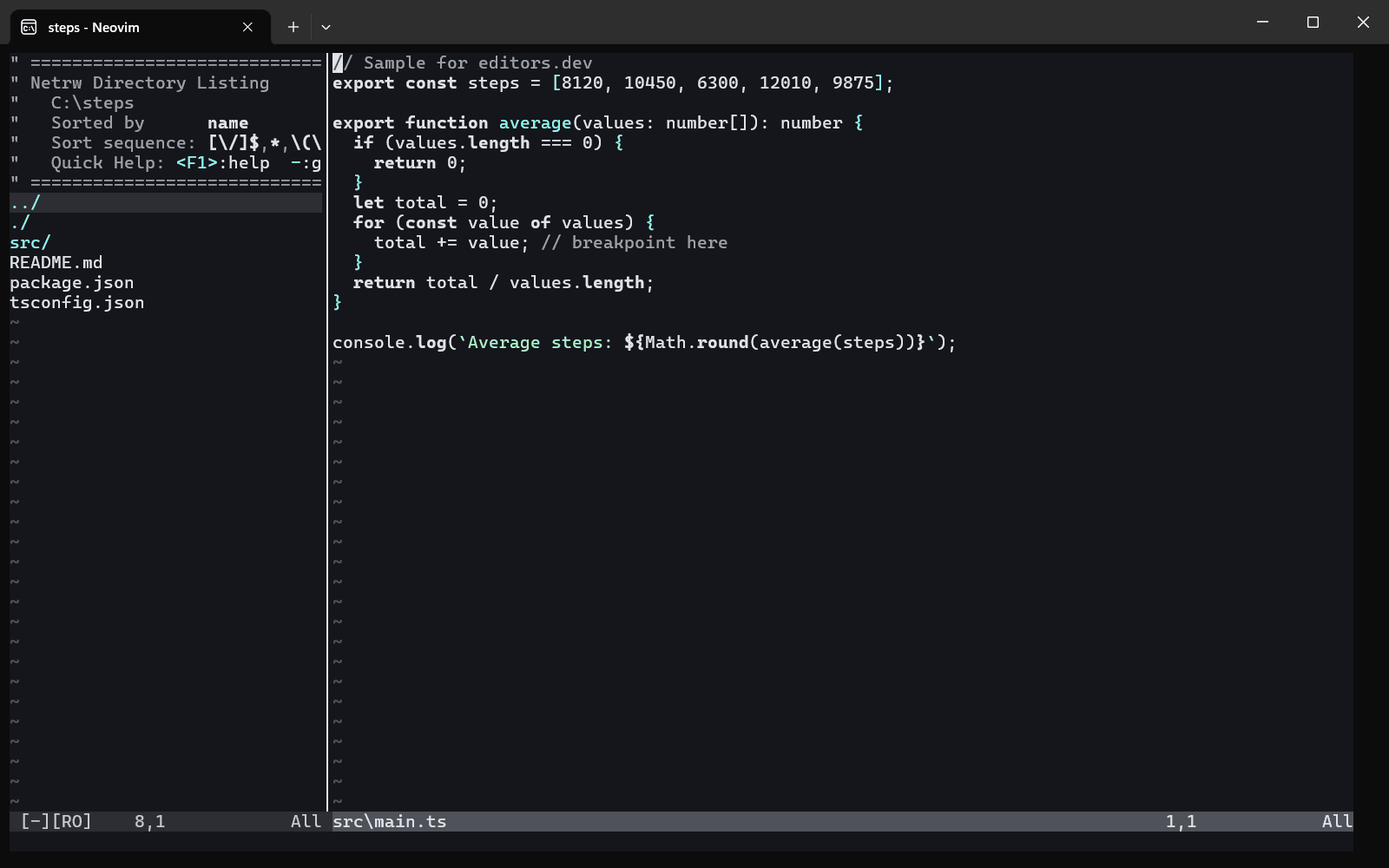
Built in Extension Not supported
Head-to-head comparisons
All comparisonsGuides that cover PyCharm
All guides


Sources
Last checked: 16 November 2026