HTML
HyperText Markup Language
HTML is the markup language for documents on the web. It describes the structure and meaning of a page's content, from headings and links to forms, media and interactive elements, and browsers render it together with CSS and JavaScript.
Editors for HTML
37 editors and IDEs support HTML. Built in first, then official and community extensions. Each row opens the editor at its HTML notes.
Built in 33
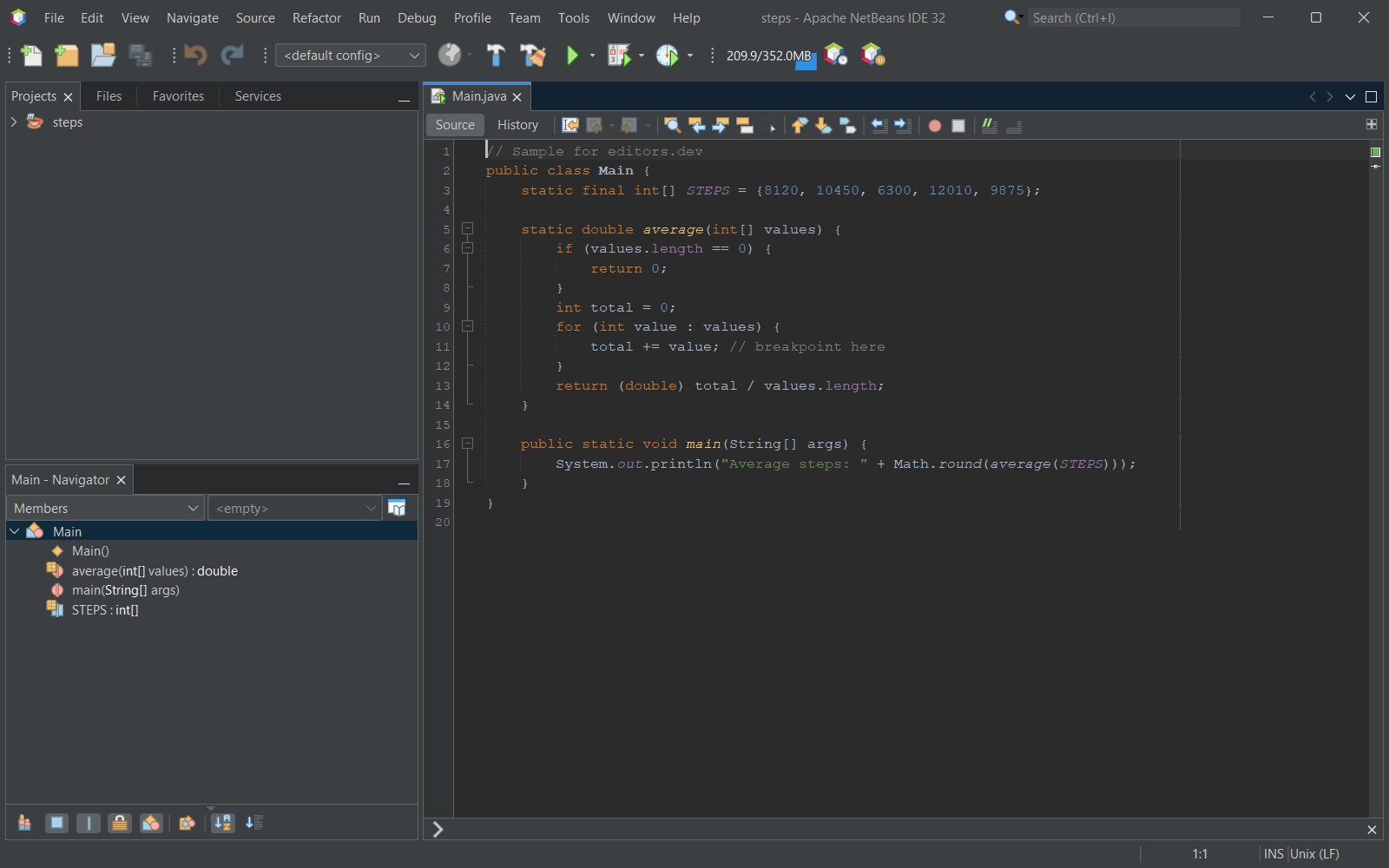
- Apache NetBeans Completion : Yes Go to definition : Yes Refactoring : No Debugging : No Tests : No Formatting : Yes
- PhpStorm Completion : Yes Go to definition : Yes Refactoring : Yes Debugging : No Tests : No Formatting : Yes
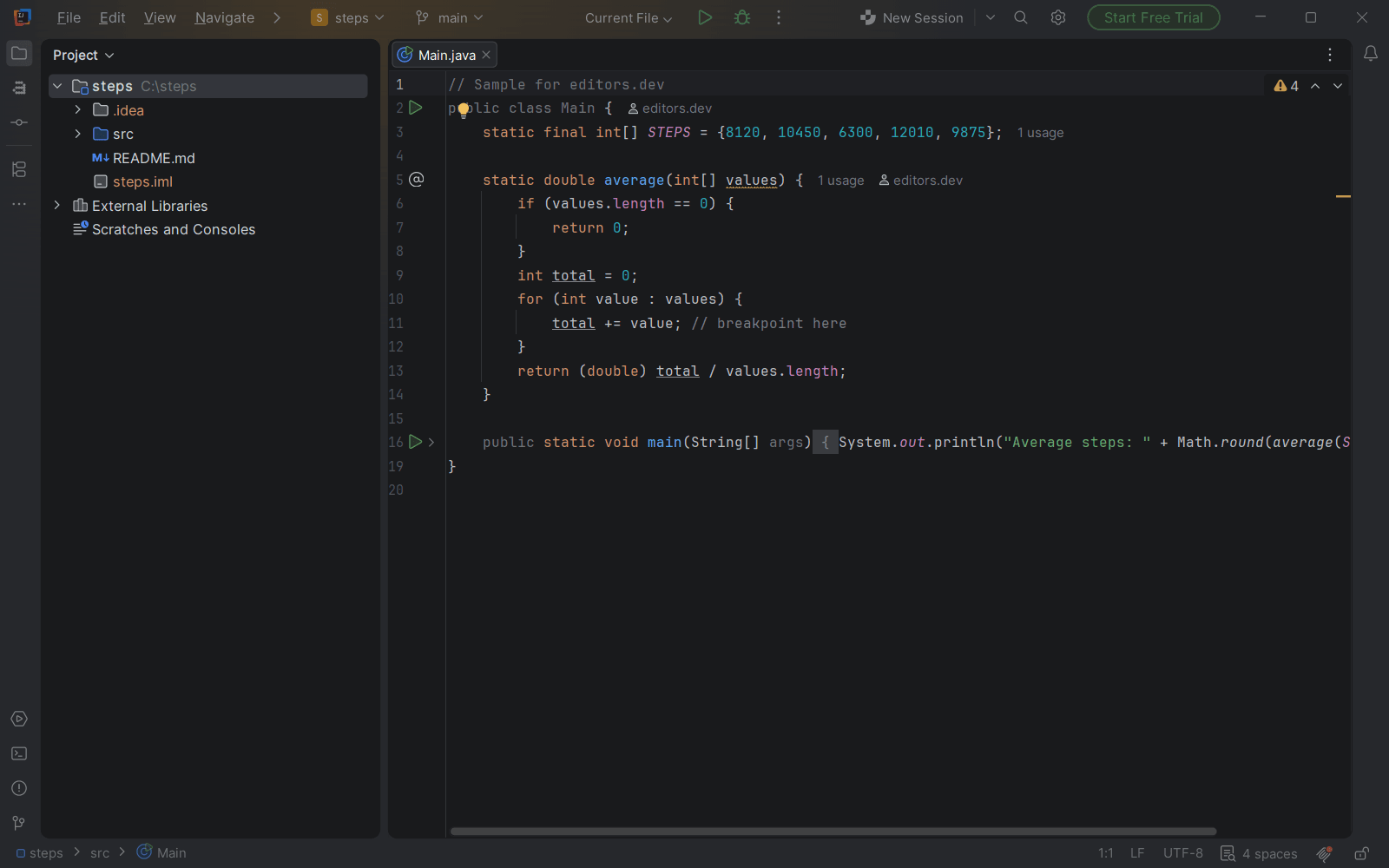
- IntelliJ IDEA Completion : Yes Go to definition : Yes Refactoring : Yes Debugging : No Tests : No Formatting : Yes
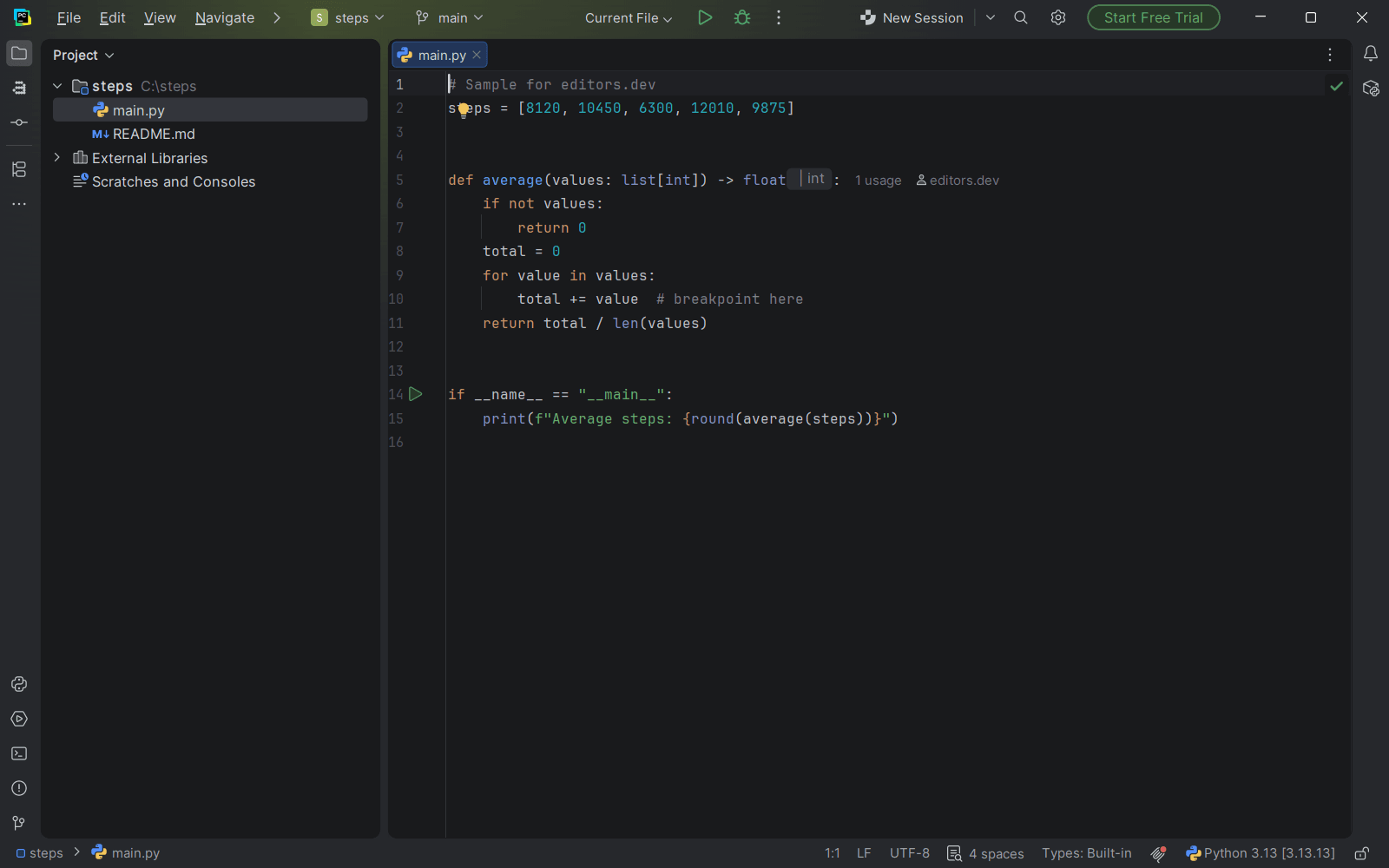
- PyCharm Completion : Yes Go to definition : Yes Refactoring : Yes Debugging : No Tests : No Formatting : Yes
- WebStorm Completion : Yes Go to definition : Yes Refactoring : Yes Debugging : No Tests : No Formatting : Yes
- GoLand Completion : Yes Go to definition : Yes Refactoring : Yes Debugging : No Tests : No Formatting : Yes
- CLion Completion : Yes Go to definition : Yes Refactoring : Yes Debugging : No Tests : No Formatting : Yes
- Rider Completion : Yes Go to definition : Yes Refactoring : Yes Debugging : No Tests : No Formatting : Yes
- RustRover Completion : Yes Go to definition : Yes Refactoring : Yes Debugging : No Tests : No Formatting : Yes
- RubyMine Completion : Yes Go to definition : Yes Refactoring : Yes Debugging : No Tests : No Formatting : Yes
- Visual Studio With ASP.NET and web development workload Completion : Yes Go to definition : Yes Refactoring : No Debugging : No Tests : No Formatting : Yes
- Eclipse IDE With Wild Web Developer (in the Enterprise Java and Web, and PHP packages) Completion : Yes Go to definition : Yes Refactoring : No Debugging : No Tests : No Formatting : Yes
- VS Code Completion : Yes Go to definition : No Refactoring : No Debugging : No Tests : No Formatting : Yes
- Zed Completion : Yes Go to definition : No Refactoring : No Debugging : No Tests : No Formatting : Yes
- Cursor Completion : Yes Go to definition : No Refactoring : No Debugging : No Tests : No Formatting : Yes
- Devin Desktop Completion : Yes Go to definition : No Refactoring : No Debugging : No Tests : No Formatting : Yes
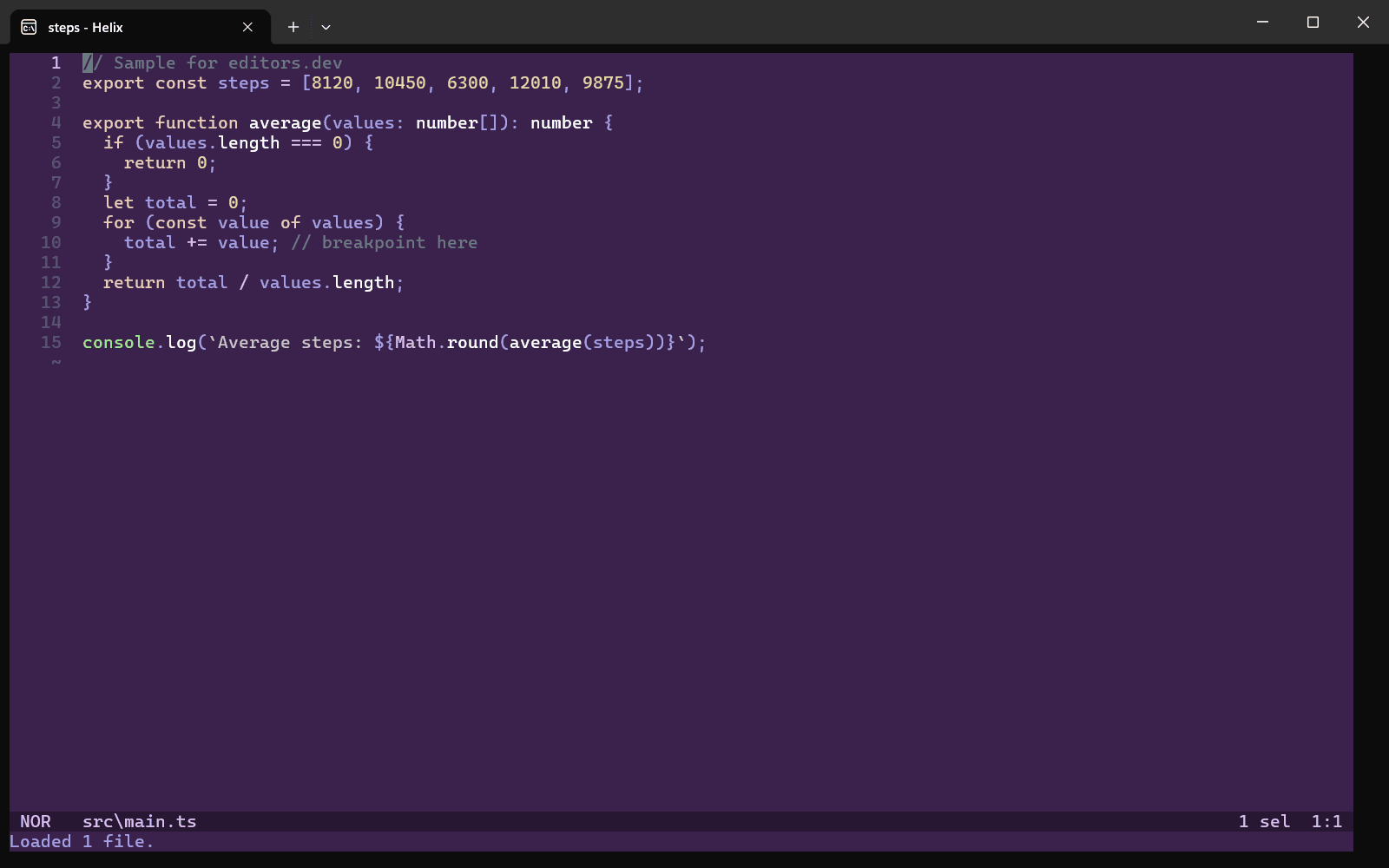
- Helix With vscode-html-language-server, superhtml Completion : Yes Go to definition : No Refactoring : No Debugging : No Tests : No Formatting : Yes
- Android Studio Completion : Yes Go to definition : No Refactoring : No Debugging : No Tests : No Formatting : Yes
- GNU Emacs With Eglot + vscode-html-language-server Completion : Yes Go to definition : No Refactoring : No Debugging : No Tests : No Formatting : Yes
- Kiro Completion : Yes Go to definition : No Refactoring : No Debugging : No Tests : No Formatting : Yes
- Google Antigravity Completion : Yes Go to definition : No Refactoring : No Debugging : No Tests : No Formatting : Yes
- TRAE Completion : Yes Go to definition : No Refactoring : No Debugging : No Tests : No Formatting : Yes
- Nova With HTML Language Server or SuperHTML Completion : Yes Go to definition : No Refactoring : No Debugging : No Tests : No Formatting : Yes
- BBEdit With vscode-html-languageserver-bin Completion : Yes Go to definition : No Refactoring : No Debugging : No Tests : No Formatting : Yes
- TextMate With HTML bundle Completion : Yes Go to definition : No Refactoring : No Debugging : No Tests : No Formatting : Yes
- VSCodium Completion : Yes Go to definition : No Refactoring : No Debugging : No Tests : No Formatting : Yes
- Kate With LSP Client + vscode-html-languageserver; Format plugin (prettier) Completion : Yes Go to definition : No Refactoring : No Debugging : No Tests : No Formatting : Yes
- Sublime Text Completion : Yes Go to definition : No Refactoring : No Debugging : No Tests : No Formatting : No
- Vim Completion : Yes Go to definition : No Refactoring : No Debugging : No Tests : No Formatting : No
- Notepad++ Completion : Yes Go to definition : No Refactoring : No Debugging : No Tests : No Formatting : No
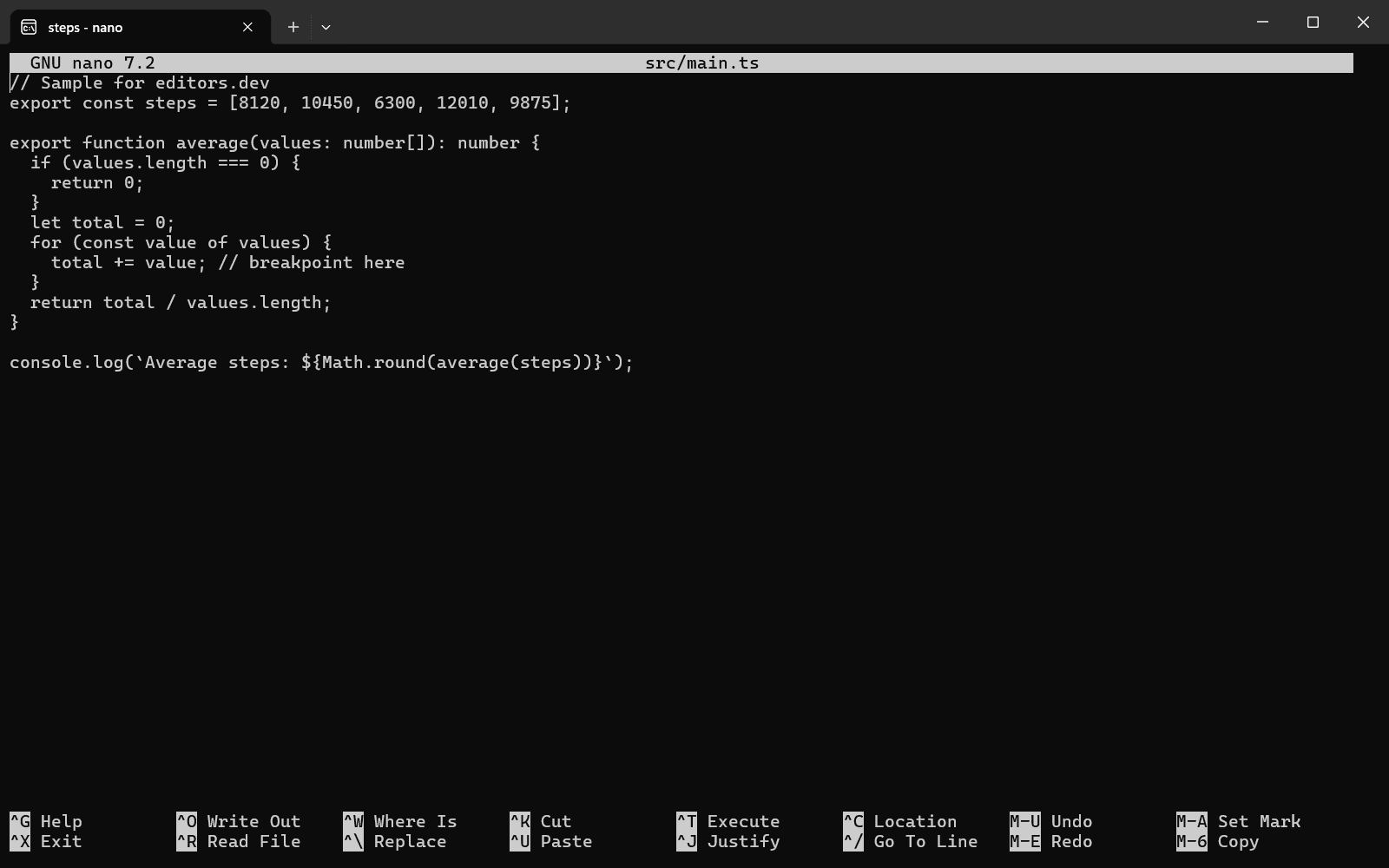
- GNU nano With tidy Completion : No Go to definition : No Refactoring : No Debugging : No Tests : No Formatting : Yes
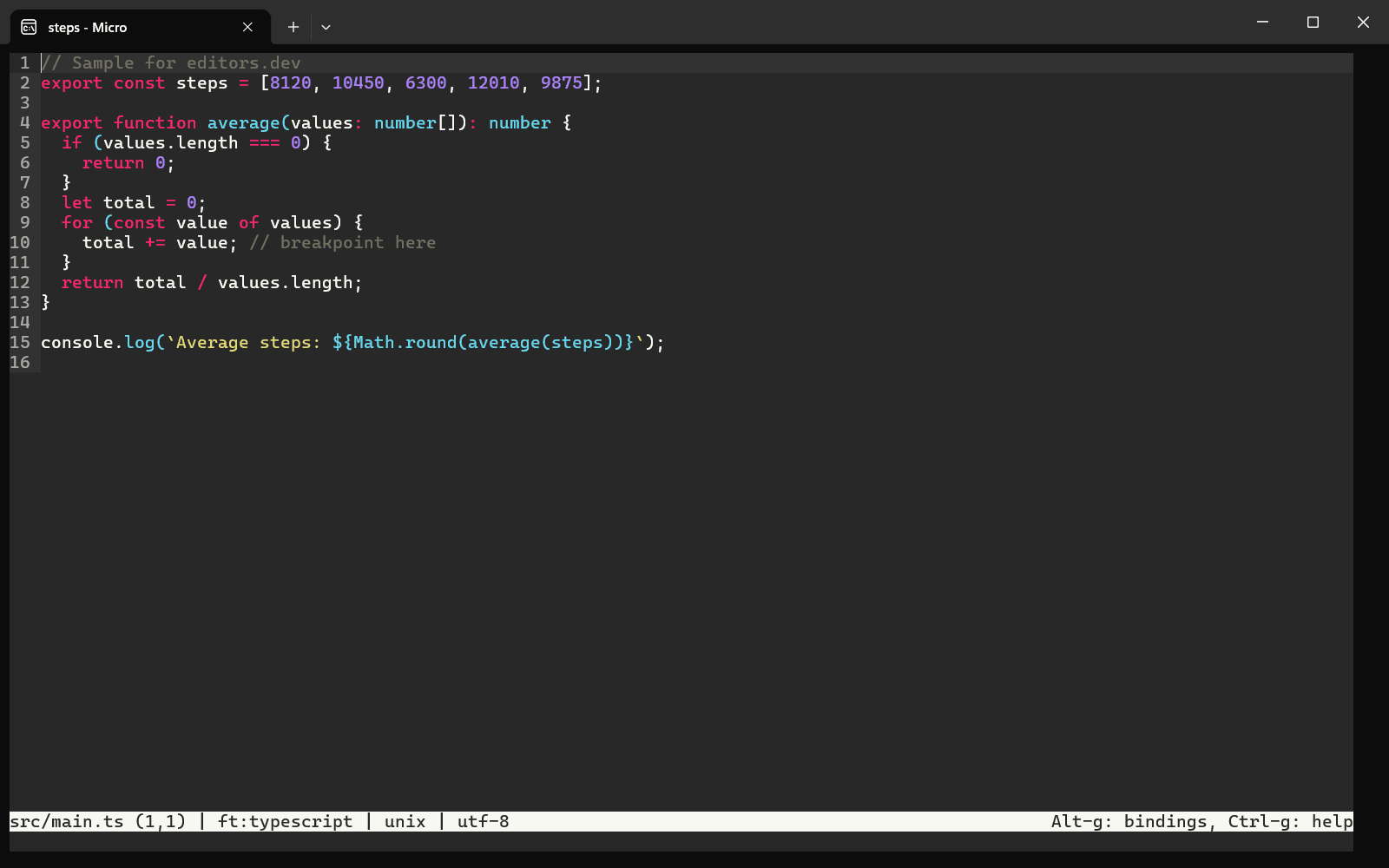
- Micro Completion : No Go to definition : No Refactoring : No Debugging : No Tests : No Formatting : No
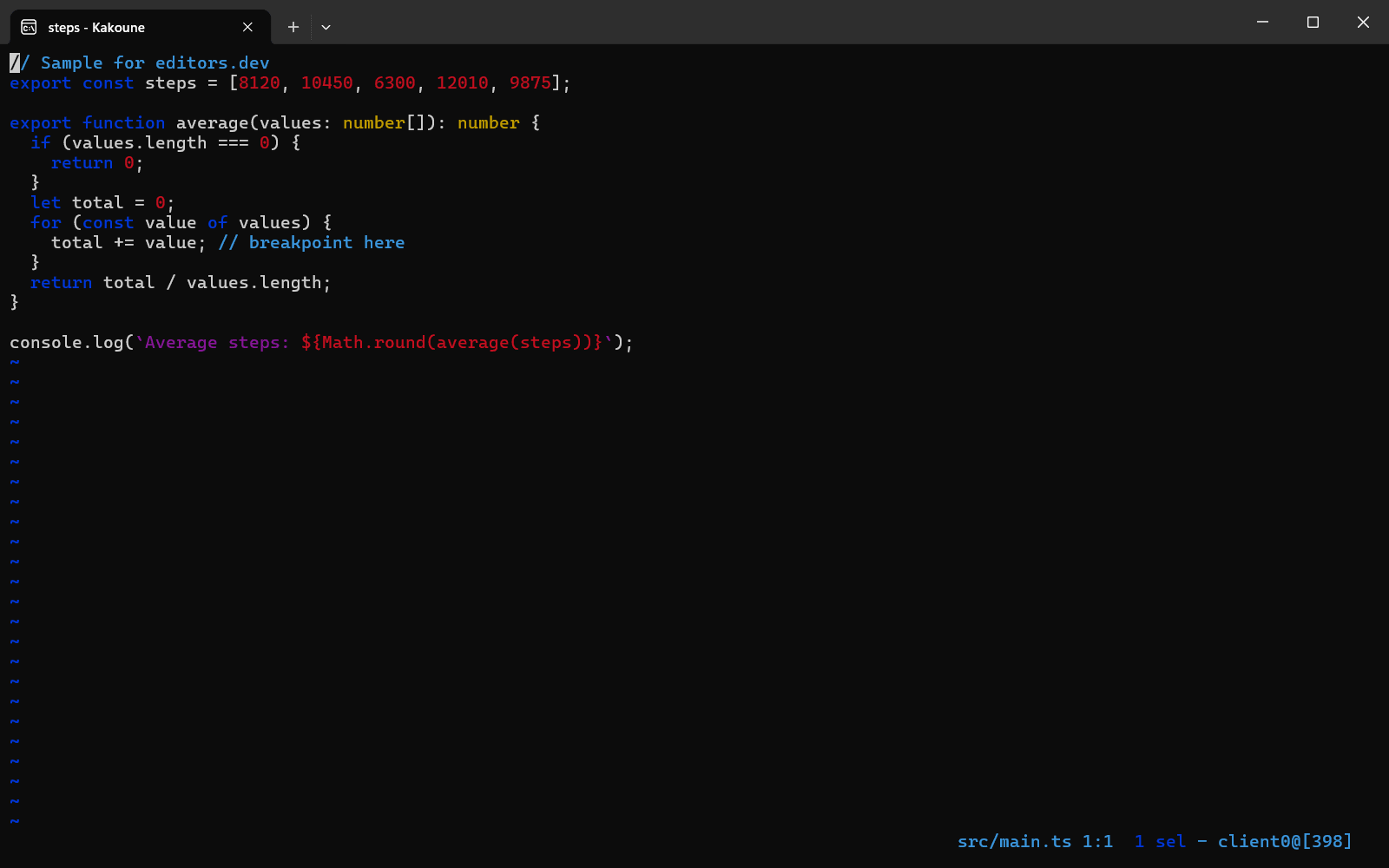
- Kakoune Completion : No Go to definition : No Refactoring : No Debugging : No Tests : No Formatting : No


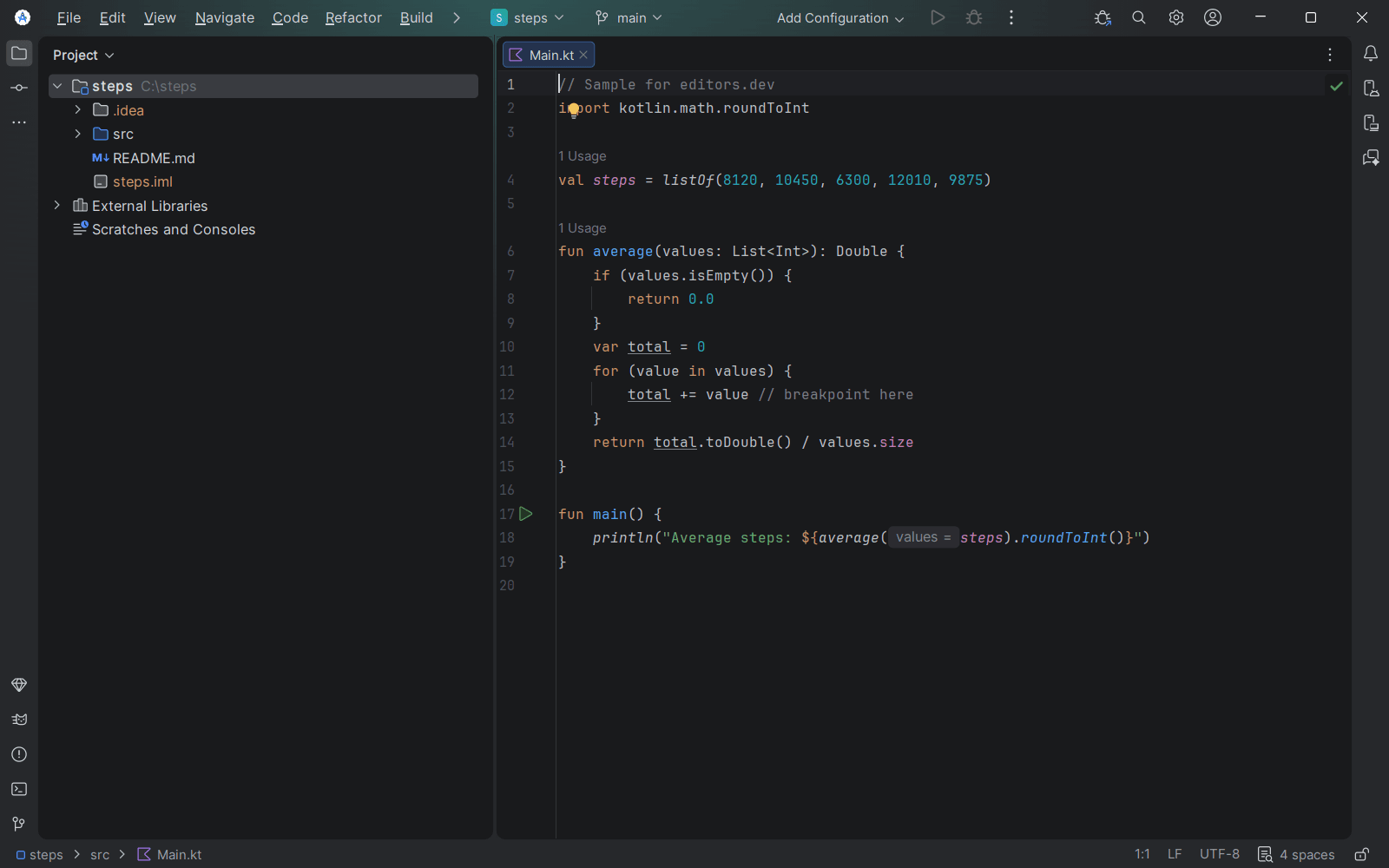
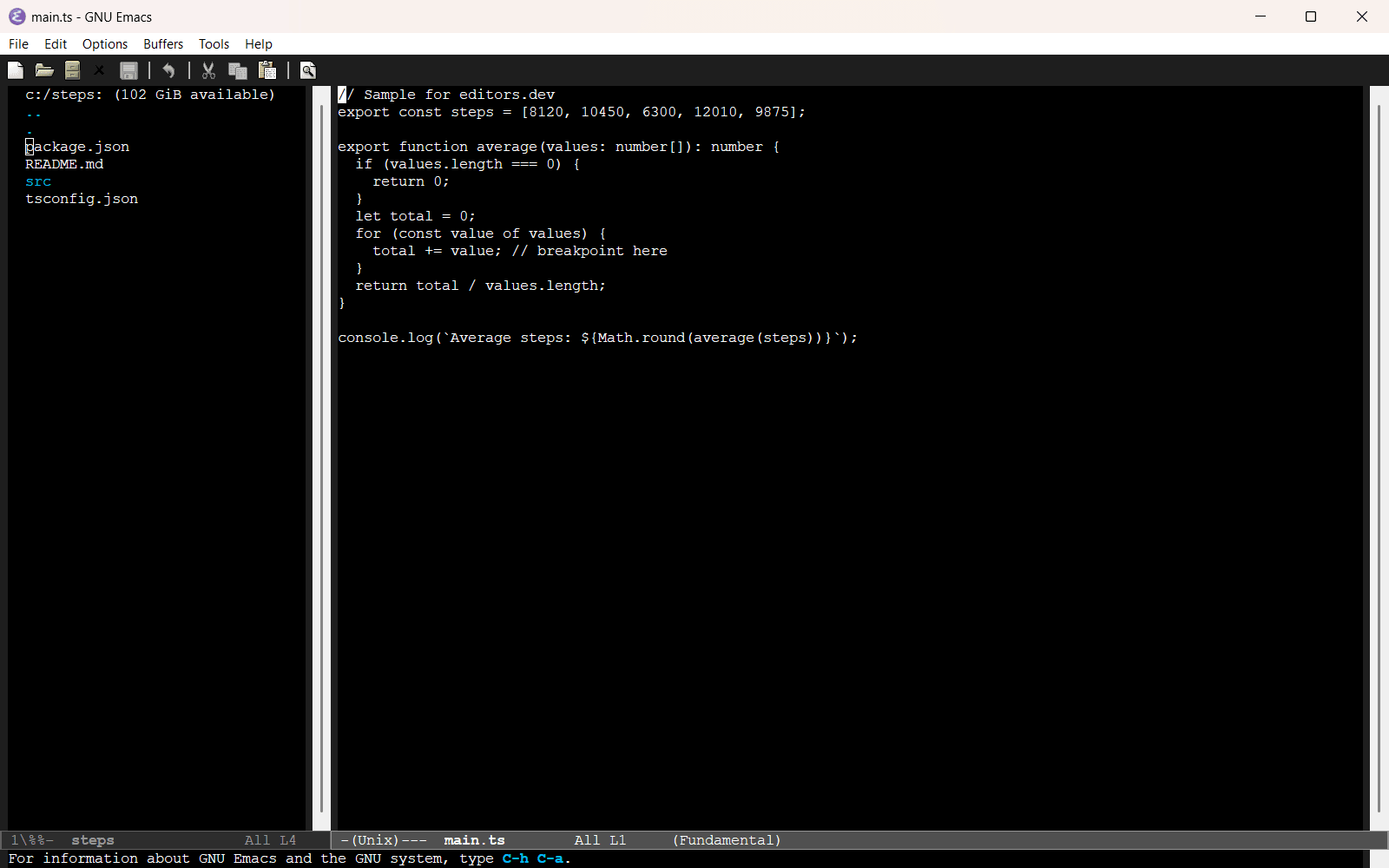


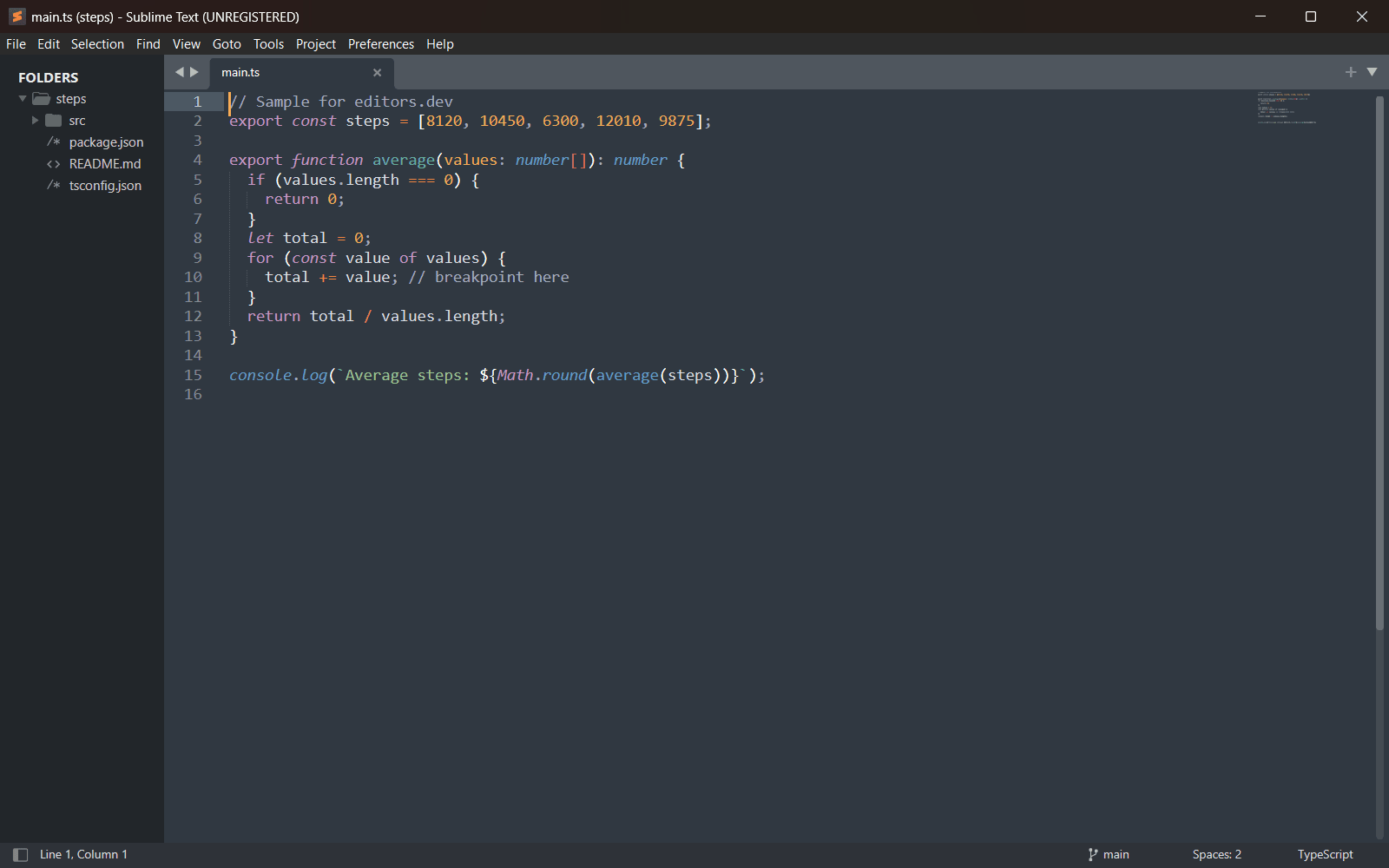
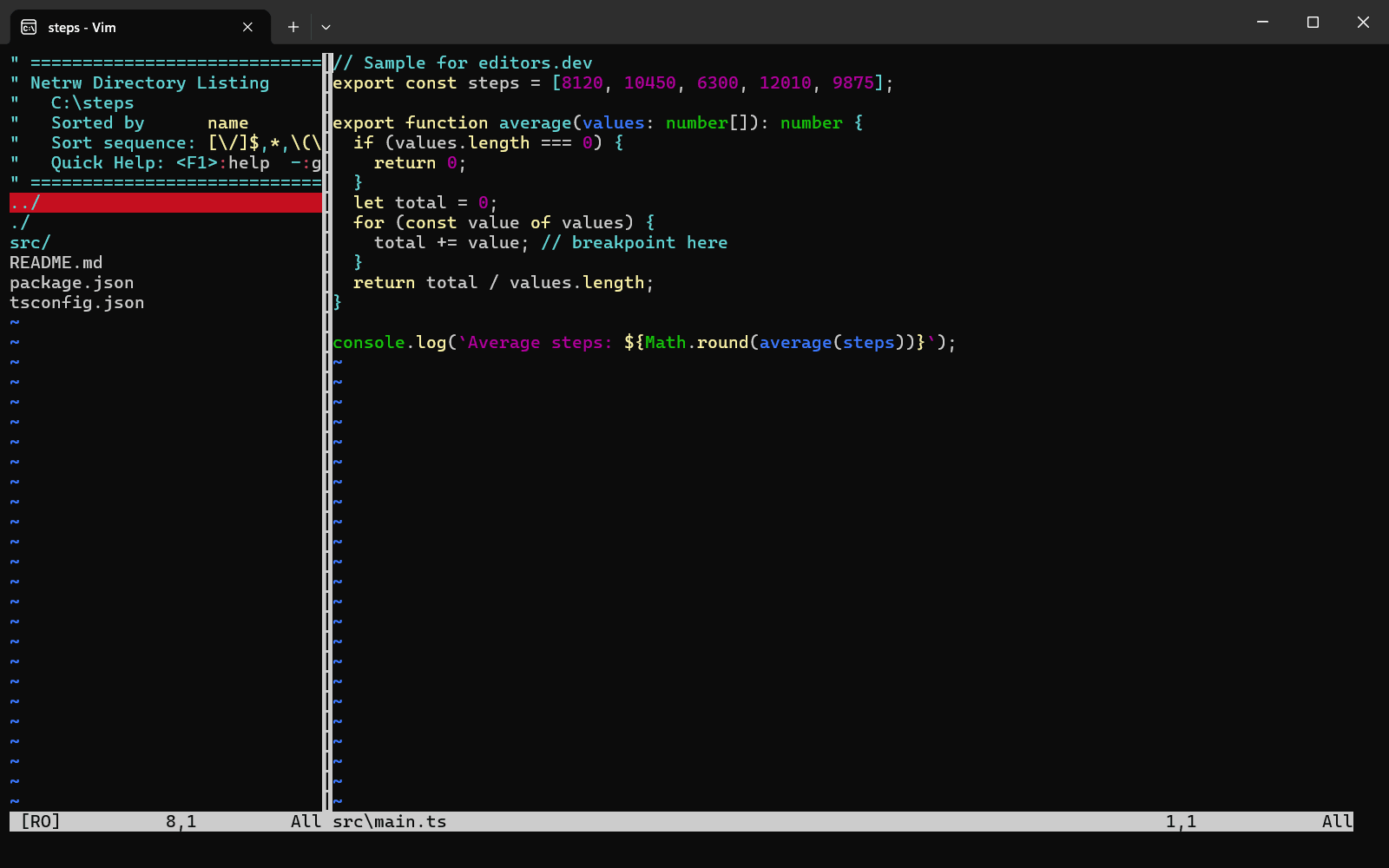

Official extension 1
Community extension 3
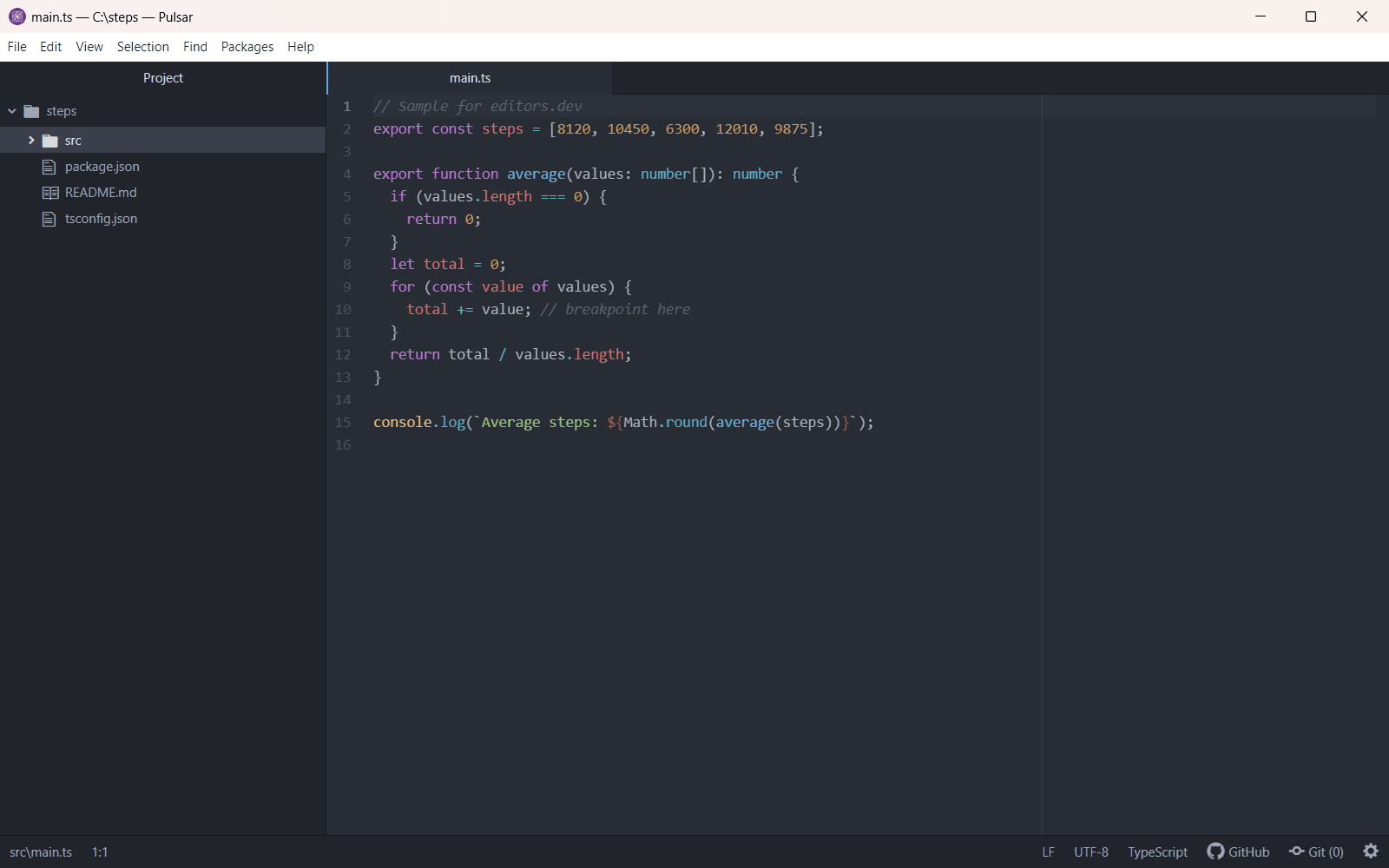
- Pulsar With pulsar-ide-html (vscode-html-language-server) Completion : Yes Go to definition : Yes Refactoring : Yes Debugging : No Tests : No Formatting : Yes
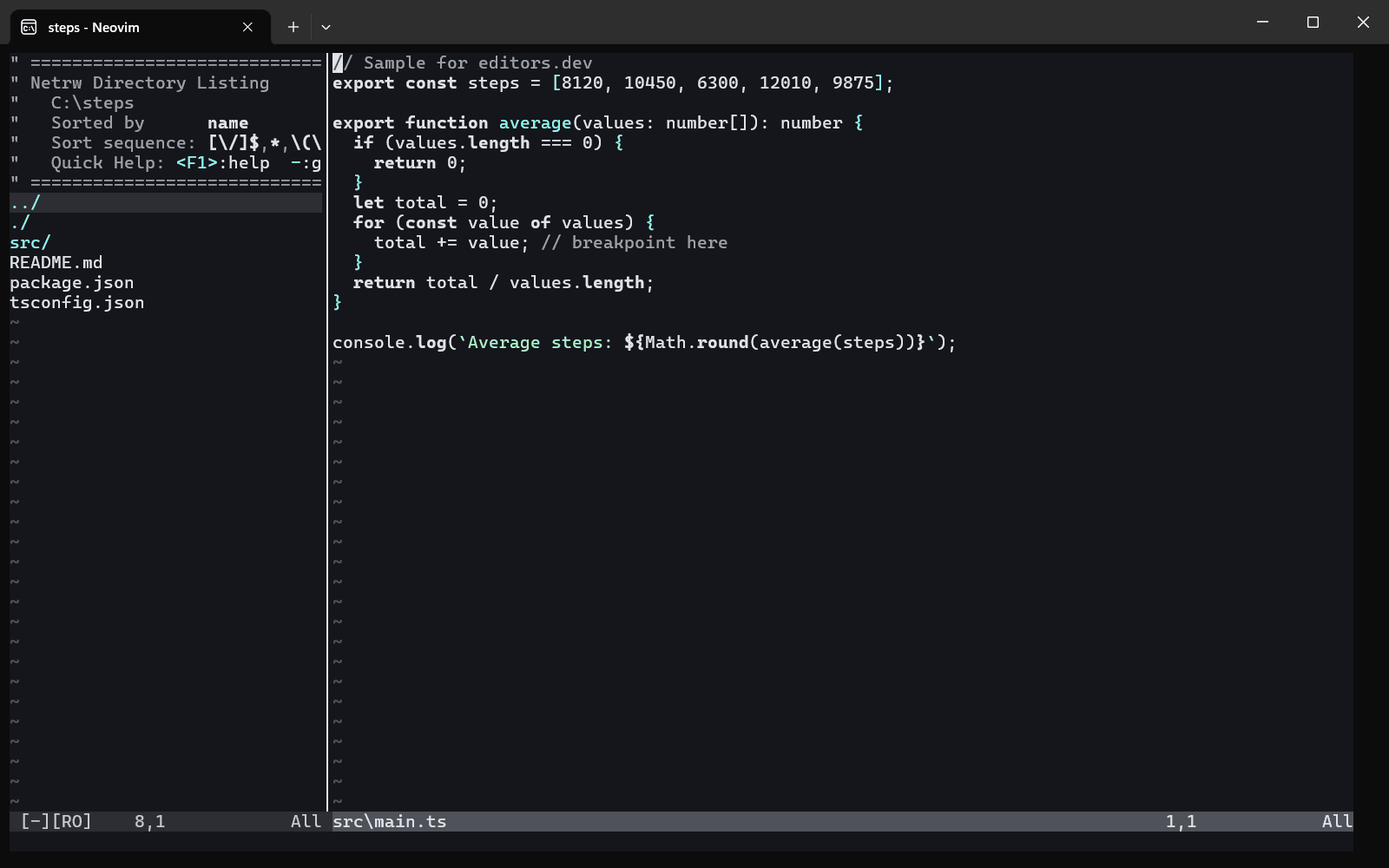
- Neovim With vscode-html-language-server Completion : Yes Go to definition : No Refactoring : No Debugging : No Tests : No Formatting : Yes
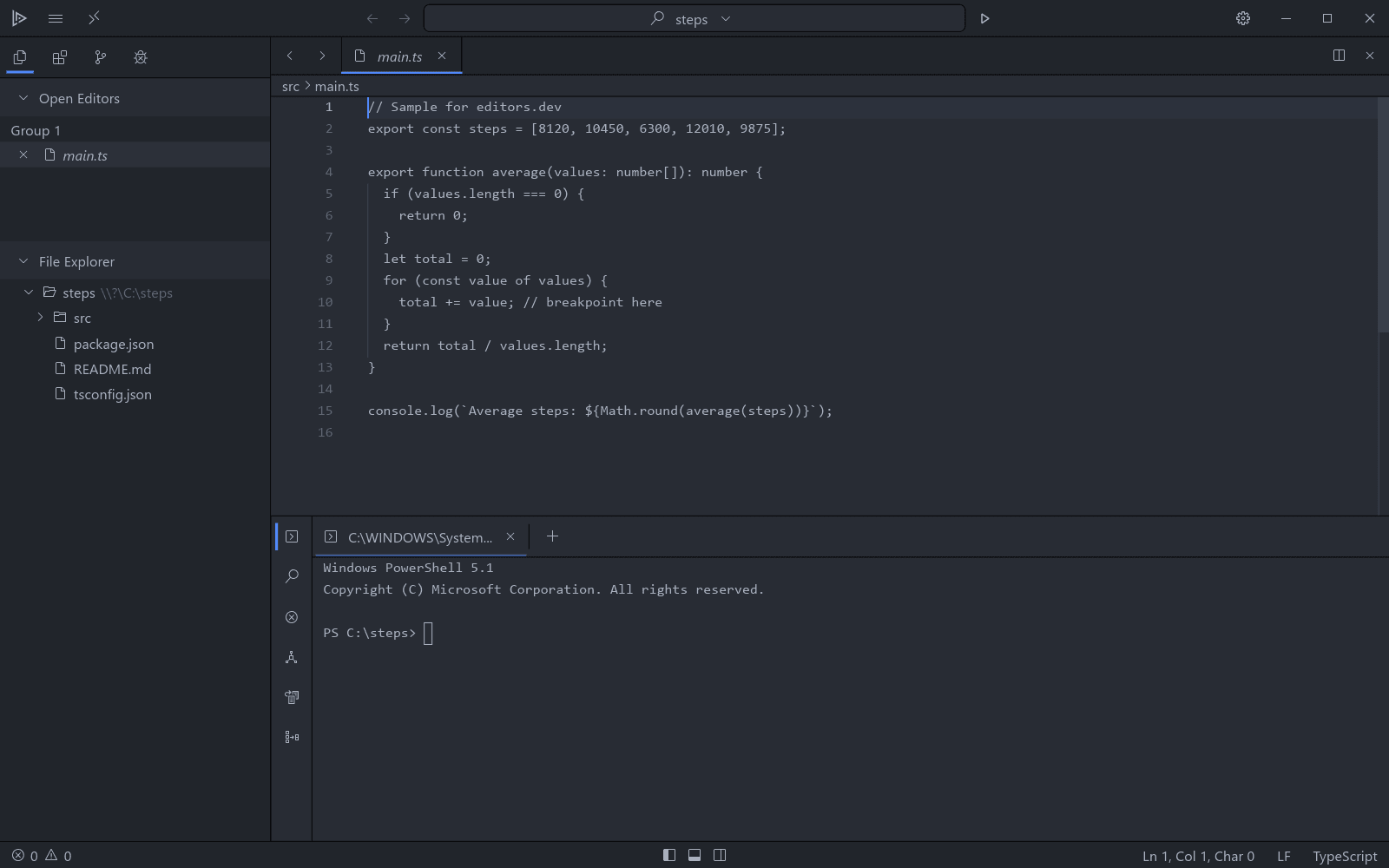
- Lapce With lapce-html Completion : Yes Go to definition : No Refactoring : No Debugging : No Tests : No Formatting : No
Today
HTML has no version numbers any more. The WHATWG updates the Living Standard continuously and publishes a Review Draft every six months, which the W3C can endorse as a Recommendation. A new feature is added only with the support of at least two browser implementers. In the Stack Overflow Developer Survey 2026, 58.2 percent of respondents reported using HTML/CSS.
What it is used for
Every web page and web app, HTML email, e-books in the EPUB format, and app interfaces built on web technology such as Electron.
History
Tim Berners-Lee created HTML at CERN in 1990 as part of the World Wide Web, and the first public list of its tags, "HTML Tags", appeared in 1991. The IETF published HTML 2.0 as RFC 1866 in 1995. After that the newly formed W3C took over and released HTML 3.2 and HTML 4 in 1997, then HTML 4.01 in 1999.
The W3C then moved its work to XHTML, a stricter XML-based version. In 2004 Apple, Mozilla and Opera, unhappy with that direction, formed the WHATWG to extend HTML in a backward-compatible way. Their work became HTML5; the W3C adopted it in 2007 and published HTML5 as a Recommendation in October 2014.
From 2011 the WHATWG dropped version numbers and kept HTML as a Living Standard, while the W3C published its own numbered snapshots. On 28 May 2019 the two bodies agreed to maintain a single HTML specification in the WHATWG repository, ending the split.
Milestone versions
- November 1995 HTML 2.0 First HTML standard, published by the IETF as RFC 1866.
- 14 January 1997 HTML 3.2 First W3C Recommendation for HTML, adding tables, applets and text flow around images.
- 24 December 1999 HTML 4.01 Moved presentation toward style sheets and improved forms, frames and accessibility.
- 26 January 2000 XHTML 1.0 Reformulated HTML 4.01 as an XML application with stricter syntax.
- 28 October 2014 HTML5 W3C Recommendation with native audio and video, canvas, semantic elements and a defined parsing algorithm.
- 28 May 2019 Living Standard WHATWG and W3C agreed to maintain one HTML standard, the WHATWG Living Standard.
Sources
Last checked: 20 November 2026