Shell (Bash)
GNU Bourne-Again Shell
Bash is the GNU Project's Unix shell: a command interpreter and scripting language that follows the POSIX shell standard and adds its own extensions. It is the default interactive shell on most Linux distributions and is widely used for scripts that automate builds, deployments and system tasks.
Editors for Shell (Bash)
35 editors and IDEs support Shell (Bash). Built in first, then official and community extensions. Each row opens the editor at its Shell (Bash) notes.
Built in 23
- Zed Completion : Yes Go to definition : Yes Refactoring : Yes Debugging : No Tests : No Formatting : Yes
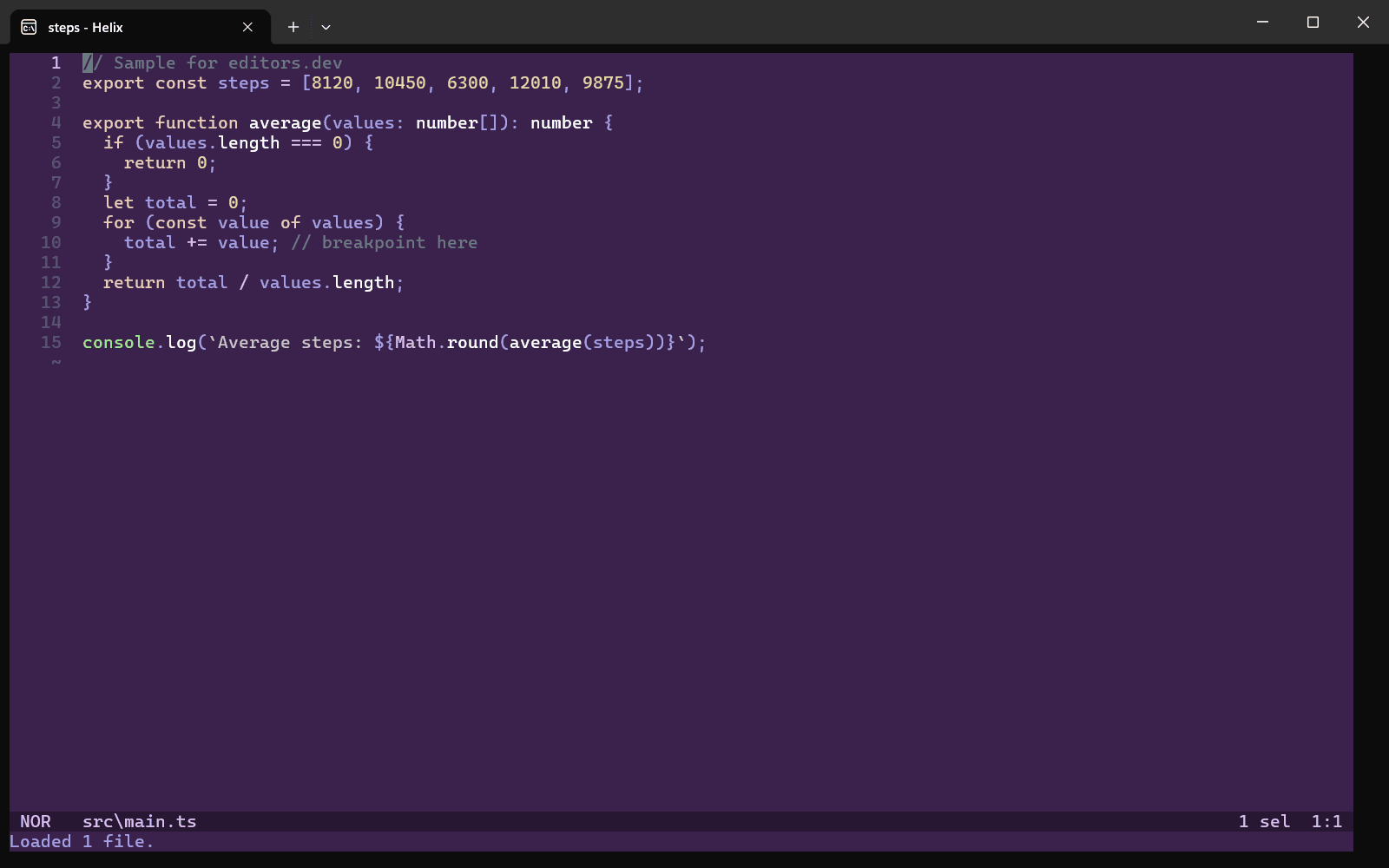
- Helix With bash-language-server Completion : Yes Go to definition : Yes Refactoring : Yes Debugging : No Tests : No Formatting : Yes
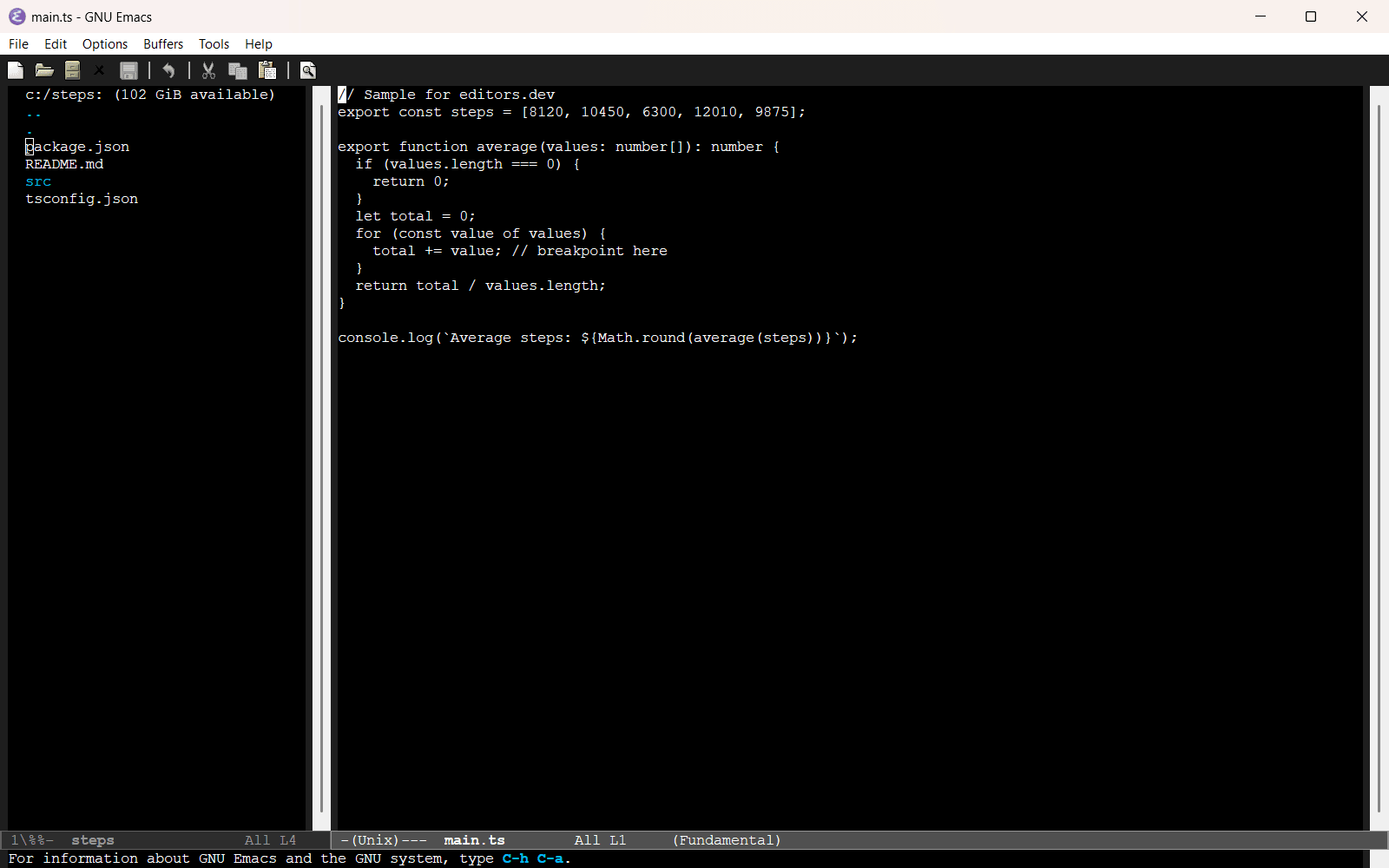
- GNU Emacs With Eglot + bash-language-server Completion : Yes Go to definition : Yes Refactoring : Yes Debugging : No Tests : No Formatting : Yes
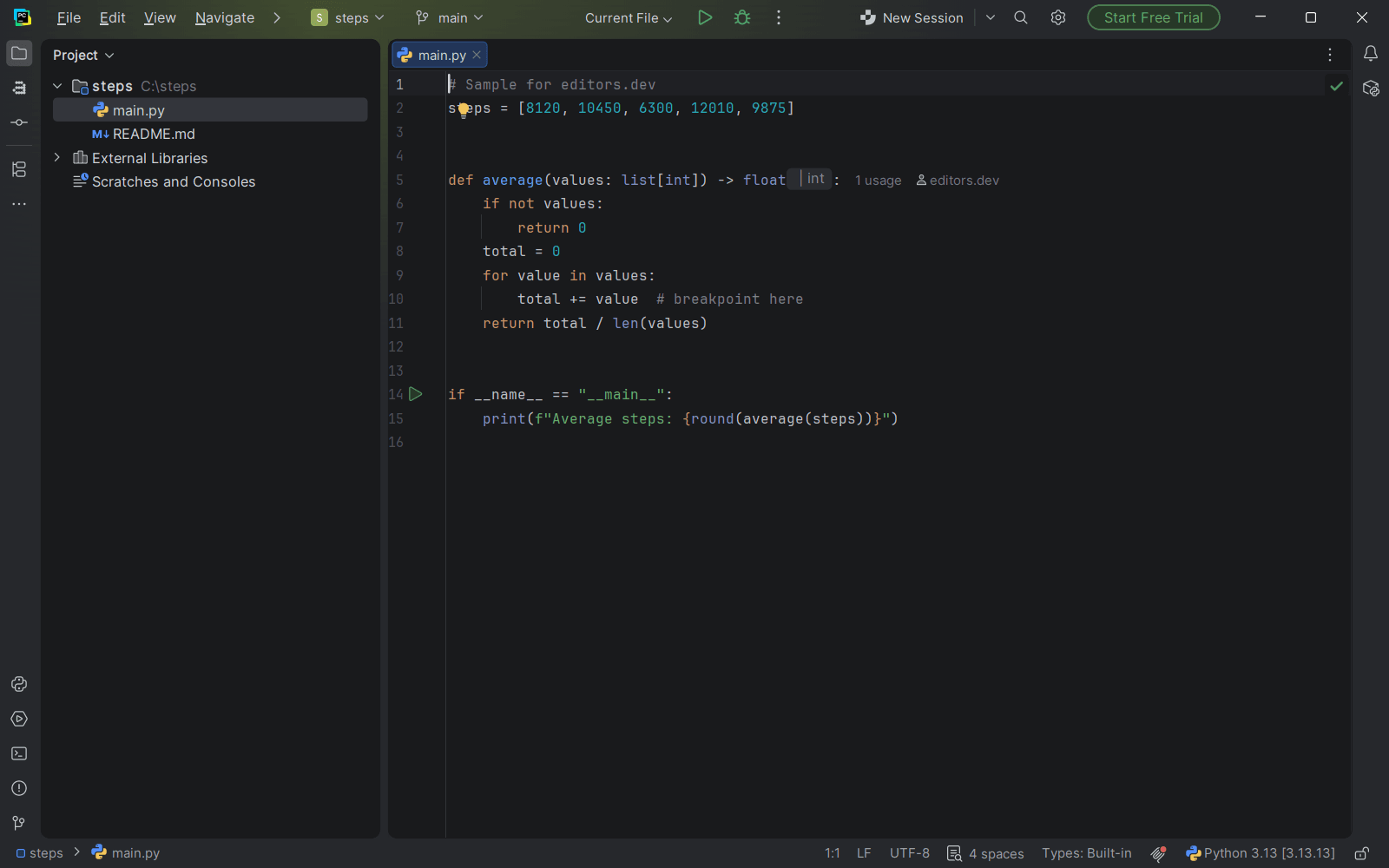
- Kate With LSP Client + bash-language-server; Format plugin (shfmt) Completion : Yes Go to definition : Yes Refactoring : Yes Debugging : No Tests : No Formatting : Yes
- Android Studio With Shell Script plugin (bundled) Completion : Yes Go to definition : No Refactoring : Yes Debugging : No Tests : No Formatting : Yes
- PhpStorm Completion : Yes Go to definition : No Refactoring : No Debugging : No Tests : No Formatting : Yes
- IntelliJ IDEA Completion : Yes Go to definition : No Refactoring : No Debugging : No Tests : No Formatting : Yes
- PyCharm Completion : Yes Go to definition : No Refactoring : No Debugging : No Tests : No Formatting : Yes
- WebStorm Completion : Yes Go to definition : No Refactoring : No Debugging : No Tests : No Formatting : Yes
- GoLand Completion : Yes Go to definition : No Refactoring : No Debugging : No Tests : No Formatting : Yes
- CLion Completion : Yes Go to definition : No Refactoring : No Debugging : No Tests : No Formatting : Yes
- Rider Completion : Yes Go to definition : No Refactoring : No Debugging : No Tests : No Formatting : Yes
- RustRover Completion : Yes Go to definition : No Refactoring : No Debugging : No Tests : No Formatting : Yes
- RubyMine Completion : Yes Go to definition : No Refactoring : No Debugging : No Tests : No Formatting : Yes
- Notepad++ Completion : Yes Go to definition : No Refactoring : No Debugging : No Tests : No Formatting : No
- Nova Completion : Yes Go to definition : No Refactoring : No Debugging : No Tests : No Formatting : No
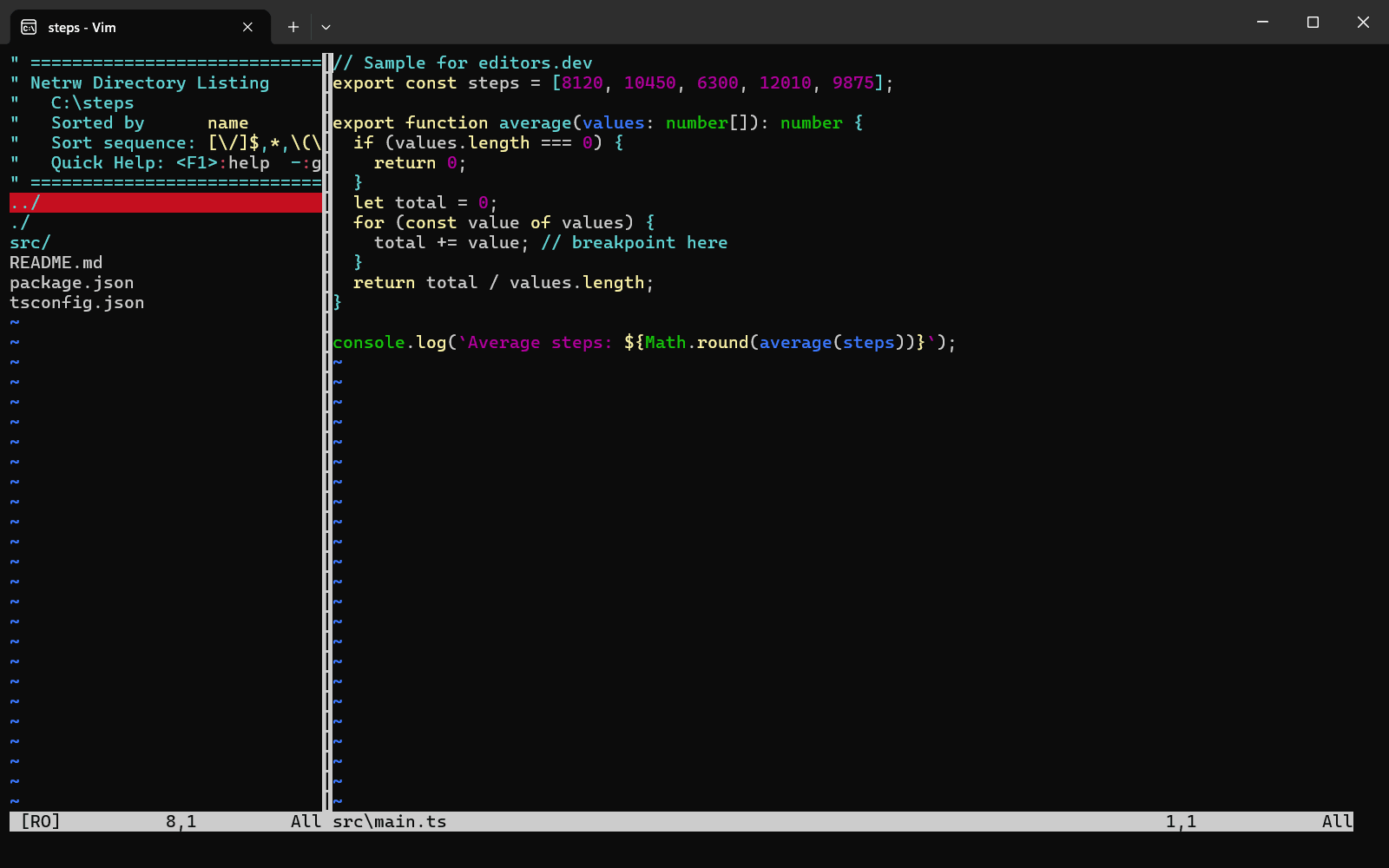
- Vim Completion : No Go to definition : No Refactoring : No Debugging : No Tests : No Formatting : No
- BBEdit Completion : No Go to definition : No Refactoring : No Debugging : No Tests : No Formatting : No
- TextMate With Shell Script bundle Completion : No Go to definition : No Refactoring : No Debugging : No Tests : No Formatting : No
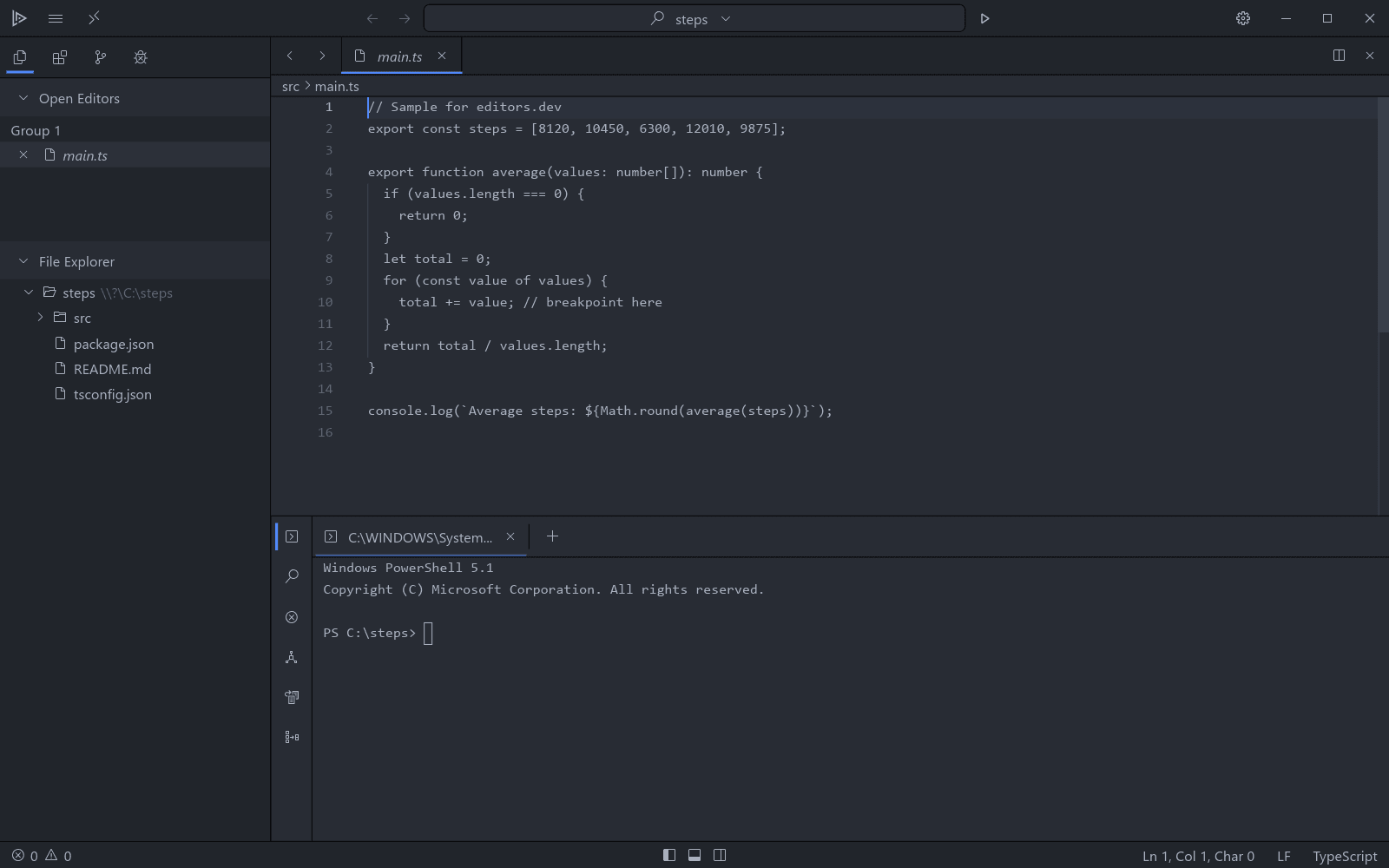
- Lapce Completion : No Go to definition : No Refactoring : No Debugging : No Tests : No Formatting : No
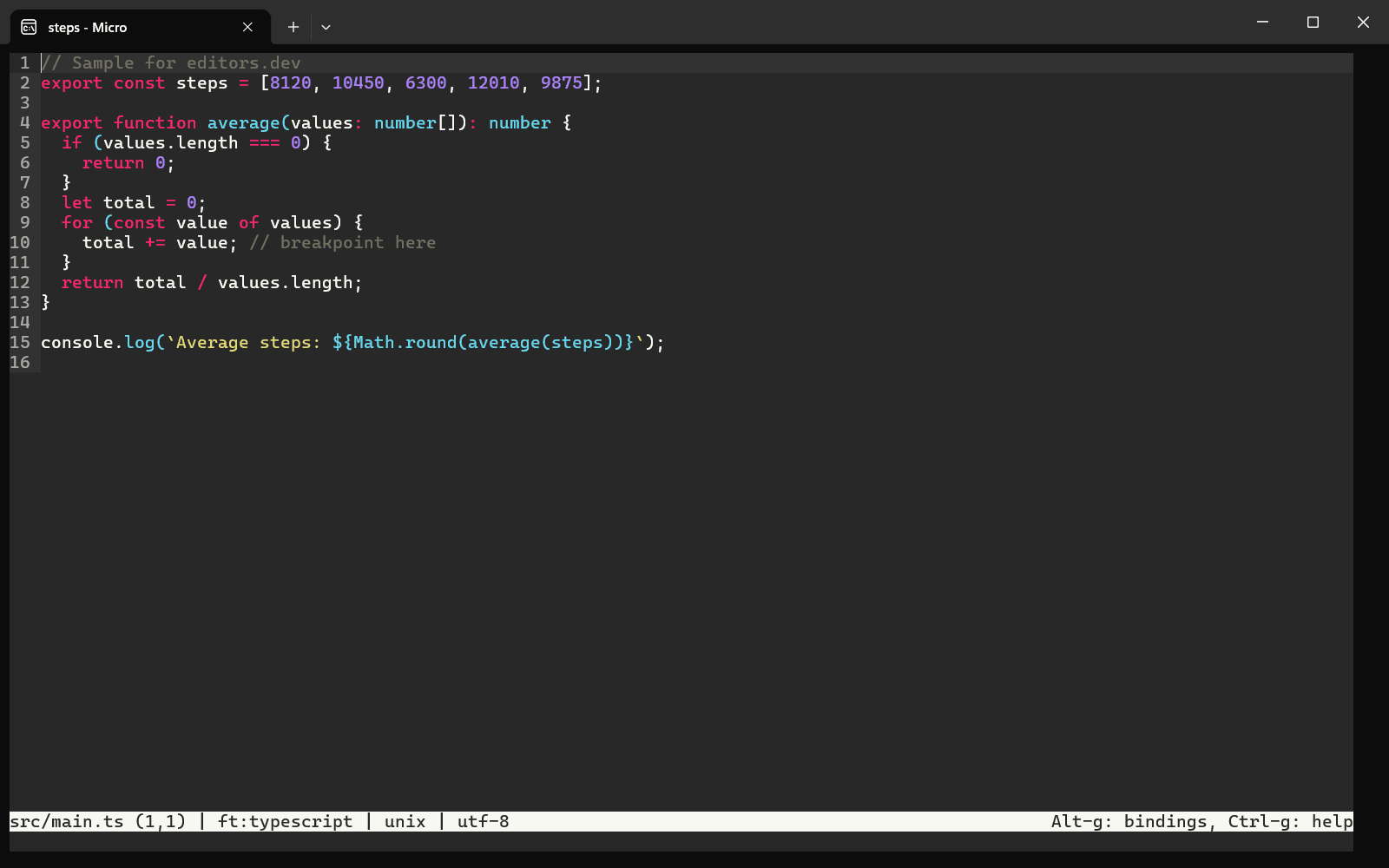
- Micro Completion : No Go to definition : No Refactoring : No Debugging : No Tests : No Formatting : No
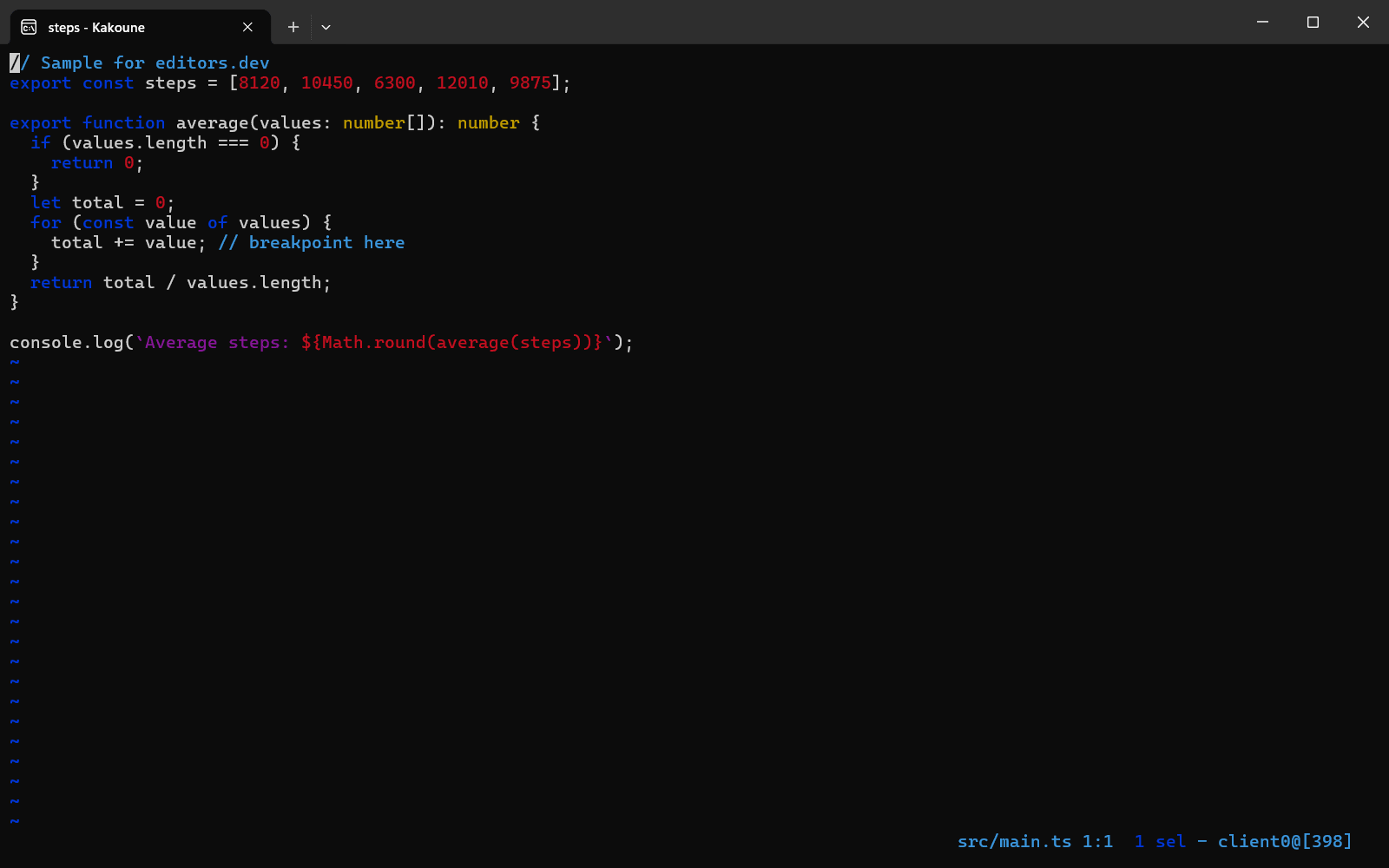
- Kakoune Completion : No Go to definition : No Refactoring : No Debugging : No Tests : No Formatting : No
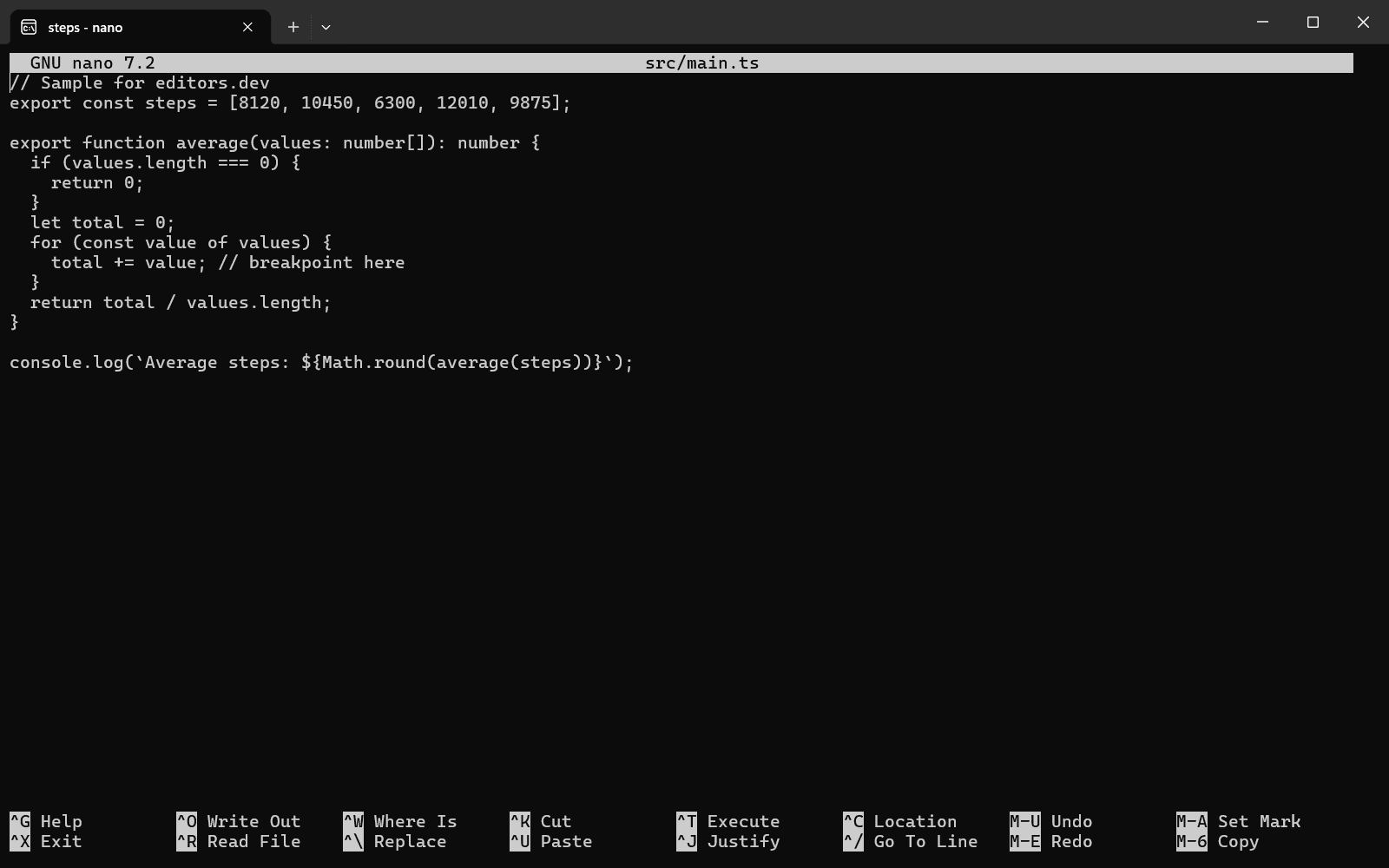
- GNU nano Completion : No Go to definition : No Refactoring : No Debugging : No Tests : No Formatting : No



Official extension 2
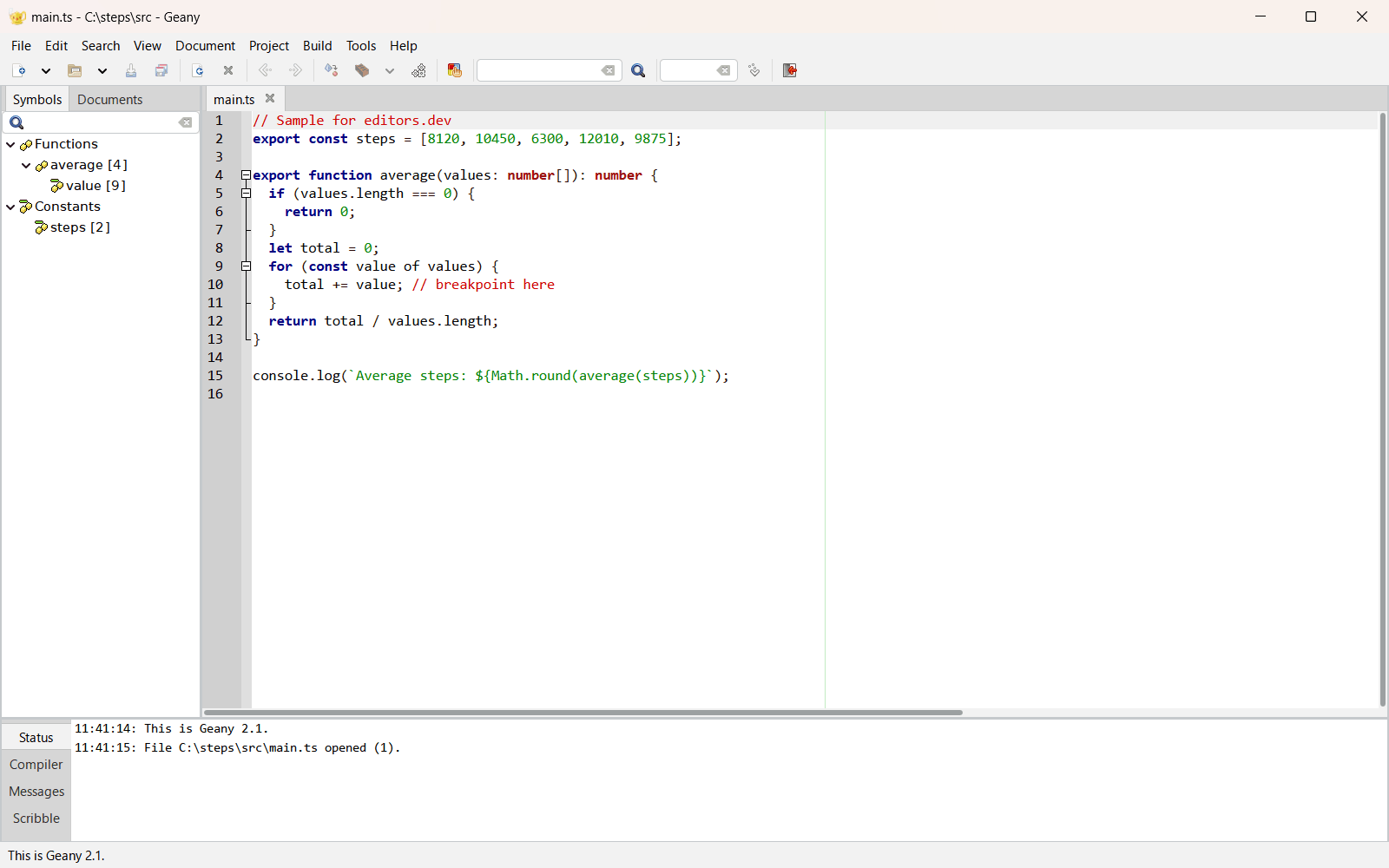
Community extension 10
- VS Code With Bash IDE Completion : Yes Go to definition : Yes Refactoring : Yes Debugging : No Tests : No Formatting : Yes
- Cursor With Bash IDE Completion : Yes Go to definition : Yes Refactoring : Yes Debugging : No Tests : No Formatting : Yes
- Devin Desktop With Bash IDE Completion : Yes Go to definition : Yes Refactoring : Yes Debugging : No Tests : No Formatting : Yes
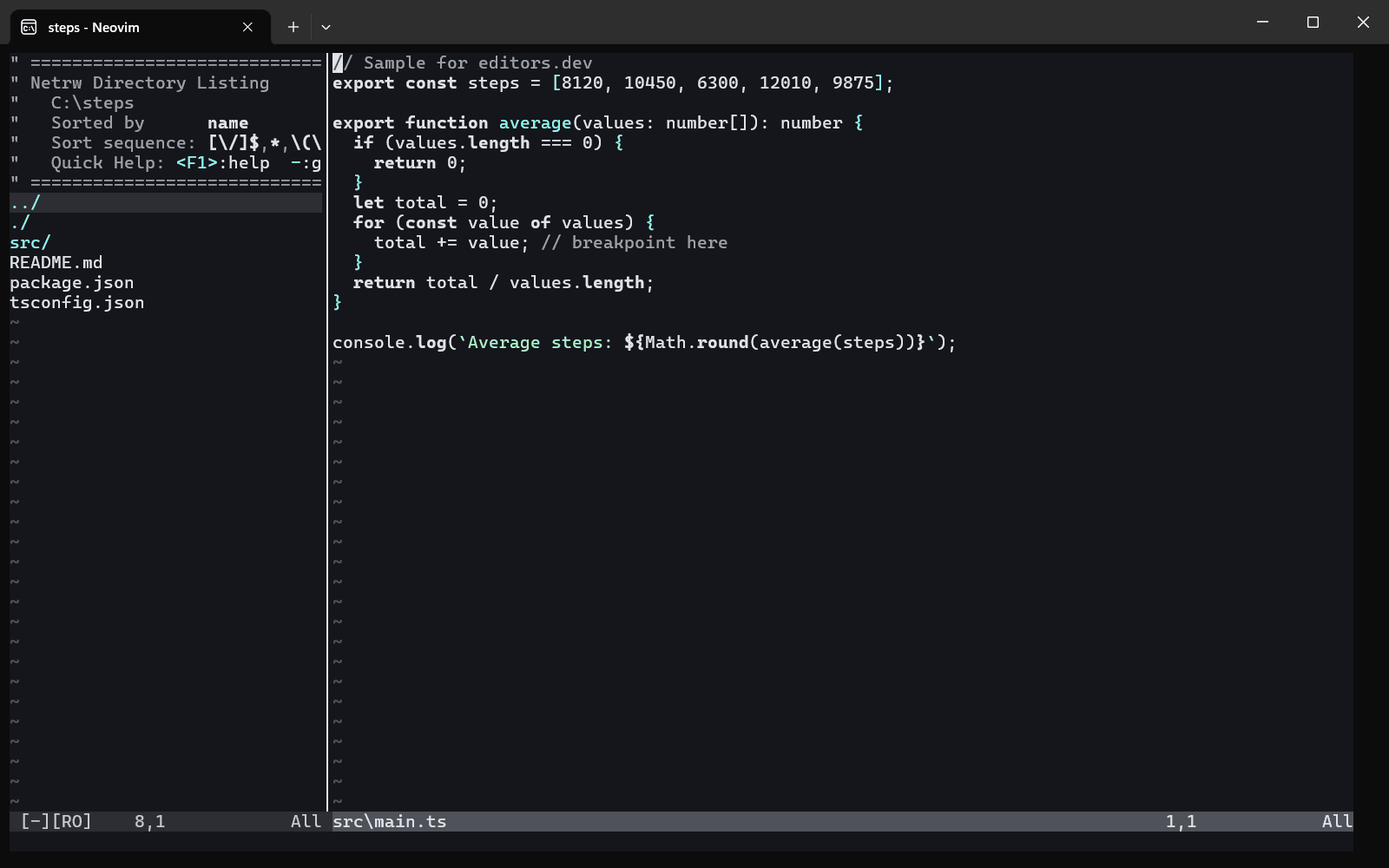
- Neovim With bashls (bash-language-server) Completion : Yes Go to definition : Yes Refactoring : Yes Debugging : No Tests : No Formatting : Yes
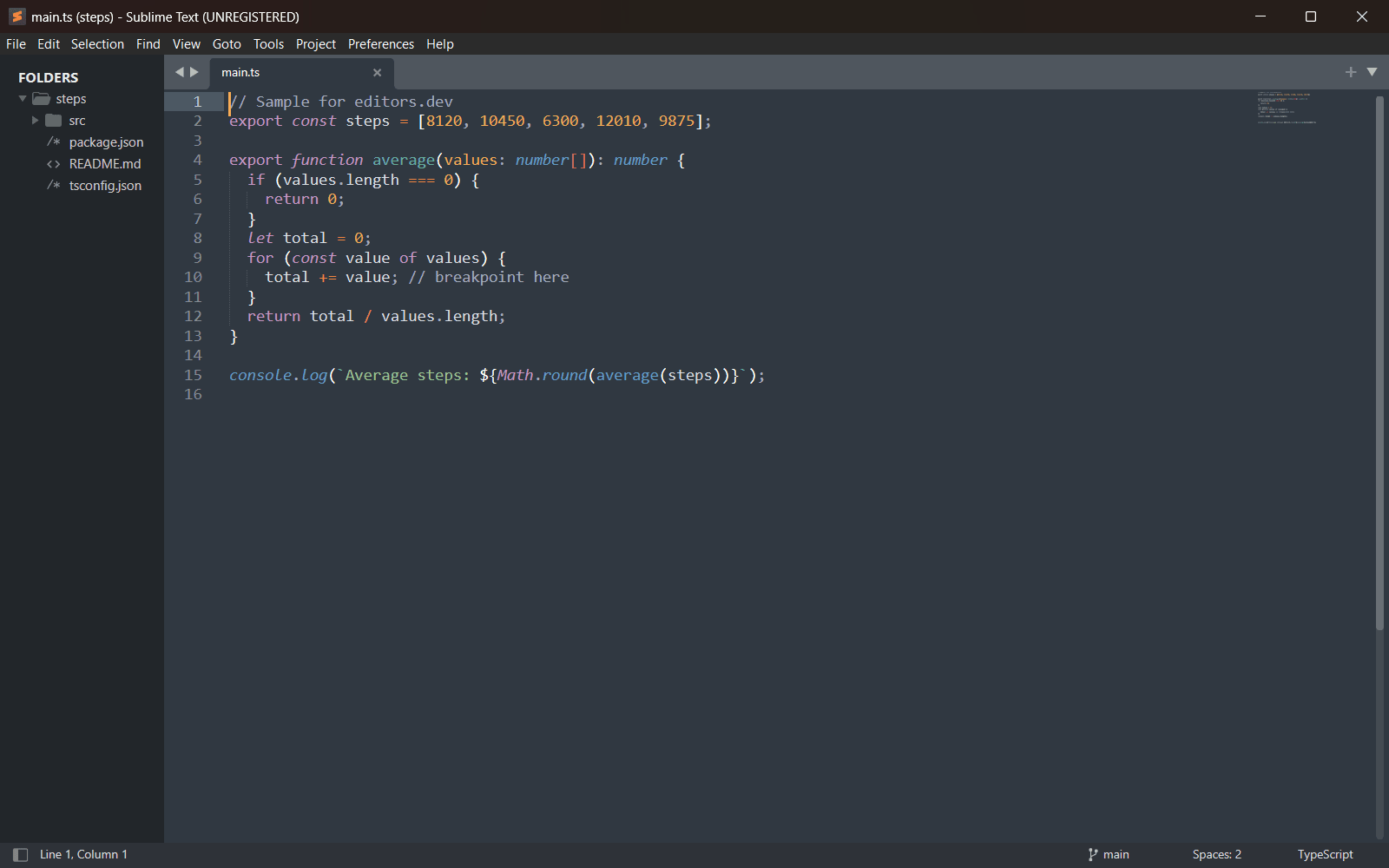
- Sublime Text With LSP + LSP-bash Completion : Yes Go to definition : Yes Refactoring : Yes Debugging : No Tests : No Formatting : Yes
- Kiro With Bash IDE Completion : Yes Go to definition : Yes Refactoring : Yes Debugging : No Tests : No Formatting : Yes
- Google Antigravity With Bash IDE Completion : Yes Go to definition : Yes Refactoring : Yes Debugging : No Tests : No Formatting : Yes
- TRAE With Bash IDE Completion : Yes Go to definition : Yes Refactoring : Yes Debugging : No Tests : No Formatting : Yes
- VSCodium With Bash IDE Completion : Yes Go to definition : Yes Refactoring : Yes Debugging : No Tests : No Formatting : Yes
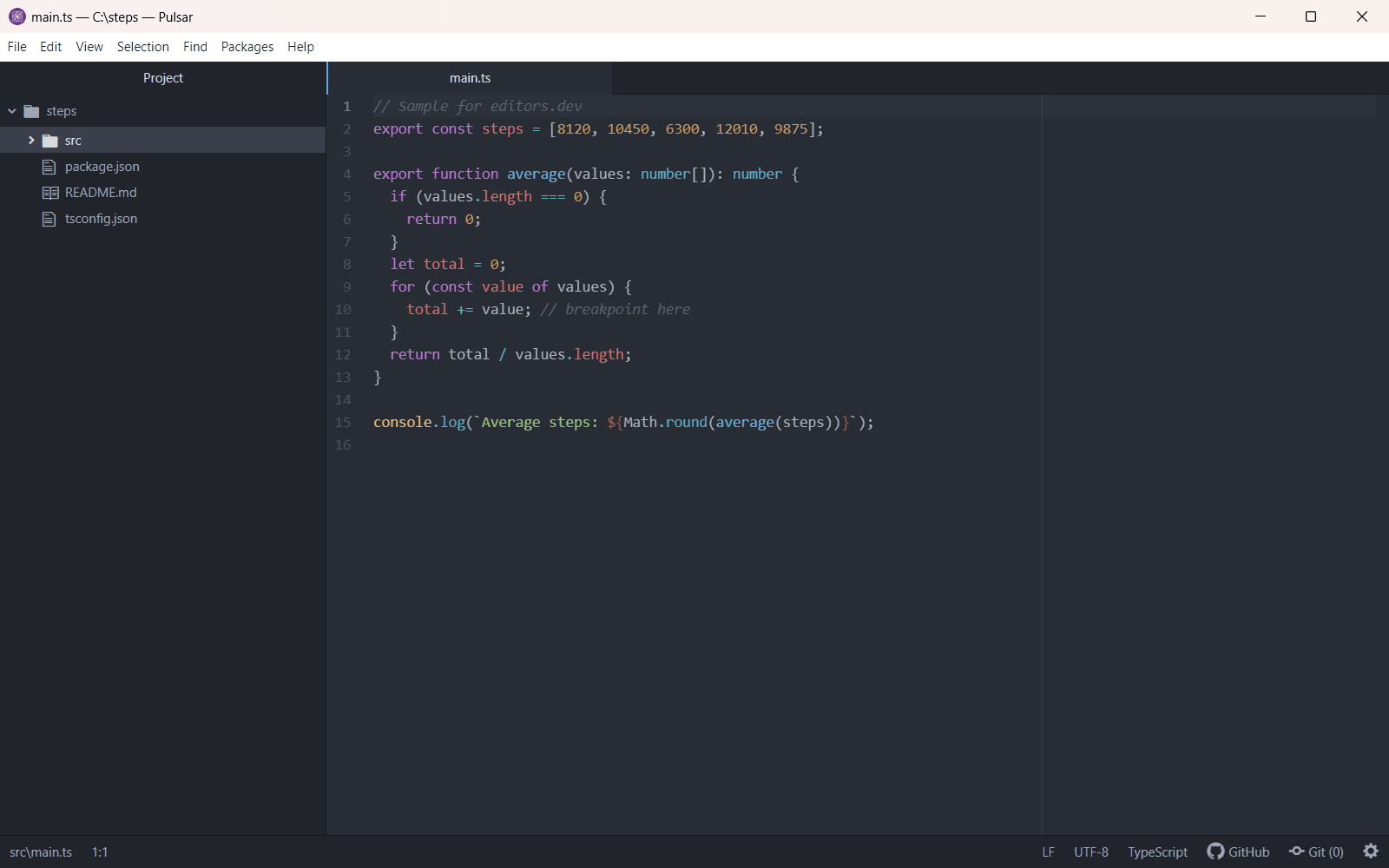
- Pulsar With pulsar-ide-bash (bash-language-server) Completion : Yes Go to definition : Yes Refactoring : Yes Debugging : No Tests : No Formatting : Yes


Today
Bash 5.3 is the current release. Fixes arrive as numbered official patches rather than new tarballs; 20 patches for 5.3 had been published by September 2026, and no test release of a 5.4 version has appeared yet. New major versions come every few years and keep old scripts working. In the Stack Overflow Developer Survey 2026, 51.3 percent of respondents reported using Bash or another shell.
What it is used for
Interactive command-line work, system administration, build and deployment scripts, CI pipelines, container entrypoints and installers. Most Linux distributions and many Docker images rely on Bash or POSIX sh scripts.
History
Bash builds on the Unix shell tradition. Ken Thompson wrote the first Unix shell in 1971, and Stephen Bourne's shell, sh, shipped with Version 7 Unix in 1979 and became the base for shell scripting. The IEEE standardised shell behaviour in POSIX.2 in 1992; the shell command language is now part of POSIX.1.
Brian Fox wrote Bash for the GNU Project as a free replacement for the Bourne shell, and the first beta, version 0.99, came out on 8 June 1989. It took features from the C shell and the Korn shell, such as command history and job control. Chet Ramey took over maintenance in the early 1990s and released Bash 2.0 at the end of 1996.
Bash became the default shell on most Linux distributions and, for many years, on macOS. Version 4.0 in 2009 moved to GPLv3 and added associative arrays; Apple kept shipping Bash 3.2 and switched its default shell to zsh in 2019. The Shellshock vulnerability, disclosed in September 2014, led to a round of security fixes. Bash 5.3 in July 2025 added command substitution that runs in the current shell.
Milestone versions
- 8 June 1989 0.99 First public beta, released by Brian Fox for the GNU Project.
- December 1996 2.0 Added one-dimensional indexed arrays and many POSIX features.
- 27 July 2004 3.0 Added the =~ operator for regular expression matching inside [[ ]].
- 20 February 2009 4.0 Added associative arrays, coprocesses and the ** glob, and moved to GPLv3.
- 7 January 2019 5.0 Added variables such as EPOCHSECONDS and BASH_ARGV0, and new shell options.
- December 2020 5.1 Added the SRANDOM variable and allowed PROMPT_COMMAND to be an array.
- 26 September 2022 5.2 Rewrote parsing of command substitutions and added options such as globskipdots.
- 5 July 2025 5.3 Added command substitution in the current shell, GLOBSORT, and source -p.
Sources
Last checked: 20 November 2026