Android Studio
Google's official IDE for Android app development, based on IntelliJ IDEA and free of charge.
Screenshots
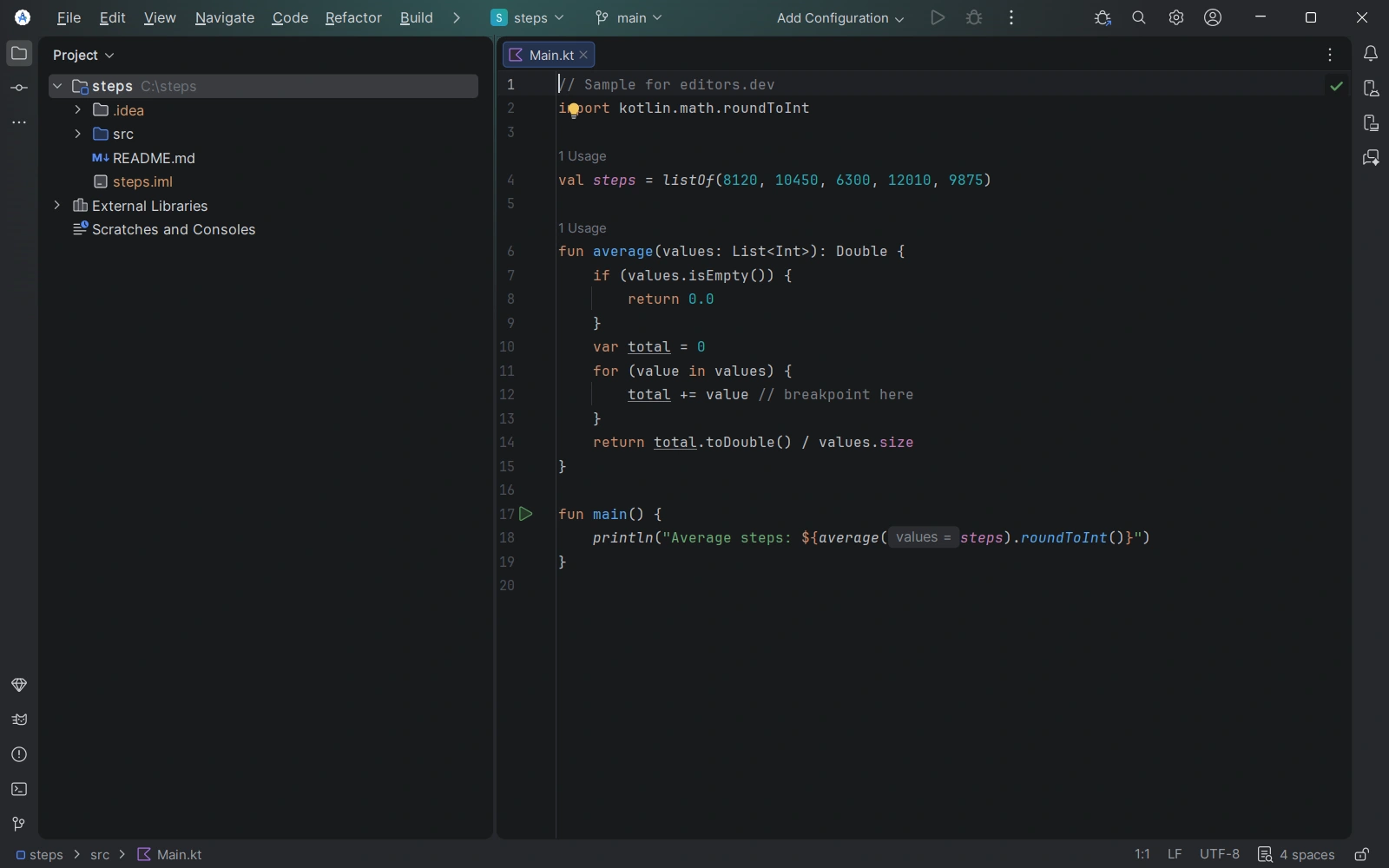
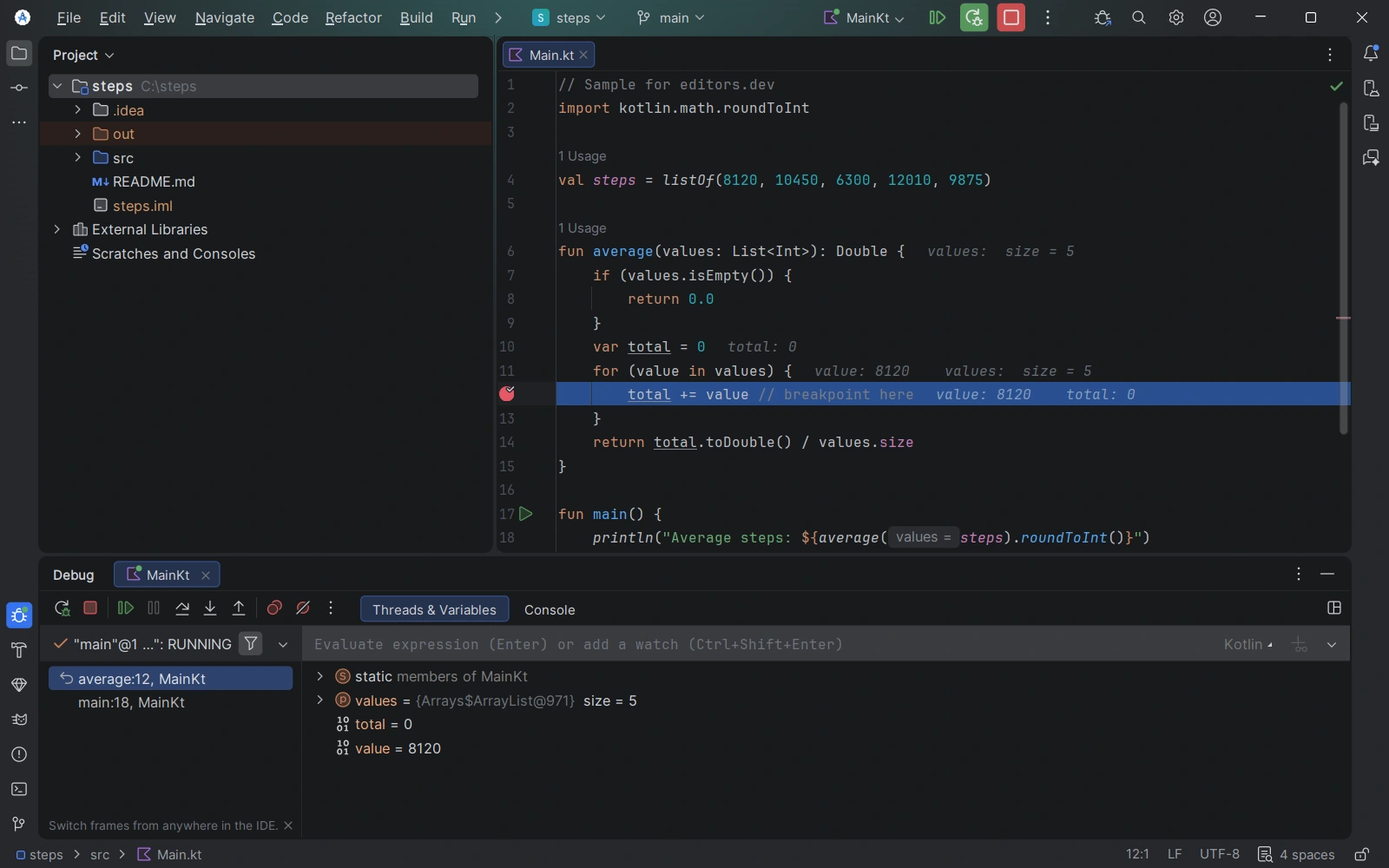
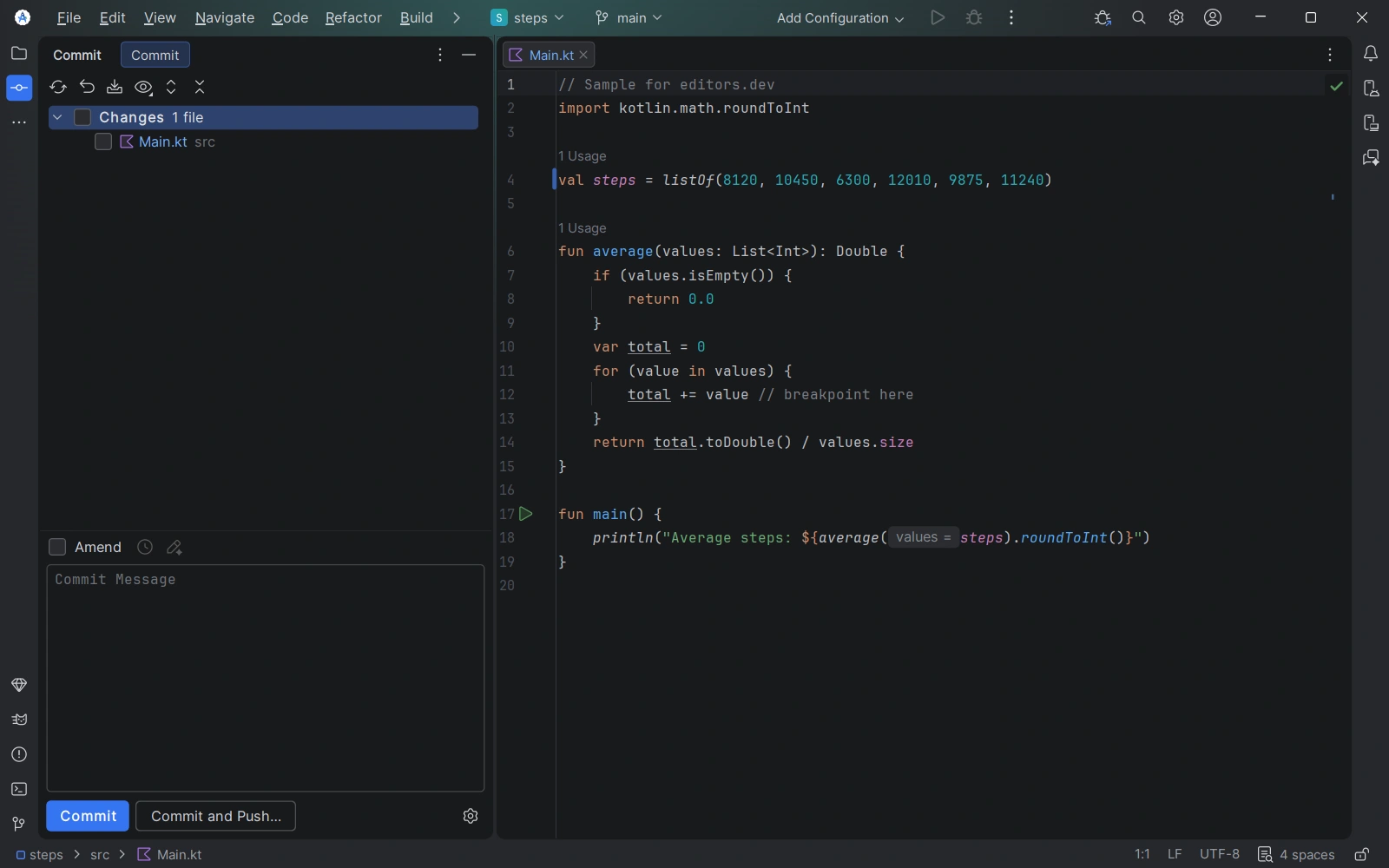
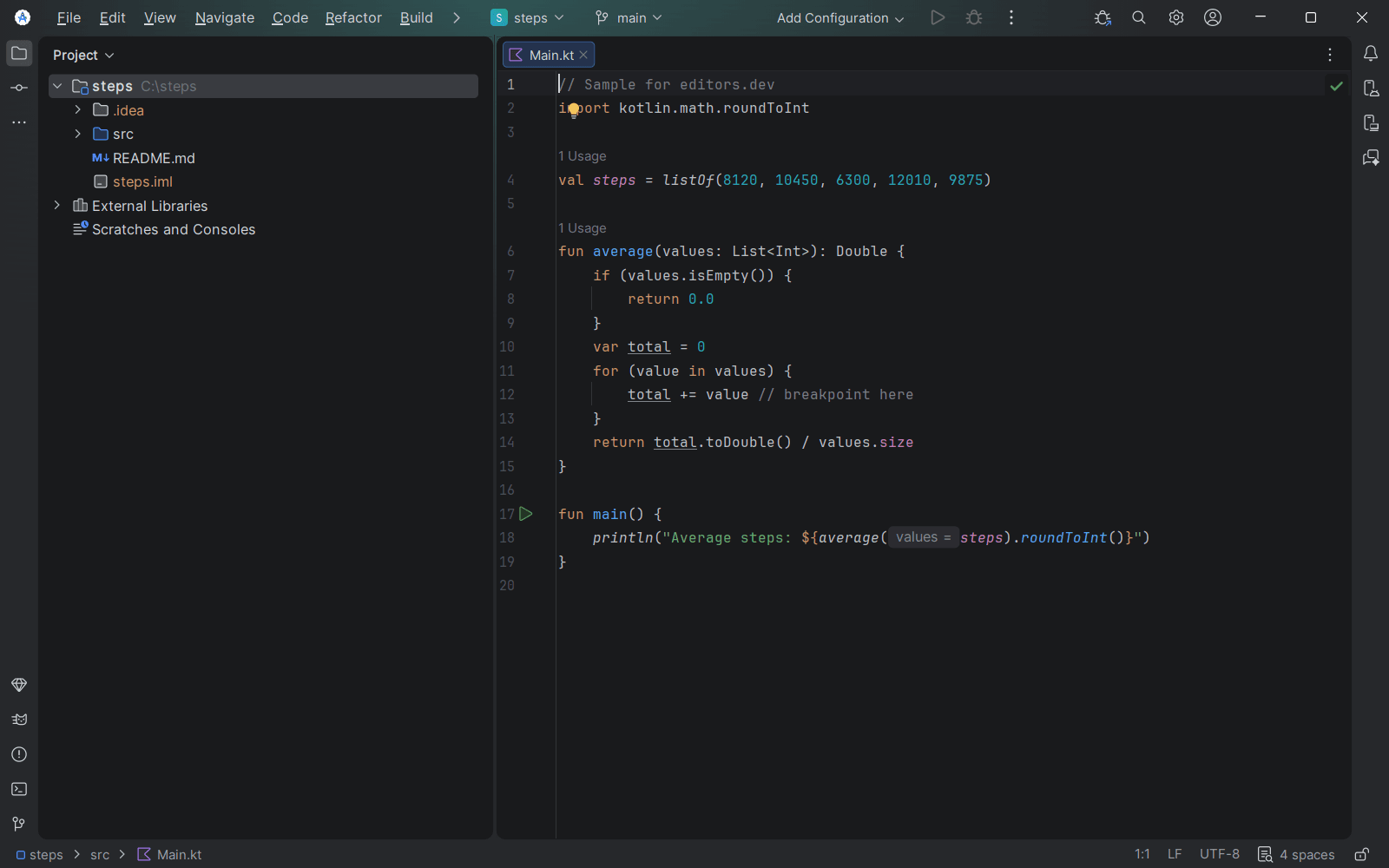
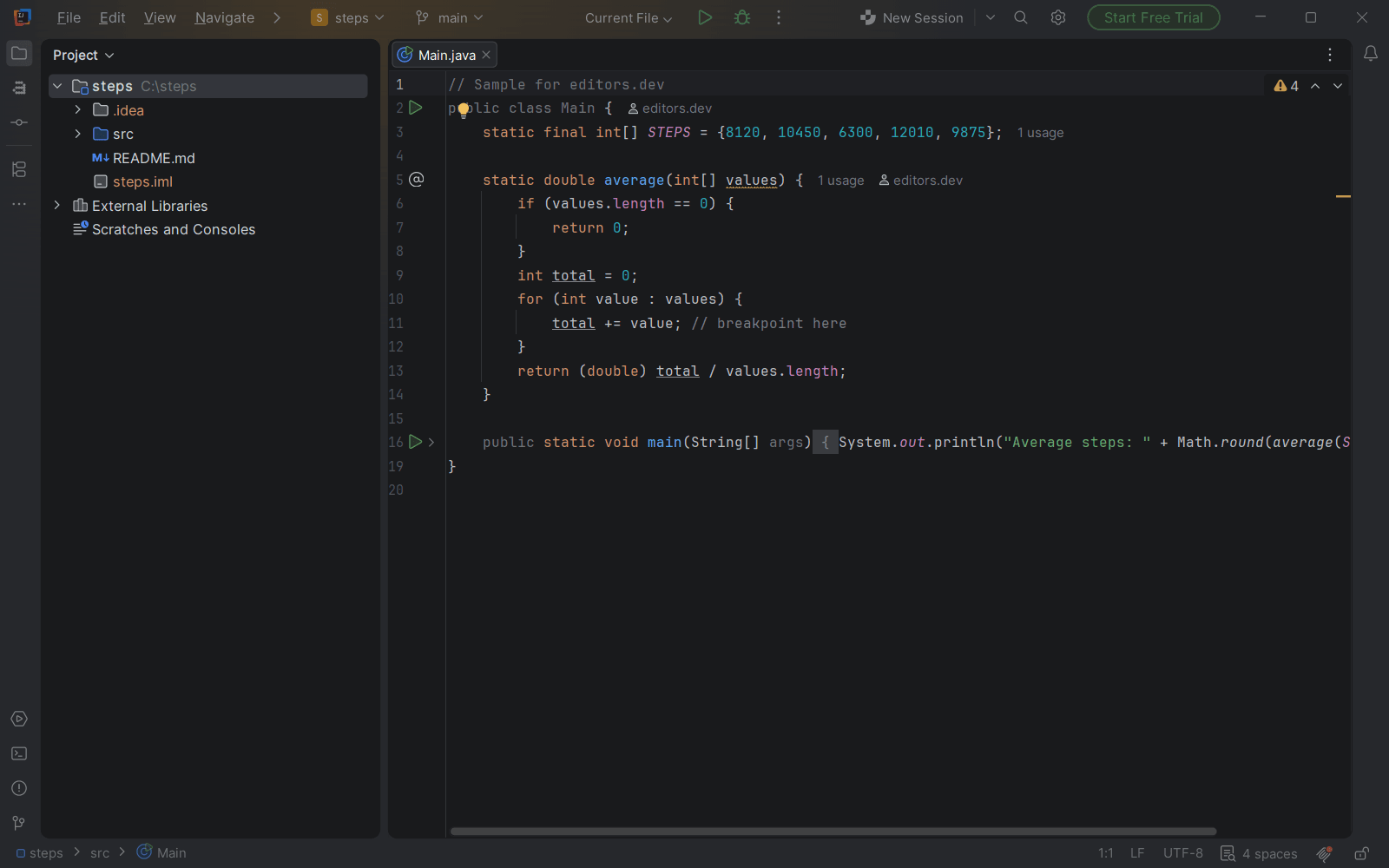
Screenshots of Android Studio 2025.3.4, taken on 20 November 2026 with the same sample project as every editor on this site. Method
About Android Studio
Android Studio is the official IDE for Android app development, built by Google on the code editor and developer tools of IntelliJ IDEA. It adds a Gradle-based build system, the Android Emulator, Compose tooling such as Live Edit and Layout Inspector, performance profilers, and C++ and NDK support. Google announced it at Google I/O in May 2013 as a free early access preview. The current stable release is Android Studio Rabbit 2 (2026.2.2 Patch 1), with downloads for Windows, macOS (Intel and Apple silicon), Linux and ChromeOS.
What it offers
- Based on IntelliJ IDEA, with a Gradle-based build system and the Android Gradle plugin for build variants, multiple APKs and dependency management.
- Includes the Android Emulator, Live Edit for updating composables on emulators and physical devices in real time, and Layout Inspector for Compose layouts.
- The debugger sets breakpoints in Java, Kotlin and C/C++ code, and the profilers track CPU and memory usage, memory leaks and network requests.
- AI features work with an agent of the developer's choice. The Gemini-based agents include Agent Mode, Next Edit Prediction and MCP server support, and are only available in the latest stable version and major versions released in the previous 10 months.
- Google describes Android Studio as open source and free of charge, and publishes its source code to AOSP after each stable release.
What is built in
Listed only where we have checked it
- Debugger Built in
- Git integration Built in
- Integrated terminal Built in
- AI assistant Built in
- Remote development Not listed
- Live collaboration Not listed
- Vim mode Extension
Languages
How Android Studio supports each common language, and what you get with the recommended setup.
7 Built in 4 Official extension 14 Community extension 1 Not supported
- Java Built in
- Completion : Yes
- Go to definition : Yes
- Refactoring : Yes
- Debugging : Yes
- Tests : Yes
- Formatting : Yes
Java and Kotlin are Android Studio's main languages. It uses the IntelliJ IDEA code editor and adds Gradle builds, a debugger, lint checks and JUnit tests.
Source ↗ - C++ Built in
With NDK, CMake and LLDB
- Completion : Yes
- Go to definition : Yes
- Refactoring : No
- Debugging : Yes
- Tests : No
- Formatting : Yes
C and C++ are supported for Android native code through the NDK, CMake or ndk-build, and the LLDB debugger. The editor offers completion, reformatting and symbol lookup, and your Kotlin or Java code calls the native code through JNI.
Source ↗ - C Built in
With NDK, CMake and LLDB
- Completion : Yes
- Go to definition : Yes
- Refactoring : No
- Debugging : Yes
- Tests : No
- Formatting : Yes
C is supported for Android native code in the same way as C++: the NDK, CMake or ndk-build, and the LLDB debugger. You install the NDK and CMake from the SDK Manager.
Source ↗ - Kotlin Built in
- Completion : Yes
- Go to definition : Yes
- Refactoring : Yes
- Debugging : Yes
- Tests : Yes
- Formatting : Yes
Kotlin is Android's preferred language and Android Studio bundles JetBrains' Kotlin plugin, with Compose previews, refactoring, the debugger and JUnit tests.
Source ↗ - HTML Built in
- Completion : Yes
- Go to definition : No
- Refactoring : No
- Debugging : No
- Tests : No
- Formatting : Yes
The IntelliJ platform under Android Studio includes a basic HTML editor with tag and attribute completion, Emmet and reformatting. JetBrains' full web tooling is not available in Android Studio.
Source ↗ - SQL Built in
With Room SQL support and Database Inspector
- Completion : Yes
- Go to definition : Yes
- Refactoring : No
- Debugging : No
- Tests : No
- Formatting : No
SQL inside Room @Query annotations gets highlighting, table and column completion and checks, and the Database Inspector runs queries against a running app's SQLite databases. Plain .sql files get only TextMate coloring; JetBrains' database tools are not included.
Source ↗ - Shell Built in
With Shell Script plugin (bundled)
- Completion : Yes
- Go to definition : No
- Refactoring : Yes
- Debugging : No
- Tests : No
- Formatting : Yes
Android Studio bundles JetBrains' Shell Script plugin, with completion, text-based rename, ShellCheck warnings and shfmt formatting. It offers to download ShellCheck and shfmt on first use.
Source ↗ - Python Official extension
With Python Community Edition (JetBrains)
- Completion : Yes
- Go to definition : Yes
- Refactoring : Yes
- Debugging : Yes
- Tests : Yes
- Formatting : No
JetBrains' Python Community Edition plugin lists Android Studio as a compatible IDE, including current releases. Its feature set matches PyCharm Community Edition.
Source ↗ - Dart Official extension
With Flutter and Dart plugins (Google)
- Completion : Yes
- Go to definition : Yes
- Refactoring : Yes
- Debugging : Yes
- Tests : Yes
- Formatting : Yes
Google's Flutter plugin installs the Dart plugin with it and adds Dart analysis, refactoring, the debugger, hot reload and test running. You install the Flutter SDK yourself.
Source ↗ - R Official extension
With R Language (JetBrains)
- Completion : Yes
- Go to definition : Yes
- Refactoring : No
- Debugging : Yes
- Tests : No
- Formatting : No
JetBrains' R plugin lists Android Studio and installs on releases built on the 2026.1 platform, but in November 2026 its build for the 2026.2 platform was not marked compatible with Android Studio Rabbit. It needs a local R installation.
Source ↗ - Scala Official extension
With Scala (JetBrains)
- Completion : Yes
- Go to definition : Yes
- Refactoring : Yes
- Debugging : Yes
- Tests : Yes
- Formatting : Yes
JetBrains' Scala plugin supports only IntelliJ IDEA and Android Studio. It adds sbt projects, refactoring, the debugger, test runners and scalafmt formatting.
Source ↗ - JavaScript Community extension
With LSP4IJ (Red Hat) + typescript-language-server
- Completion : Yes
- Go to definition : Yes
- Refactoring : Yes
- Debugging : Yes
- Tests : No
- Formatting : Yes
JetBrains' JavaScript and TypeScript plugin runs only in IntelliJ IDEA Ultimate and PyCharm Pro, not in Android Studio. The free LSP4IJ plugin from Red Hat works in Android Studio and can run typescript-language-server, and its vscode-js-debug template adds debugging.
Source ↗ - TypeScript Community extension
With LSP4IJ (Red Hat) + typescript-language-server
- Completion : Yes
- Go to definition : Yes
- Refactoring : Yes
- Debugging : No
- Tests : No
- Formatting : Yes
JetBrains' JavaScript and TypeScript plugin is not available for Android Studio. LSP4IJ from Red Hat can run typescript-language-server, which you install yourself with npm.
Source ↗ - Go Community extension
With LSP4IJ (Red Hat) + gopls
- Completion : Yes
- Go to definition : Yes
- Refactoring : Yes
- Debugging : Yes
- Tests : No
- Formatting : Yes
JetBrains' Go plugin runs only in GoLand and IntelliJ IDEA Ultimate. In Android Studio, LSP4IJ from Red Hat can run gopls, and its Delve template adds debugging.
Source ↗ - Rust Community extension
With LSP4IJ (Red Hat) + rust-analyzer
- Completion : Yes
- Go to definition : Yes
- Refactoring : Yes
- Debugging : Yes
- Tests : No
- Formatting : Yes
JetBrains' Rust plugin runs only in RustRover, CLion, IntelliJ IDEA Ultimate and PyCharm Pro, and the old open-source Rust plugin stopped at Android Studio Jellyfish (2023.3). LSP4IJ can run rust-analyzer, and its CodeLLDB template adds debugging.
Source ↗ - PHP Community extension
With PHP LSP (Jorg Sowa)
- Completion : Yes
- Go to definition : Yes
- Refactoring : No
- Debugging : No
- Tests : No
- Formatting : No
JetBrains' PHP plugin needs IntelliJ IDEA Ultimate. A small third-party plugin, PHP LSP, lists Android Studio as compatible and adds completion and go to definition through LSP4IJ.
Source ↗ - Ruby Community extension
With LSP4IJ (Red Hat) + ruby-lsp
- Completion : Yes
- Go to definition : Yes
- Refactoring : Yes
- Debugging : Yes
- Tests : No
- Formatting : Yes
JetBrains' Ruby plugin needs IntelliJ IDEA Ultimate. In Android Studio, LSP4IJ from Red Hat can run Shopify's ruby-lsp, and its rdbg template adds debugging.
Source ↗ - Swift Community extension
With Noctule, the Swift IDE (Joachim Ansorg)
- Completion : Yes
- Go to definition : Yes
- Refactoring : Yes
- Debugging : Yes
- Tests : Yes
- Formatting : Yes
The freemium Noctule plugin supports Android Studio releases on the 2026.1 platform and later, using SourceKit-LSP from a Swift toolchain you install. Editing is free; the debugger, test runner and some formatting need a paid license.
Source ↗ - Objective-C Community extension
With Noctule, the Swift IDE (Joachim Ansorg)
- Completion : Yes
- Go to definition : Yes
- Refactoring : No
- Debugging : Yes
- Tests : No
- Formatting : Yes
Android Studio's bundled C/C++ support does not cover Objective-C. The Noctule plugin parses, colors and formats Objective-C for free; completion, navigation and debugging in Objective-C files need its paid license.
Source ↗ - CSS Community extension
With LSP4IJ (Red Hat) + vscode-css-language-server
- Completion : Yes
- Go to definition : Yes
- Refactoring : No
- Debugging : No
- Tests : No
- Formatting : Yes
JetBrains' CSS plugin needs a paid IDE and does not install in Android Studio, which only colors CSS through its bundled TextMate grammars. LSP4IJ's CSS template runs vscode-css-language-server, which you install with npm.
Source ↗ - Lua Community extension
With EmmyLua
- Completion : Yes
- Go to definition : Yes
- Refactoring : Yes
- Debugging : Yes
- Tests : No
- Formatting : Yes
The third-party EmmyLua plugin works in the current Android Studio and adds type-aware completion, find usages, rename, a formatter and attach or remote debugging. JetBrains' own Lua plugin is in beta and needs the 2026.3 platform, which Android Studio does not use yet.
Source ↗ - Elixir Community extension
With Elixir (intellij-elixir)
- Completion : Yes
- Go to definition : Yes
- Refactoring : No
- Debugging : Yes
- Tests : Yes
- Formatting : No
The community intellij-elixir plugin is compatible with the current Android Studio and adds Mix projects, completion, go to definition, a graphical debugger and ExUnit runs. You install Elixir and Erlang yourself.
Source ↗ - Haskell Community extension
With Haskell LSP (rockofox)
- Completion : Yes
- Go to definition : Yes
- Refactoring : No
- Debugging : No
- Tests : No
- Formatting : No
The small third-party Haskell LSP plugin runs Haskell Language Server, which you install yourself, for completion, diagnostics and go to definition. There is no Haskell debugger for Android Studio.
Source ↗ - Zig Community extension
With ZigBrains
- Completion : Yes
- Go to definition : Yes
- Refactoring : Yes
- Debugging : Yes
- Tests : No
- Formatting : Yes
ZigBrains uses the ZLS language server and can download Zig and ZLS for you. Its author lists Android Studio among the IDEs where Zig debugging has been verified to work.
Source ↗ - Julia Community extension
With LSP4IJ (Red Hat) + LanguageServer.jl
- Completion : Yes
- Go to definition : Yes
- Refactoring : No
- Debugging : Yes
- Tests : No
- Formatting : Yes
The old Julia plugin for JetBrains IDEs is barely maintained. LSP4IJ has Julia templates for LanguageServer.jl and a Julia debug adapter, which you install through Julia; coloring comes from the bundled TextMate grammars. LSP4IJ's Julia debugger template adds debugging.
Source ↗
Not supported C#
- C# JetBrains offers no C# plugin for Android Studio; its C# IDE is Rider. LSP4IJ ships no C# language server template either. Source ↗
Who it is for
Who it suits
- Developers building Android apps in Kotlin or Java who want the emulator, build system, debugger and profilers in one free tool.
- Developers who already know IntelliJ IDEA, since Android Studio is based on its code editor and developer tools.
- Developers who need to debug C/C++ code built with the NDK alongside Kotlin and Java in the same IDE.
Who should look elsewhere
- Developers on Windows machines with ARM-based CPUs, which Android Studio does not currently support.
- Developers who plan to use the free Gemini option but do not want their data used for AI training. According to Google's feature comparison, the free option uses data for training, while the API key and Google One options do not.
- Developers on machines with less than 8 GB of RAM. On Windows the stated minimum is 8 GB for the IDE alone and 16 GB when the emulator is also used.
Android Studio pricing
Android Studio is free of charge. Its Gemini-based AI agents have a free option for individuals with limited rate limits and context window. Higher limits come from adding a Gemini API key (pay per token) or from a Google One AI Pro or AI Ultra membership, and a business tier is available through a Gemini Enterprise subscription or Google Developer Program membership. The Android Studio documentation does not list prices for these plans.
Price Free Open source
Android Studio next to its alternatives
The same facts for each editor, taken from the directory.
| Editor | Type | Price | Built with | Platforms | Languages built in | Remote development | Live collaboration | Vim mode |
|---|---|---|---|---|---|---|---|---|
| Android Studio | IDE | Free Open source | IntelliJ Platform (IntelliJ IDEA Community Edition) | Windows · macOS · Linux | 7 / 26 | –Not listed | –Not listed | Extension |
| IntelliJ IDEA | IDE | Free tier, paid plans | Java, Kotlin | Windows · macOS · Linux | 8 / 26 | Built in | Not supported | Extension |
| Xcode | IDE | Free | Not published by Apple (closed source) | macOS | 4 / 26 | –Not listed | –Not listed | Built in |
| VS Code | Editor | Free Open source | TypeScript, Electron | Windows · macOS · Linux | 5 / 26 | Extension | Extension | Extension |
| Eclipse IDE | IDE | Free Open source | Java, SWT | Windows · macOS · Linux | 9 / 26 | –Not listed | –Not listed | Extension |

Built in Extension Not supported
Head-to-head comparisons
All comparisons



Sources
Last checked: 16 November 2026