Micro
Terminal text editor with common keybindings, mouse support and Lua plugins, shipped as a single static binary.
Screenshots
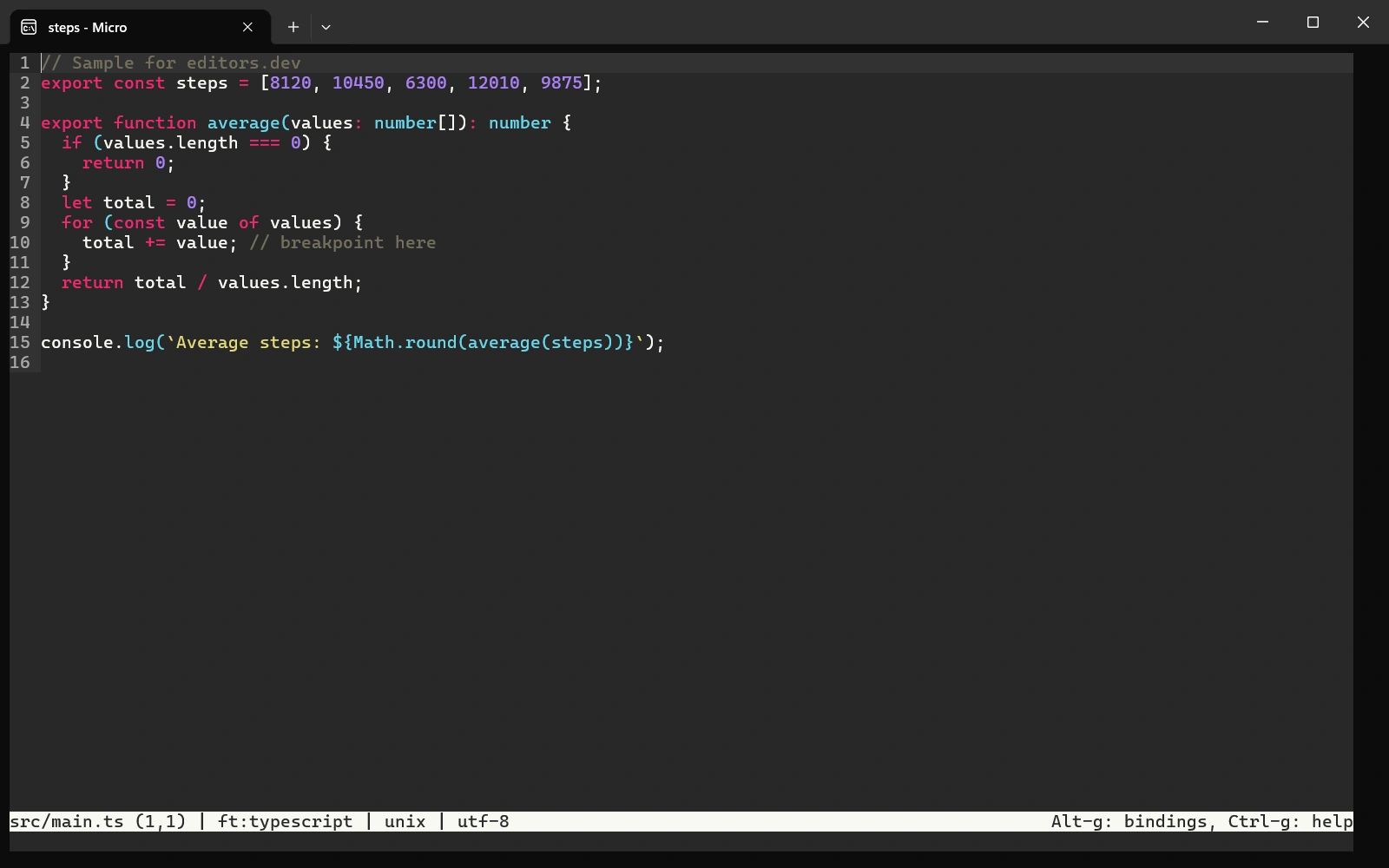
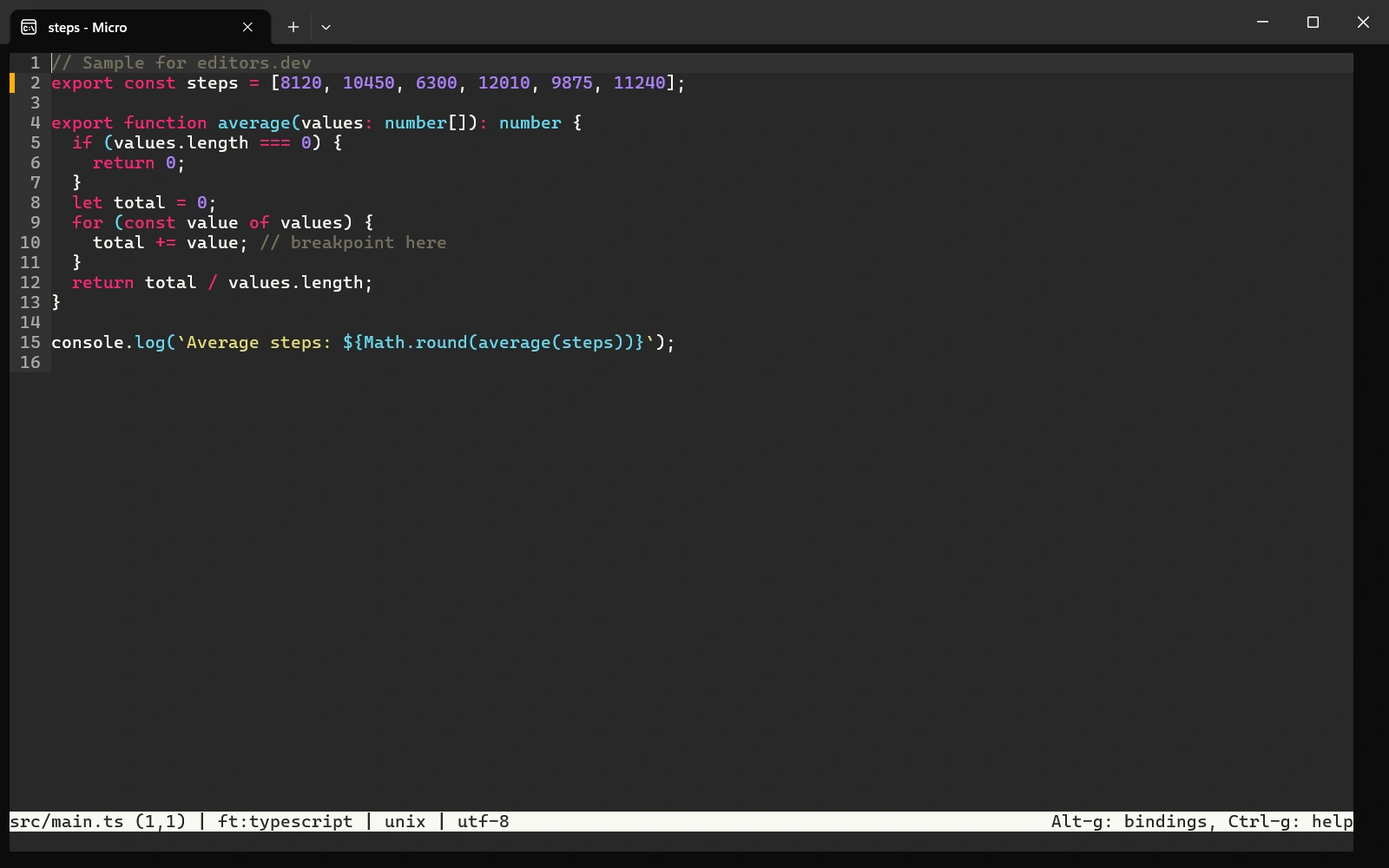
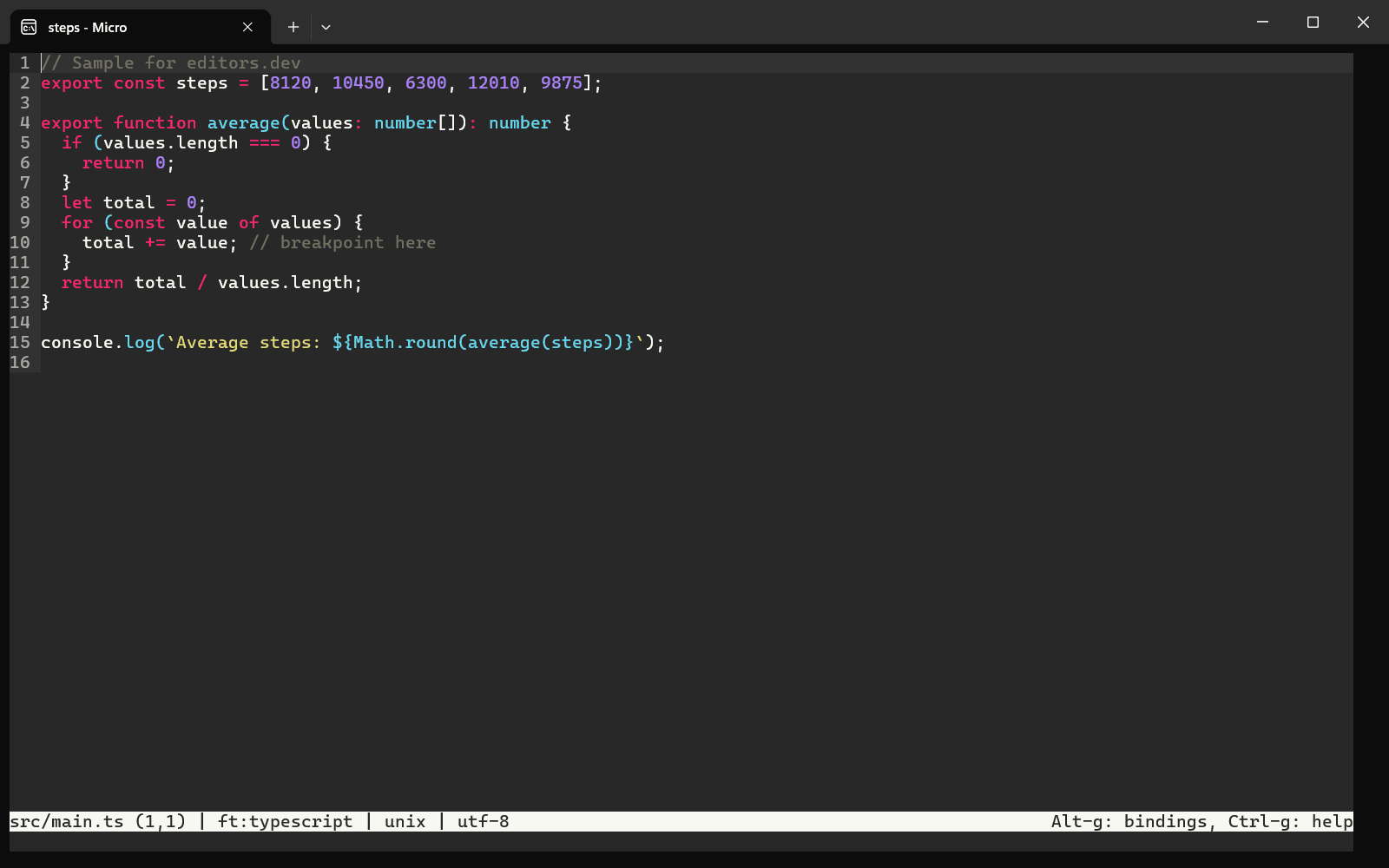
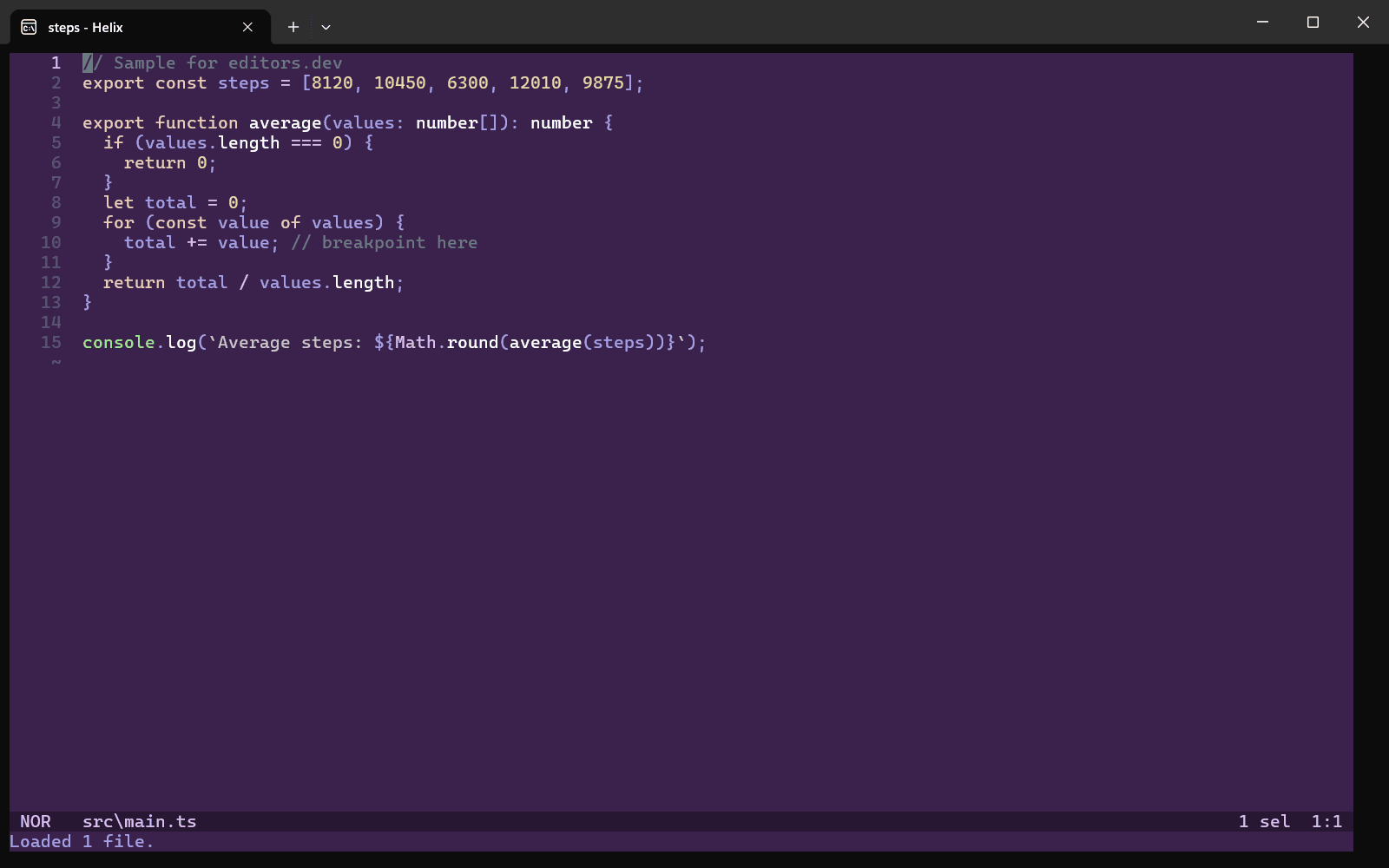
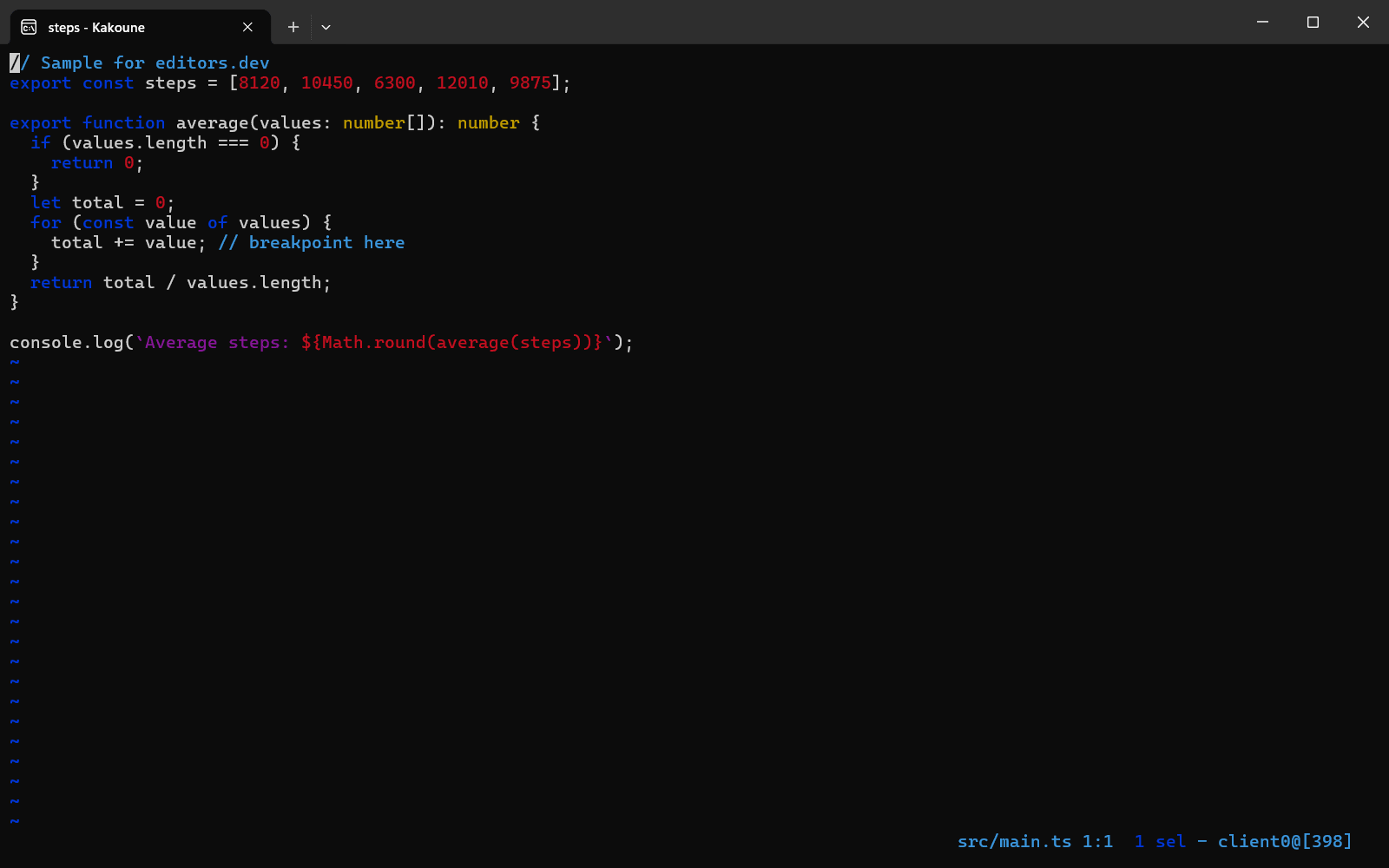
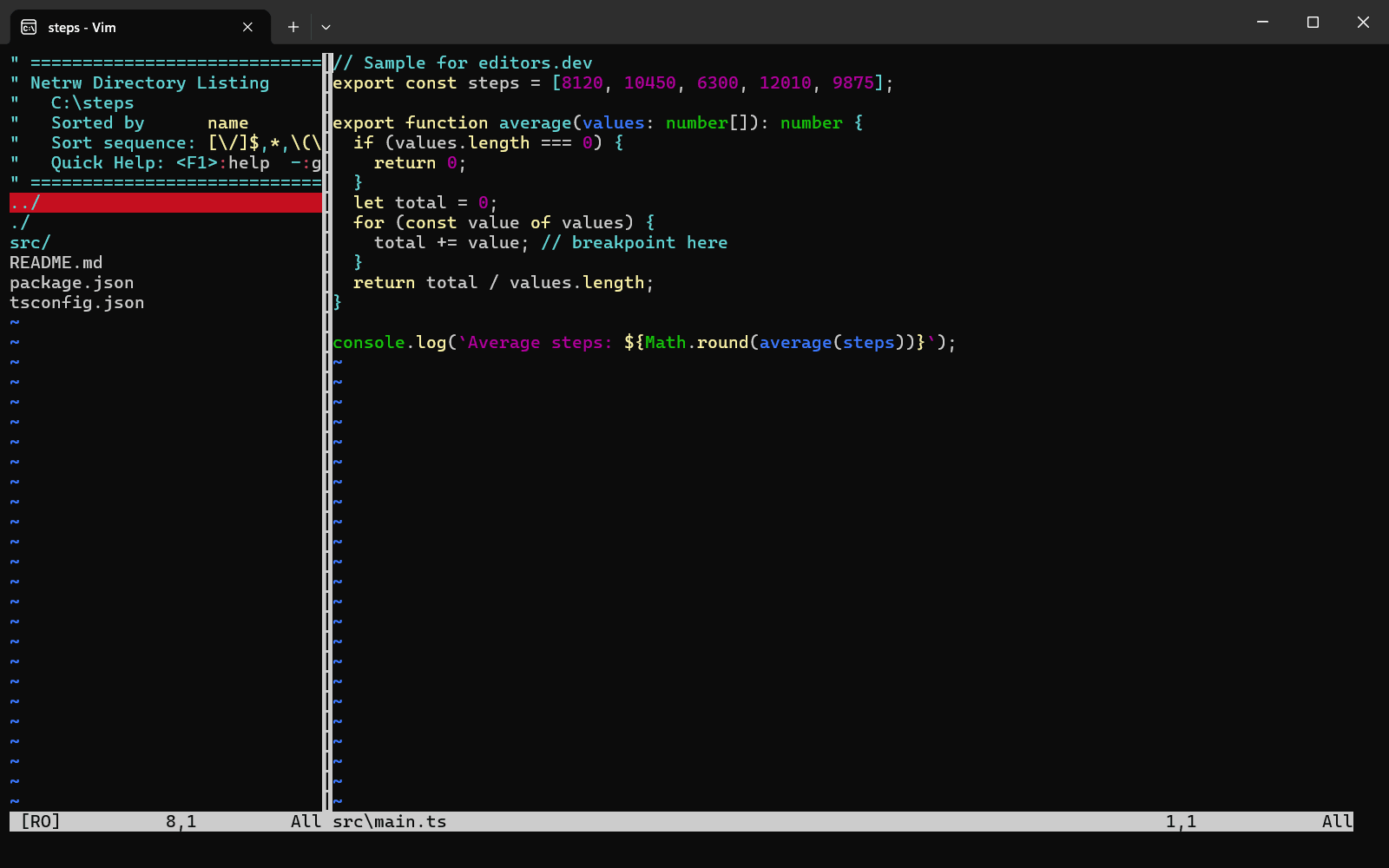
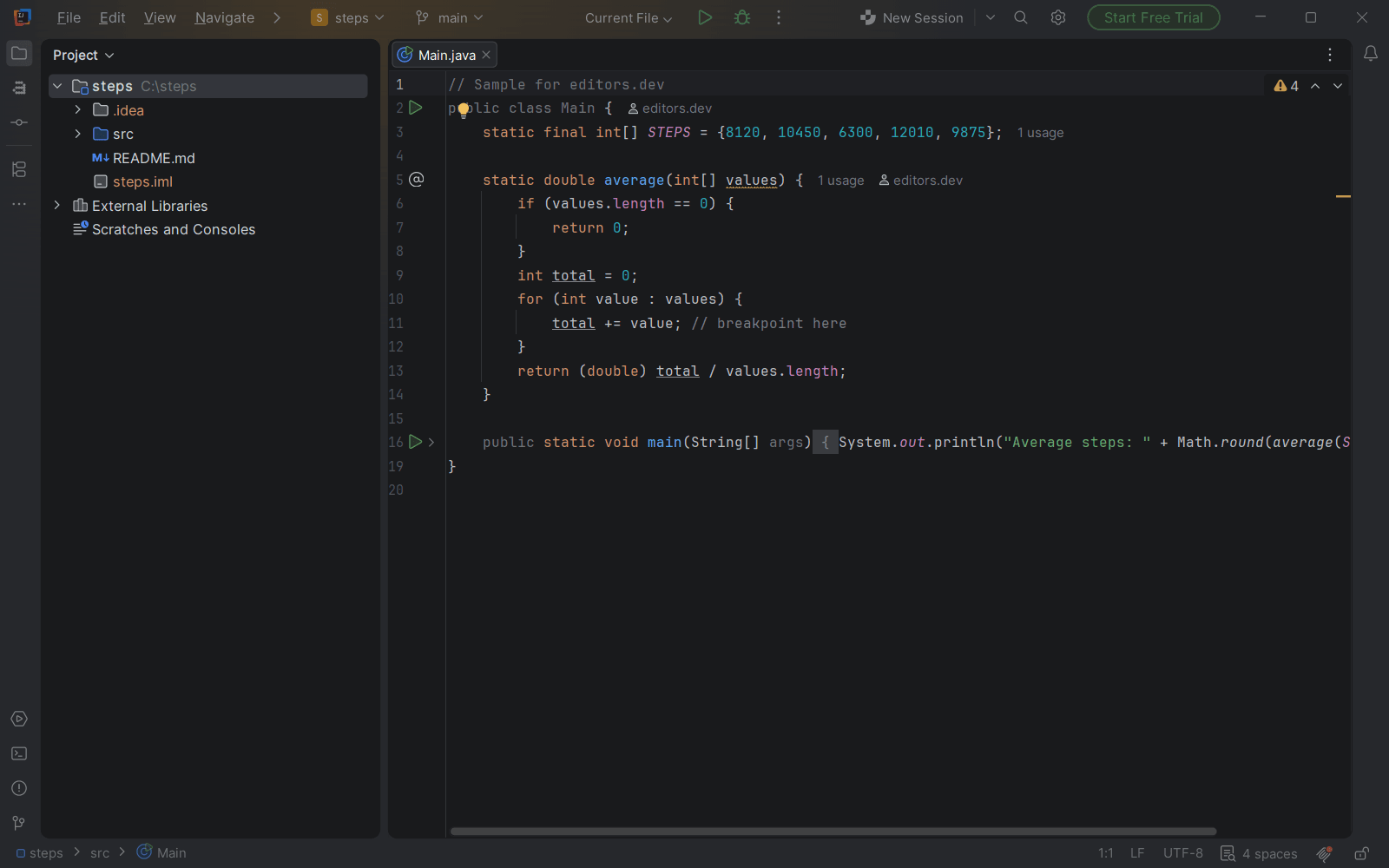
Screenshots of Micro 2.0.15, taken on 20 November 2026 with the same sample project as every editor on this site. Method
About Micro
micro is a terminal-based text editor written in Go that aims to be easy to use and intuitive. It comes as a single static binary with no dependencies, and the project describes it as somewhat of a successor to the nano editor. Multiple cursors, splits and tabs, syntax highlighting, a diff gutter and a Lua plugin system are included.
What it offers
- It is distributed as a single static binary with no dependencies. Prebuilt binaries are published for Linux, macOS, Windows and several BSD systems.
- Default keybindings follow common conventions (Ctrl-S, Ctrl-C, Ctrl-V, Ctrl-Z) and can be rebound. The mouse can be used to place the cursor and to select by character, word or line.
- Multiple cursors, splits and tabs, macros, persistent undo and syntax highlighting for over 130 languages are part of the editor.
- Plugins are written in Lua and installed with the built-in plugin manager from the official plugin channel. Pre-installed plugins include linter, comment, autoclose and diff, which ties the diff gutter to the most recent Git commit.
- The term command opens a terminal emulator inside the editor, for example in a split next to the code.
What is built in
Listed only where we have checked it
- Debugger Not listed
- Git integration Built in
- Integrated terminal Built in
- AI assistant Not listed
- Remote development Not listed
- Live collaboration Not listed
- Vim mode Not supported
Languages
How Micro supports each common language, and what you get with the recommended setup.
26 Built in
- JavaScript Built in
- Completion : No
- Go to definition : No
- Refactoring : No
- Debugging : No
- Tests : No
- Formatting : No
Micro ships JavaScript highlighting, and its bundled linter plugin can run eslint or jshint. The community lsp plugin adds completion and go to definition, using deno lsp by default.
Source ↗ - TypeScript Built in
- Completion : No
- Go to definition : No
- Refactoring : No
- Debugging : No
- Tests : No
- Formatting : No
Micro ships TypeScript highlighting. The community lsp plugin uses deno lsp for TypeScript by default and can be pointed at typescript-language-server instead.
Source ↗ - Python Built in
- Completion : No
- Go to definition : No
- Refactoring : No
- Debugging : No
- Tests : No
- Formatting : No
Micro ships Python highlighting, and its bundled linter plugin can run pyflakes, flake8, pylint, mypy or ruff. The community lsp plugin uses pylsp by default for completion, go to definition, references and formatting.
Source ↗ - Java Built in
- Completion : No
- Go to definition : No
- Refactoring : No
- Debugging : No
- Tests : No
- Formatting : No
Micro ships Java highlighting, and its bundled linter plugin can run javac. The community lsp plugin has no default Java server; you would have to configure jdtls yourself.
Source ↗ - C# Built in
- Completion : No
- Go to definition : No
- Refactoring : No
- Debugging : No
- Tests : No
- Formatting : No
Micro ships C# highlighting only. The community lsp plugin has no default C# server and does not list one as tested.
Source ↗ - C++ Built in
- Completion : No
- Go to definition : No
- Refactoring : No
- Debugging : No
- Tests : No
- Formatting : No
Micro ships C++ highlighting, and its bundled linter plugin can run g++. The community lsp plugin uses clangd by default for completion, go to definition, references and formatting.
Source ↗ - C Built in
- Completion : No
- Go to definition : No
- Refactoring : No
- Debugging : No
- Tests : No
- Formatting : No
Micro ships C highlighting, and its bundled linter plugin can run gcc. The community lsp plugin only sets clangd as the default for C++, so add c=clangd to its lsp.server option for C files.
Source ↗ - Go Built in
- Completion : No
- Go to definition : No
- Refactoring : No
- Debugging : No
- Tests : No
- Formatting : No
Micro ships Go highlighting, and its bundled linter plugin can run go build and go vet. The community lsp plugin uses gopls by default.
Source ↗ - Rust Built in
- Completion : No
- Go to definition : No
- Refactoring : No
- Debugging : No
- Tests : No
- Formatting : No
Micro ships Rust highlighting, and its bundled linter plugin can run cargo clippy. The community lsp plugin uses rust-analyzer by default.
Source ↗ - PHP Built in
- Completion : No
- Go to definition : No
- Refactoring : No
- Debugging : No
- Tests : No
- Formatting : No
Micro ships PHP highlighting only. The community lsp plugin has no default PHP server but lists Intelephense as tested, so you can set it up yourself.
Source ↗ - Ruby Built in
- Completion : No
- Go to definition : No
- Refactoring : No
- Debugging : No
- Tests : No
- Formatting : No
Micro ships Ruby highlighting only. The community lsp plugin has no default Ruby server; you would have to configure one yourself.
Source ↗ - Kotlin Built in
- Completion : No
- Go to definition : No
- Refactoring : No
- Debugging : No
- Tests : No
- Formatting : No
Micro ships Kotlin highlighting only. The community lsp plugin has no default Kotlin server; you would have to configure one yourself.
Source ↗ - Swift Built in
- Completion : No
- Go to definition : No
- Refactoring : No
- Debugging : No
- Tests : No
- Formatting : No
Micro ships Swift highlighting, and its bundled linter plugin runs swiftc on macOS and Linux. The community lsp plugin has no default Swift server.
Source ↗ - Objective-C Built in
- Completion : No
- Go to definition : No
- Refactoring : No
- Debugging : No
- Tests : No
- Formatting : No
Micro ships Objective-C highlighting, and its bundled linter plugin can check files with clang through xcrun, which only exists on macOS. The community lsp plugin has no default server for it.
Source ↗ - Dart Built in
- Completion : No
- Go to definition : No
- Refactoring : No
- Debugging : No
- Tests : No
- Formatting : No
Micro ships Dart highlighting only. The community lsp plugin has no default Dart server; you would have to configure one yourself.
Source ↗ - HTML Built in
- Completion : No
- Go to definition : No
- Refactoring : No
- Debugging : No
- Tests : No
- Formatting : No
Micro ships HTML highlighting only, with separate HTML4 and HTML5 variants. The community lsp plugin has no default HTML server.
Source ↗ - CSS Built in
- Completion : No
- Go to definition : No
- Refactoring : No
- Debugging : No
- Tests : No
- Formatting : No
Micro ships CSS highlighting only. The community lsp plugin has no default CSS server.
Source ↗ - SQL Built in
- Completion : No
- Go to definition : No
- Refactoring : No
- Debugging : No
- Tests : No
- Formatting : No
Micro ships SQL highlighting only. The community lsp plugin has no default SQL server.
Source ↗ - Shell Built in
- Completion : No
- Go to definition : No
- Refactoring : No
- Debugging : No
- Tests : No
- Formatting : No
Micro ships shell highlighting, and its bundled linter plugin can run ShellCheck and shfmt as checkers. The community lsp plugin has no default shell server.
Source ↗ - Lua Built in
- Completion : No
- Go to definition : No
- Refactoring : No
- Debugging : No
- Tests : No
- Formatting : No
Micro ships Lua highlighting, and its bundled linter plugin can run luacheck. The community lsp plugin defaults to lua-lsp, which is archived, so pointing it at lua-language-server is the better choice.
Source ↗ - R Built in
- Completion : No
- Go to definition : No
- Refactoring : No
- Debugging : No
- Tests : No
- Formatting : No
Micro ships R highlighting only. The community lsp plugin has no default R server; you would have to configure one yourself.
Source ↗ - Scala Built in
- Completion : No
- Go to definition : No
- Refactoring : No
- Debugging : No
- Tests : No
- Formatting : No
Micro ships Scala highlighting only. The community lsp plugin has no default Scala server.
Source ↗ - Elixir Built in
- Completion : No
- Go to definition : No
- Refactoring : No
- Debugging : No
- Tests : No
- Formatting : No
Micro ships Elixir highlighting only. The community lsp plugin has no default Elixir server.
Source ↗ - Haskell Built in
- Completion : No
- Go to definition : No
- Refactoring : No
- Debugging : No
- Tests : No
- Formatting : No
Micro ships Haskell highlighting, and its bundled linter plugin can run hlint. The community lsp plugin has no default Haskell server.
Source ↗ - Zig Built in
- Completion : No
- Go to definition : No
- Refactoring : No
- Debugging : No
- Tests : No
- Formatting : No
Micro ships Zig highlighting. The community lsp plugin has no default Zig server but lists zls as tested, so you can set it up yourself.
Source ↗ - Julia Built in
- Completion : No
- Go to definition : No
- Refactoring : No
- Debugging : No
- Tests : No
- Formatting : No
Micro ships Julia highlighting only. The community lsp plugin has no default Julia server.
Source ↗
Who it is for
Who it suits
- People who want a terminal editor with familiar keybindings and mouse support instead of modal editing.
- People who regularly edit files over SSH and want one binary with no dependencies to install.
- Developers who want to extend their editor with Lua plugins from a built-in plugin manager.
Who should look elsewhere
- People who want Vim keybindings. The official FAQ says micro currently has no Vim emulation.
- People who work in Cygwin or Mingw terminals on Windows. These are not officially supported.
- People who want a graphical interface. micro runs only in the terminal.
Micro pricing
Free and open source under the MIT license.
Price Free Open source
Micro next to its alternatives
The same facts for each editor, taken from the directory.
| Editor | Type | Price | Built with | Platforms | Languages built in | Remote development | Live collaboration | Vim mode |
|---|---|---|---|---|---|---|---|---|
| Micro | Terminal | Free Open source | Go | Windows · macOS · Linux | 26 / 26 | –Not listed | –Not listed | Not supported |
| GNU nano | Terminal | Free Open source | C (ncurses) | Windows · macOS · Linux | 17 / 26 | –Not listed | –Not listed | –Not listed |
| Helix | Terminal | Free Open source | Rust | Windows · macOS · Linux | 25 / 26 | –Not listed | –Not listed | Not supported |
| Kakoune | Terminal | Free Open source | C++ | macOS · Linux | 25 / 26 | –Not listed | –Not listed | –Not listed |
| Vim | Terminal | Free Open source | C, Vim script | Windows · macOS · Linux | 25 / 26 | –Not listed | –Not listed | Built in |
Built in Extension Not supported





Sources
Last checked: 16 November 2026