Notepad++
Free source code editor and Notepad replacement for Windows.
Screenshots
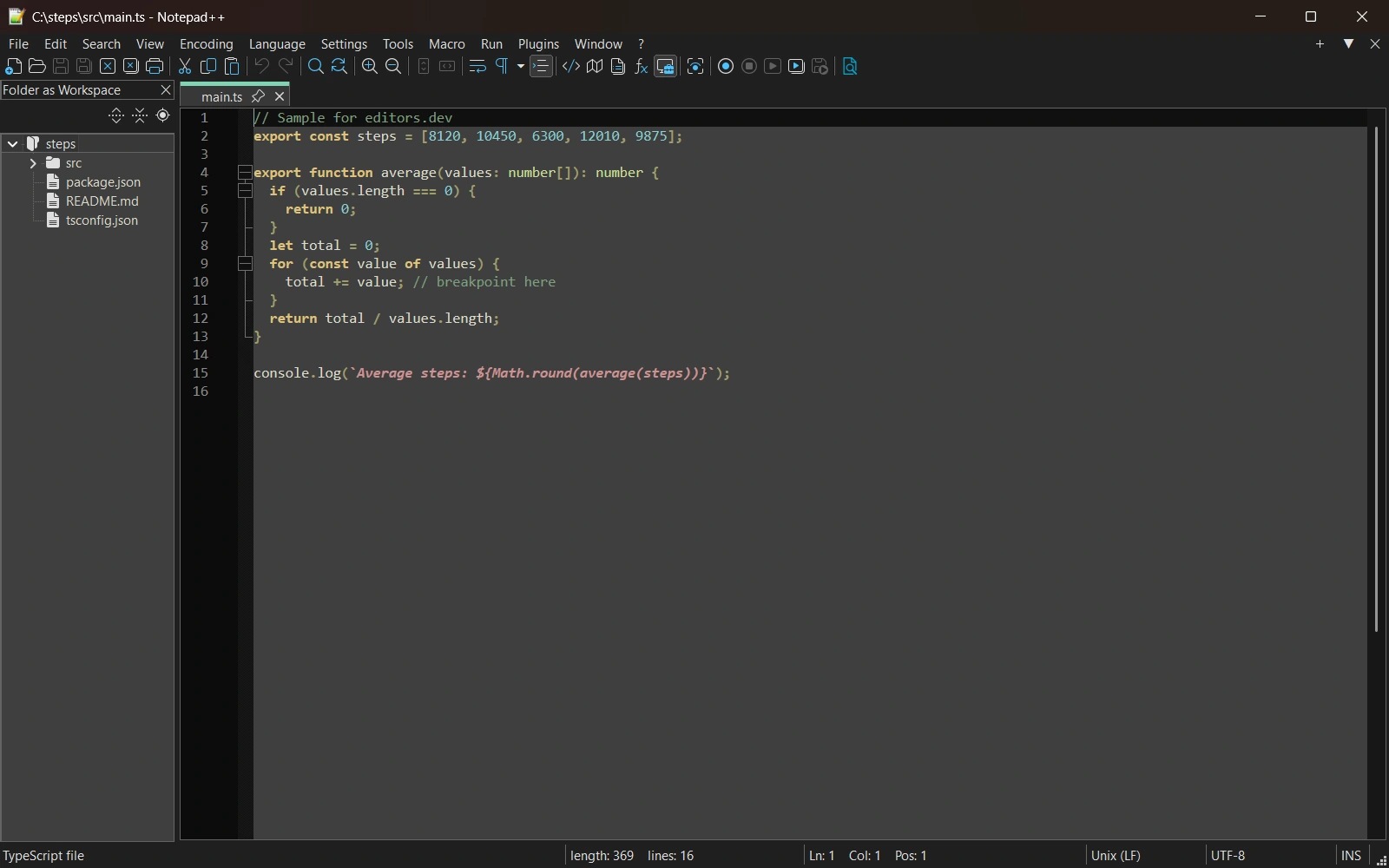
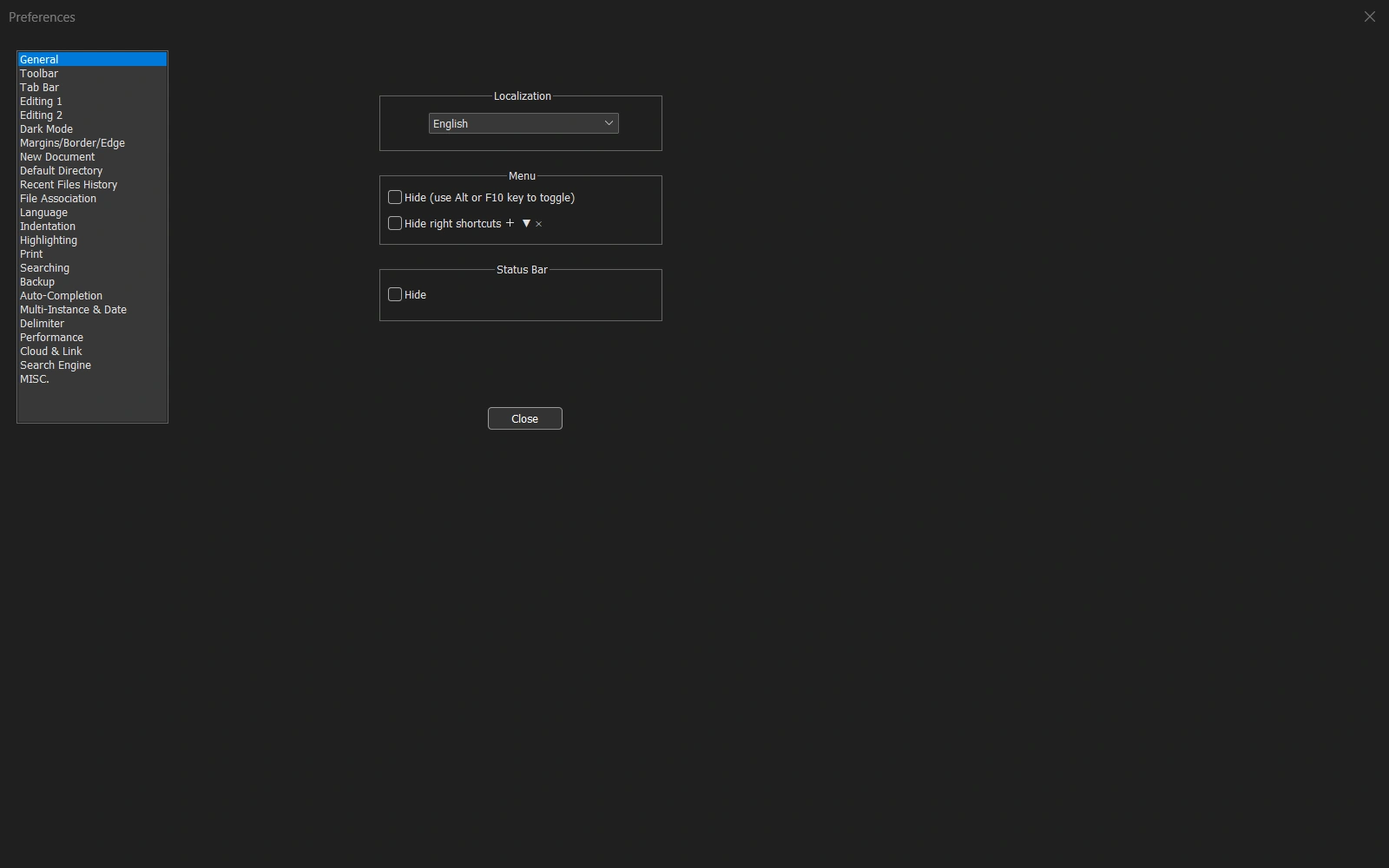
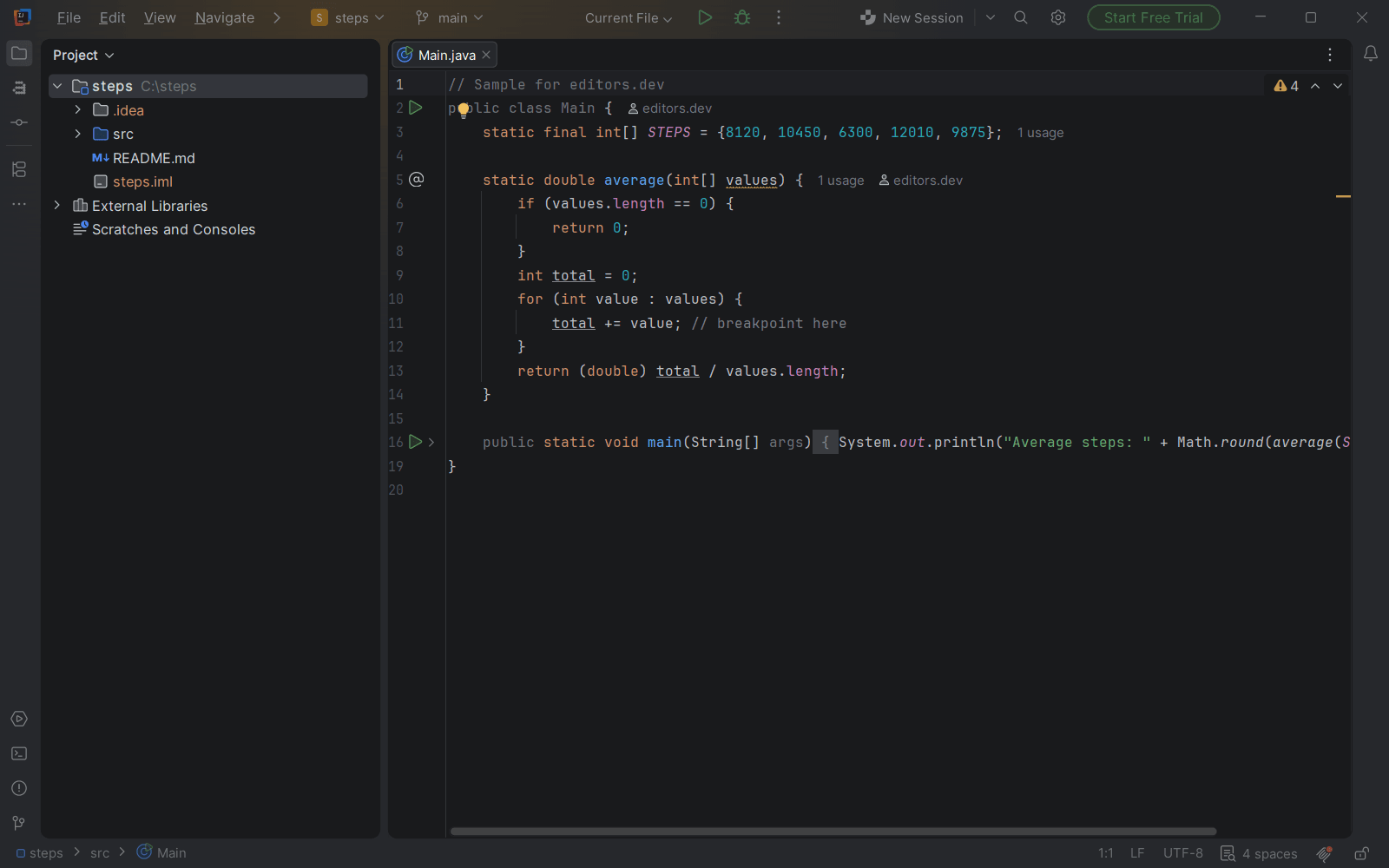
Screenshots of Notepad++ 8.9.2, taken on 20 November 2026 with the same sample project as every editor on this site. Method
About Notepad++
Notepad++ is a source code editor and Notepad replacement that runs in the MS Windows environment and supports several programming languages. It is written in C++ with the Win32 API and STL, and is based on the Scintilla editing component. Its first version was published on SourceForge on 23 November 2003.
What it offers
- Several files are edited in tabs in one window, and syntax highlighting covers around 80 programming languages.
- The built-in Plugins Admin lists and installs plugins. The plugin list is maintained by the Notepad++ team as a separate open-source project.
- The user manual documents macros for task automation, user defined languages for custom syntax highlighting, and a function list.
- Builds are provided for 64-bit, ARM 64-bit and 32-bit Windows as an installer, a portable package and an MSI package.
What is built in
Listed only where we have checked it
- Debugger Extension
- Git integration Extension
- Integrated terminal Not listed
- AI assistant Extension
- Remote development Not listed
- Live collaboration Extension
- Vim mode Extension
Languages
How Notepad++ supports each common language, and what you get with the recommended setup.
20 Built in 6 Community extension
- JavaScript Built in
- Completion : Yes
- Go to definition : No
- Refactoring : No
- Debugging : No
- Tests : No
- Formatting : No
Highlighting, a Function List parser and keyword/function completion from the bundled javascript.xml file. There is no language server client in Plugins Admin; JSTool (community) adds formatting.
Source ↗ - TypeScript Built in
- Completion : Yes
- Go to definition : No
- Refactoring : No
- Debugging : No
- Tests : No
- Formatting : No
Highlighting, a Function List parser and keyword/function completion from the bundled typescript.xml file. Completion is a static word list, not type-aware.
Source ↗ - Python Built in
- Completion : Yes
- Go to definition : No
- Refactoring : No
- Debugging : No
- Tests : No
- Formatting : No
Highlighting, a Function List parser and keyword/function completion from the bundled python.xml file. Code analysis, go-to-definition and debugging are not available.
Source ↗ - Java Built in
- Completion : Yes
- Go to definition : No
- Refactoring : No
- Debugging : No
- Tests : No
- Formatting : No
Highlighting, a Function List parser and keyword/function completion from the bundled java.xml file. The community 'Java Plugin' in Plugins Admin can compile and run code.
Source ↗ - C# Built in
- Completion : Yes
- Go to definition : No
- Refactoring : No
- Debugging : No
- Tests : No
- Formatting : No
Highlighting, a Function List parser and keyword/function completion from the bundled cs.xml file. The community CS-Script plugin adds Roslyn-based C# IntelliSense and debugging, but for C# scripts rather than full projects.
Source ↗ - C++ Built in
- Completion : Yes
- Go to definition : No
- Refactoring : No
- Debugging : No
- Tests : No
- Formatting : No
Highlighting, a Function List parser and keyword/function completion from the bundled cpp.xml file. For jumping to definitions, community ctags/GNU Global plugins such as NppGTags exist in Plugins Admin.
Source ↗ - C Built in
- Completion : Yes
- Go to definition : No
- Refactoring : No
- Debugging : No
- Tests : No
- Formatting : No
Highlighting, a Function List parser and keyword/function completion from the bundled c.xml file. NppGTags and other ctags-based plugins in Plugins Admin add jumping to definitions.
Source ↗ - Go Built in
- Completion : Yes
- Go to definition : No
- Refactoring : No
- Debugging : No
- Tests : No
- Formatting : No
Highlighting and keyword/function completion from the bundled go.xml file. Unlike most languages here, Go has no Function List parser in the default install.
Source ↗ - Rust Built in
- Completion : Yes
- Go to definition : No
- Refactoring : No
- Debugging : No
- Tests : No
- Formatting : No
Highlighting, a Function List parser and keyword/function completion from the bundled rust.xml file. The community rustnpp plugin can build and run Cargo projects.
Source ↗ - PHP Built in
- Completion : Yes
- Go to definition : No
- Refactoring : No
- Debugging : No
- Tests : No
- Formatting : No
Highlighting, a Function List parser and keyword/function completion from the bundled php.xml file. The community DBGp plugin adds Xdebug debugging.
Source ↗ - Ruby Built in
- Completion : Yes
- Go to definition : No
- Refactoring : No
- Debugging : No
- Tests : No
- Formatting : No
Highlighting and a Function List parser ship, but there is no Ruby keyword file, so completion only offers words already in the open document.
Source ↗ - Swift Built in
- Completion : Yes
- Go to definition : No
- Refactoring : No
- Debugging : No
- Tests : No
- Formatting : No
A Swift lexer ships, but there is no Swift keyword file or Function List parser, so completion only offers words already in the open document.
Source ↗ - Objective-C Built in
- Completion : No
- Go to definition : No
- Refactoring : No
- Debugging : No
- Tests : No
- Formatting : No
An Objective-C lexer ships, but it is only mapped to .mm files; .m files open as MATLAB until you change the association. There is no keyword file or Function List parser for it.
Source ↗ - HTML Built in
- Completion : Yes
- Go to definition : No
- Refactoring : No
- Debugging : No
- Tests : No
- Formatting : No
Highlighting, tag/attribute completion from the bundled html.xml file and optional automatic closing of tags. There is no Function List parser for HTML; the community HTML Tag plugin adds tag jumping.
Source ↗ - CSS Built in
- Completion : Yes
- Go to definition : No
- Refactoring : No
- Debugging : No
- Tests : No
- Formatting : No
Highlighting, a Function List parser and property completion from the bundled css.xml file. Formatting needs a community plugin such as NppFormatter (Prettier).
Source ↗ - SQL Built in
- Completion : Yes
- Go to definition : No
- Refactoring : No
- Debugging : No
- Tests : No
- Formatting : No
Highlighting, a Function List parser and keyword completion from the bundled sql.xml file, plus a separate T-SQL lexer. Database connections and formatting come from community plugins such as npp.Connections and Poor Man's T-Sql Formatter.
Source ↗ - Shell Built in
- Completion : Yes
- Go to definition : No
- Refactoring : No
- Debugging : No
- Tests : No
- Formatting : No
Highlighting and a Function List parser ship, but there is no Bash keyword file, so completion only offers words already in the open document.
Source ↗ - Lua Built in
- Completion : Yes
- Go to definition : No
- Refactoring : No
- Debugging : No
- Tests : No
- Formatting : No
Highlighting, a Function List parser and keyword/function completion from the bundled lua.xml file.
Source ↗ - R Built in
- Completion : Yes
- Go to definition : No
- Refactoring : No
- Debugging : No
- Tests : No
- Formatting : No
An R lexer ships, but there is no R keyword file or Function List parser, so completion only offers words already in the open document.
Source ↗ - Haskell Built in
- Completion : Yes
- Go to definition : No
- Refactoring : No
- Debugging : No
- Tests : No
- Formatting : No
Highlighting and a Function List parser ship, but there is no Haskell keyword file, so completion only offers words already in the open document.
Source ↗ - Kotlin Community extension
With Kotlin UDL (NppExtension)
- Completion : No
- Go to definition : No
- Refactoring : No
- Debugging : No
- Tests : No
- Formatting : No
Notepad++ has no Kotlin lexer and the official UDL collection has no Kotlin file. A third-party User Defined Language file from the NppExtension project adds basic highlighting; it was last updated in 2019.
Source ↗ - Dart Community extension
With Dart UDL (userDefinedLanguages collection)
- Completion : Yes
- Go to definition : No
- Refactoring : No
- Debugging : No
- Tests : No
- Formatting : No
There is no built-in Dart lexer. The community UDL collection has Dart definitions and a matching keyword file for completion; both are imported by hand.
Source ↗ - Scala Community extension
With Scala UDL (userDefinedLanguages collection)
- Completion : Yes
- Go to definition : No
- Refactoring : No
- Debugging : No
- Tests : No
- Formatting : No
There is no built-in Scala lexer. The community UDL collection has a Scala definition and a keyword file for completion, both imported by hand.
Source ↗ - Elixir Community extension
With elixir-udl-npp
- Completion : No
- Go to definition : No
- Refactoring : No
- Debugging : No
- Tests : No
- Formatting : No
There is no Elixir lexer and nothing in the official UDL collection. A third-party UDL from 2014 gives basic highlighting.
Source ↗ - Zig Community extension
With Zig UDL (userDefinedLanguages collection)
- Completion : Yes
- Go to definition : No
- Refactoring : No
- Debugging : No
- Tests : No
- Formatting : No
There is no built-in Zig lexer. The community UDL collection has a Zig definition and a keyword file for completion, both imported by hand.
Source ↗ - Julia Community extension
With julia-NotepadPlusPlus (UDL)
- Completion : No
- Go to definition : No
- Refactoring : No
- Debugging : No
- Tests : No
- Formatting : No
There is no built-in Julia lexer. The JuliaEditorSupport group maintains a UDL file, refreshed in late 2025, that you import by hand.
Source ↗
Who it is for
Who it suits
- Windows users who want a free Notepad replacement that highlights source code.
- People who want to automate repetitive edits with macros.
- People who need a portable package that runs without an installer.
Who should look elsewhere
- Developers who work on macOS or Linux. Notepad++ runs in the MS Windows environment.
- Developers who want a debugger, Git integration or an AI assistant ready after installation. These come from plugins in the plugin list.
Notepad++ pricing
Free and open source under the GNU General Public License version 3. The author accepts voluntary donations through the official site.
Price Free Open source
Notepad++ next to its alternatives
The same facts for each editor, taken from the directory.
| Editor | Type | Price | Built with | Platforms | Languages built in | Remote development | Live collaboration | Vim mode |
|---|---|---|---|---|---|---|---|---|
| Notepad++ | Editor | Free Open source | C++, Win32 API, Scintilla | Windows | 20 / 26 | –Not listed | Extension | Extension |
| Sublime Text | Editor | Paid | C++ (plugin API in Python) | Windows · macOS · Linux | 2 / 26 | –Not listed | –Not listed | Built in |
| Kate | Editor | Free Open source | C++, Qt, KDE Frameworks | Windows · macOS · Linux | 26 / 26 | –Not listed | –Not listed | Built in |
| Geany | IDE | Free Open source | C and C++ (GTK 3, Scintilla) | Windows · macOS · Linux | 8 / 26 | –Not listed | –Not listed | Extension |
| VS Code | Editor | Free Open source | TypeScript, Electron | Windows · macOS · Linux | 5 / 26 | Extension | Extension | Extension |

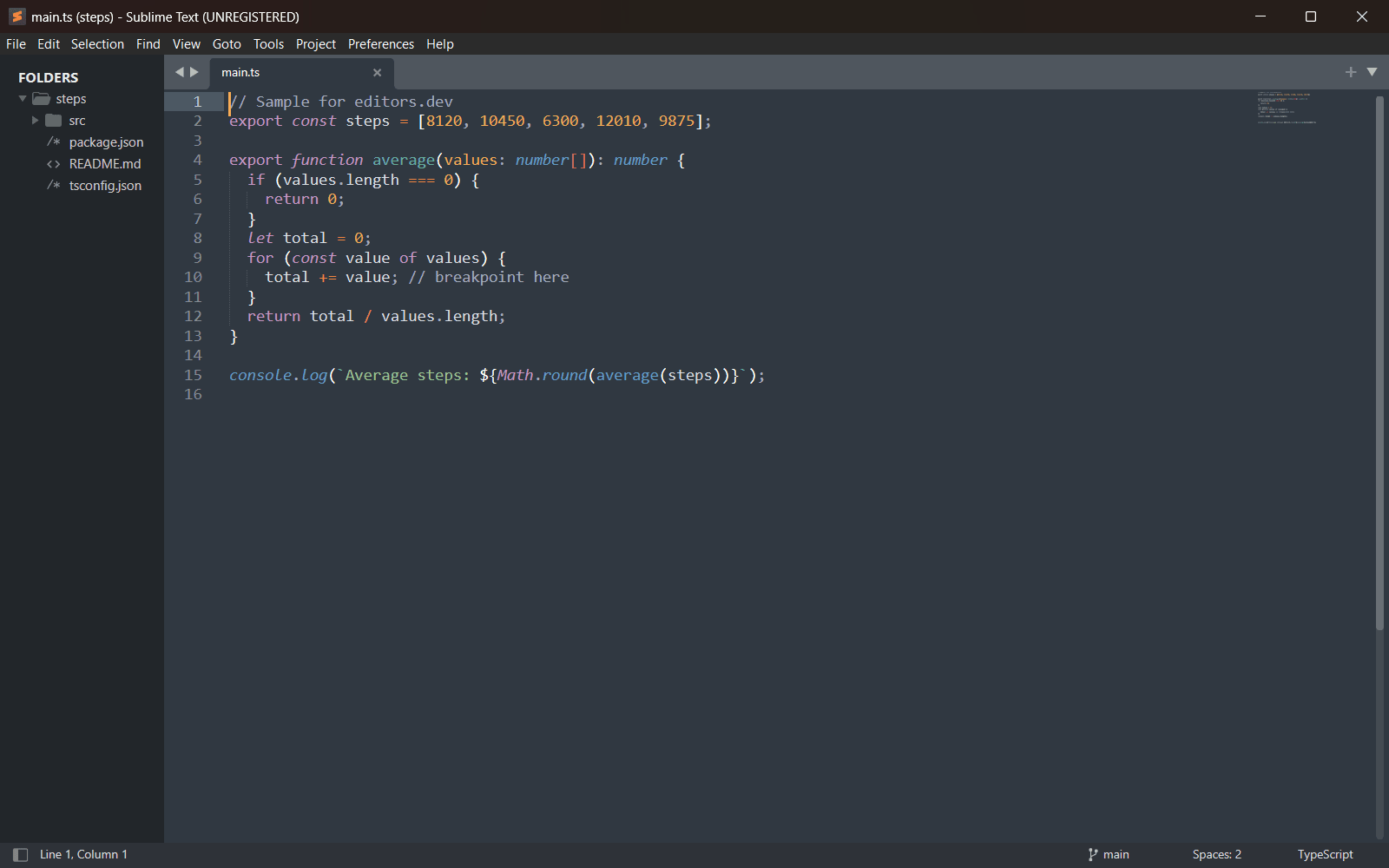

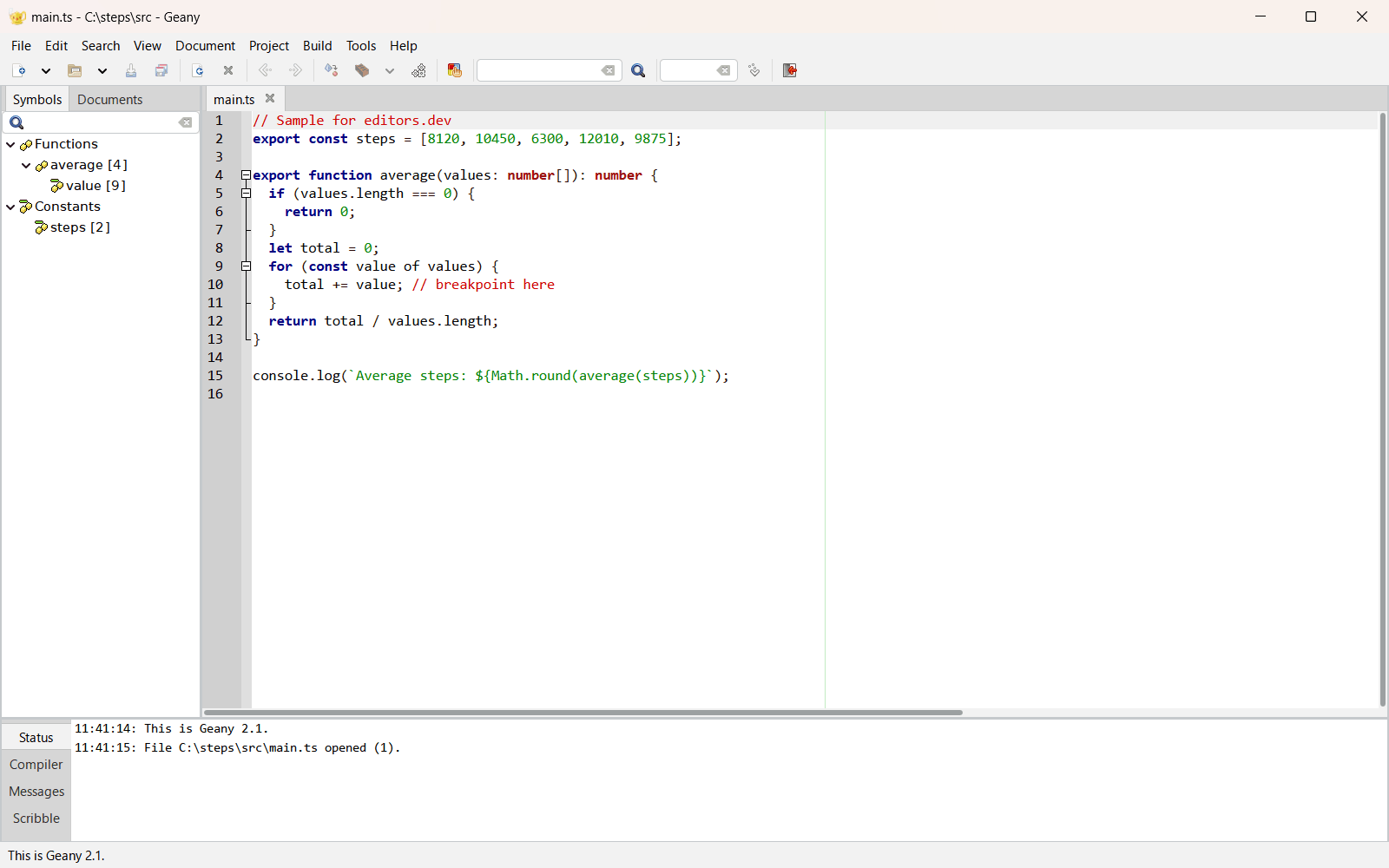

Built in Extension Not supported
Head-to-head comparisons
All comparisons

Sources
Last checked: 16 November 2026