GNU Emacs
Extensible, customizable free text editor built around an Emacs Lisp interpreter.
Screenshots
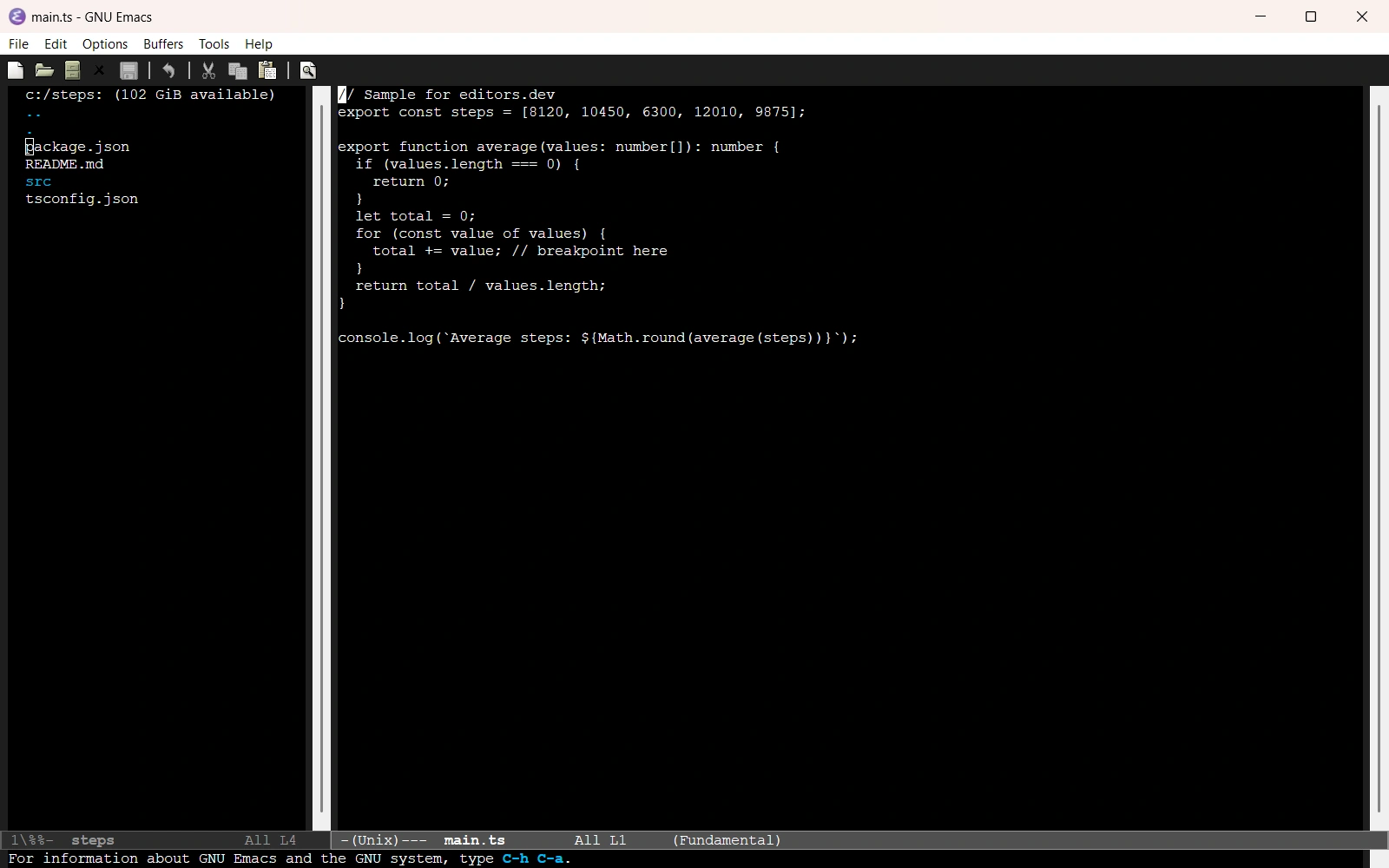
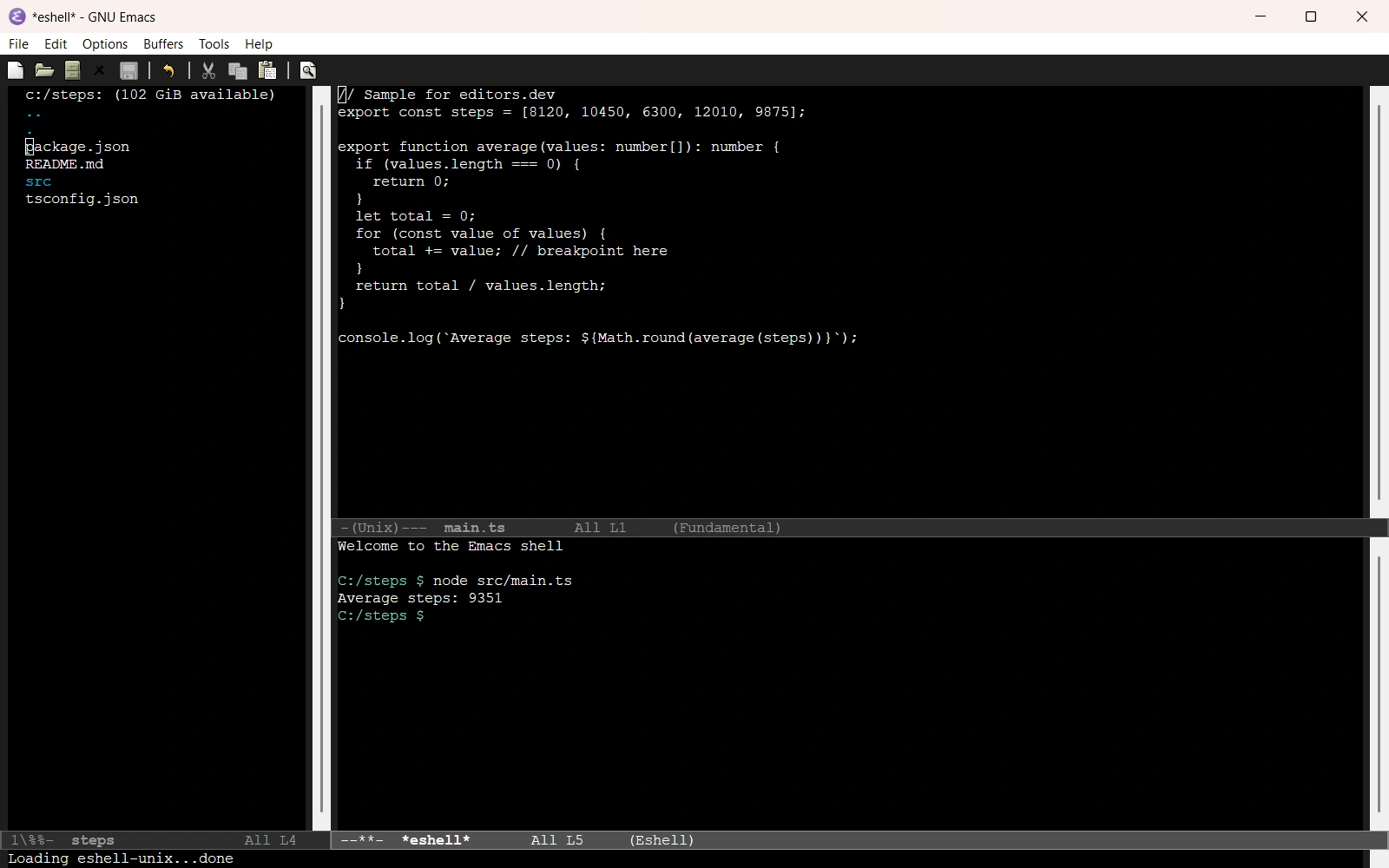
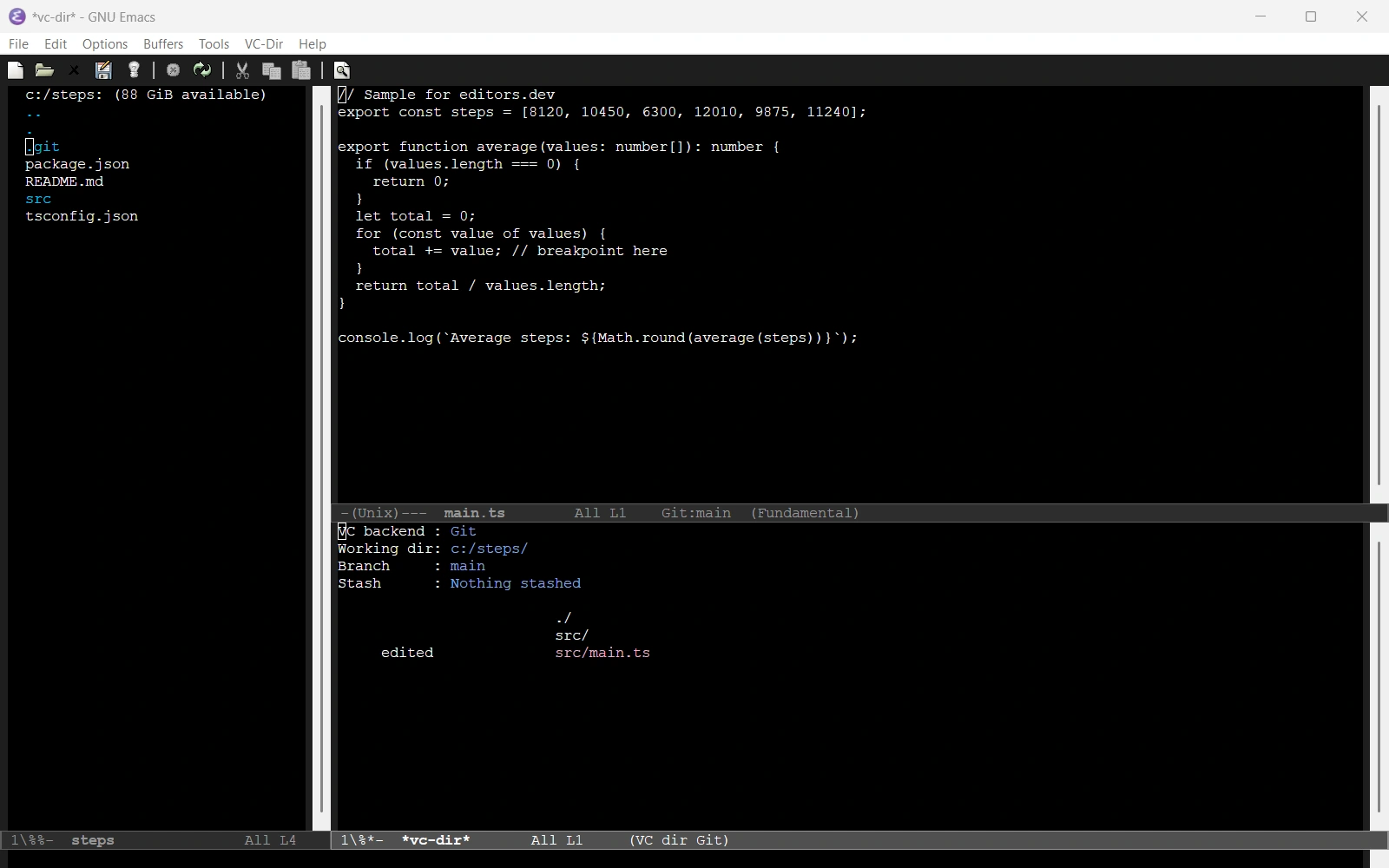
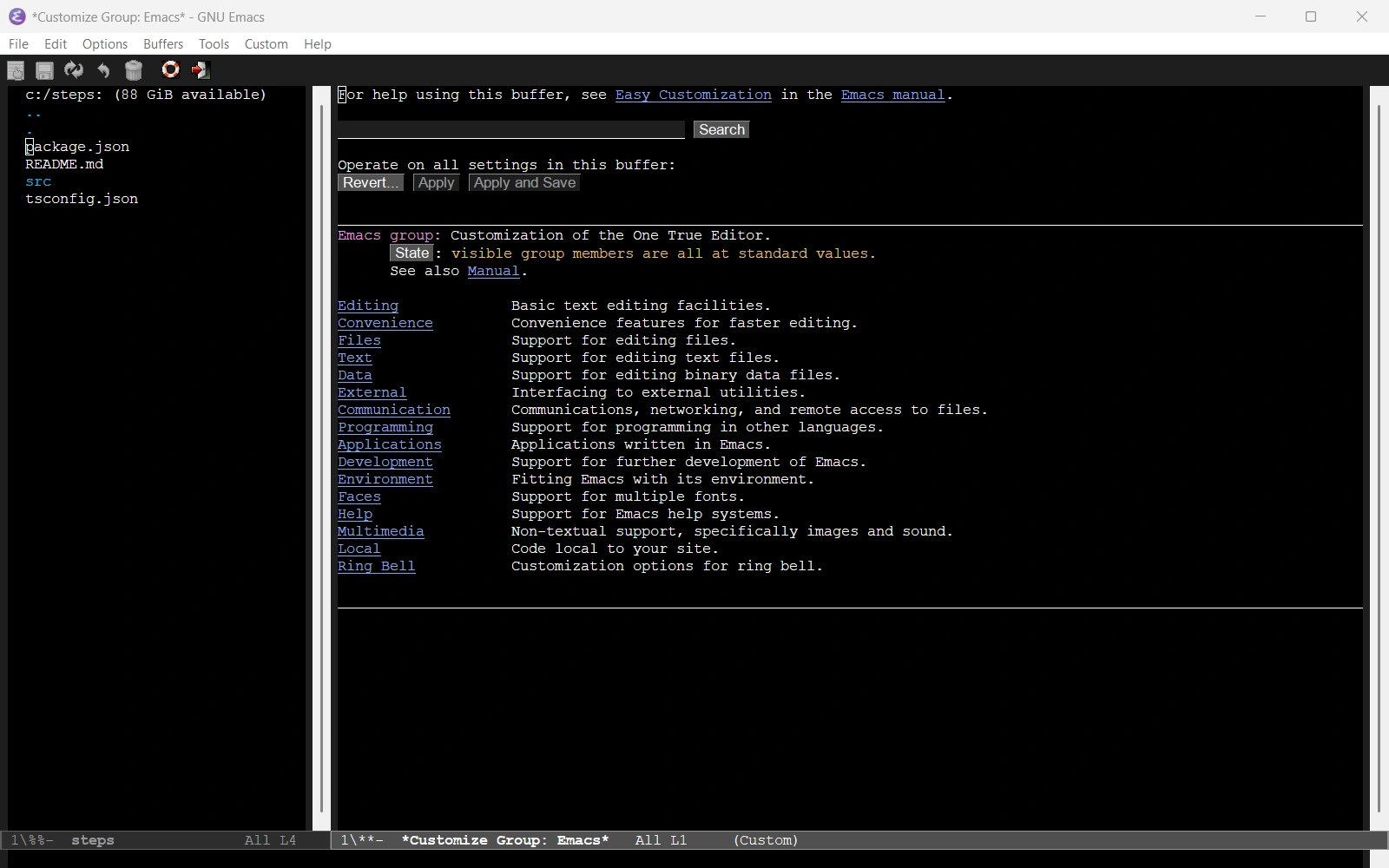
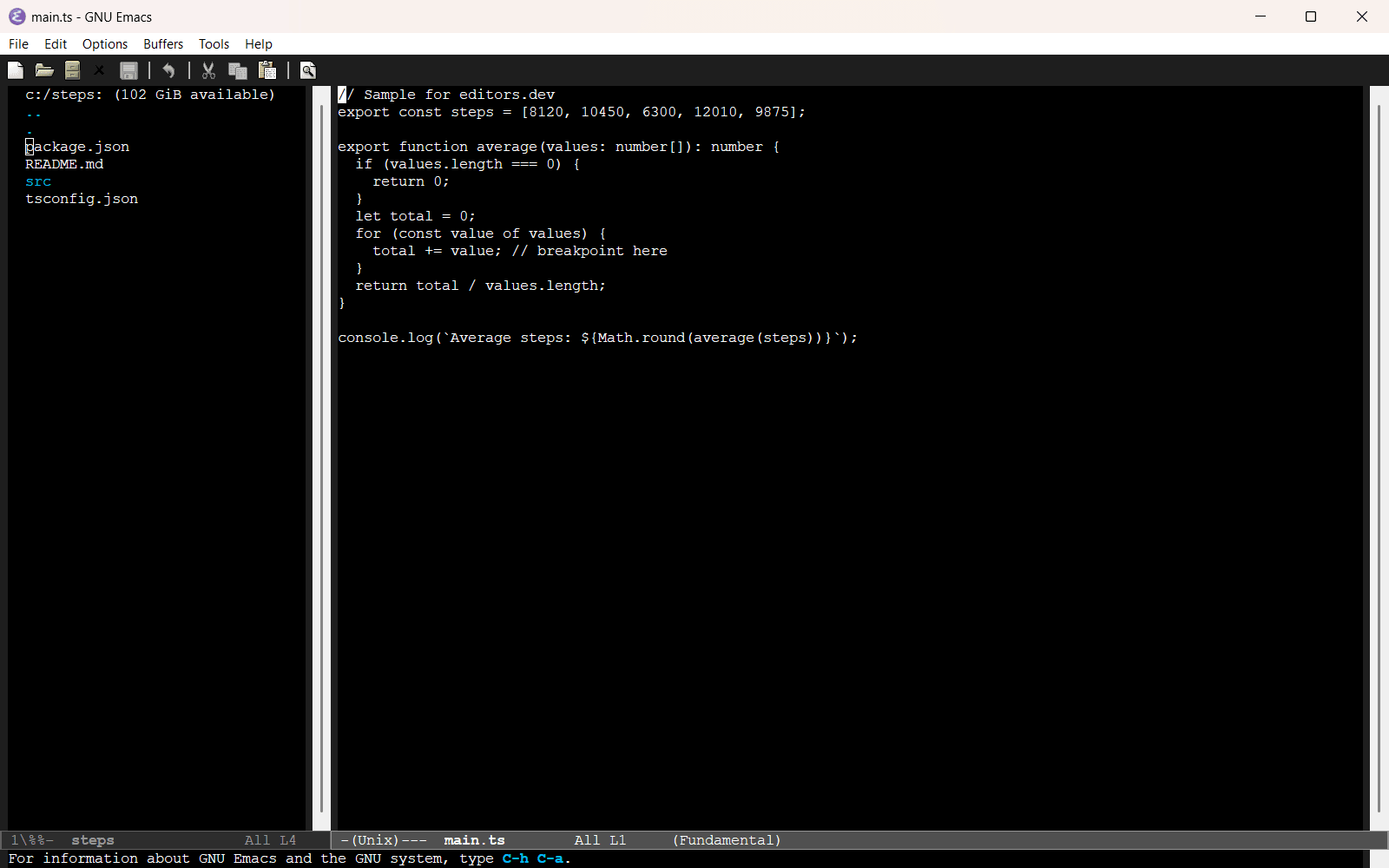
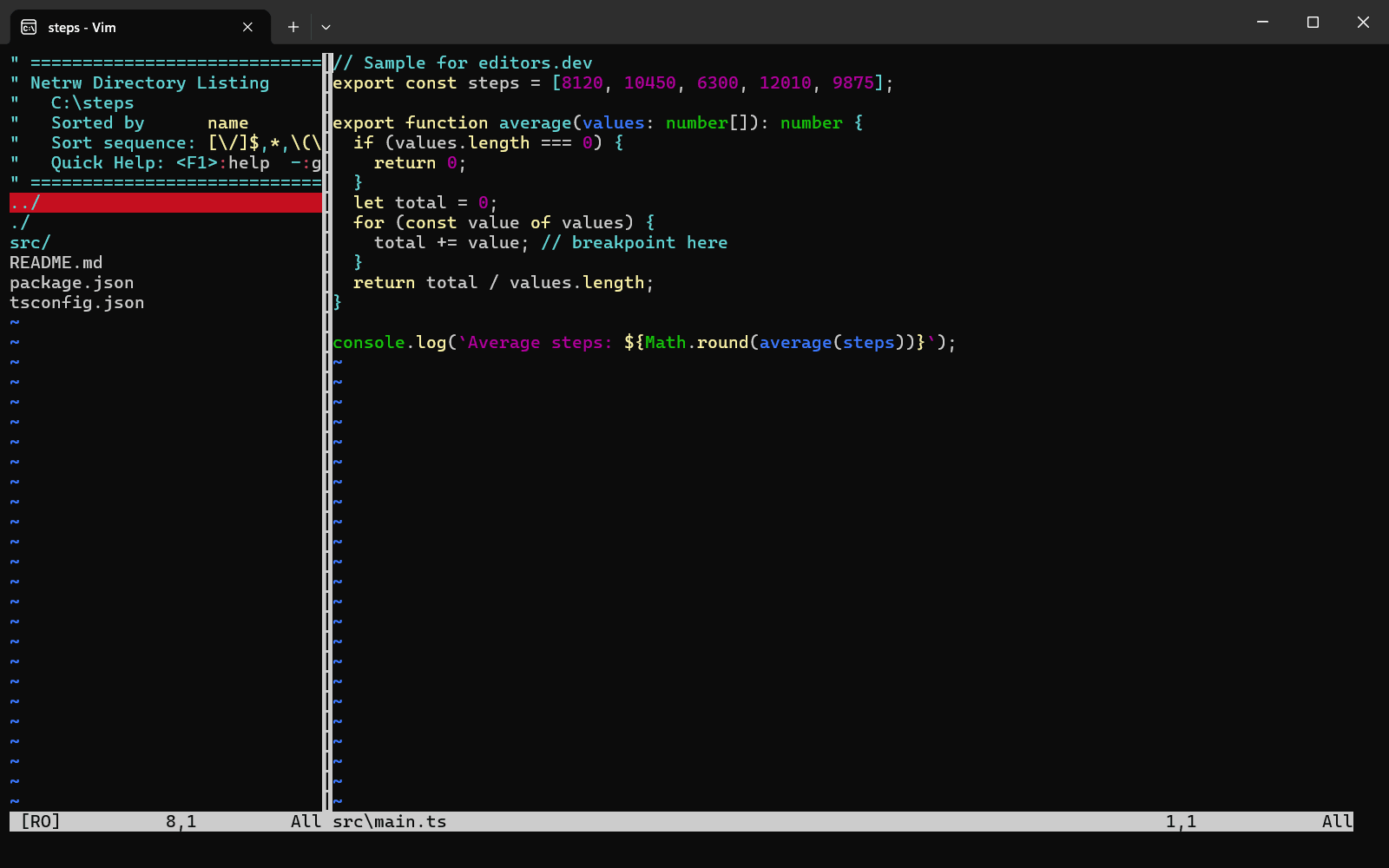
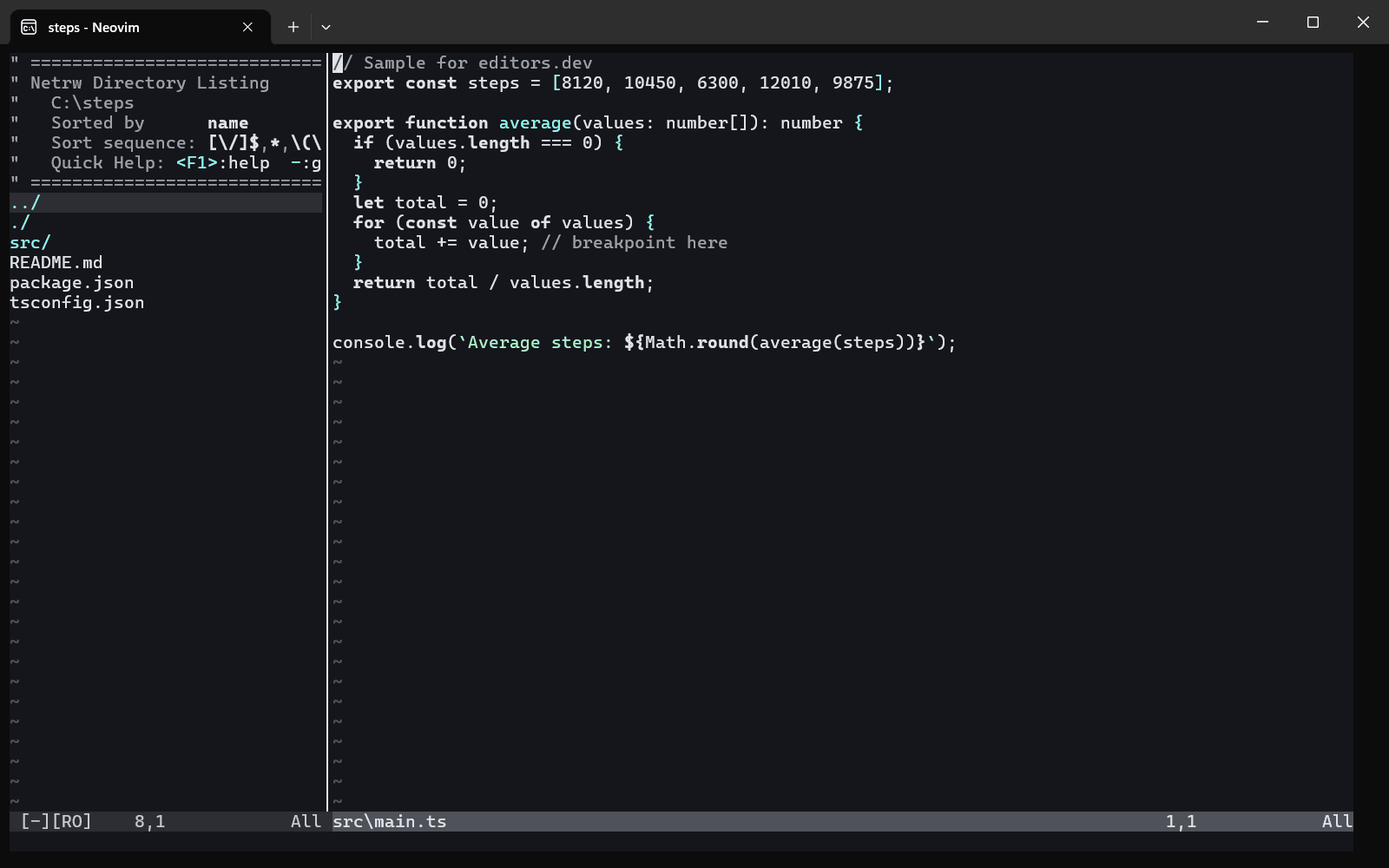
Screenshots of GNU Emacs 31.1, taken on 20 November 2026 with the same sample project as every editor on this site. Method
About GNU Emacs
GNU Emacs is the GNU Project's text editor, and at its core is an interpreter for Emacs Lisp. Most of its editing commands are written in Lisp, so they can be redefined or extended without restarting the editor. Beyond text editing it includes a project planner, a mail and news reader, a debugger interface, a calendar and an IRC client. Version 31.1 was released on 24 August 2026.
What it offers
- New commands are programs written in Emacs Lisp and run by the built-in interpreter. Existing commands can be redefined during an editing session.
- The package system downloads packages from two archives by default, GNU ELPA and NonGNU ELPA, which are maintained by the Emacs developers.
- The version control interface (VC) works with Git, Mercurial, Subversion, CVS, RCS, Bazaar, SRC and SCCS/CSSC.
- The GUD library is an interface to debuggers including GDB, LLDB, the Python debugger PDB and the Java debugger JDB.
- Remote files are opened with a special file name syntax and accessed through programs such as ssh by the bundled Tramp package.
What is built in
Listed only where we have checked it
- Debugger Built in
- Git integration Built in
- Integrated terminal Built in
- AI assistant Extension
- Remote development Built in
- Live collaboration Extension
- Vim mode Extension
Languages
How GNU Emacs supports each common language, and what you get with the recommended setup.
18 Built in 1 Official extension 7 Community extension
- JavaScript Built in
With Eglot + typescript-language-server
- Completion : Yes
- Go to definition : Yes
- Refactoring : Yes
- Debugging : No
- Tests : No
- Formatting : Yes
js-mode works out of the box, and js-ts-mode uses tree-sitter. The built-in Eglot client is preconfigured for typescript-language-server, which you install separately; for debugging, dape is available from GNU ELPA.
Source ↗ - TypeScript Built in
With Eglot + typescript-language-server
- Completion : Yes
- Go to definition : Yes
- Refactoring : Yes
- Debugging : No
- Tests : No
- Formatting : Yes
TypeScript and TSX use the built-in typescript-ts-mode and tsx-ts-mode, which need the tree-sitter grammars (Emacs 31 can offer to install them). Eglot is preconfigured for typescript-language-server, installed separately.
Source ↗ - Python Built in
With Eglot + pylsp, basedpyright, pyright, ty, ruff and others; pdb
- Completion : Yes
- Go to definition : Yes
- Refactoring : Yes
- Debugging : Yes
- Tests : No
- Formatting : Yes
python-mode and python-ts-mode ship with Emacs, Eglot tries several Python servers (pylsp, basedpyright, pyright, ty, ruff and others) and uses the one you have installed, and the built-in GUD runs pdb.
Source ↗ - Java Built in
With Eglot + jdtls; jdb
- Completion : Yes
- Go to definition : Yes
- Refactoring : Yes
- Debugging : Yes
- Tests : No
- Formatting : Yes
java-mode and java-ts-mode ship with Emacs, Eglot is preconfigured for jdtls (installed separately), and the built-in GUD can run the jdb debugger.
Source ↗ - C# Built in
With Eglot + OmniSharp or csharp-ls
- Completion : Yes
- Go to definition : Yes
- Refactoring : Yes
- Debugging : No
- Tests : No
- Formatting : Yes
csharp-mode and csharp-ts-mode have shipped with Emacs since version 29, and Eglot is preconfigured for OmniSharp or csharp-ls, installed separately. There is no built-in C# debugger; dape from GNU ELPA supports netcoredbg.
Source ↗ - C++ Built in
With Eglot + clangd or ccls; GDB/GUD
- Completion : Yes
- Go to definition : Yes
- Refactoring : Yes
- Debugging : Yes
- Tests : No
- Formatting : Yes
c++-mode and c++-ts-mode ship with Emacs, Eglot is preconfigured for clangd or ccls (installed separately), and M-x gdb gives a built-in graphical GDB interface.
Source ↗ - C Built in
With Eglot + clangd or ccls; GDB/GUD
- Completion : Yes
- Go to definition : Yes
- Refactoring : Yes
- Debugging : Yes
- Tests : No
- Formatting : Yes
c-mode and c-ts-mode ship with Emacs, Eglot is preconfigured for clangd or ccls (installed separately), and M-x gdb gives a built-in graphical GDB interface.
Source ↗ - Go Built in
With Eglot + gopls
- Completion : Yes
- Go to definition : Yes
- Refactoring : Yes
- Debugging : No
- Tests : Yes
- Formatting : Yes
Go uses the built-in go-ts-mode, which needs the tree-sitter grammar; Emacs 31 added commands to run Go tests from it. Eglot is preconfigured for gopls, installed separately; for debugging, dape from GNU ELPA supports dlv.
Source ↗ - Rust Built in
With Eglot + rust-analyzer
- Completion : Yes
- Go to definition : Yes
- Refactoring : Yes
- Debugging : No
- Tests : No
- Formatting : Yes
Rust uses the built-in rust-ts-mode, which needs the tree-sitter grammar; the older rust-mode is a separate package. Eglot is preconfigured for rust-analyzer, installed separately.
Source ↗ - PHP Built in
With Eglot + Phpactor
- Completion : Yes
- Go to definition : Yes
- Refactoring : Yes
- Debugging : No
- Tests : No
- Formatting : Yes
php-ts-mode has shipped with Emacs since version 30 and needs several tree-sitter grammars; the older php-mode is a separate package. Eglot is preconfigured for Phpactor, installed separately.
Source ↗ - Ruby Built in
With Eglot + Solargraph or ruby-lsp
- Completion : Yes
- Go to definition : Yes
- Refactoring : Yes
- Debugging : No
- Tests : No
- Formatting : Yes
ruby-mode and ruby-ts-mode ship with Emacs, and Eglot is preconfigured for Solargraph or ruby-lsp, installed separately. There is no built-in Ruby debugger; dape from GNU ELPA supports rdbg.
Source ↗ - Objective-C Built in
With Eglot + clangd or ccls
- Completion : Yes
- Go to definition : Yes
- Refactoring : Yes
- Debugging : No
- Tests : No
- Formatting : Yes
objc-mode is part of the bundled CC Mode (there is no tree-sitter variant), and Eglot is preconfigured for clangd or ccls, installed separately. There is no built-in LLDB front end for debugging.
Source ↗ - HTML Built in
With Eglot + vscode-html-language-server
- Completion : Yes
- Go to definition : No
- Refactoring : No
- Debugging : No
- Tests : No
- Formatting : Yes
mhtml-mode handles HTML with embedded CSS and JavaScript, and Emacs 30 and 31 added html-ts-mode and mhtml-ts-mode. Eglot is preconfigured for vscode-html-language-server, installed separately with npm.
Source ↗ - CSS Built in
With Eglot + vscode-css-language-server
- Completion : Yes
- Go to definition : Yes
- Refactoring : Yes
- Debugging : No
- Tests : No
- Formatting : Yes
css-mode and css-ts-mode ship with Emacs and complete property names on their own. Eglot is preconfigured for vscode-css-language-server, installed separately with npm.
Source ↗ - SQL Built in
With sql-mode (SQLi)
- Completion : No
- Go to definition : No
- Refactoring : No
- Debugging : No
- Tests : No
- Formatting : No
sql-mode ships with Emacs, highlights many dialects and can open an interactive session (SQLi) with PostgreSQL, MySQL, SQLite, Oracle and other clients to send queries. Eglot has no preset SQL server.
Source ↗ - Shell Built in
With Eglot + bash-language-server
- Completion : Yes
- Go to definition : Yes
- Refactoring : Yes
- Debugging : No
- Tests : No
- Formatting : Yes
sh-mode and bash-ts-mode ship with Emacs, and sh-mode has a built-in Flymake backend for ShellCheck. Eglot is preconfigured for bash-language-server, installed separately.
Source ↗ - Lua Built in
With Eglot + lua-language-server
- Completion : Yes
- Go to definition : Yes
- Refactoring : Yes
- Debugging : No
- Tests : No
- Formatting : Yes
Emacs 30 added lua-ts-mode, and Emacs 31 now includes the classic lua-mode package as well. Eglot is preconfigured for lua-language-server, installed separately.
Source ↗ - Elixir Built in
With Eglot + ElixirLS
- Completion : Yes
- Go to definition : Yes
- Refactoring : No
- Debugging : No
- Tests : No
- Formatting : Yes
elixir-ts-mode and heex-ts-mode have shipped with Emacs since version 30 and need the tree-sitter grammars. Eglot is preconfigured for ElixirLS and Lexical; the official Expert server has to be added by hand.
Source ↗ - Zig Official extension
With zig-mode + Eglot + zls
- Completion : Yes
- Go to definition : Yes
- Refactoring : Yes
- Debugging : No
- Tests : No
- Formatting : Yes
Emacs ships no Zig mode; zig-mode is maintained by the Zig organization (now on Codeberg) and installed from NonGNU ELPA. Eglot is preconfigured for zls, a community server you install separately.
Source ↗ - Kotlin Community extension
With kotlin-mode + Eglot
- Completion : Yes
- Go to definition : Yes
- Refactoring : No
- Debugging : No
- Tests : No
- Formatting : No
Emacs ships no Kotlin mode; kotlin-mode is a community package on NonGNU ELPA. Eglot is preconfigured for the third-party kotlin-language-server, now deprecated, so JetBrains' official Kotlin LSP has to be added to eglot-server-programs by hand.
Source ↗ - Swift Community extension
With swift-mode + Eglot + sourcekit-lsp
- Completion : Yes
- Go to definition : Yes
- Refactoring : Yes
- Debugging : No
- Tests : No
- Formatting : Yes
Emacs ships no Swift mode; swift-mode is a community package on NonGNU ELPA. Eglot has no preset for Swift, so you add sourcekit-lsp (part of the Swift toolchain) to eglot-server-programs yourself.
Source ↗ - Dart Community extension
With dart-mode + Eglot
- Completion : Yes
- Go to definition : Yes
- Refactoring : Yes
- Debugging : No
- Tests : No
- Formatting : Yes
Emacs ships no Dart mode; dart-mode is a community package on NonGNU ELPA. Eglot is preconfigured for the language server in the Dart SDK.
Source ↗ - R Community extension
With ESS + Eglot
- Completion : Yes
- Go to definition : Yes
- Refactoring : Yes
- Debugging : Yes
- Tests : No
- Formatting : Yes
Emacs ships no R mode; ESS (Emacs Speaks Statistics) from GNU ELPA gives the R console, help and a debugger. Eglot is preconfigured for the languageserver R package with ESS.
Source ↗ - Scala Community extension
With scala-mode + Eglot + Metals
- Completion : Yes
- Go to definition : Yes
- Refactoring : Yes
- Debugging : No
- Tests : No
- Formatting : Yes
Emacs ships no Scala mode; scala-mode is a community package on NonGNU ELPA. Eglot is preconfigured for Metals, installed separately.
Source ↗ - Haskell Community extension
With haskell-mode + Eglot
- Completion : Yes
- Go to definition : Yes
- Refactoring : Yes
- Debugging : No
- Tests : No
- Formatting : Yes
Emacs ships no Haskell mode; haskell-mode is a community package on NonGNU ELPA with a GHCi REPL. Eglot is preconfigured for haskell-language-server, installed separately.
Source ↗ - Julia Community extension
With julia-mode + eglot-jl
- Completion : Yes
- Go to definition : Yes
- Refactoring : Yes
- Debugging : No
- Tests : No
- Formatting : Yes
Emacs ships no Julia mode, and Eglot has no Julia preset. julia-mode from NonGNU ELPA gives highlighting, and the eglot-jl package from MELPA connects Eglot to LanguageServer.jl; julia-snail is a popular REPL alternative.
Source ↗
Who it is for
Who it suits
- People who want to customize and extend their editor by programming it in Emacs Lisp.
- Developers who want version control, a debugger interface, a terminal emulator and remote file editing without installing packages.
- People who want to read mail, keep a calendar and use IRC in the same program as their editor.
Who should look elsewhere
- Vim users who expect Vim emulation without installing anything. The bundled Viper package emulates vi.
- People who want an AI assistant that ships with the editor. LLM tools such as ellama are separate packages installed from GNU ELPA.
- Developers who want language server features without setup. Eglot, the Emacs LSP client, needs a language server that is installed separately.
GNU Emacs pricing
Free software under the GNU General Public License, version 3 or later. The manual asks people who find Emacs useful to donate to the Free Software Foundation.
Price Free Open source
GNU Emacs next to its alternatives
The same facts for each editor, taken from the directory.
| Editor | Type | Price | Built with | Platforms | Languages built in | Remote development | Live collaboration | Vim mode |
|---|---|---|---|---|---|---|---|---|
| GNU Emacs | Editor | Free Open source | C, Emacs Lisp | Windows · macOS · Linux | 18 / 26 | Built in | Extension | Extension |
| Vim | Terminal | Free Open source | C, Vim script | Windows · macOS · Linux | 25 / 26 | –Not listed | –Not listed | Built in |
| Neovim | Terminal | Free Open source | C, Lua, Vimscript | Windows · macOS · Linux | 0 / 26 | –Not listed | –Not listed | Built in |
| VS Code | Editor | Free Open source | TypeScript, Electron | Windows · macOS · Linux | 5 / 26 | Extension | Extension | Extension |
| Kate | Editor | Free Open source | C++, Qt, KDE Frameworks | Windows · macOS · Linux | 26 / 26 | –Not listed | –Not listed | Built in |


Built in Extension Not supported
Head-to-head comparisons
All comparisons


Sources
Last checked: 16 November 2026