Helix
Modal terminal editor written in Rust, with LSP and tree-sitter support built in.
Screenshots
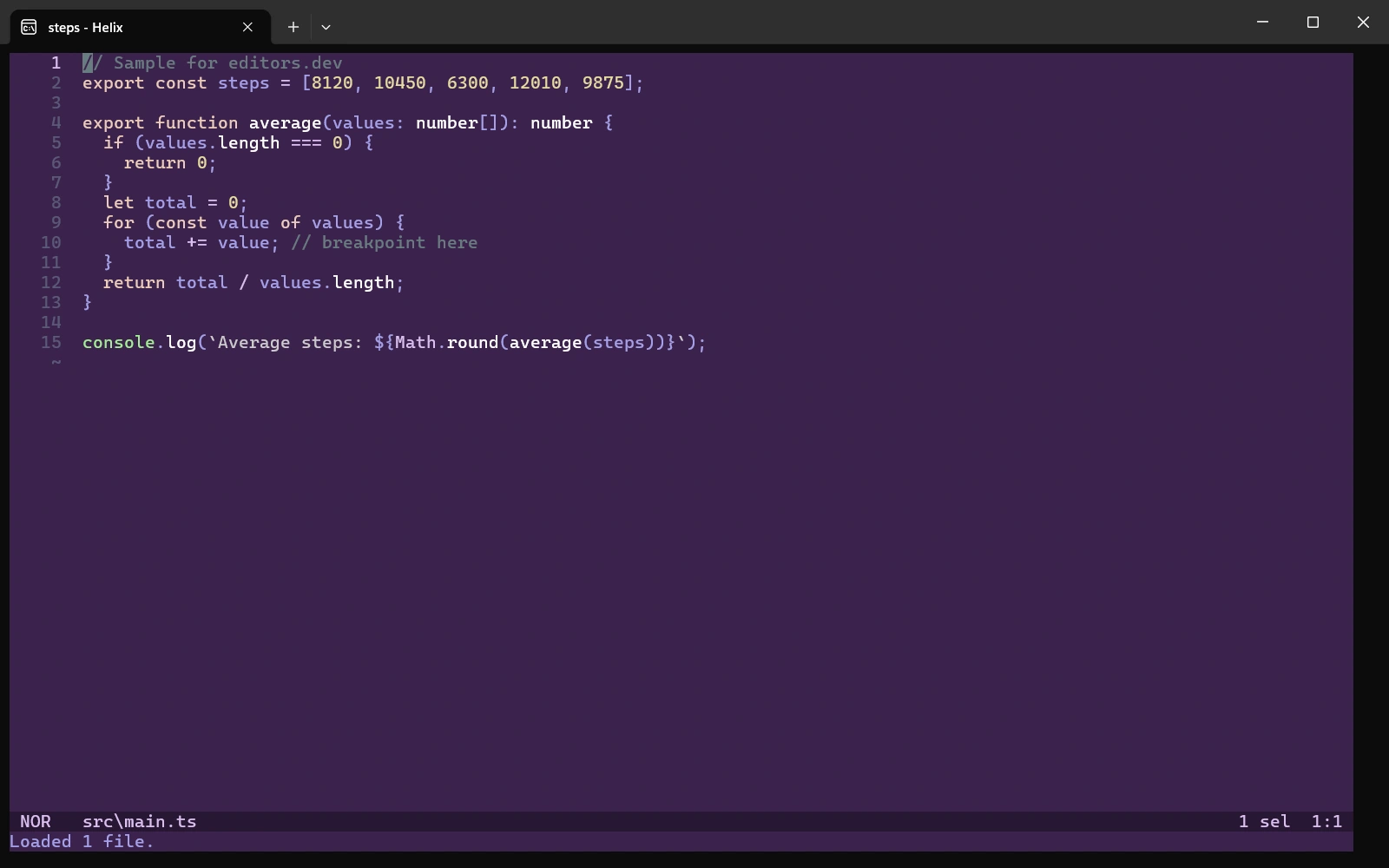
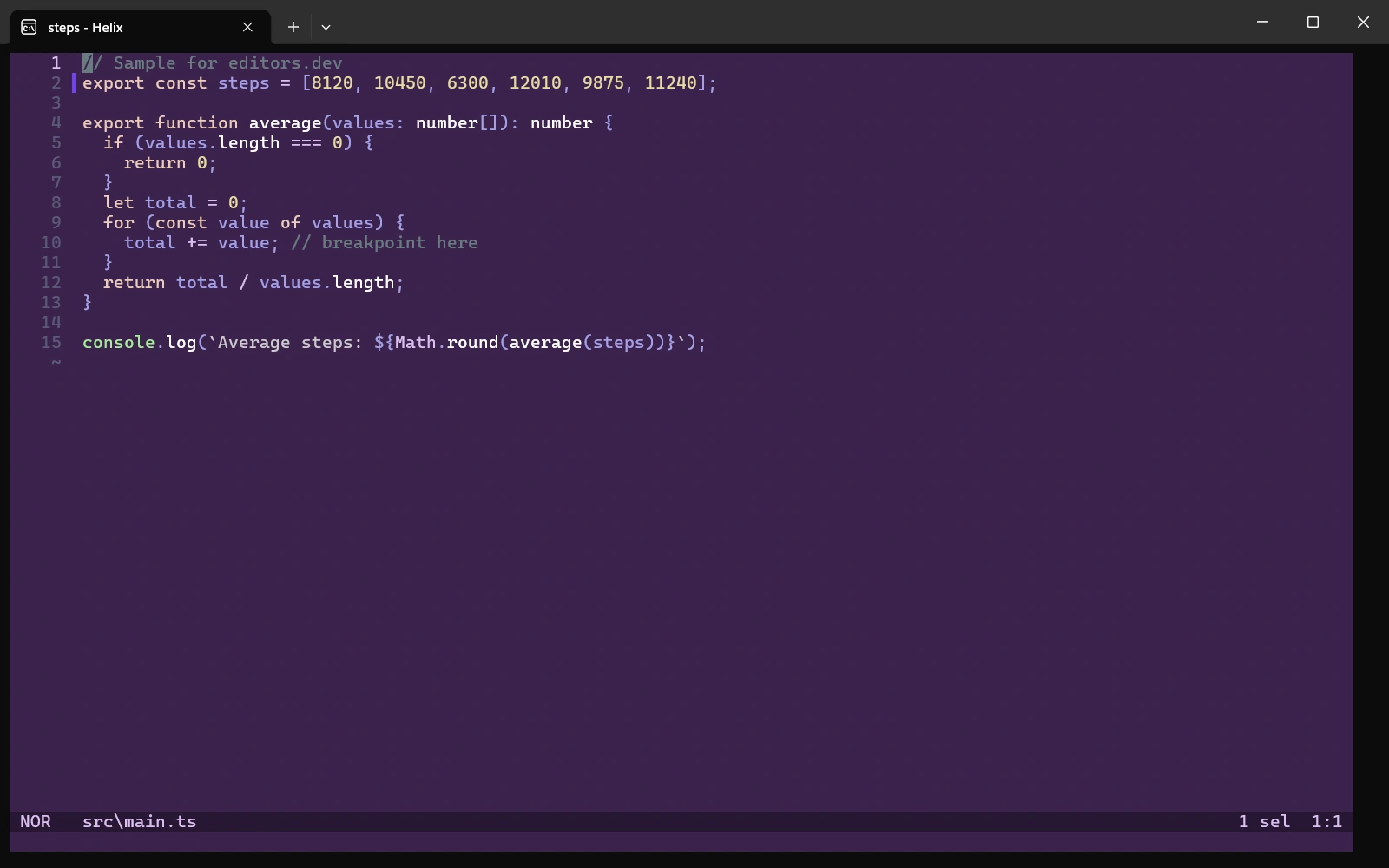
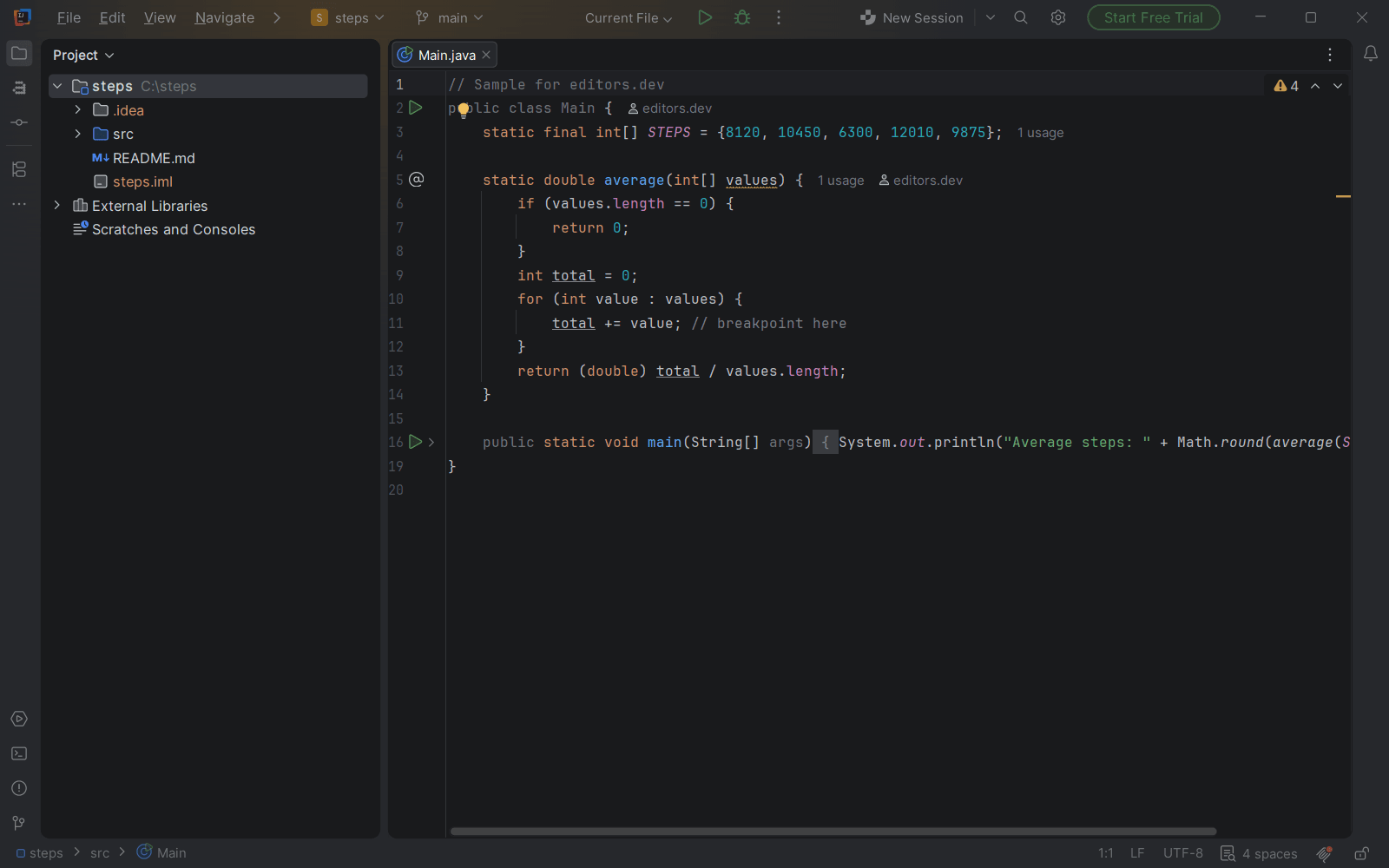
Screenshots of Helix 25.07.1, taken on 20 November 2026 with the same sample project as every editor on this site. Method
About Helix
Helix is a modal text editor for the terminal, written in Rust. Its editing model is based on Kakoune: you select first and then act, and multiple selections are a core feature. Language server support, tree-sitter and a fuzzy finder are built in. There is currently no plugin system.
What it offers
- Editing follows the selection-then-action model inspired by Kakoune, and multiple selections are a core editing primitive.
- tree-sitter is used for syntax highlighting, indentation and code navigation, and lets you select syntax tree nodes.
- Language server support is built in. The language servers themselves are installed separately.
- A fuzzy finder for files and symbols, project-wide search, a Git diff gutter and experimental debugging (DAP) are part of the editor.
- Configuration is done in TOML files (config.toml and languages.toml). There is no plugin system yet, and the project says it intends to add one.
What is built in
Listed only where we have checked it
- Debugger Built in
- Git integration Built in
- Integrated terminal Not listed
- AI assistant Not listed
- Remote development Not listed
- Live collaboration Not listed
- Vim mode Not supported
Languages
How Helix supports each common language, and what you get with the recommended setup.
25 Built in 1 Not supported
- JavaScript Built in
With typescript-language-server
- Completion : Yes
- Go to definition : Yes
- Refactoring : Yes
- Debugging : No
- Tests : No
- Formatting : Yes
Tree-sitter highlighting is built in, and LSP features work once you install typescript-language-server. A js-debug-dap debugger entry ships, but you must add the adapter command yourself.
Source ↗ - TypeScript Built in
With typescript-language-server
- Completion : Yes
- Go to definition : Yes
- Refactoring : Yes
- Debugging : No
- Tests : No
- Formatting : Yes
TypeScript and TSX get tree-sitter highlighting out of the box; install typescript-language-server for completion, navigation and rename. No debugger configuration ships for TypeScript.
Source ↗ - Python Built in
With ty, ruff, jedi-language-server, pylsp
- Completion : Yes
- Go to definition : Yes
- Refactoring : Yes
- Debugging : No
- Tests : No
- Formatting : Yes
Helix is preconfigured for ty, ruff, jedi-language-server and pylsp and uses whichever of them you install. No debugger configuration ships for Python.
Source ↗ - Java Built in
With jdtls
- Completion : Yes
- Go to definition : Yes
- Refactoring : Yes
- Debugging : No
- Tests : No
- Formatting : Yes
Helix is preconfigured for jdtls, which you install separately. No debugger configuration ships for Java.
Source ↗ - C# Built in
With OmniSharp; netcoredbg
- Completion : Yes
- Go to definition : Yes
- Refactoring : Yes
- Debugging : Yes
- Tests : No
- Formatting : Yes
The 25.07.1 release is set up for OmniSharp and netcoredbg, both installed separately, and has no tree-sitter auto-indent for C#. Debugging in Helix is marked experimental; the development branch also lists roslyn-language-server and csharp-ls.
Source ↗ - C++ Built in
With clangd; lldb-dap
- Completion : Yes
- Go to definition : Yes
- Refactoring : Yes
- Debugging : Yes
- Tests : No
- Formatting : Yes
Helix is preconfigured for clangd and for debugging with lldb-dap; install both yourself. Debugging in Helix is marked experimental.
Source ↗ - C Built in
With clangd; lldb-dap
- Completion : Yes
- Go to definition : Yes
- Refactoring : Yes
- Debugging : Yes
- Tests : No
- Formatting : Yes
Helix is preconfigured for clangd and for debugging with lldb-dap; install both yourself. Header (.h) files open as C++. Debugging in Helix is marked experimental.
Source ↗ - Go Built in
With gopls, golangci-lint-langserver; dlv
- Completion : Yes
- Go to definition : Yes
- Refactoring : Yes
- Debugging : Yes
- Tests : No
- Formatting : Yes
Helix is preconfigured for gopls, golangci-lint-langserver and the Delve debugger (dlv), all installed separately, and formats Go files on save by default. Debugging is marked experimental.
Source ↗ - Rust Built in
With rust-analyzer; lldb-dap
- Completion : Yes
- Go to definition : Yes
- Refactoring : Yes
- Debugging : Yes
- Tests : No
- Formatting : Yes
Helix is preconfigured for rust-analyzer and lldb-dap, both installed separately, and formats Rust files on save by default. Debugging is marked experimental.
Source ↗ - PHP Built in
With intelephense
- Completion : Yes
- Go to definition : Yes
- Refactoring : No
- Debugging : No
- Tests : No
- Formatting : Yes
Helix is preconfigured for Intelephense, which you install separately. Rename and code actions are paid premium features of Intelephense.
Source ↗ - Ruby Built in
With ruby-lsp, solargraph
- Completion : Yes
- Go to definition : Yes
- Refactoring : Yes
- Debugging : No
- Tests : No
- Formatting : Yes
Helix is preconfigured for ruby-lsp and Solargraph and uses whichever you install. No debugger configuration ships for Ruby.
Source ↗ - Kotlin Built in
With kotlin-language-server
- Completion : Yes
- Go to definition : Yes
- Refactoring : No
- Debugging : No
- Tests : No
- Formatting : No
Helix is preconfigured for the third-party kotlin-language-server, which its author now calls deprecated. You can point Helix at JetBrains' official Kotlin LSP in your own languages.toml instead.
Source ↗ - Swift Built in
With sourcekit-lsp; swift-format
- Completion : Yes
- Go to definition : Yes
- Refactoring : Yes
- Debugging : No
- Tests : No
- Formatting : Yes
Helix is preconfigured for sourcekit-lsp and swift-format, both part of the Swift toolchain. No debugger configuration ships for Swift.
Source ↗ - Dart Built in
With dart language-server
- Completion : Yes
- Go to definition : Yes
- Refactoring : Yes
- Debugging : No
- Tests : No
- Formatting : Yes
Helix is preconfigured for the language server built into the Dart SDK and formats Dart files on save by default. No debugger configuration ships for Dart or Flutter.
Source ↗ - HTML Built in
With vscode-html-language-server, superhtml
- Completion : Yes
- Go to definition : No
- Refactoring : No
- Debugging : No
- Tests : No
- Formatting : Yes
Helix is preconfigured for vscode-html-language-server and SuperHTML, installed separately, and formats HTML on save by default.
Source ↗ - CSS Built in
With vscode-css-language-server
- Completion : Yes
- Go to definition : Yes
- Refactoring : Yes
- Debugging : No
- Tests : No
- Formatting : Yes
Helix is preconfigured for vscode-css-language-server, installed separately with npm, and formats CSS on save by default.
Source ↗ - SQL Built in
- Completion : No
- Go to definition : No
- Refactoring : No
- Debugging : No
- Tests : No
- Formatting : No
Helix ships tree-sitter highlighting for SQL but no language server configuration. You can add a server such as sqls in your own languages.toml.
Source ↗ - Shell Built in
With bash-language-server
- Completion : Yes
- Go to definition : Yes
- Refactoring : Yes
- Debugging : No
- Tests : No
- Formatting : Yes
Helix is preconfigured for bash-language-server, which you install separately; it uses ShellCheck for warnings and shfmt for formatting if they are installed.
Source ↗ - Lua Built in
With lua-language-server
- Completion : Yes
- Go to definition : Yes
- Refactoring : Yes
- Debugging : No
- Tests : No
- Formatting : Yes
Helix is preconfigured for lua-language-server (LuaLS), installed separately, with inlay hints turned on. No debugger configuration ships for Lua.
Source ↗ - R Built in
With languageserver (R package)
- Completion : Yes
- Go to definition : Yes
- Refactoring : Yes
- Debugging : No
- Tests : No
- Formatting : Yes
Helix starts R with the languageserver package, which you install from CRAN; R Markdown files use the same server.
Source ↗ - Scala Built in
With metals
- Completion : Yes
- Go to definition : Yes
- Refactoring : Yes
- Debugging : No
- Tests : No
- Formatting : Yes
Helix is preconfigured for Metals, installed separately (for example with Coursier). No debugger configuration ships for Scala.
Source ↗ - Elixir Built in
With elixir-ls
- Completion : Yes
- Go to definition : Yes
- Refactoring : No
- Debugging : No
- Tests : No
- Formatting : Yes
The 25.07.1 release is preconfigured for ElixirLS, installed separately; the development branch also lists Expert, the official Elixir language server. No debugger configuration ships for Elixir.
Source ↗ - Haskell Built in
With haskell-language-server
- Completion : Yes
- Go to definition : Yes
- Refactoring : Yes
- Debugging : No
- Tests : No
- Formatting : Yes
Helix is preconfigured for haskell-language-server, which you install separately, usually with GHCup.
Source ↗ - Zig Built in
With zls; lldb-dap
- Completion : Yes
- Go to definition : Yes
- Refactoring : Yes
- Debugging : Yes
- Tests : No
- Formatting : Yes
Helix is preconfigured for zls and lldb-dap, both installed separately, and formats Zig files with zig fmt on save by default. Debugging is marked experimental.
Source ↗ - Julia Built in
With LanguageServer.jl
- Completion : Yes
- Go to definition : Yes
- Refactoring : Yes
- Debugging : No
- Tests : No
- Formatting : Yes
Helix starts Julia with the LanguageServer.jl package, which you add yourself; startup can take a while, so the timeout is raised to 60 seconds.
Source ↗
Not supported Objective-C
- Objective-C Helix has no Objective-C language entry, and .m files open as MATLAB. You would have to define the language yourself in languages.toml with a tree-sitter grammar and clangd. Source ↗
Who it is for
Who it suits
- People who want LSP, tree-sitter and a fuzzy finder in a terminal editor without installing plugins.
- Developers who work over SSH, in tmux or in a plain terminal.
- People who are open to selection-first modal editing in the style of Kakoune.
Who should look elsewhere
- People who depend on plugins. There is no plugin system at present.
- People who want Vim keybindings. The keymap differs from Vim and the project does not plan a Vim keymap.
- People who want a graphical interface. Helix currently runs only in the terminal.
Helix pricing
Free and open source under MPL-2.0. Development can be sponsored through OpenCollective.
Price Free Open source
Helix next to its alternatives
The same facts for each editor, taken from the directory.
| Editor | Type | Price | Built with | Platforms | Languages built in | Remote development | Live collaboration | Vim mode |
|---|---|---|---|---|---|---|---|---|
| Helix | Terminal | Free Open source | Rust | Windows · macOS · Linux | 25 / 26 | –Not listed | –Not listed | Not supported |
| Neovim | Terminal | Free Open source | C, Lua, Vimscript | Windows · macOS · Linux | 0 / 26 | –Not listed | –Not listed | Built in |
| Zed | Editor | Free tier, paid plans Open source | Rust, GPUI | macOS · Linux · Windows | 10 / 26 | Built in | Built in | Built in |

Built in Extension Not supported
Head-to-head comparisons
All comparisons



Sources
Last checked: 16 November 2026