Kate
Multi-document, multi-view text editor for programmers, made by KDE.
Screenshots
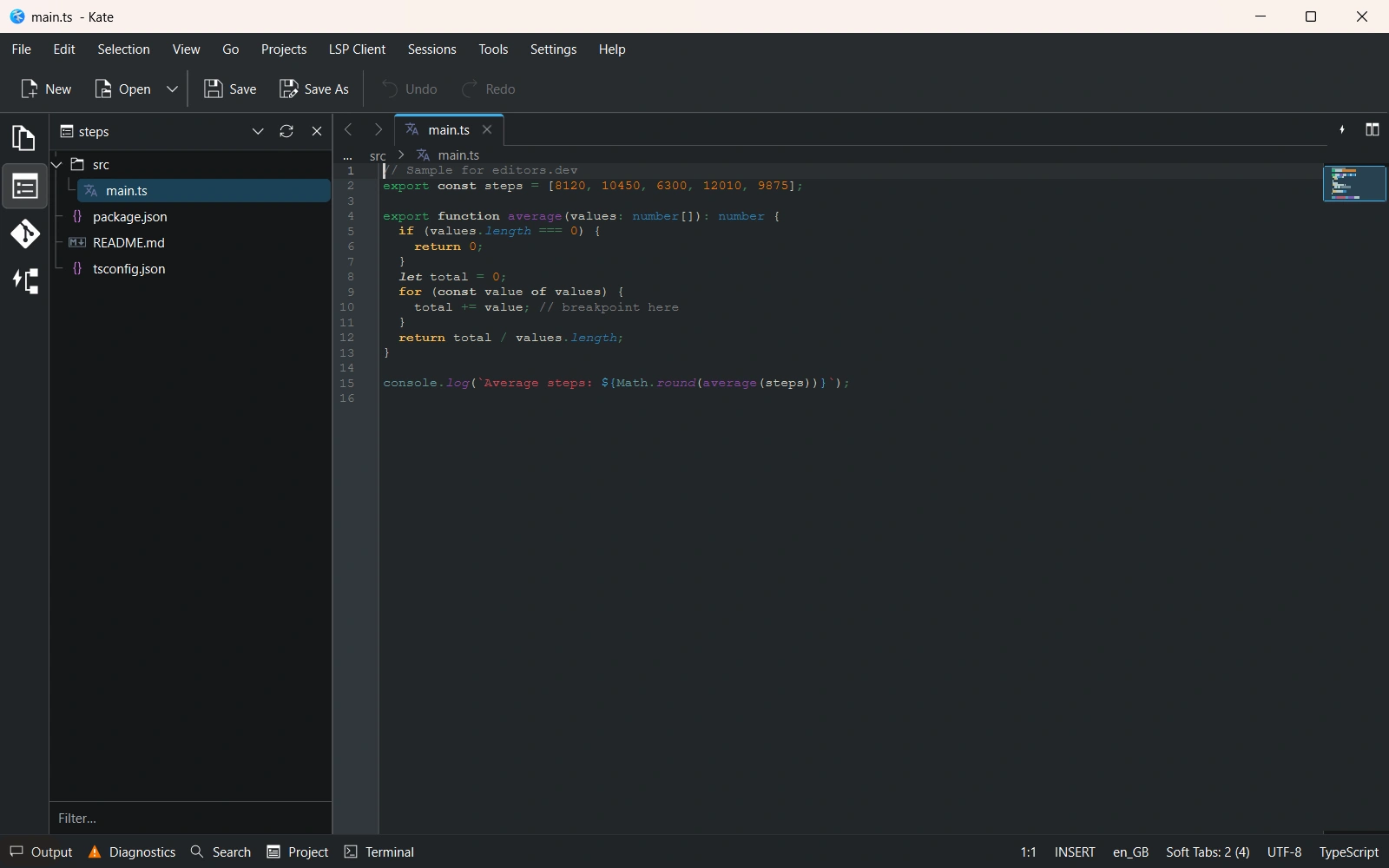
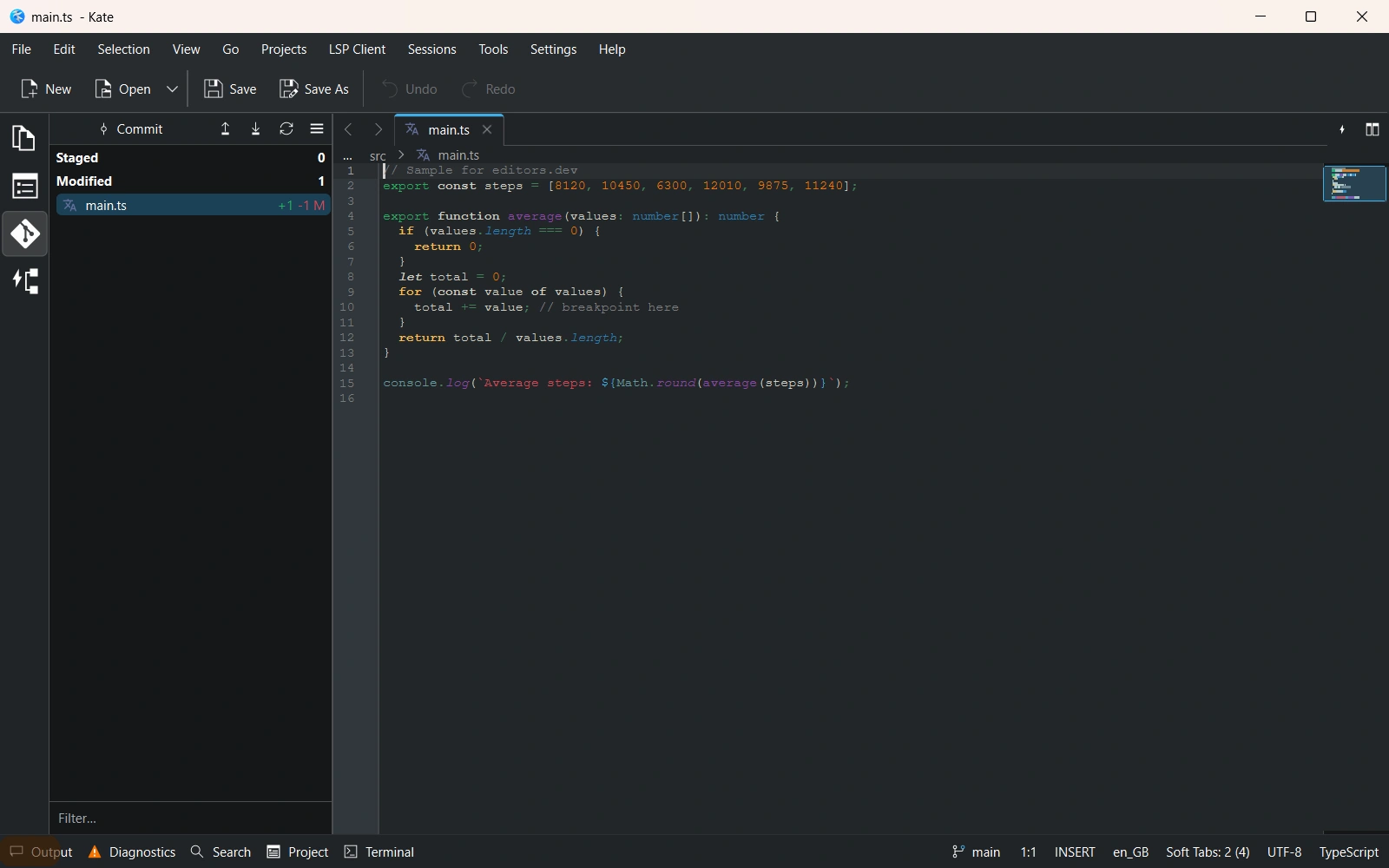
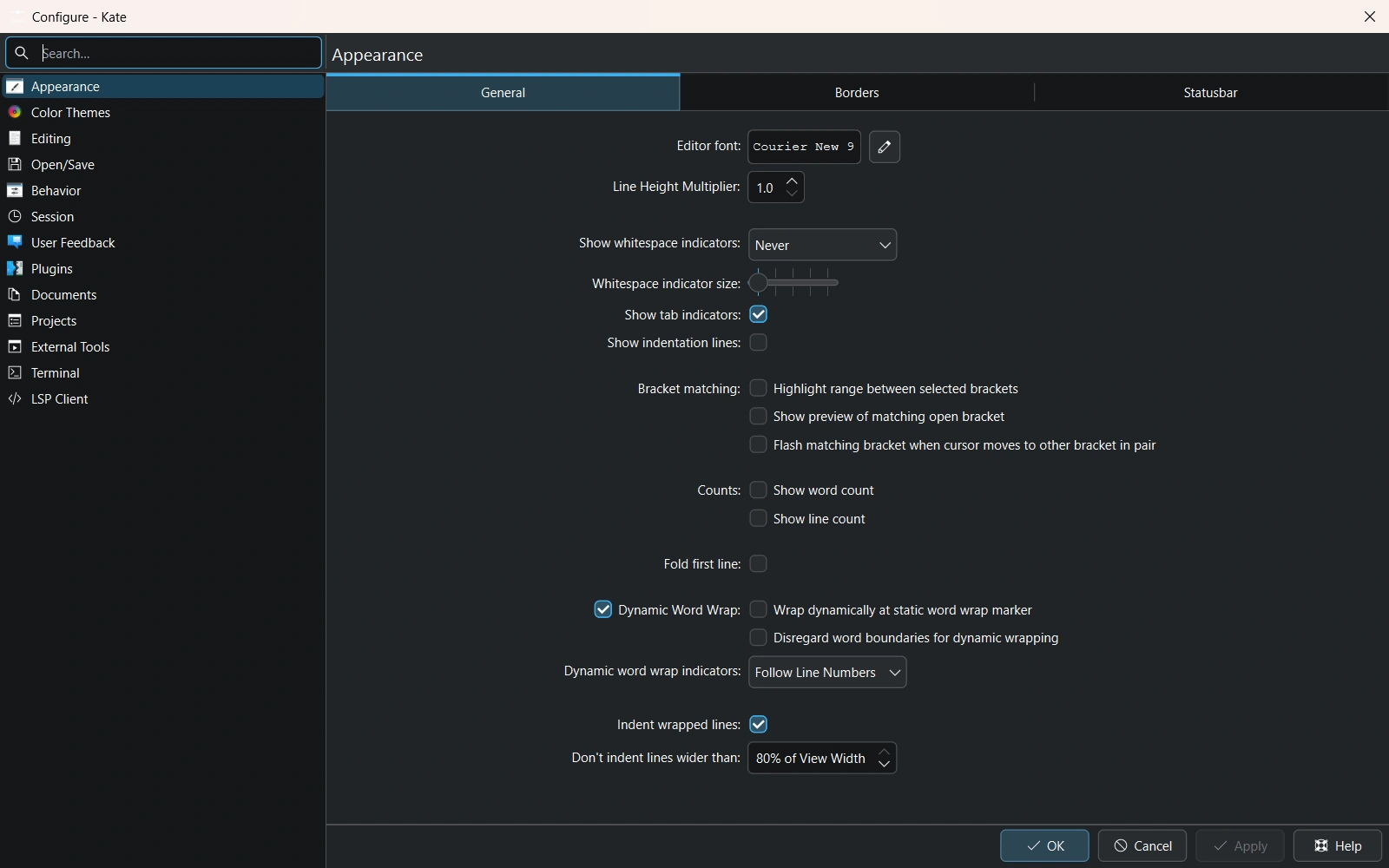
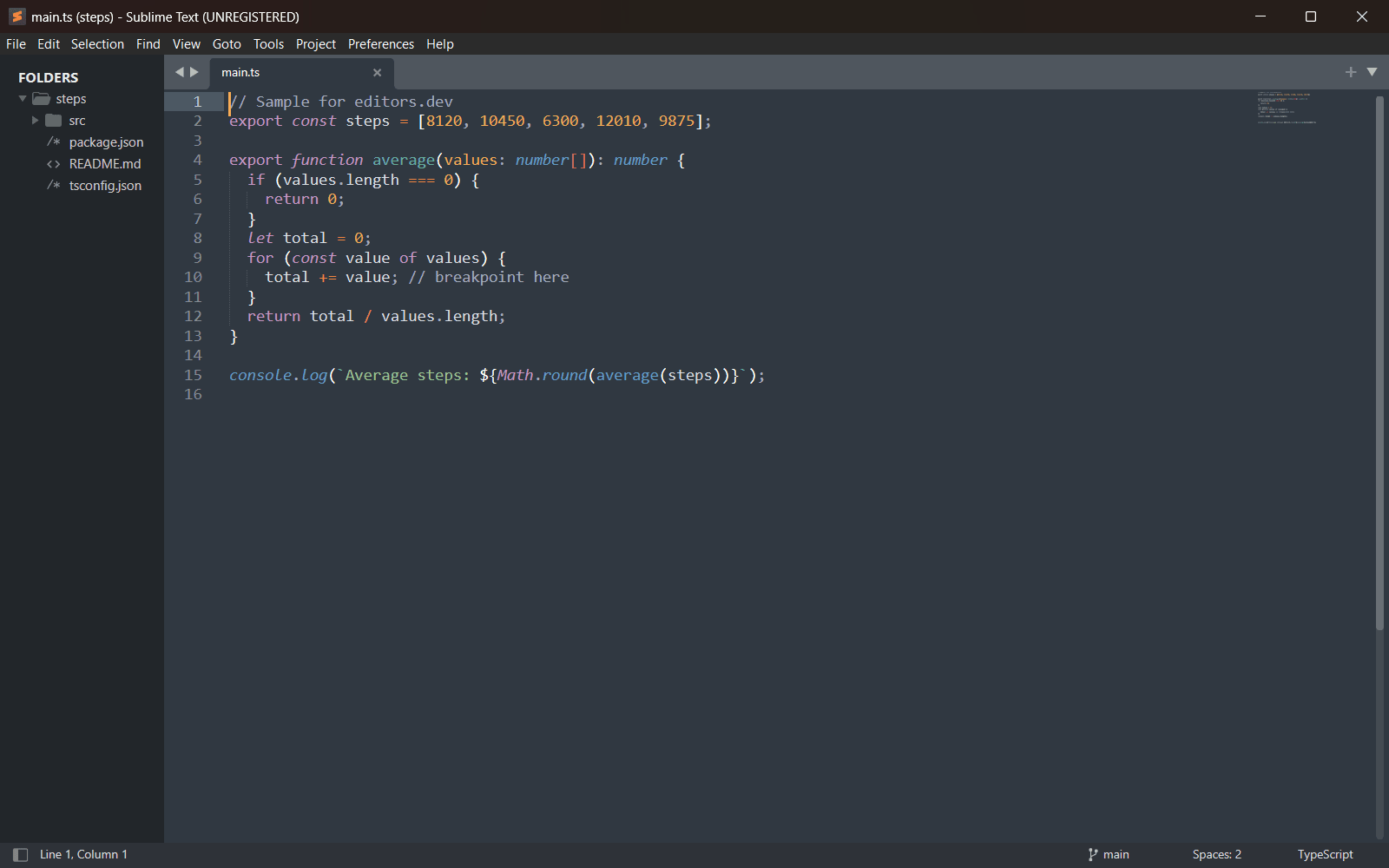
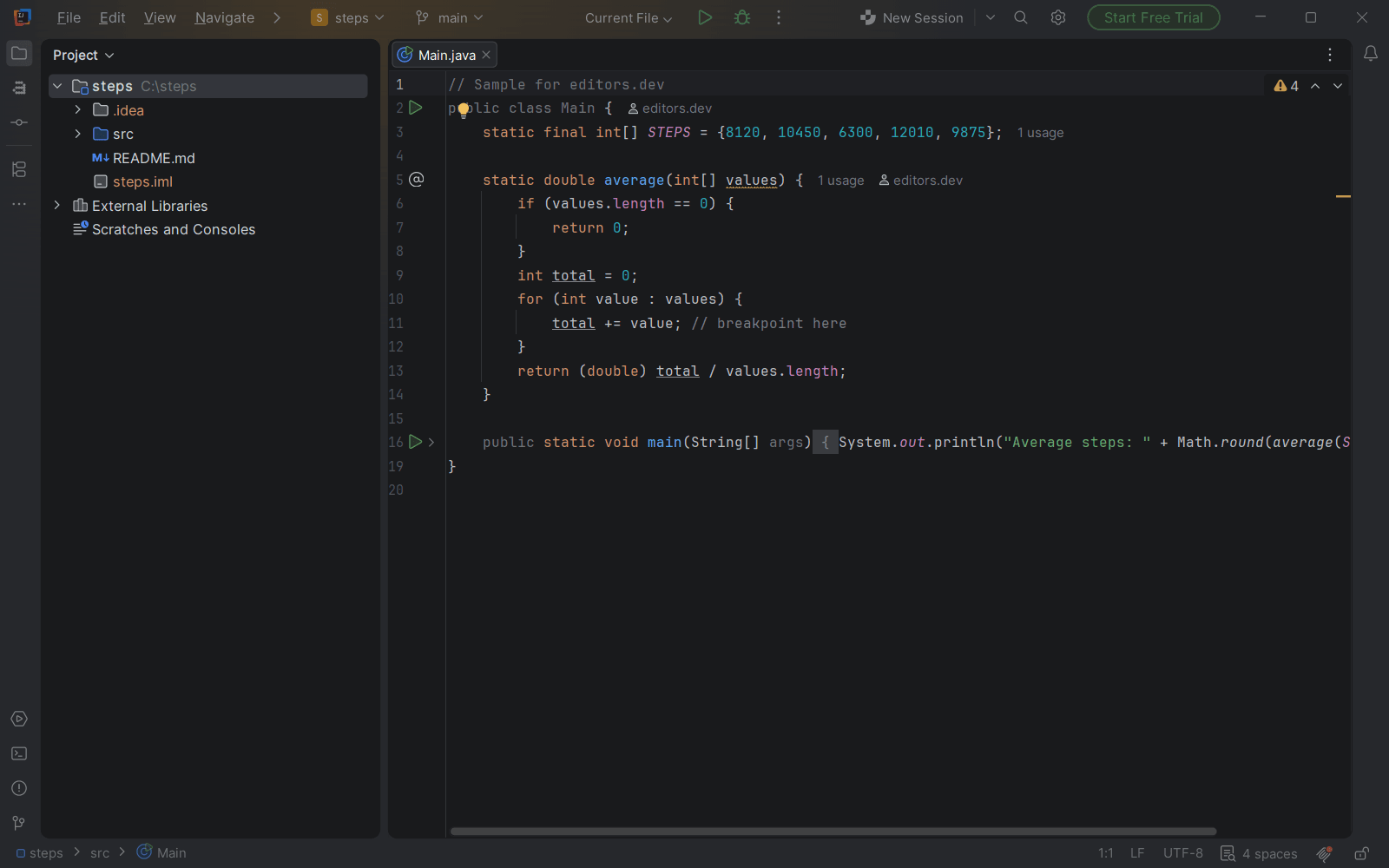
Screenshots of Kate 26.11.80, taken on 20 November 2026 with the same sample project as every editor on this site. Method
About Kate
Kate is a text editor by KDE, built on Qt and the KDE Frameworks. It opens many files at once in tabs and split views and highlights syntax for more than 300 languages. An LSP client, Git integration, a terminal and a debugger plugin ship with the editor. It first shipped with KDE 2.2 in 2001.
What it offers
- Bundled plugins include a terminal tool view that uses KDE's Konsole widget, a build plugin, an SQL plugin and a debugger plugin with a GDB frontend.
- The LSP Client plugin provides code navigation and code completion for many languages.
- The Project plugin opens folders as projects and integrates with Git and other source control systems.
- Editing features include multiple cursors and selections, a block selection mode and a Vi input mode.
- Remote files can be opened over protocols such as http, ftp, ssh and webdav.
What is built in
Listed only where we have checked it
- Debugger Built in
- Git integration Built in
- Integrated terminal Built in
- AI assistant Not listed
- Remote development Not listed
- Live collaboration Not listed
- Vim mode Built in
Languages
How Kate supports each common language, and what you get with the recommended setup.
26 Built in
- JavaScript Built in
With LSP Client + typescript-language-server; Format plugin (prettier)
- Completion : Yes
- Go to definition : Yes
- Refactoring : Yes
- Debugging : No
- Tests : No
- Formatting : Yes
Kate's LSP client ships a preset for typescript-language-server, which you install yourself. The Format plugin runs prettier if it is installed. The debugger plugin has no JavaScript adapter preset.
Source ↗ - TypeScript Built in
With LSP Client + typescript-language-server; Format plugin (prettier)
- Completion : Yes
- Go to definition : Yes
- Refactoring : Yes
- Debugging : No
- Tests : No
- Formatting : Yes
TypeScript uses the same typescript-language-server preset as JavaScript; install the server yourself. Formatting goes through prettier via the Format plugin.
Source ↗ - Python Built in
With LSP Client + pylsp (or pyrefly, ty); Format plugin (ruff); debugger (debugpy)
- Completion : Yes
- Go to definition : Yes
- Refactoring : Yes
- Debugging : Yes
- Tests : No
- Formatting : Yes
The default LSP settings list pylsp, pyrefly and ty; you install whichever server you want. The debugger plugin has a debugpy preset and the Format plugin uses ruff by default.
Source ↗ - Java Built in
With LSP Client + jdtls; Format plugin (clang-format)
- Completion : Yes
- Go to definition : Yes
- Refactoring : Yes
- Debugging : No
- Tests : No
- Formatting : Yes
The LSP client has a preset for Eclipse jdtls, which you install yourself. The Format plugin formats Java with clang-format; there is no Java debugger preset.
Source ↗ - C# Built in
With LSP Client + OmniSharp; debugger (netcoredbg)
- Completion : Yes
- Go to definition : Yes
- Refactoring : Yes
- Debugging : Yes
- Tests : No
- Formatting : No
The LSP client has an OmniSharp preset that looks for a .sln or .csproj file, and the debugger plugin has a netcoredbg preset. Both programs are installed separately.
Source ↗ - C++ Built in
With LSP Client + clangd; Format plugin (clang-format); debugger (GDB, lldb-dap)
- Completion : Yes
- Go to definition : Yes
- Refactoring : Yes
- Debugging : Yes
- Tests : No
- Formatting : Yes
C and C++ use the clangd preset, the Format plugin uses clang-format and the debugger plugin can drive GDB or lldb-dap. All of these tools are installed separately.
Source ↗ - C Built in
With LSP Client + clangd; Format plugin (clang-format); debugger (GDB, lldb-dap)
- Completion : Yes
- Go to definition : Yes
- Refactoring : Yes
- Debugging : Yes
- Tests : No
- Formatting : Yes
C uses the clangd preset, the Format plugin uses clang-format and the debugger plugin can drive GDB or lldb-dap. All of these tools are installed separately.
Source ↗ - Go Built in
With LSP Client + gopls; Format plugin (gofmt); debugger (Delve)
- Completion : Yes
- Go to definition : Yes
- Refactoring : Yes
- Debugging : Yes
- Tests : No
- Formatting : Yes
Kate looks for gopls in the usual Go bin folders. The debugger plugin has Delve presets for debugging a program or its tests, and the Format plugin runs gofmt.
Source ↗ - Rust Built in
With LSP Client + rust-analyzer; Format plugin (rustfmt); debugger (GDB, lldb-dap)
- Completion : Yes
- Go to definition : Yes
- Refactoring : Yes
- Debugging : Yes
- Tests : No
- Formatting : Yes
Kate looks for rust-analyzer in the Cargo bin folder and formats with rustfmt. Debugging uses the generic GDB or lldb-dap presets; there is no Rust-specific debugger preset.
Source ↗ - PHP Built in
With LSP Client + phpactor
- Completion : Yes
- Go to definition : Yes
- Refactoring : Yes
- Debugging : No
- Tests : No
- Formatting : No
The LSP client has a phpactor preset; install phpactor yourself. The Format and debugger plugins have no PHP presets.
Source ↗ - Ruby Built in
With LSP Client + solargraph
- Completion : Yes
- Go to definition : Yes
- Refactoring : Yes
- Debugging : No
- Tests : No
- Formatting : No
The LSP client has a solargraph preset that starts when it finds a Gemfile or Rakefile; install solargraph yourself. There is no Ruby debugger preset.
Source ↗ - Kotlin Built in
With LSP Client + kotlin-language-server
- Completion : Yes
- Go to definition : Yes
- Refactoring : No
- Debugging : No
- Tests : No
- Formatting : No
The LSP preset still points to fwcd's kotlin-language-server, which its author now calls deprecated in favour of JetBrains' official Kotlin LSP; using the new server means editing the LSP settings yourself.
Source ↗ - Swift Built in
With Format plugin (swiftformat); debugger (lldb-dap)
- Completion : No
- Go to definition : No
- Refactoring : No
- Debugging : Yes
- Tests : No
- Formatting : Yes
Kate highlights Swift and its Format plugin runs swiftformat, and the generic lldb-dap preset can debug Swift binaries. Surprisingly, the default LSP settings have no sourcekit-lsp entry; you add it yourself.
Source ↗ - Objective-C Built in
With LSP Client + clangd; Format plugin (clang-format); debugger (GDB, lldb-dap)
- Completion : Yes
- Go to definition : Yes
- Refactoring : Yes
- Debugging : Yes
- Tests : No
- Formatting : Yes
The clangd preset covers Objective-C and Objective-C++, and the Format plugin sends them to clang-format. Debugging uses the generic GDB or lldb-dap presets; all tools are installed separately.
Source ↗ - Dart Built in
With LSP Client + Dart analysis server; Format plugin (dart format); debugger (dart, flutter)
- Completion : Yes
- Go to definition : Yes
- Refactoring : Yes
- Debugging : Yes
- Tests : No
- Formatting : Yes
The LSP preset runs 'dart language-server' when it finds pubspec.yaml, the Format plugin runs dart format, and the debugger plugin has Dart and Flutter adapter presets. You install the Dart or Flutter SDK yourself.
Source ↗ - HTML Built in
With LSP Client + vscode-html-languageserver; Format plugin (prettier)
- Completion : Yes
- Go to definition : No
- Refactoring : No
- Debugging : No
- Tests : No
- Formatting : Yes
The LSP client has a preset for the HTML server from VS Code, and the Format plugin runs prettier. Both are installed separately, for example from npm.
Source ↗ - CSS Built in
With LSP Client + vscode-css-languageserver; Format plugin (prettier)
- Completion : Yes
- Go to definition : Yes
- Refactoring : Yes
- Debugging : No
- Tests : No
- Formatting : Yes
The LSP client has a preset for VS Code's CSS server, also used for SCSS and LESS, and the Format plugin runs prettier. Both are installed separately.
Source ↗ - SQL Built in
With SQL plugin
- Completion : No
- Go to definition : No
- Refactoring : No
- Debugging : No
- Tests : No
- Formatting : No
Kate highlights several SQL dialects and its bundled SQL plugin connects to databases through Qt drivers, runs queries and shows a schema browser. There is no SQL language server preset.
Source ↗ - Shell Built in
With LSP Client + bash-language-server; Format plugin (shfmt)
- Completion : Yes
- Go to definition : Yes
- Refactoring : Yes
- Debugging : No
- Tests : No
- Formatting : Yes
The LSP client has a bash-language-server preset and the Format plugin runs shfmt with Kate's indentation settings. Both programs are installed separately.
Source ↗ - Lua Built in
With LSP Client + lua-language-server
- Completion : Yes
- Go to definition : Yes
- Refactoring : Yes
- Debugging : No
- Tests : No
- Formatting : Yes
The LSP client has a lua-language-server preset; install the server yourself. Formatting goes through the server, as the Format plugin has no Lua formatter.
Source ↗ - R Built in
With LSP Client + R languageserver
- Completion : Yes
- Go to definition : Yes
- Refactoring : No
- Debugging : No
- Tests : No
- Formatting : Yes
The LSP preset starts the languageserver package through R, so you install that package from CRAN yourself. There is no R debugger preset.
Source ↗ - Scala Built in
With LSP Client + Metals
- Completion : Yes
- Go to definition : Yes
- Refactoring : Yes
- Debugging : No
- Tests : No
- Formatting : Yes
The LSP client has a Metals preset that starts when it finds build.sbt; install Metals yourself, for example with Coursier. There is no Scala debugger preset.
Source ↗ - Elixir Built in
- Completion : No
- Go to definition : No
- Refactoring : No
- Debugging : No
- Tests : No
- Formatting : No
Kate highlights Elixir, EEx and HEEx, but the default LSP settings have no Elixir server; ElixirLS or Expert has to be added to the LSP settings by hand.
Source ↗ - Haskell Built in
With LSP Client + haskell-language-server
- Completion : Yes
- Go to definition : Yes
- Refactoring : Yes
- Debugging : No
- Tests : No
- Formatting : Yes
The LSP preset runs haskell-language-server-wrapper in Stack or Cabal projects; install it yourself, for example with GHCup.
Source ↗ - Zig Built in
With LSP Client + zls; Format plugin (zig fmt); debugger (GDB, lldb-dap)
- Completion : Yes
- Go to definition : Yes
- Refactoring : Yes
- Debugging : Yes
- Tests : No
- Formatting : Yes
The LSP client has a zls preset and the Format plugin runs zig fmt. Debugging uses the generic GDB or lldb-dap presets; zls and the debuggers are installed separately.
Source ↗ - Julia Built in
With LSP Client + LanguageServer.jl
- Completion : Yes
- Go to definition : Yes
- Refactoring : Yes
- Debugging : No
- Tests : No
- Formatting : Yes
The LSP preset starts LanguageServer.jl through julia, so you add the LanguageServer package to Julia yourself. There is no Julia debugger preset.
Source ↗
Who it is for
Who it suits
- Developers who want an LSP client, Git integration, a terminal and a debugger shipped with the editor.
- Linux users, who can install it from distribution packages, Flathub or the Snap Store.
- People who want vi-style keys in a graphical editor.
Who should look elsewhere
- macOS users who want stable release builds. The download page offers only nightly builds for macOS and recommends them for testing purposes.
- People who look for an AI assistant or live collaboration in the editor. The handbook's plugin list includes neither.
Kate pricing
Free and open source. Code in the repository is licensed under LGPL-2.0-or-later or MIT, and KDE accepts donations.
Price Free Open source
Kate next to its alternatives
The same facts for each editor, taken from the directory.
| Editor | Type | Price | Built with | Platforms | Languages built in | Remote development | Live collaboration | Vim mode |
|---|---|---|---|---|---|---|---|---|
| Kate | Editor | Free Open source | C++, Qt, KDE Frameworks | Windows · macOS · Linux | 26 / 26 | –Not listed | –Not listed | Built in |
| Geany | IDE | Free Open source | C and C++ (GTK 3, Scintilla) | Windows · macOS · Linux | 8 / 26 | –Not listed | –Not listed | Extension |
| Notepad++ | Editor | Free Open source | C++, Win32 API, Scintilla | Windows | 20 / 26 | –Not listed | Extension | Extension |
| VS Code | Editor | Free Open source | TypeScript, Electron | Windows · macOS · Linux | 5 / 26 | Extension | Extension | Extension |
| Sublime Text | Editor | Paid | C++ (plugin API in Python) | Windows · macOS · Linux | 2 / 26 | –Not listed | –Not listed | Built in |



Built in Extension Not supported


Sources
Last checked: 16 November 2026