Kakoune
Modal code editor for the terminal, built around multiple selections and a client-server architecture.
Screenshots
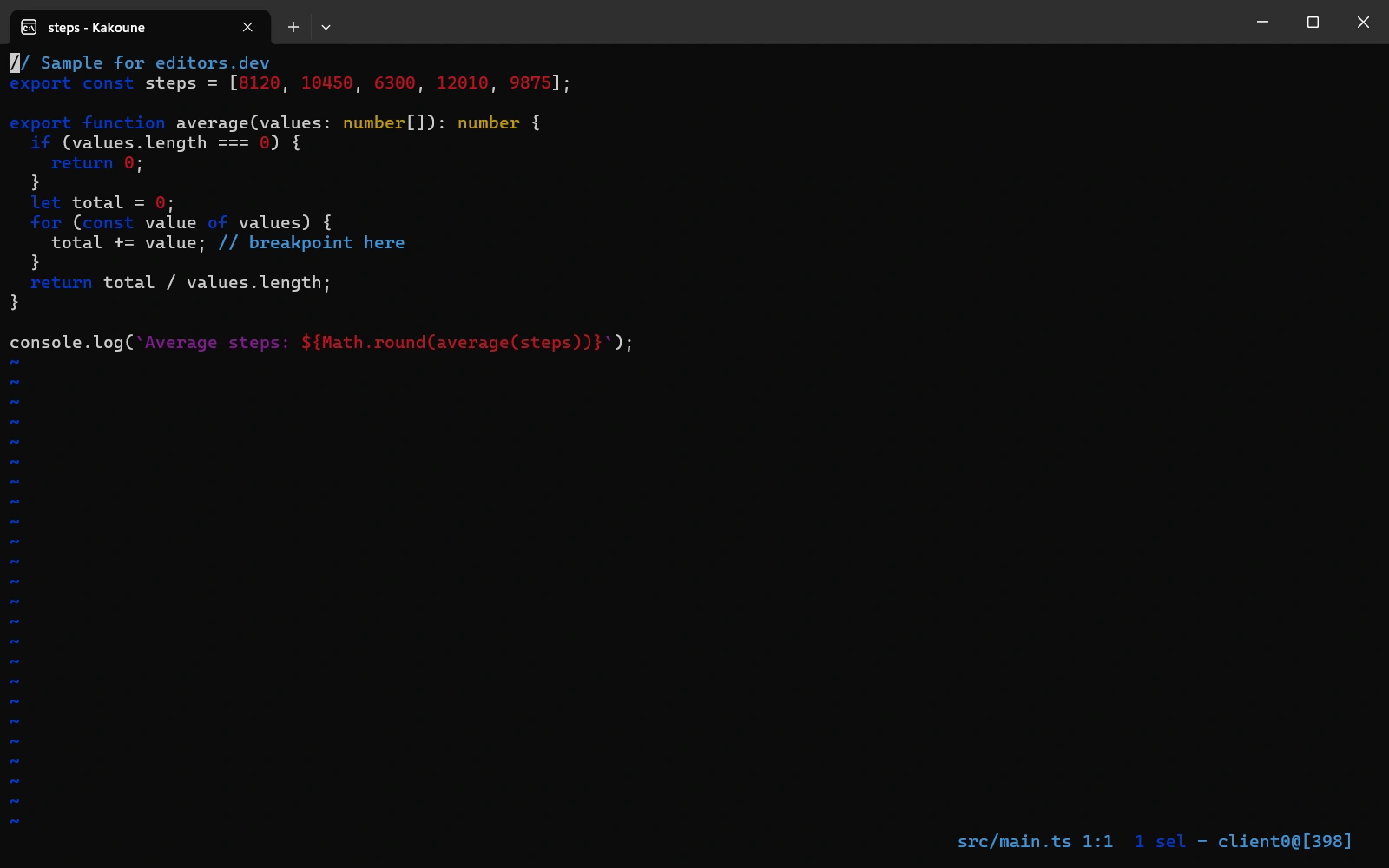
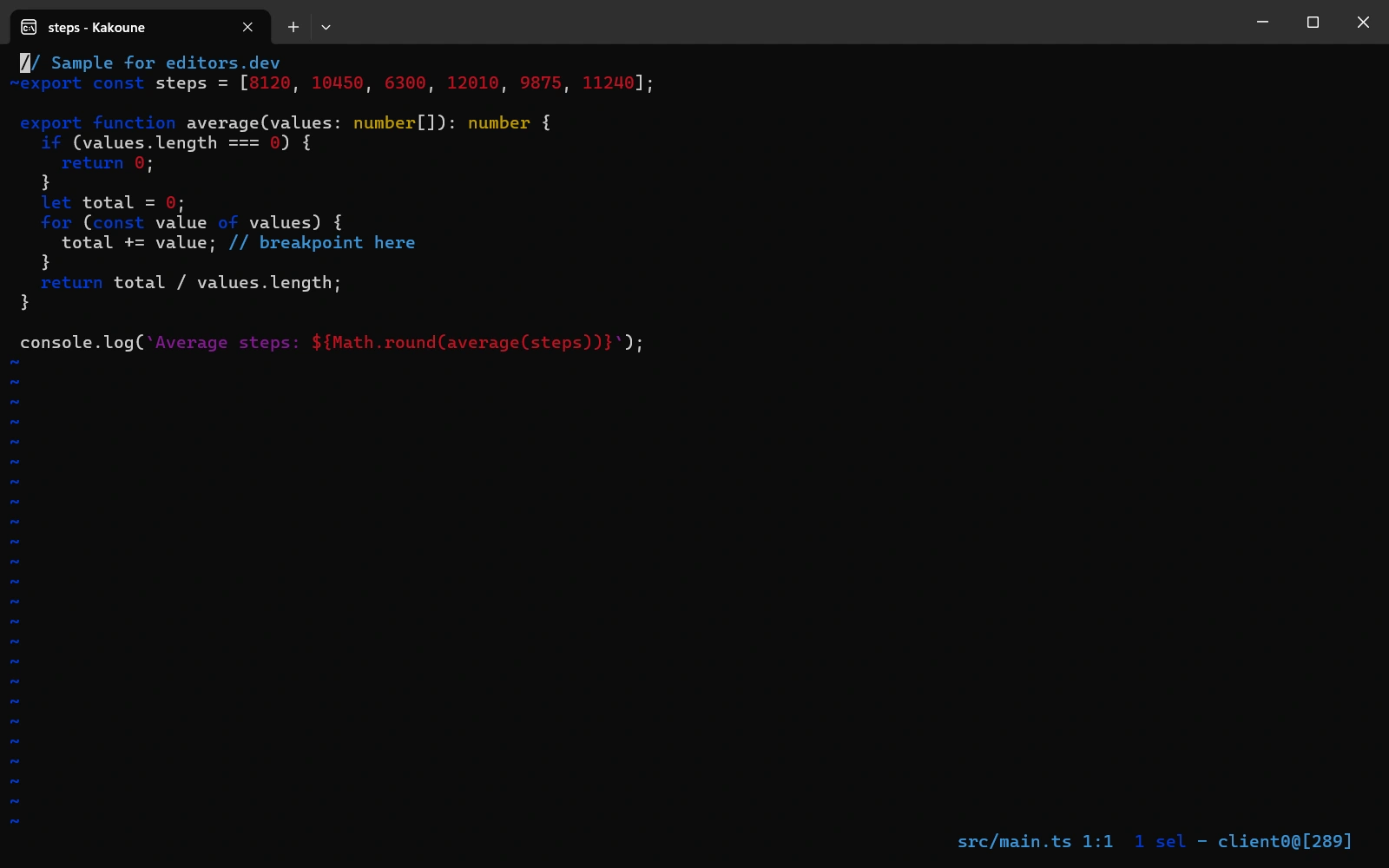
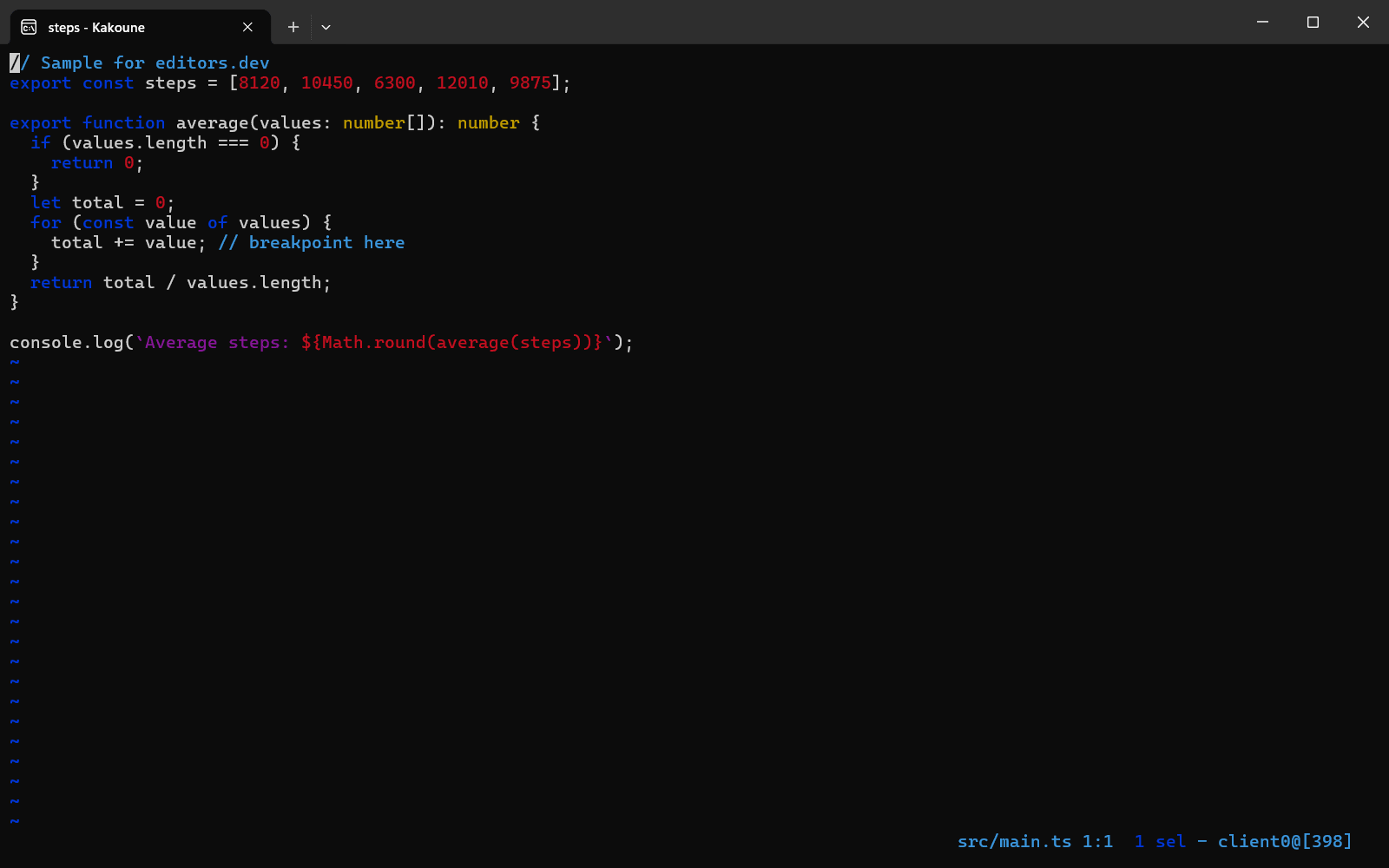
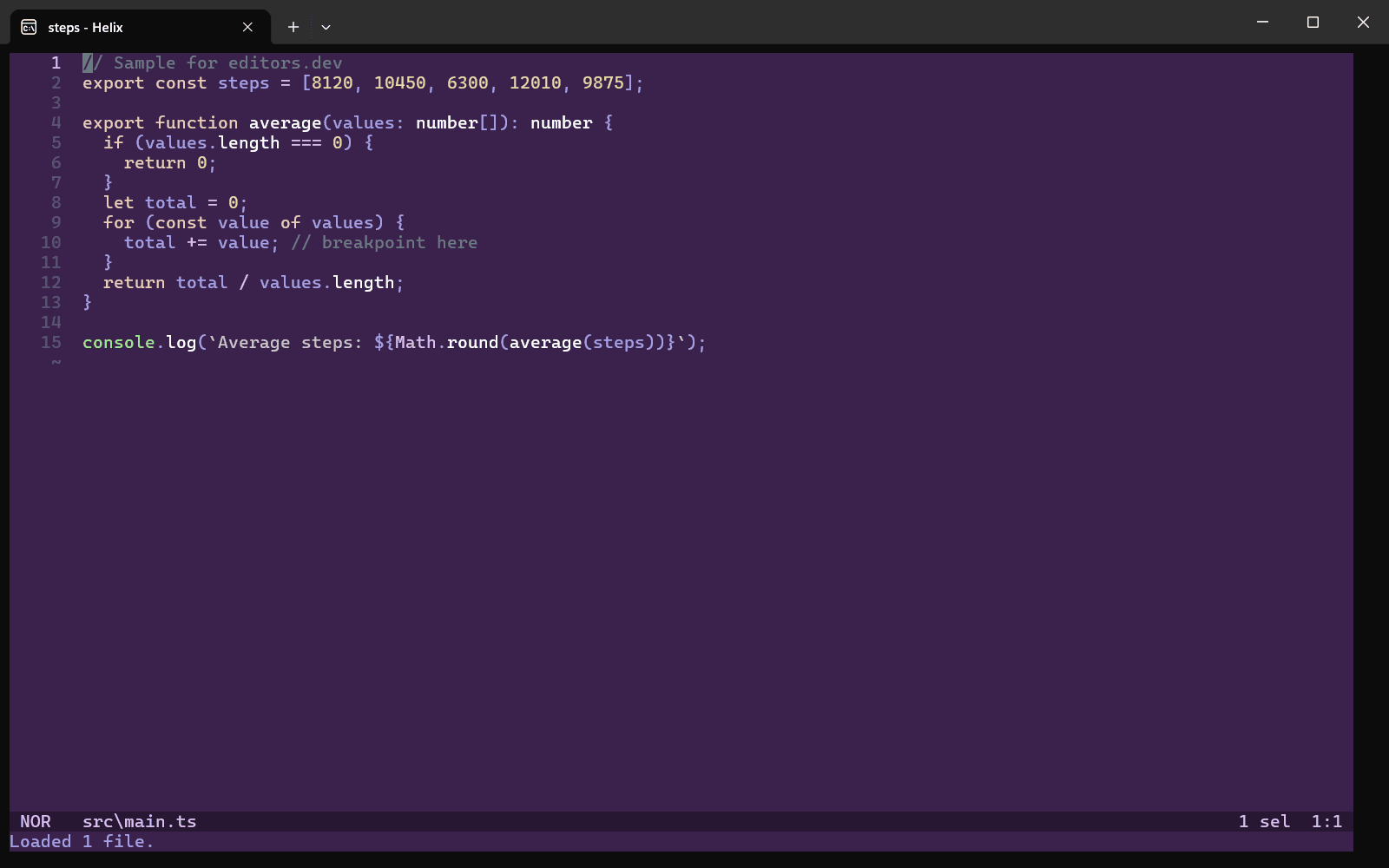
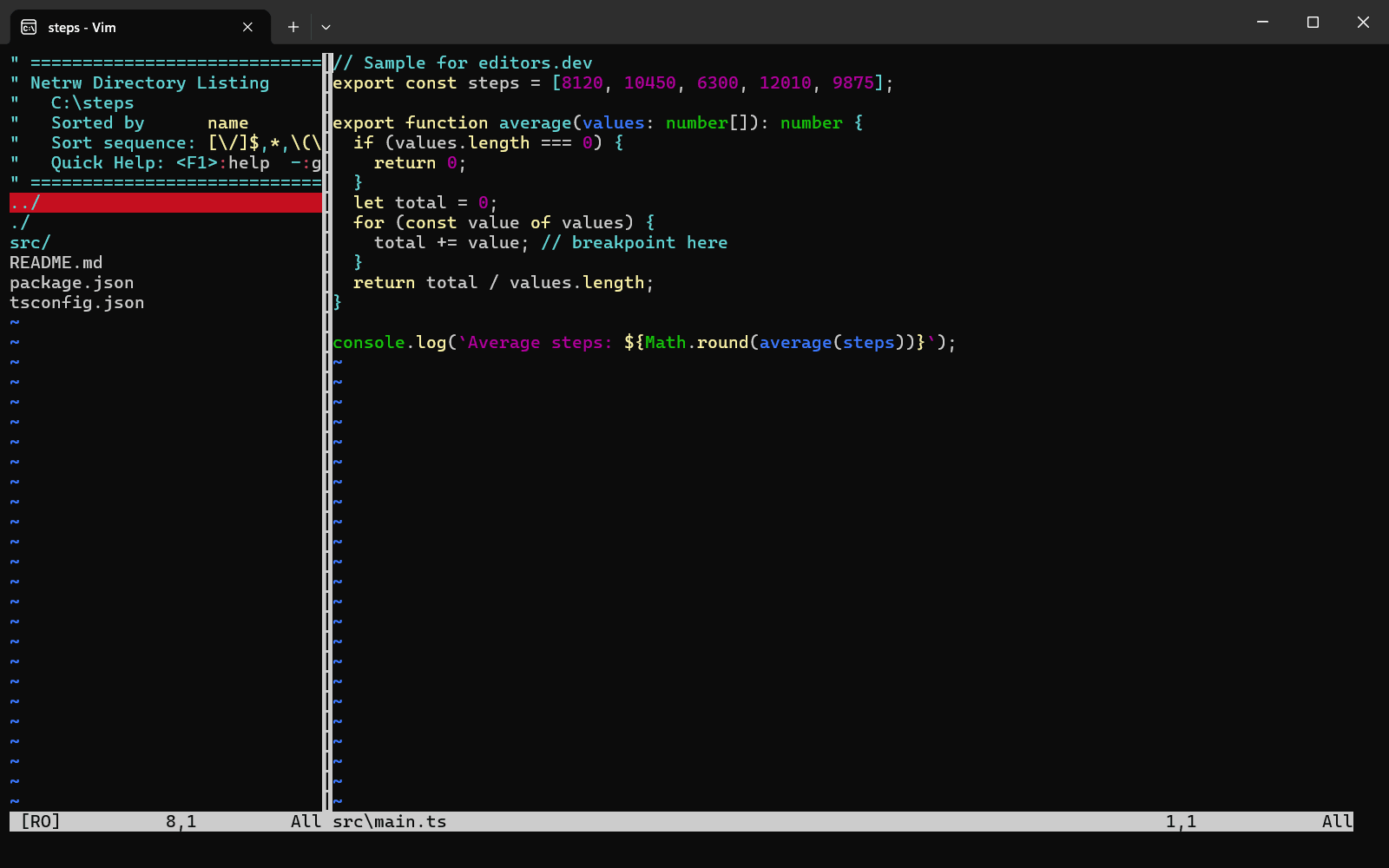
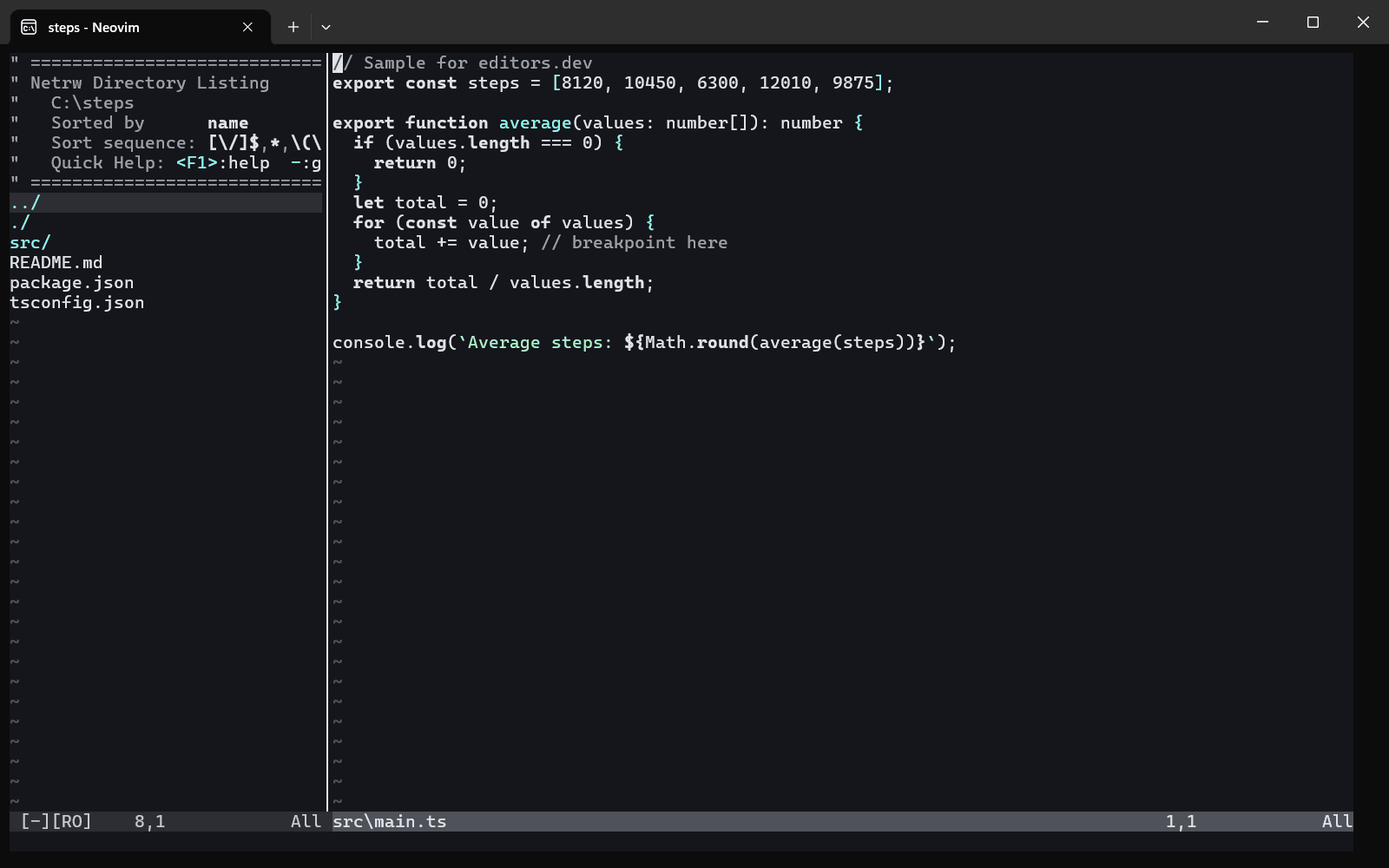
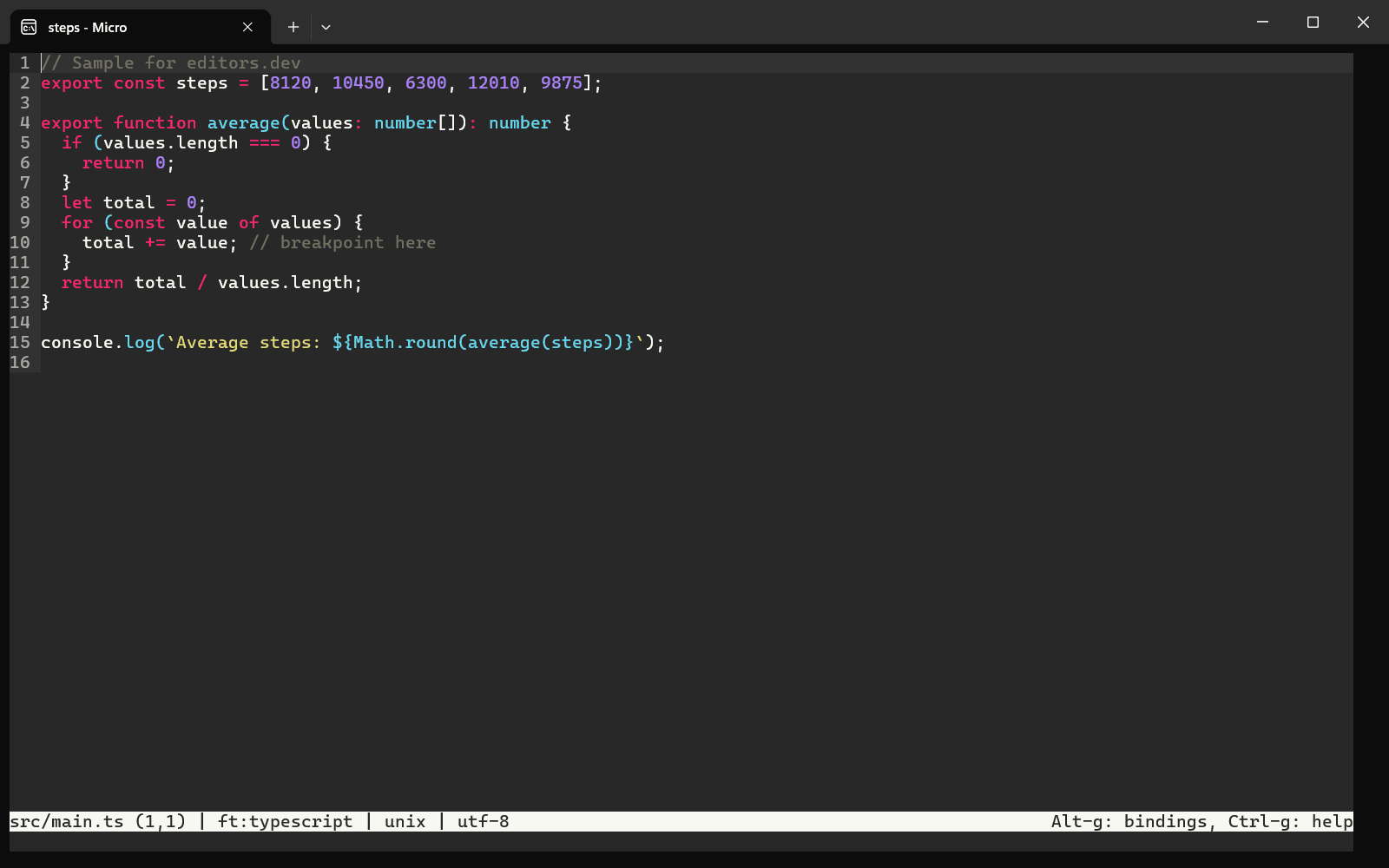
Screenshots of Kakoune 2022.10.31, taken on 20 November 2026 with the same sample project as every editor on this site. Method
About Kakoune
Kakoune is a modal code editor that implements Vi's "keystrokes as a text editing language" model and was originally inspired by Vim. Commands work on selections: the selection is made first and the action follows, and multiple selections are the central way of interacting. Its client-server architecture lets several clients connect to the same editing session. It can be built on Linux, macOS and Cygwin, and no native Windows version is planned.
What it offers
- There are two modes, normal and insertion. In normal mode keys manipulate the current selection, so the object is chosen first and the verb follows, the reverse of the Vi grammar.
- Multiple selections are the central way of interacting, with primitives to select all regex matches, split or filter selections, align them and pipe each one through an external filter.
- The client-server architecture allows multiple clients on the same session. Splits and panes are left to tmux, zellij, kitty, wezterm or the X11/Wayland window manager.
- By design there are no binary plugins and no integrated scripting language. The editor is extended with shell commands, hooks and macros, and with helper tools that talk to it through the shell.
- The scripts installed with Kakoune include a git command (blame, diff, commit, show-diff) and integrations for grep, make, lint, format, ctags and spell checking.
What is built in
Listed only where we have checked it
- Debugger Not listed
- Git integration Built in
- Integrated terminal Not listed
- AI assistant Not listed
- Remote development Not listed
- Live collaboration Not listed
- Vim mode Not listed
Languages
How Kakoune supports each common language, and what you get with the recommended setup.
25 Built in 1 Community extension
- JavaScript Built in
- Completion : No
- Go to definition : No
- Refactoring : No
- Debugging : No
- Tests : No
- Formatting : No
Kakoune ships JavaScript highlighting. For completion and navigation, install the separate kakoune-lsp project and typescript-language-server, which kakoune-lsp configures by default.
Source ↗ - TypeScript Built in
- Completion : No
- Go to definition : No
- Refactoring : No
- Debugging : No
- Tests : No
- Formatting : No
The bundled javascript.kak also highlights .ts and .tsx files. Language features come from the separate kakoune-lsp project with typescript-language-server.
Source ↗ - Python Built in
With jedi.kak
- Completion : Yes
- Go to definition : No
- Refactoring : No
- Debugging : No
- Tests : No
- Formatting : No
Highlighting is built in, and the bundled jedi.kak script adds completion if the Python jedi module is installed. For navigation and rename, kakoune-lsp (a separate project) is set up for pylsp by default.
Source ↗ - Java Built in
- Completion : No
- Go to definition : No
- Refactoring : No
- Debugging : No
- Tests : No
- Formatting : No
Kakoune ships Java highlighting only. The separate kakoune-lsp project is set up for jdtls by default.
Source ↗ - C++ Built in
With clang.kak
- Completion : Yes
- Go to definition : No
- Refactoring : No
- Debugging : No
- Tests : No
- Formatting : No
Highlighting is built in, and the bundled clang.kak script gives completion and diagnostics through clang. For clangd-based navigation and rename, use the separate kakoune-lsp project.
Source ↗ - C Built in
With clang.kak
- Completion : Yes
- Go to definition : No
- Refactoring : No
- Debugging : No
- Tests : No
- Formatting : No
Highlighting is built in, and the bundled clang.kak script gives completion and diagnostics through clang. For clangd-based navigation and rename, use the separate kakoune-lsp project.
Source ↗ - Go Built in
With gopls.kak
- Completion : No
- Go to definition : Yes
- Refactoring : No
- Debugging : No
- Tests : No
- Formatting : Yes
Highlighting is built in, and the bundled gopls.kak wrapper offers go to definition, find references and formatting if gopls is installed. Completion and rename need the separate kakoune-lsp project.
Source ↗ - Rust Built in
With racer.kak
- Completion : Yes
- Go to definition : Yes
- Refactoring : No
- Debugging : No
- Tests : No
- Formatting : No
Highlighting is built in, and the bundled racer.kak script gives completion and go to definition through racer, which is no longer actively developed. Most people use rust-analyzer through the separate kakoune-lsp project instead.
Source ↗ - PHP Built in
- Completion : No
- Go to definition : No
- Refactoring : No
- Debugging : No
- Tests : No
- Formatting : No
Kakoune ships PHP highlighting only. The separate kakoune-lsp project is set up for Intelephense by default, whose rename and code actions require a paid licence.
Source ↗ - Ruby Built in
- Completion : No
- Go to definition : No
- Refactoring : No
- Debugging : No
- Tests : No
- Formatting : No
Kakoune ships Ruby highlighting only. The separate kakoune-lsp project is set up for Solargraph by default.
Source ↗ - Kotlin Built in
- Completion : No
- Go to definition : No
- Refactoring : No
- Debugging : No
- Tests : No
- Formatting : No
Kakoune ships Kotlin highlighting only. The separate kakoune-lsp project is set up for JetBrains' Kotlin LSP by default.
Source ↗ - Swift Built in
- Completion : No
- Go to definition : No
- Refactoring : No
- Debugging : No
- Tests : No
- Formatting : No
Kakoune ships Swift highlighting only. The separate kakoune-lsp project is set up for sourcekit-lsp by default.
Source ↗ - Objective-C Built in
- Completion : No
- Go to definition : No
- Refactoring : No
- Debugging : No
- Tests : No
- Formatting : No
The bundled c-family.kak highlights .m files as Objective-C, but clang.kak completion is only set up for C and C++. The separate kakoune-lsp project uses clangd for Objective-C by default.
Source ↗ - Dart Built in
- Completion : No
- Go to definition : No
- Refactoring : No
- Debugging : No
- Tests : No
- Formatting : No
Kakoune ships Dart highlighting only. The separate kakoune-lsp project is set up for the Dart SDK's language server by default.
Source ↗ - HTML Built in
- Completion : No
- Go to definition : No
- Refactoring : No
- Debugging : No
- Tests : No
- Formatting : No
Kakoune ships HTML highlighting only. The separate kakoune-lsp project is set up for vscode-html-language-server by default, with formatting turned on.
Source ↗ - CSS Built in
- Completion : No
- Go to definition : No
- Refactoring : No
- Debugging : No
- Tests : No
- Formatting : No
Kakoune ships CSS highlighting only. The separate kakoune-lsp project is set up for vscode-css-language-server by default, also for SCSS and Less.
Source ↗ - SQL Built in
- Completion : No
- Go to definition : No
- Refactoring : No
- Debugging : No
- Tests : No
- Formatting : No
Kakoune ships SQL highlighting only, and kakoune-lsp has no default SQL server; one has to be added by hand.
Source ↗ - Shell Built in
- Completion : No
- Go to definition : No
- Refactoring : No
- Debugging : No
- Tests : No
- Formatting : No
Kakoune ships shell highlighting only. The separate kakoune-lsp project is set up for bash-language-server by default.
Source ↗ - Lua Built in
- Completion : No
- Go to definition : No
- Refactoring : No
- Debugging : No
- Tests : No
- Formatting : No
Kakoune ships Lua highlighting only. The separate kakoune-lsp project is set up for lua-language-server by default.
Source ↗ - R Built in
- Completion : No
- Go to definition : No
- Refactoring : No
- Debugging : No
- Tests : No
- Formatting : No
Kakoune ships R highlighting only. The separate kakoune-lsp project is set up for the languageserver R package by default.
Source ↗ - Scala Built in
- Completion : No
- Go to definition : No
- Refactoring : No
- Debugging : No
- Tests : No
- Formatting : No
Kakoune ships Scala highlighting only. The separate kakoune-lsp project is set up for Metals by default.
Source ↗ - Elixir Built in
- Completion : No
- Go to definition : No
- Refactoring : No
- Debugging : No
- Tests : No
- Formatting : No
Kakoune ships Elixir and EEx highlighting only. The separate kakoune-lsp project is set up for ElixirLS by default, not for the newer official Expert server.
Source ↗ - Haskell Built in
- Completion : No
- Go to definition : No
- Refactoring : No
- Debugging : No
- Tests : No
- Formatting : No
Kakoune ships Haskell and Cabal highlighting only. The separate kakoune-lsp project is set up for haskell-language-server by default.
Source ↗ - Zig Built in
- Completion : No
- Go to definition : No
- Refactoring : No
- Debugging : No
- Tests : No
- Formatting : No
Kakoune ships Zig highlighting only. The separate kakoune-lsp project is set up for zls by default.
Source ↗ - Julia Built in
- Completion : No
- Go to definition : No
- Refactoring : No
- Debugging : No
- Tests : No
- Formatting : No
Kakoune ships Julia highlighting only. The separate kakoune-lsp project is set up for LanguageServer.jl by default, which you install as a Julia package.
Source ↗ - C# Community extension
With csharp.kak
- Completion : No
- Go to definition : No
- Refactoring : No
- Debugging : No
- Tests : No
- Formatting : No
Kakoune ships no C# filetype, and kakoune-lsp has no default C# server. A small third-party csharp.kak, adapted from Kakoune's java.kak, adds highlighting; a C# language server has to be added to kakoune-lsp by hand.
Source ↗
Who it is for
Who it suits
- People who are open to selection-first modal editing with multiple selections.
- Developers who work in a Unix-like environment and combine the editor with tmux, a window manager and shell tools.
Who should look elsewhere
- People who need a native Windows editor. The project says no native Windows version is planned.
- People who expect Vim-compatible keys. The design document says self-consistency is more important than Vim compatibility.
- People who want IDE features inside the editor. The design document states that Kakoune is not an IDE, a file browser or a window manager.
Kakoune pricing
Free and open source. The code is released into the public domain under the Unlicense, which allows anyone to copy, modify, sell and distribute it for any purpose.
Price Free Open source
Kakoune next to its alternatives
The same facts for each editor, taken from the directory.
| Editor | Type | Price | Built with | Platforms | Languages built in | Remote development | Live collaboration | Vim mode |
|---|---|---|---|---|---|---|---|---|
| Kakoune | Terminal | Free Open source | C++ | macOS · Linux | 25 / 26 | –Not listed | –Not listed | –Not listed |
| Helix | Terminal | Free Open source | Rust | Windows · macOS · Linux | 25 / 26 | –Not listed | –Not listed | Not supported |
| Vim | Terminal | Free Open source | C, Vim script | Windows · macOS · Linux | 25 / 26 | –Not listed | –Not listed | Built in |
| Neovim | Terminal | Free Open source | C, Lua, Vimscript | Windows · macOS · Linux | 0 / 26 | –Not listed | –Not listed | Built in |
| Micro | Terminal | Free Open source | Go | Windows · macOS · Linux | 26 / 26 | –Not listed | –Not listed | Not supported |
Built in Extension Not supported
Sources
Last checked: 16 November 2026