Geany
Small and lightweight IDE built on GTK, with few dependencies and a plugin interface.
Screenshots
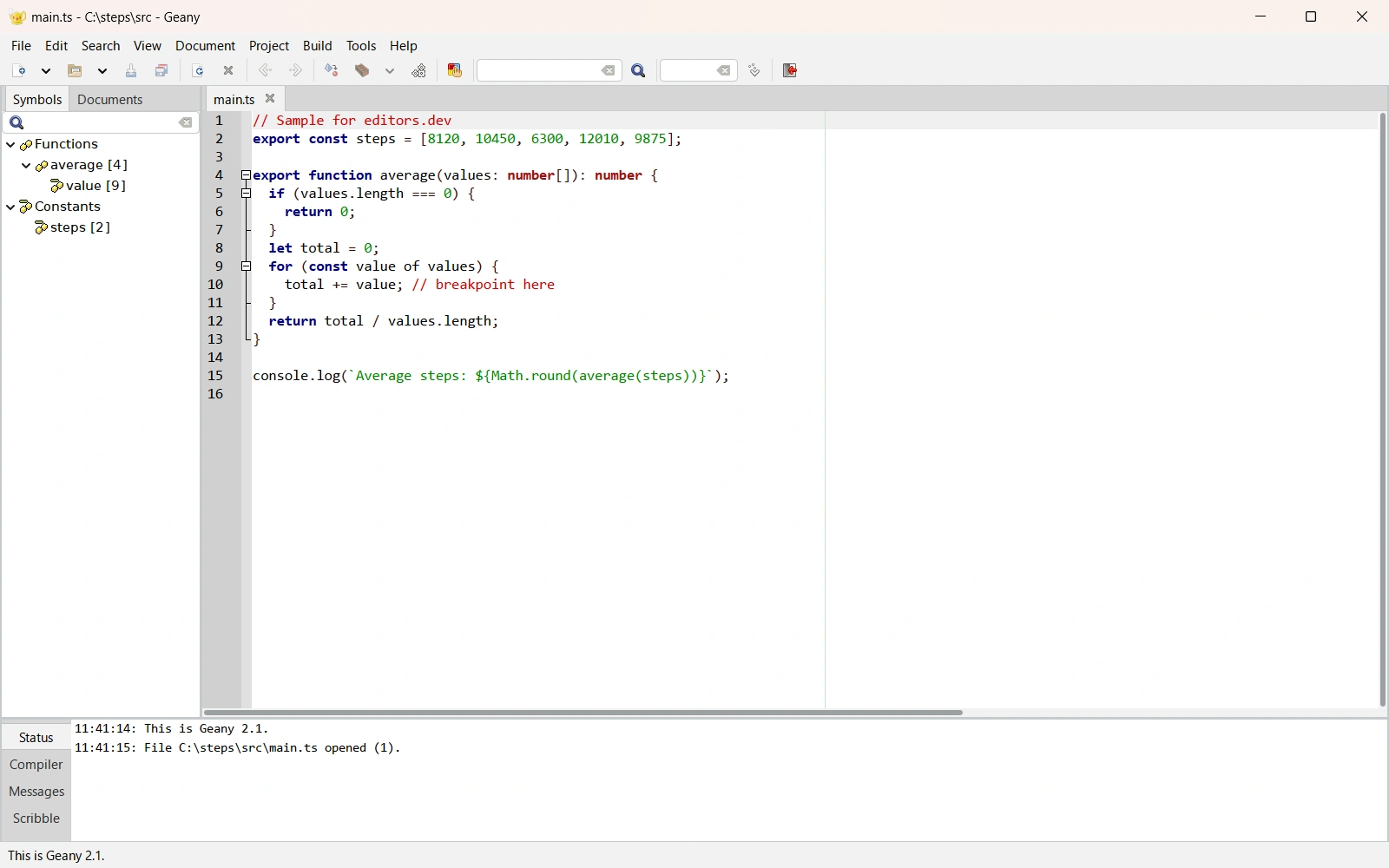
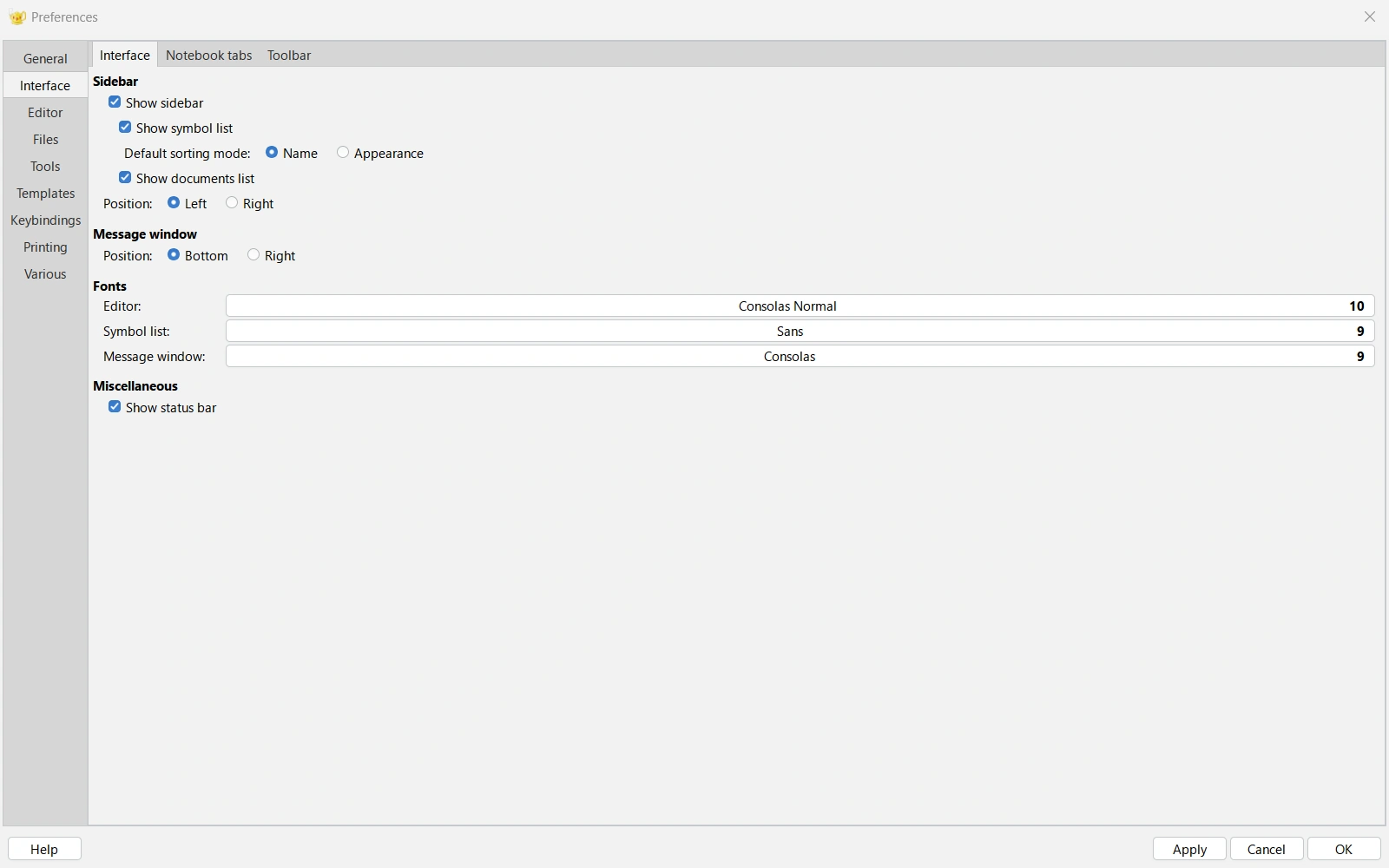
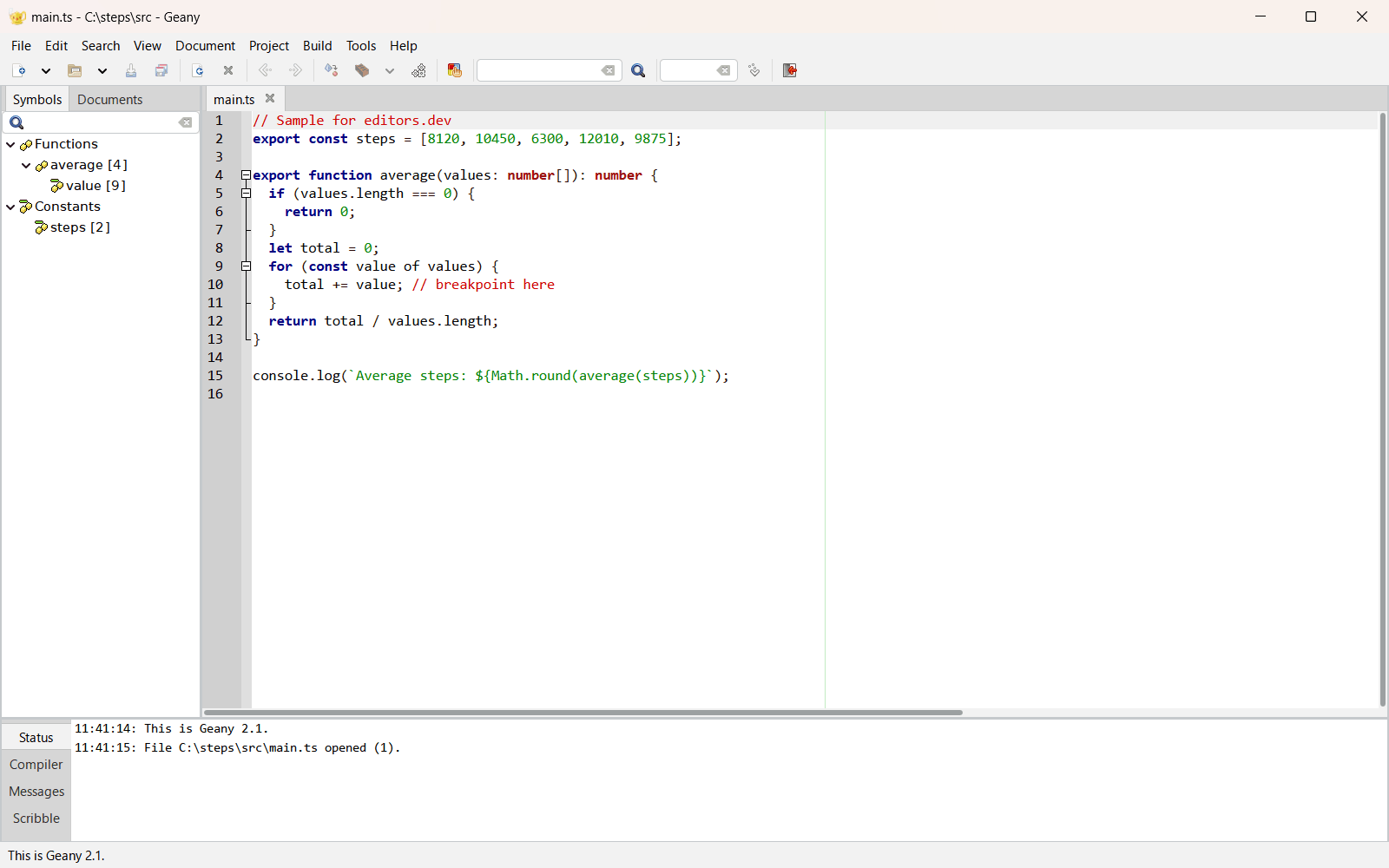
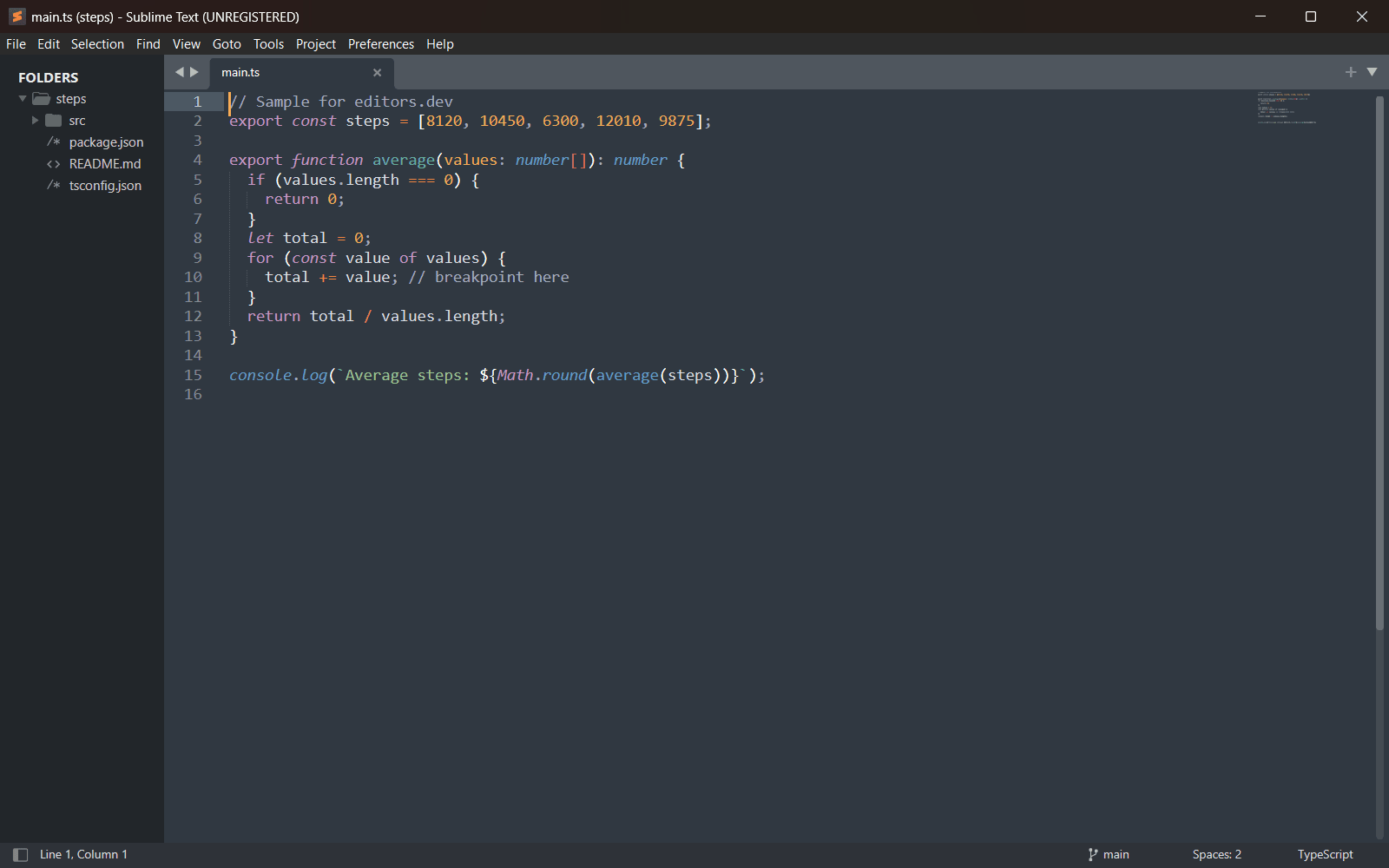
Screenshots of Geany 2.1, taken on 20 November 2026 with the same sample project as every editor on this site. Method
About Geany
Geany is a small and lightweight integrated development environment that needs only the GTK 3 runtime libraries. It offers syntax highlighting, code folding, symbol auto-completion, a build system for compiling and running code, and simple project management. More features are added through plugins, including the official Geany-Plugins collection. It runs on Linux, Windows and macOS.
What it offers
- Syntax highlighting, code folding, symbol name auto-completion, call tips, symbol lists and code navigation are part of the editor. The official site states built-in support for more than 50 programming languages.
- A build system compiles and executes code from inside the editor, and simple project management is included.
- An embedded terminal (VTE) is shown in the bottom panel when the libvte library is installed on the system.
- The official Geany-Plugins collection includes a debugger plugin for GDB, GeanyVC and Git-Changebar for version control, an LSP client and Vimode.
- The project states that only the Windows port is missing some features. In January 2025 it announced that it was looking for a new maintainer for the Windows builds.
What is built in
Listed only where we have checked it
- Debugger Extension
- Git integration Extension
- Integrated terminal Built in
- AI assistant Not listed
- Remote development Not listed
- Live collaboration Not listed
- Vim mode Extension
Languages
How Geany supports each common language, and what you get with the recommended setup.
8 Built in 17 Official extension 1 Not supported
- C# Built in
- Completion : Yes
- Go to definition : Yes
- Refactoring : No
- Debugging : No
- Tests : No
- Formatting : No
Geany highlights C#, lists its symbols and completes and jumps to symbols from open files. The LSP Client plugin has no C# preset, so a server would have to be added to its config by hand.
Source ↗ - Kotlin Built in
- Completion : Yes
- Go to definition : No
- Refactoring : No
- Debugging : No
- Tests : No
- Formatting : No
Geany has a Kotlin filetype, but it borrows the C lexer and symbol parser, so highlighting and the symbol list are approximate. The LSP Client plugin has no Kotlin preset.
Source ↗ - Swift Built in
- Completion : No
- Go to definition : No
- Refactoring : No
- Debugging : No
- Tests : No
- Formatting : No
The Swift filetype uses the C lexer for highlighting and has swiftc and swift build commands, but no symbol parser. The LSP Client plugin has no sourcekit-lsp preset.
Source ↗ - Objective-C Built in
- Completion : Yes
- Go to definition : Yes
- Refactoring : No
- Debugging : No
- Tests : No
- Formatting : No
Geany highlights Objective-C, parses its symbols and has gcc build commands. The LSP Client plugin's clangd preset is only set for C and C++; Objective-C would need a section added by hand.
Source ↗ - SQL Built in
- Completion : Yes
- Go to definition : Yes
- Refactoring : No
- Debugging : No
- Tests : No
- Formatting : No
Geany highlights SQL and parses tables, views and procedures into the symbol list. It has no database tools, and the LSP Client plugin has no SQL preset.
Source ↗ - R Built in
- Completion : Yes
- Go to definition : Yes
- Refactoring : No
- Debugging : No
- Tests : No
- Formatting : No
Geany highlights R, parses its functions and runs scripts with Rscript. The LSP Client plugin has no R preset, so the R languageserver would have to be added by hand.
Source ↗ - Scala Built in
- Completion : No
- Go to definition : No
- Refactoring : No
- Debugging : No
- Tests : No
- Formatting : No
The Scala filetype only borrows the C lexer for highlighting; there is no symbol parser and no Metals preset in the LSP Client plugin.
Source ↗ - Julia Built in
- Completion : Yes
- Go to definition : Yes
- Refactoring : No
- Debugging : No
- Tests : No
- Formatting : No
Geany highlights Julia, parses its symbols and runs files with julia. The LSP Client plugin has no preset for LanguageServer.jl.
Source ↗ - JavaScript Official extension
With LSP Client plugin (geany-plugins) + typescript-language-server
- Completion : Yes
- Go to definition : Yes
- Refactoring : Yes
- Debugging : No
- Tests : No
- Formatting : Yes
Geany itself highlights JavaScript, lists its symbols and completes and jumps to symbols from open files. The LSP Client plugin's default config reuses the TypeScript server for JavaScript; you install the server yourself and enable the plugin per project.
Source ↗ - TypeScript Official extension
With LSP Client plugin (geany-plugins) + typescript-language-server
- Completion : Yes
- Go to definition : Yes
- Refactoring : Yes
- Debugging : No
- Tests : No
- Formatting : Yes
Geany has a TypeScript filetype and symbol parser. The LSP Client plugin ships a preset for typescript-language-server, which must be installed separately; the plugin is off until enabled in the project settings.
Source ↗ - Python Official extension
With LSP Client plugin (geany-plugins) + pyright
- Completion : Yes
- Go to definition : Yes
- Refactoring : Yes
- Debugging : No
- Tests : No
- Formatting : No
Built-in highlighting, symbol list and tag-based completion. The LSP Client preset uses pyright (pylsp, jedi-language-server and ruff are listed as alternatives); install the server yourself.
Source ↗ - Java Official extension
With LSP Client plugin (geany-plugins) + jdtls
- Completion : Yes
- Go to definition : Yes
- Refactoring : Yes
- Debugging : No
- Tests : No
- Formatting : Yes
Built-in highlighting, symbol list, tag-based completion and configurable compile/run commands. The LSP Client plugin has a preset for Eclipse jdtls, which you install separately.
Source ↗ - C++ Official extension
With LSP Client plugin (geany-plugins) + clangd; Debugger plugin (GDB)
- Completion : Yes
- Go to definition : Yes
- Refactoring : Yes
- Debugging : Yes
- Tests : No
- Formatting : Yes
C and C++ are Geany's strongest languages: built-in symbol parsing, completion and build commands. The LSP Client preset uses clangd (needs compile_commands.json), and the Debugger plugin from geany-plugins drives GDB.
Source ↗ - C Official extension
With LSP Client plugin (geany-plugins) + clangd; Debugger plugin (GDB)
- Completion : Yes
- Go to definition : Yes
- Refactoring : Yes
- Debugging : Yes
- Tests : No
- Formatting : Yes
C has Geany's best built-in support: symbol parsing, completion and build commands. The LSP Client preset uses clangd (needs compile_commands.json), and the Debugger plugin from geany-plugins drives GDB.
Source ↗ - Go Official extension
With LSP Client plugin (geany-plugins) + gopls
- Completion : Yes
- Go to definition : Yes
- Refactoring : Yes
- Debugging : No
- Tests : No
- Formatting : Yes
Built-in highlighting, symbol parsing and build commands. The LSP Client plugin has a gopls preset; gopls must be installed separately.
Source ↗ - Rust Official extension
With LSP Client plugin (geany-plugins) + rust-analyzer
- Completion : Yes
- Go to definition : Yes
- Refactoring : Yes
- Debugging : No
- Tests : No
- Formatting : Yes
Built-in highlighting, symbol parsing and build commands. The LSP Client plugin has a rust-analyzer preset with semantic highlighting turned on; rust-analyzer must be installed separately.
Source ↗ - PHP Official extension
With LSP Client plugin (geany-plugins) + phpactor
- Completion : Yes
- Go to definition : Yes
- Refactoring : Yes
- Debugging : No
- Tests : No
- Formatting : No
Built-in highlighting and symbol parsing. The LSP Client preset runs phpactor, which you install separately.
Source ↗ - Ruby Official extension
With LSP Client plugin (geany-plugins) + solargraph
- Completion : Yes
- Go to definition : Yes
- Refactoring : Yes
- Debugging : No
- Tests : No
- Formatting : No
Built-in highlighting and symbol parsing. The LSP Client preset runs solargraph, which you install as a gem.
Source ↗ - Dart Official extension
With LSP Client plugin (geany-plugins) + Dart analysis server
- Completion : Yes
- Go to definition : Yes
- Refactoring : Yes
- Debugging : No
- Tests : No
- Formatting : Yes
Geany has a Dart filetype with compile, analyze, test and Flutter run commands. The LSP Client preset runs 'dart language-server' from the Dart SDK, which you install yourself.
Source ↗ - HTML Official extension
With LSP Client plugin (geany-plugins) + vscode-html-language-server
- Completion : Yes
- Go to definition : No
- Refactoring : No
- Debugging : No
- Tests : No
- Formatting : Yes
Geany highlights HTML, lists headings as symbols and can close tags itself. The LSP Client preset uses the HTML server from vscode-langservers-extracted, installed separately, and works without a project.
Source ↗ - CSS Official extension
With LSP Client plugin (geany-plugins) + vscode-css-language-server
- Completion : Yes
- Go to definition : Yes
- Refactoring : No
- Debugging : No
- Tests : No
- Formatting : Yes
Built-in highlighting and selector parsing. The LSP Client preset uses the CSS server from vscode-langservers-extracted, installed separately, and works without a project.
Source ↗ - Shell Official extension
With LSP Client plugin (geany-plugins) + bash-language-server
- Completion : Yes
- Go to definition : Yes
- Refactoring : Yes
- Debugging : No
- Tests : No
- Formatting : Yes
Built-in highlighting and function parsing for sh, bash and zsh files. The LSP Client preset runs bash-language-server, which you install with npm; formatting needs shfmt as well.
Source ↗ - Lua Official extension
With LSP Client plugin (geany-plugins) + lua-language-server
- Completion : Yes
- Go to definition : Yes
- Refactoring : Yes
- Debugging : No
- Tests : No
- Formatting : Yes
Built-in highlighting and function parsing. The LSP Client preset runs lua-language-server, installed separately, and works without a project.
Source ↗ - Haskell Official extension
With LSP Client plugin (geany-plugins) + haskell-language-server
- Completion : Yes
- Go to definition : Yes
- Refactoring : Yes
- Debugging : No
- Tests : No
- Formatting : Yes
Built-in highlighting, symbol parsing and ghc/hlint commands. The LSP Client preset runs haskell-language-server-wrapper, which you install yourself, for example with GHCup.
Source ↗ - Zig Official extension
With LSP Client plugin (geany-plugins) + zls
- Completion : Yes
- Go to definition : Yes
- Refactoring : Yes
- Debugging : No
- Tests : No
- Formatting : Yes
Geany has a Zig filetype with build, test and run commands but no symbol parser. The LSP Client preset runs zls with semantic highlighting; zls must be installed separately.
Source ↗
Not supported Elixir
- Elixir Geany has no Elixir filetype (it has one for Erlang). You can define a custom filetype that borrows another lexer and add an LSP Client section by hand. Source ↗
Who it is for
Who it suits
- People who want a lightweight graphical IDE that depends only on the GTK runtime libraries.
- Developers who want to compile and run code from the editor and keep a terminal in the same window.
- People who prefer to add debugging, version control or Vim keys through plugins only when they are needed.
Who should look elsewhere
- People who expect a debugger and Git tools without installing plugins. Both come from the Geany-Plugins collection.
- Windows users who need every feature. The project says the Windows port is missing some features and has been looking for a maintainer for its Windows builds.
Geany pricing
Free and open source under the GNU GPL, version 2 or later. Donations are accepted by bank transfer to the Geany e.V. account, through Liberapay or through PayPal.
Price Free Open source
Geany next to its alternatives
The same facts for each editor, taken from the directory.
| Editor | Type | Price | Built with | Platforms | Languages built in | Remote development | Live collaboration | Vim mode |
|---|---|---|---|---|---|---|---|---|
| Geany | IDE | Free Open source | C and C++ (GTK 3, Scintilla) | Windows · macOS · Linux | 8 / 26 | –Not listed | –Not listed | Extension |
| Kate | Editor | Free Open source | C++, Qt, KDE Frameworks | Windows · macOS · Linux | 26 / 26 | –Not listed | –Not listed | Built in |
| Notepad++ | Editor | Free Open source | C++, Win32 API, Scintilla | Windows | 20 / 26 | –Not listed | Extension | Extension |
| Sublime Text | Editor | Paid | C++ (plugin API in Python) | Windows · macOS · Linux | 2 / 26 | –Not listed | –Not listed | Built in |
| VSCodium | Editor | Free Open source | Code - OSS (TypeScript, Electron) | Windows · macOS · Linux | 5 / 26 | Extension | Extension | Extension |



Built in Extension Not supported
Sources
Last checked: 16 November 2026