GNU nano
Small terminal text editor from the GNU Project, modeled on the interface and key bindings of Pico.
Screenshots
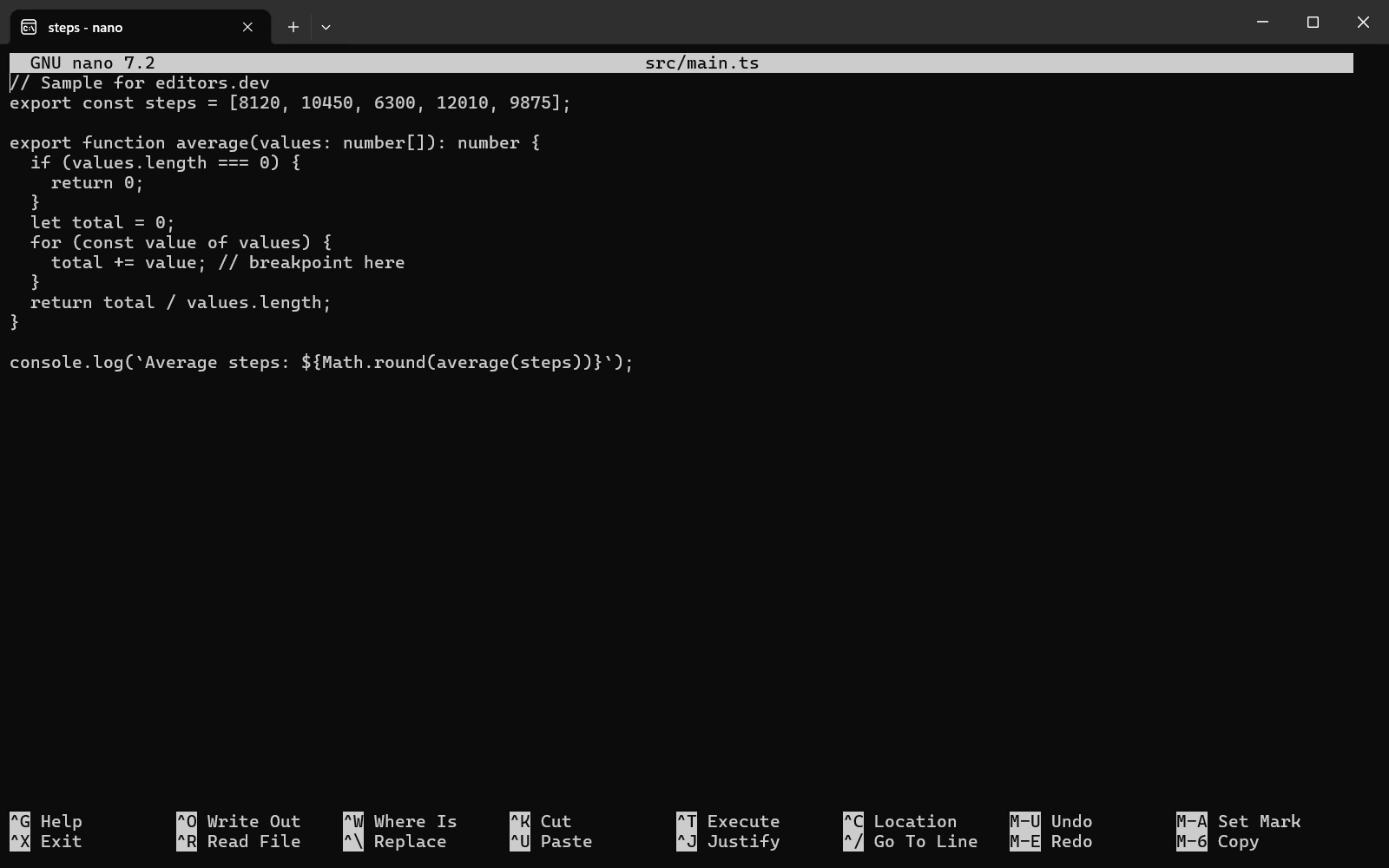
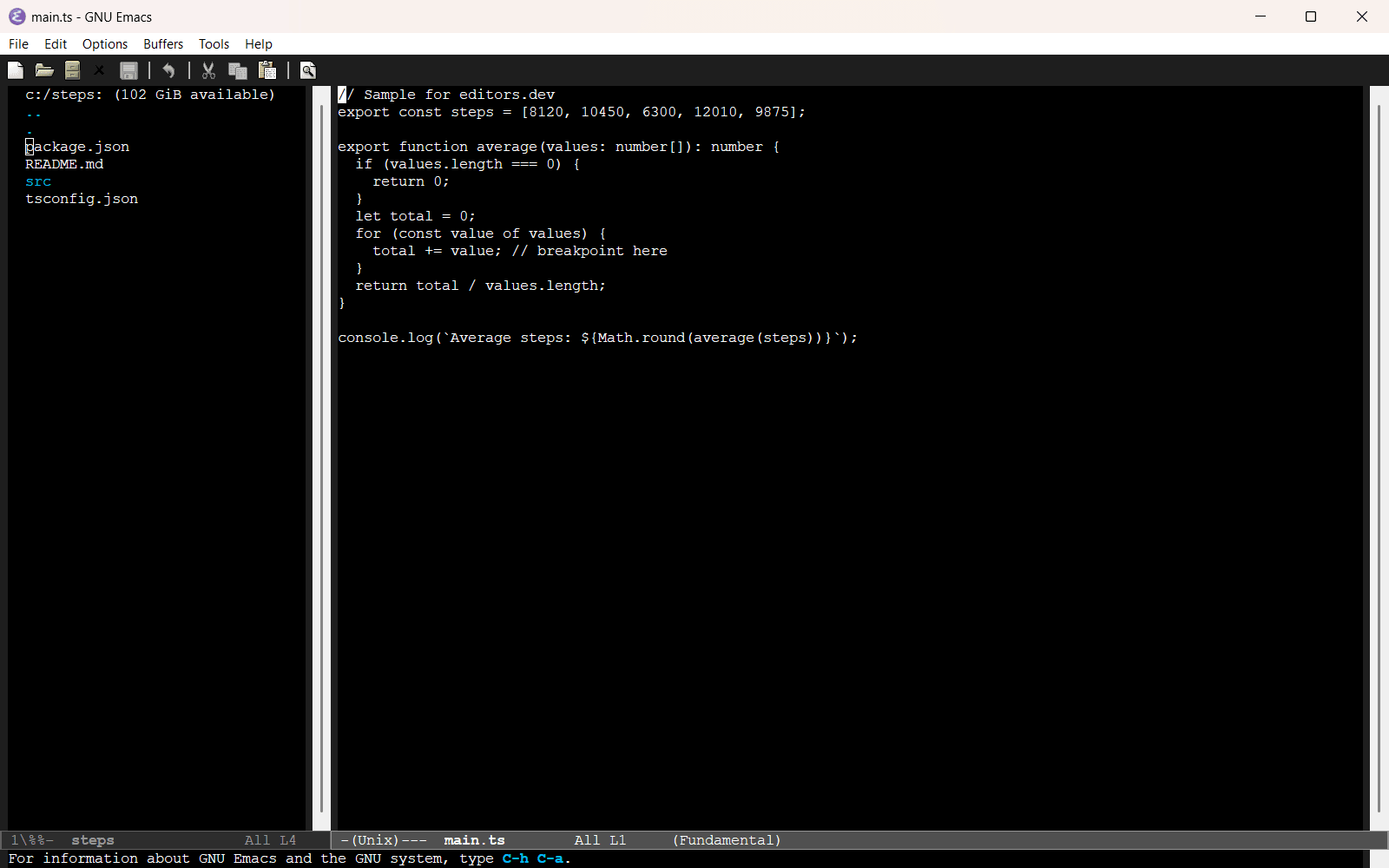
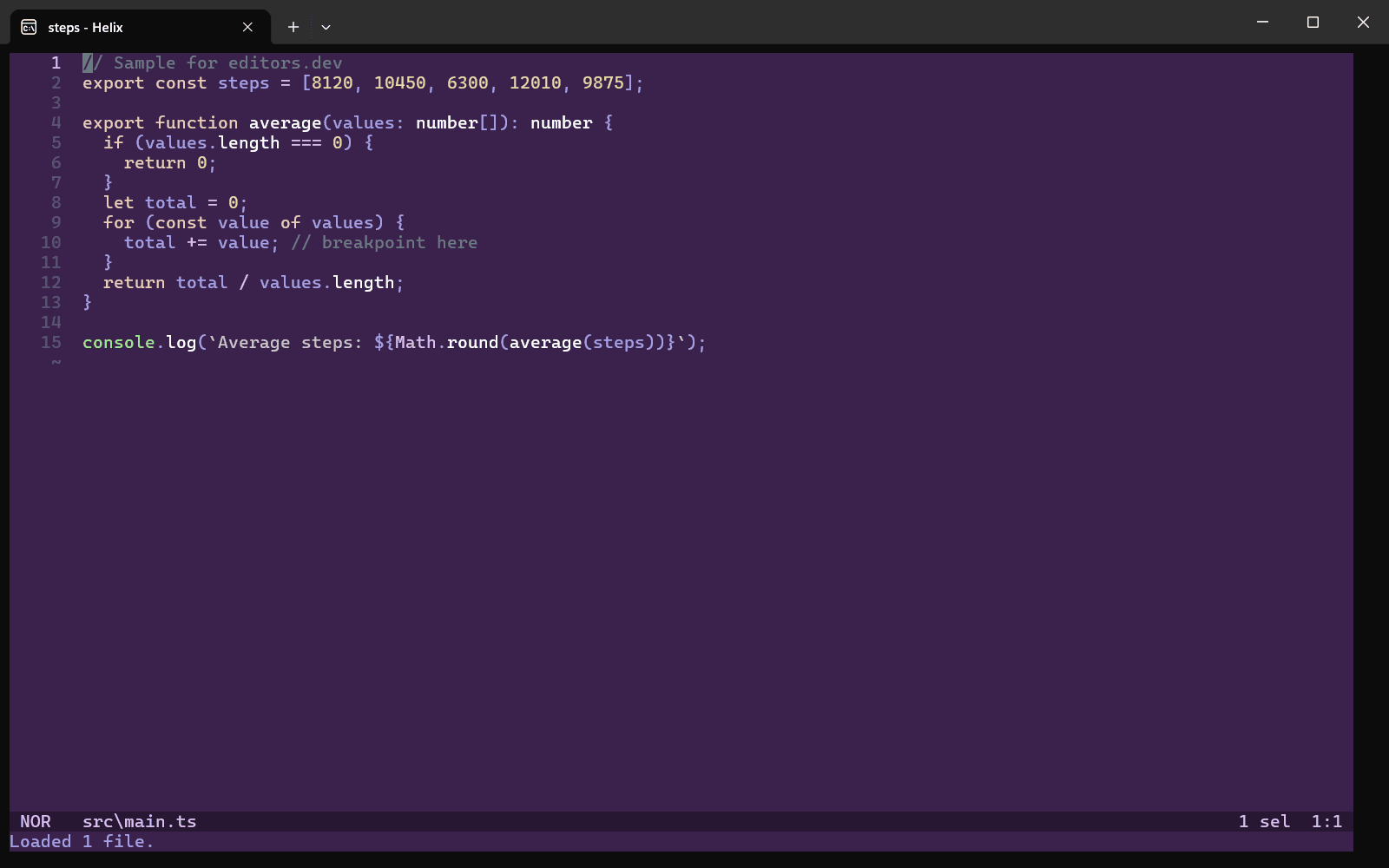
Screenshots of GNU nano 7.2, taken on 20 November 2026 with the same sample project as every editor on this site. Method
About GNU nano
GNU nano is a small and simple text editor for use on the terminal and an official GNU package. The project was started in 1999 as a free replacement for the Pico editor and copied its interface and key bindings. It adds features such as undo/redo, syntax highlighting, line numbers, soft wrapping, multiple buffers and search-and-replace with regular expressions.
What it offers
- The interface follows Pico: a title bar at the top, and two lines at the bottom that list the most important shortcuts.
- Undo/redo, syntax coloring, interactive search-and-replace, auto-indentation, line numbers, word completion, file locking and backup files are part of the editor.
- Options are set in nanorc files and key bindings can be rebound. The --modernbindings option switches to keys such as ^X cut, ^C copy, ^V paste and ^Z undo.
- Syntax definitions can name a linter and a formatter program, and spell checking runs through an external program such as hunspell. A file browser, keyboard macros and anchors (bookmarks) are also included.
- Releases are published as source tarballs. The official download page links to packages for Arch Linux, Debian, Fedora, Gentoo and openSUSE and to Windows binaries.
What is built in
Listed only where we have checked it
- Debugger Not listed
- Git integration Not listed
- Integrated terminal Not listed
- AI assistant Not listed
- Remote development Not listed
- Live collaboration Not listed
- Vim mode Not listed
Languages
How GNU nano supports each common language, and what you get with the recommended setup.
17 Built in 7 Community extension 2 Not supported
- JavaScript Built in
- Completion : No
- Go to definition : No
- Refactoring : No
- Debugging : No
- Tests : No
- Formatting : No
nano ships javascript.nanorc for highlighting. On many systems you must enable the bundled syntax files with an include line in your nanorc.
Source ↗ - TypeScript Built in
With javascript.nanorc
- Completion : No
- Go to definition : No
- Refactoring : No
- Debugging : No
- Tests : No
- Formatting : No
There is no separate TypeScript syntax file; javascript.nanorc also matches .ts files, so TypeScript gets the JavaScript highlighting rules. .tsx files are not matched.
Source ↗ - Python Built in
- Completion : No
- Go to definition : No
- Refactoring : No
- Debugging : No
- Tests : No
- Formatting : No
nano ships python.nanorc for highlighting, and it sets pyflakes as the linter, which you can run from inside nano if pyflakes is installed.
Source ↗ - Java Built in
- Completion : No
- Go to definition : No
- Refactoring : No
- Debugging : No
- Tests : No
- Formatting : No
nano ships java.nanorc for highlighting and nothing more for Java.
Source ↗ - C++ Built in
With c.nanorc
- Completion : No
- Go to definition : No
- Refactoring : No
- Debugging : No
- Tests : No
- Formatting : No
C++ files are highlighted by c.nanorc, which covers both C and C++. It sets cc -fsyntax-only as the linter for quick syntax checks.
Source ↗ - C Built in
- Completion : No
- Go to definition : No
- Refactoring : No
- Debugging : No
- Tests : No
- Formatting : No
nano ships c.nanorc, which highlights both C and C++ files, and nothing more for C.
Source ↗ - Go Built in
With gofmt
- Completion : No
- Go to definition : No
- Refactoring : No
- Debugging : No
- Tests : No
- Formatting : Yes
nano ships go.nanorc for highlighting, and it sets gofmt as the formatter, so you can reformat the buffer from inside nano if Go is installed.
Source ↗ - Rust Built in
- Completion : No
- Go to definition : No
- Refactoring : No
- Debugging : No
- Tests : No
- Formatting : No
nano ships rust.nanorc for highlighting and nothing more for Rust.
Source ↗ - PHP Built in
- Completion : No
- Go to definition : No
- Refactoring : No
- Debugging : No
- Tests : No
- Formatting : No
nano ships php.nanorc for highlighting and nothing more for PHP.
Source ↗ - Ruby Built in
- Completion : No
- Go to definition : No
- Refactoring : No
- Debugging : No
- Tests : No
- Formatting : No
nano ships ruby.nanorc for highlighting, and it sets ruby -w -c as the linter for syntax checks.
Source ↗ - Objective-C Built in
- Completion : No
- Go to definition : No
- Refactoring : No
- Debugging : No
- Tests : No
- Formatting : No
nano ships objc.nanorc for highlighting .m files and nothing more for Objective-C.
Source ↗ - HTML Built in
With tidy
- Completion : No
- Go to definition : No
- Refactoring : No
- Debugging : No
- Tests : No
- Formatting : Yes
nano ships html.nanorc for highlighting, and it sets tidy as the formatter, so you can reformat the buffer from inside nano if tidy is installed.
Source ↗ - CSS Built in
- Completion : No
- Go to definition : No
- Refactoring : No
- Debugging : No
- Tests : No
- Formatting : No
nano ships css.nanorc for highlighting and nothing more for CSS.
Source ↗ - SQL Built in
- Completion : No
- Go to definition : No
- Refactoring : No
- Debugging : No
- Tests : No
- Formatting : No
nano ships sql.nanorc for highlighting and nothing more for SQL.
Source ↗ - Shell Built in
- Completion : No
- Go to definition : No
- Refactoring : No
- Debugging : No
- Tests : No
- Formatting : No
nano ships sh.nanorc for highlighting, and it sets dash -n as the linter for quick syntax checks.
Source ↗ - Lua Built in
- Completion : No
- Go to definition : No
- Refactoring : No
- Debugging : No
- Tests : No
- Formatting : No
nano ships lua.nanorc for highlighting, and it sets luacheck as the linter, which you can run from inside nano if luacheck is installed.
Source ↗ - Haskell Built in
With extra/haskell.nanorc
- Completion : No
- Go to definition : No
- Refactoring : No
- Debugging : No
- Tests : No
- Formatting : No
nano ships haskell.nanorc in its extra folder, which the usual include line for the bundled syntax files does not cover, so you have to include it separately. Some distributions do not install the extra files at all.
Source ↗ - C# Community extension
With csharp.nanorc (scopatz/nanorc)
- Completion : No
- Go to definition : No
- Refactoring : No
- Debugging : No
- Tests : No
- Formatting : No
nano ships no C# syntax file. The community scopatz/nanorc collection has a csharp.nanorc, but that repository has not changed since 2020.
Source ↗ - Kotlin Community extension
With kotlin.nanorc (galenguyer/nano-syntax-highlighting)
- Completion : No
- Go to definition : No
- Refactoring : No
- Debugging : No
- Tests : No
- Formatting : No
nano ships no Kotlin syntax file. The community galenguyer/nano-syntax-highlighting collection, which is still updated, has a kotlin.nanorc.
Source ↗ - Swift Community extension
With swift.nanorc (galenguyer/nano-syntax-highlighting)
- Completion : No
- Go to definition : No
- Refactoring : No
- Debugging : No
- Tests : No
- Formatting : No
nano ships no Swift syntax file. The community galenguyer/nano-syntax-highlighting collection has a swift.nanorc.
Source ↗ - Scala Community extension
With scala.nanorc (galenguyer/nano-syntax-highlighting)
- Completion : No
- Go to definition : No
- Refactoring : No
- Debugging : No
- Tests : No
- Formatting : No
nano ships no Scala syntax file. The community galenguyer/nano-syntax-highlighting collection has a scala.nanorc.
Source ↗ - Elixir Community extension
With elixir.nanorc (galenguyer/nano-syntax-highlighting)
- Completion : No
- Go to definition : No
- Refactoring : No
- Debugging : No
- Tests : No
- Formatting : No
nano ships no Elixir syntax file. The community galenguyer/nano-syntax-highlighting collection has an elixir.nanorc.
Source ↗ - Zig Community extension
With zig.nanorc (galenguyer/nano-syntax-highlighting)
- Completion : No
- Go to definition : No
- Refactoring : No
- Debugging : No
- Tests : No
- Formatting : No
nano ships no Zig syntax file. The community galenguyer/nano-syntax-highlighting collection has a zig.nanorc.
Source ↗ - Julia Community extension
With julia.nanorc (galenguyer/nano-syntax-highlighting)
- Completion : No
- Go to definition : No
- Refactoring : No
- Debugging : No
- Tests : No
- Formatting : No
nano ships no Julia syntax file. The community galenguyer/nano-syntax-highlighting collection has a julia.nanorc.
Source ↗
Who it is for
Who it suits
- People who want a small terminal editor that shows its main shortcuts on screen.
- People who make quick edits on Linux systems where the distribution packages nano.
- People used to Pico who want the same interface with undo/redo, syntax highlighting and multiple buffers.
Who should look elsewhere
- Developers who expect language server support, a debugger or Git integration in the editor. The official manual describes none of these.
- People who want a plugin system. Customization is done through nanorc options, key rebinding and syntax definitions.
- People who want a graphical interface. nano runs only in a terminal.
GNU nano pricing
Free software under the GNU GPL, version 3 or later.
Price Free Open source
GNU nano next to its alternatives
The same facts for each editor, taken from the directory.
| Editor | Type | Price | Built with | Platforms | Languages built in | Remote development | Live collaboration | Vim mode |
|---|---|---|---|---|---|---|---|---|
| GNU nano | Terminal | Free Open source | C (ncurses) | Windows · macOS · Linux | 17 / 26 | –Not listed | –Not listed | –Not listed |
| Micro | Terminal | Free Open source | Go | Windows · macOS · Linux | 26 / 26 | –Not listed | –Not listed | Not supported |
| Vim | Terminal | Free Open source | C, Vim script | Windows · macOS · Linux | 25 / 26 | –Not listed | –Not listed | Built in |
| GNU Emacs | Editor | Free Open source | C, Emacs Lisp | Windows · macOS · Linux | 18 / 26 | Built in | Extension | Extension |
| Helix | Terminal | Free Open source | Rust | Windows · macOS · Linux | 25 / 26 | –Not listed | –Not listed | Not supported |
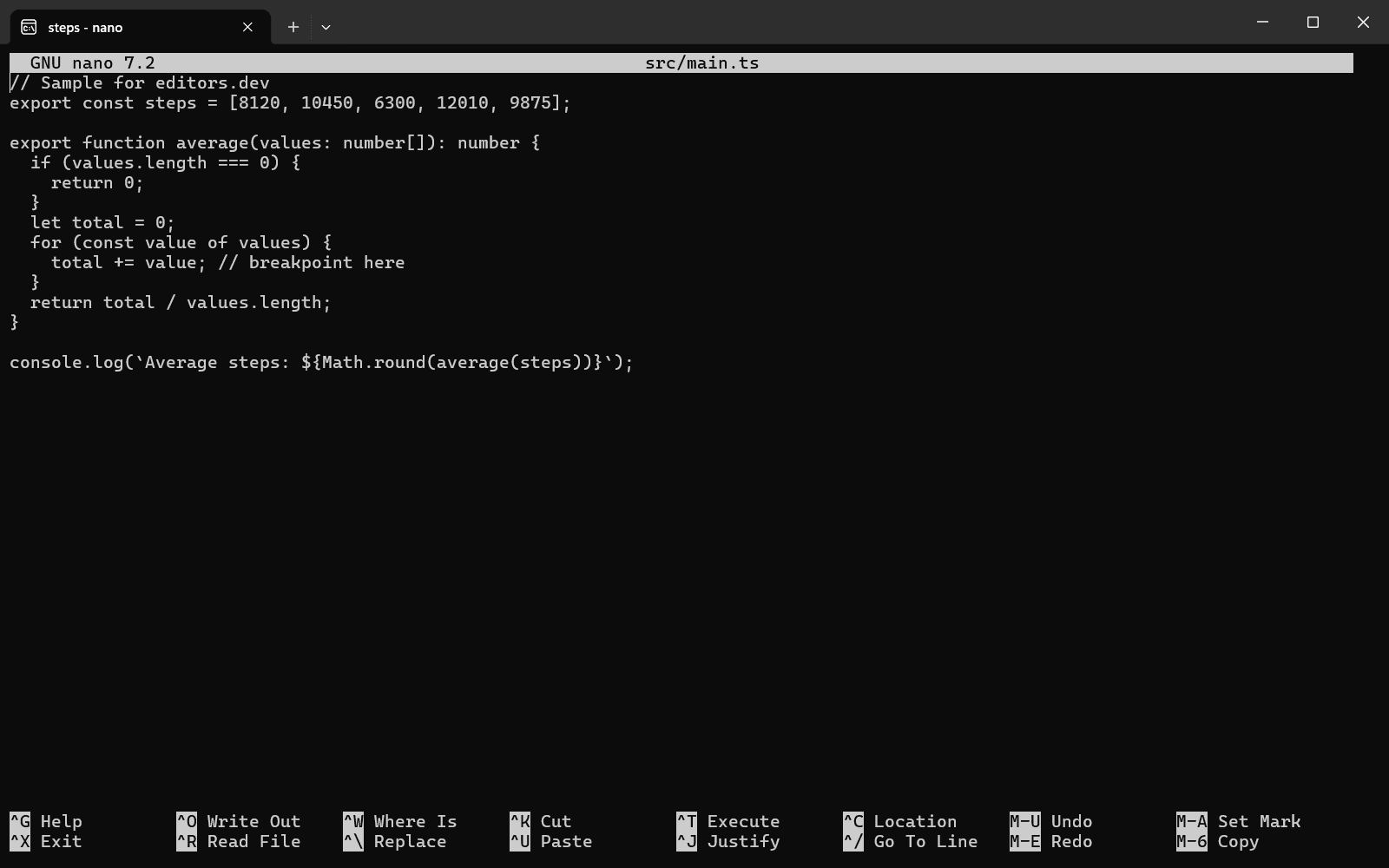
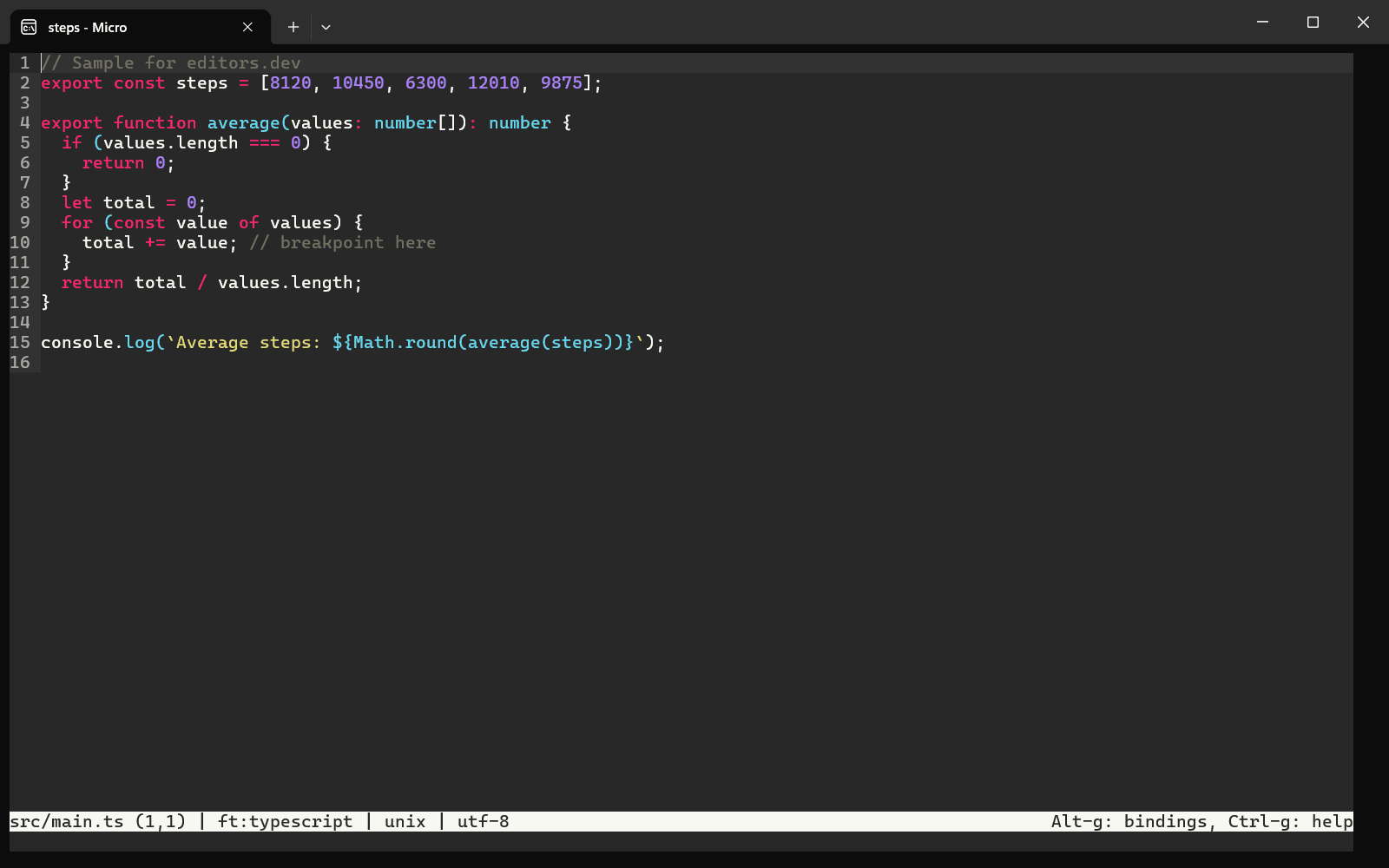
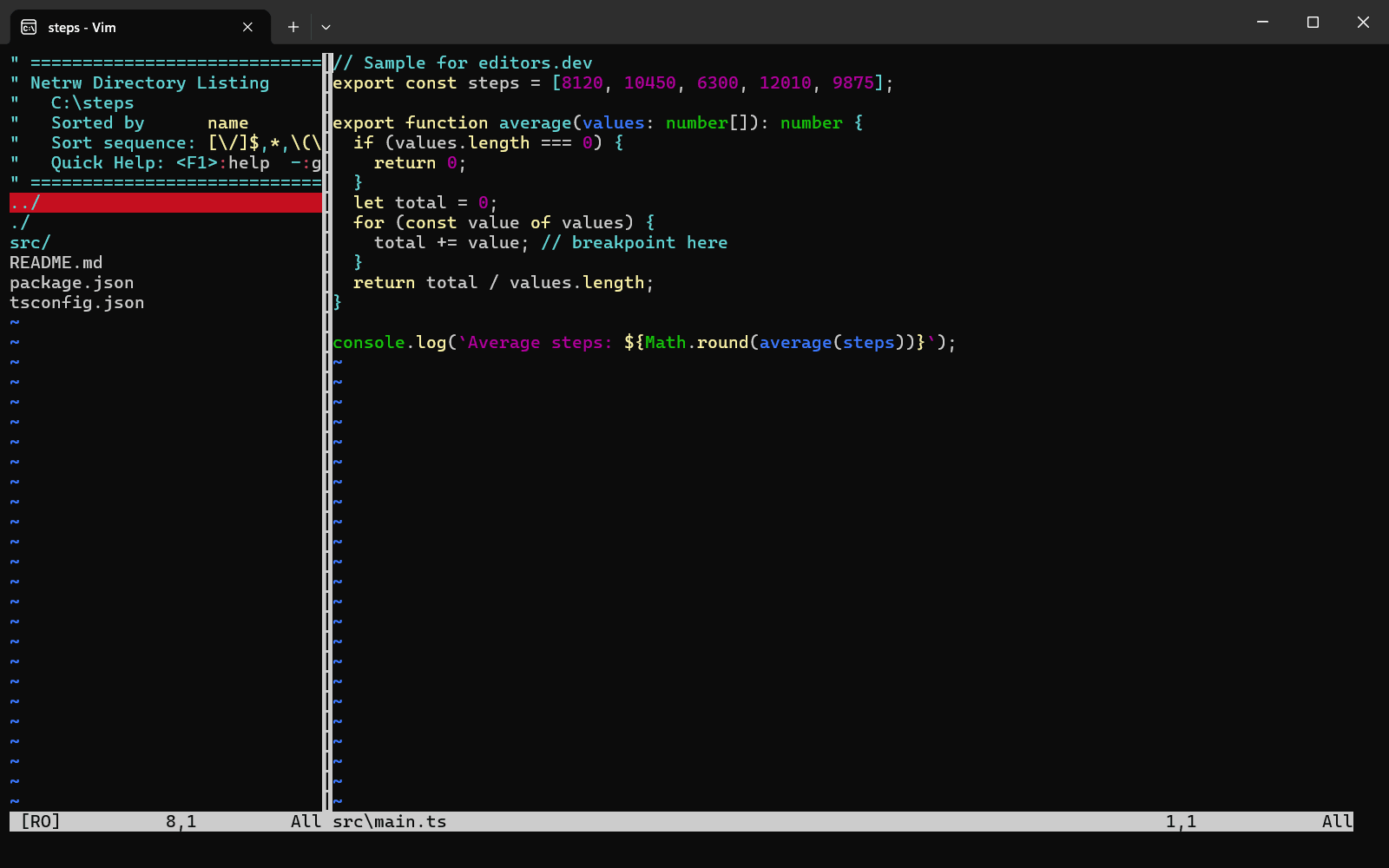
Built in Extension Not supported
Sources
Last checked: 16 November 2026