Atom
GitHub's Electron-based text editor, sunset in December 2022.
Discontinued
GitHub announced the sunset on June 8, 2022 and set December 15, 2022 as the date for archiving Atom and every repository in the Atom organization. The atom/atom repository is read-only and its banner gives March 3, 2023 as the archive date. The last release on the releases page is 1.60.0 from March 8, 2022; versions 1.63.0 and 1.63.1 stopped working on February 2, 2023 after their signing certificates were revoked. The announcement names no replacement editor: it says GitHub is focusing on Visual Studio Code and GitHub Codespaces and tells users who want to keep using Atom to download a previous version.
About Atom
Atom is a text editor that GitHub built on Electron and described as hackable. It entered public beta in 2014, was released under the MIT license in May of that year and ran on macOS, Windows and 64-bit Linux. GitHub announced its sunset on June 8, 2022, and the repository is now a read-only archive.
What it offers
- Built on Electron. GitHub's announcement says Atom served as the foundation for the Electron framework.
- The github package, which provides Git and GitHub integration, is bundled with Atom starting in version 1.18.
- After the sunset, Atom package management stopped working, there are no more security updates and Teletype no longer works.
- Pre-built binaries remain downloadable from the repository's releases; the latest is 1.60.0 from March 8, 2022. The Linux builds are 64-bit only.
What is built in
Listed only where we have checked it
- Debugger Not listed
- Git integration Built in
- Integrated terminal Not listed
- AI assistant Not listed
- Remote development Not listed
- Live collaboration Not supported
- Vim mode Not listed
Languages
How Atom supports each common language, and what you get with the recommended setup.
4 Built in 7 Official extension 15 Community extension
- Objective-C Built in
- Completion : Yes
- Go to definition : No
- Refactoring : No
- Debugging : No
- Tests : No
- Formatting : No
Atom shipped Objective-C highlighting with buffer-word completion and a symbol list. No language-server package covered Objective-C. Atom was archived in December 2022.
Source ↗ - HTML Built in
- Completion : Yes
- Go to definition : No
- Refactoring : No
- Debugging : No
- Tests : No
- Formatting : No
Atom shipped HTML highlighting and the autocomplete-html package for tag and attribute completion. The third-party ide-html package added a language server; Atom was archived in December 2022.
Source ↗ - CSS Built in
- Completion : Yes
- Go to definition : No
- Refactoring : No
- Debugging : No
- Tests : No
- Formatting : No
Atom shipped CSS highlighting and the autocomplete-css package for property and value completion. The third-party ide-css package added a language server; Atom was archived in December 2022.
Source ↗ - SQL Built in
- Completion : Yes
- Go to definition : No
- Refactoring : No
- Debugging : No
- Tests : No
- Formatting : No
Atom shipped SQL highlighting with buffer-word completion. Running queries took third-party packages such as quick-query. Atom was archived in December 2022.
Source ↗ - JavaScript Official extension
With ide-typescript + atom-ide-ui
- Completion : Yes
- Go to definition : Yes
- Refactoring : No
- Debugging : No
- Tests : No
- Formatting : Yes
Atom shipped JavaScript highlighting; GitHub's ide-typescript package added language-server features for JavaScript and TypeScript. Atom and this package were archived in December 2022 and get no updates.
Source ↗ - TypeScript Official extension
With ide-typescript + atom-ide-ui
- Completion : Yes
- Go to definition : Yes
- Refactoring : No
- Debugging : No
- Tests : No
- Formatting : Yes
Atom shipped a TypeScript grammar, and ide-typescript, maintained by the Atom team, added completion, go-to-definition, find references and formatting. Both were archived in December 2022.
Source ↗ - Java Official extension
With ide-java (Eclipse jdtls) + atom-ide-ui
- Completion : Yes
- Go to definition : Yes
- Refactoring : No
- Debugging : No
- Tests : No
- Formatting : Yes
Atom shipped Java highlighting; the Atom team's ide-java package added completion, go-to-definition, find references and formatting. It was archived with Atom in 2022.
Source ↗ - C# Official extension
With ide-csharp (OmniSharp) + atom-ide-ui
- Completion : Yes
- Go to definition : Yes
- Refactoring : No
- Debugging : No
- Tests : No
- Formatting : Yes
Atom shipped C# highlighting; the Atom team's ide-csharp package used OmniSharp for completion, navigation and formatting. It was archived with Atom in 2022.
Source ↗ - Rust Official extension
With ide-rust (rust-analyzer)
- Completion : Yes
- Go to definition : Yes
- Refactoring : No
- Debugging : No
- Tests : No
- Formatting : Yes
Atom 1.60 bundled a Rust grammar, and the Rust project's own ide-rust package used rust-analyzer. The ide-rust repository was archived in 2023.
Source ↗ - PHP Official extension
With ide-php (php-language-server) + atom-ide-ui
- Completion : Yes
- Go to definition : Yes
- Refactoring : No
- Debugging : No
- Tests : No
- Formatting : No
Atom shipped PHP highlighting; the Atom team's ide-php used Felix Becker's php-language-server and needed a PHP 7 runtime. Archived with Atom in 2022.
Source ↗ - Dart Official extension
With dart (dart-atom)
- Completion : Yes
- Go to definition : Yes
- Refactoring : Yes
- Debugging : Yes
- Tests : No
- Formatting : Yes
The Google-backed 'dart' package offered analysis, completion, refactorings and debugging. It was deprecated around 2020 and archived, with the Dart team pointing users to VS Code and IntelliJ.
Source ↗ - Python Community extension
With ide-python (python-language-server)
- Completion : Yes
- Go to definition : Yes
- Refactoring : Yes
- Debugging : No
- Tests : No
- Formatting : Yes
Atom shipped Python highlighting; the third-party ide-python package used Palantir's python-language-server, which has itself been replaced by python-lsp-server. Neither Atom nor this package is maintained.
Source ↗ - C++ Community extension
With ide-clangd (clangd) + atom-ide-ui
- Completion : Yes
- Go to definition : Yes
- Refactoring : No
- Debugging : No
- Tests : No
- Formatting : Yes
Atom shipped C and C++ highlighting; the third-party ide-clangd added completion and formatting, but its go-to-definition only reached declarations and rename was not supported. Archived in 2018.
Source ↗ - C Community extension
With ide-clangd (clangd) + atom-ide-ui
- Completion : Yes
- Go to definition : Yes
- Refactoring : No
- Debugging : No
- Tests : No
- Formatting : Yes
Atom shipped C highlighting; the third-party ide-clangd added completion and formatting, but its go-to-definition only reached declarations. Archived in 2018.
Source ↗ - Go Community extension
With go-plus (+ go-debug for Delve)
- Completion : Yes
- Go to definition : Yes
- Refactoring : Yes
- Debugging : Yes
- Tests : Yes
- Formatting : Yes
go-plus was the main Go package: gocode completion, gofmt/goimports, gorename, guru-based navigation and running tests, with go-debug adding Delve debugging. It relies on older Go tools and its repository was archived in 2021.
Source ↗ - Ruby Community extension
With ide-ruby (ruby_language_server)
- Completion : Yes
- Go to definition : Yes
- Refactoring : No
- Debugging : No
- Tests : No
- Formatting : No
Atom shipped Ruby and Rails highlighting. The third-party ide-ruby ran its language server through Docker, and its author has stopped maintaining it.
Source ↗ - Kotlin Community extension
With ide-kotlin (kotlin-language-server) + language-kotlin
- Completion : Yes
- Go to definition : Yes
- Refactoring : No
- Debugging : No
- Tests : No
- Formatting : No
Atom had no Kotlin grammar of its own. language-kotlin added highlighting and fwcd's ide-kotlin added completion and go-to-definition in Gradle or Maven projects; ide-kotlin was archived in 2022.
Source ↗ - Swift Community extension
With ide-swift + language-swift-89
- Completion : Yes
- Go to definition : No
- Refactoring : No
- Debugging : Yes
- Tests : No
- Formatting : No
Atom had no Swift grammar of its own. ide-swift offered SourceKitten completion, swift build and LLDB debugging, but its author called it rough and it was archived in 2018.
Source ↗ - Shell Community extension
With ide-bash (bash-language-server) + atom-ide-ui
- Completion : Yes
- Go to definition : Yes
- Refactoring : No
- Debugging : No
- Tests : No
- Formatting : No
Atom shipped shell script highlighting; ide-bash from the bash-language-server authors added completion, go-to-declaration and find references, but not rename. The server was installed separately with npm.
Source ↗ - Lua Community extension
With language-lua + autocomplete-lua
- Completion : Yes
- Go to definition : No
- Refactoring : No
- Debugging : No
- Tests : No
- Formatting : No
Atom had no Lua grammar of its own. language-lua added highlighting and snippets and autocomplete-lua added completion; there was no Lua language server package.
Source ↗ - R Community extension
With ide-r (R languageserver) + atom-language-r
- Completion : Yes
- Go to definition : Yes
- Refactoring : No
- Debugging : No
- Tests : No
- Formatting : Yes
Atom had no R grammar of its own. The REditorSupport group's atom-language-r and ide-r packages added highlighting and R languageserver features; ide-r was last updated in 2018.
Source ↗ - Scala Community extension
With ide-scala (Metals) + language-scala
- Completion : Yes
- Go to definition : Yes
- Refactoring : No
- Debugging : No
- Tests : No
- Formatting : Yes
Atom had no Scala grammar of its own. ide-scala connected Metals or the Dotty server, but stayed marked work in progress and was archived in 2019.
Source ↗ - Elixir Community extension
With ide-elixir (ElixirLS) + language-elixir
- Completion : Yes
- Go to definition : Yes
- Refactoring : No
- Debugging : No
- Tests : No
- Formatting : Yes
Atom had no Elixir grammar of its own. ide-elixir bundled ElixirLS for completion, go-to-definition and formatting, without debugging; its author called it an early release.
Source ↗ - Haskell Community extension
With ide-haskell + language-haskell
- Completion : Yes
- Go to definition : Yes
- Refactoring : No
- Debugging : No
- Tests : No
- Formatting : No
Atom had no Haskell grammar of its own. The atom-haskell packages added highlighting, type information, completion and a REPL; the whole suite was archived in 2021.
Source ↗ - Zig Community extension
With language-zig
- Completion : No
- Go to definition : No
- Refactoring : No
- Debugging : No
- Tests : No
- Formatting : No
Atom had no Zig grammar of its own; a third-party language-zig package added highlighting and was last updated in 2020. There was no full zls integration.
Source ↗ - Julia Community extension
With Juno (julia-client + language-julia)
- Completion : Yes
- Go to definition : Yes
- Refactoring : No
- Debugging : Yes
- Tests : No
- Formatting : No
Juno turned Atom into a Julia IDE with inline evaluation, a plot pane and a debugger. Its developers stopped work on it and moved to the VS Code Julia extension.
Source ↗
Who it is for
Who it suits
- Developers who want to read or reuse the MIT-licensed Atom source code in the archived repository.
- People who have to keep an existing Atom installation running and accept that it receives no updates.
Who should look elsewhere
- Anyone who needs security updates; none have been released since the sunset.
- Developers who rely on installing packages from Atom's package registry or on Teletype, both of which stopped working.
- Developers who are looking for an editor that is still being developed.
Atom pricing
Free; GitHub released all of Atom under the MIT license in May 2014. Pre-built binaries can still be downloaded from the releases of the archived repository.
Price Free Open source
Atom next to its alternatives
The same facts for each editor, taken from the directory.
| Editor | Type | Price | Built with | Platforms | Languages built in | Remote development | Live collaboration | Vim mode |
|---|---|---|---|---|---|---|---|---|
| Atom | Editor | Free Open source | Electron, JavaScript | Windows · macOS · Linux | 4 / 26 | –Not listed | Not supported | –Not listed |
| Pulsar | Editor | Free Open source | Electron, JavaScript | Windows · macOS · Linux | 4 / 26 | –Not listed | –Not listed | Extension |
| VS Code | Editor | Free Open source | TypeScript, Electron | Windows · macOS · Linux | 5 / 26 | Extension | Extension | Extension |
| VSCodium | Editor | Free Open source | Code - OSS (TypeScript, Electron) | Windows · macOS · Linux | 5 / 26 | Extension | Extension | Extension |
| Zed | Editor | Free tier, paid plans Open source | Rust, GPUI | macOS · Linux · Windows | 10 / 26 | Built in | Built in | Built in |
| Sublime Text | Editor | Paid | C++ (plugin API in Python) | Windows · macOS · Linux | 2 / 26 | –Not listed | –Not listed | Built in |
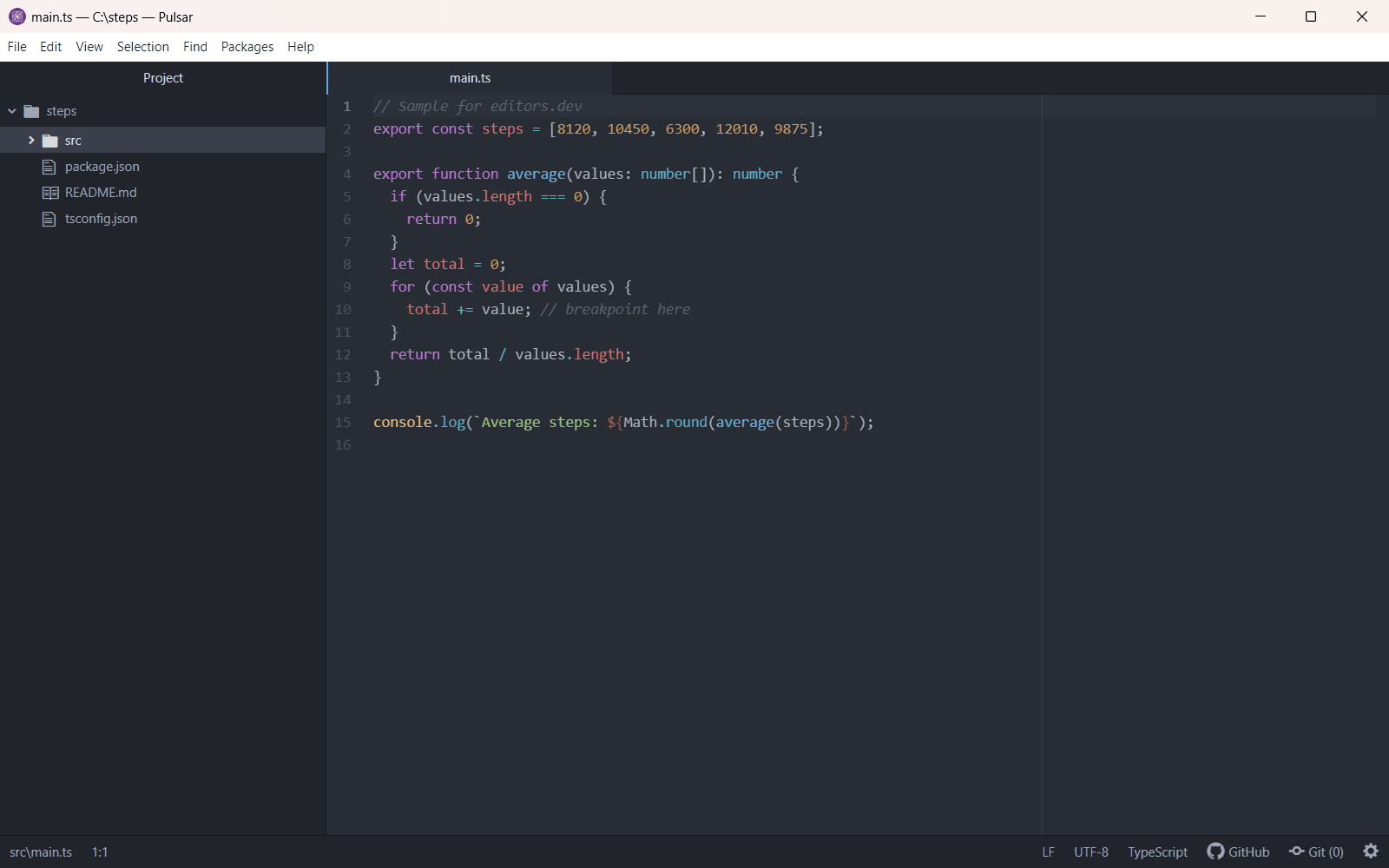



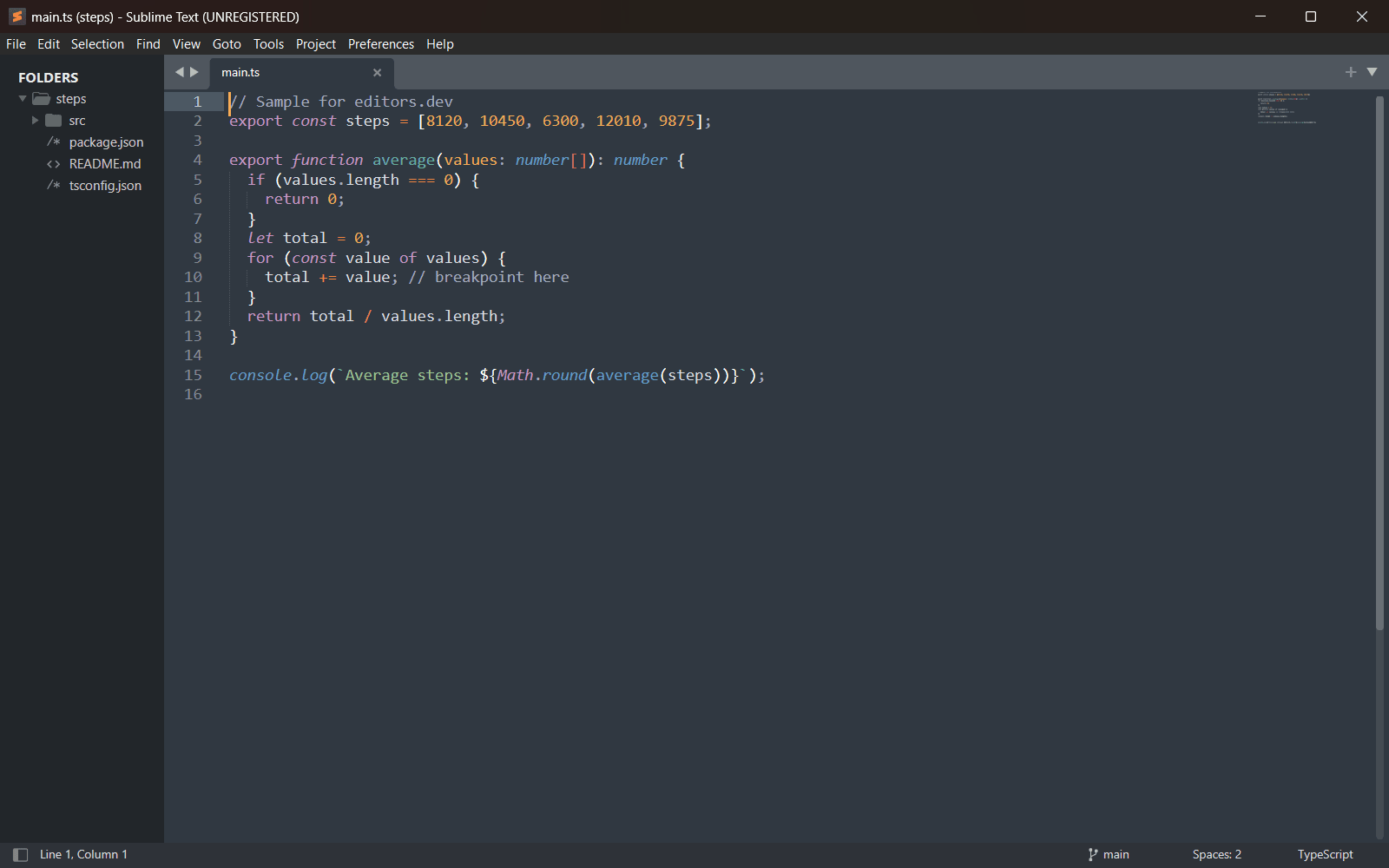
Built in Extension Not supported
Sources
Last checked: 16 November 2026